🤖 Summarize this article with AI:
💬 ChatGPT 🔍 Perplexity 💥 Claude 🐦 Grok 🔮 Google AI Mode
Selenium is one of those tools almost everyone in QA has used, heard of, or inherited. For many teams, it’s the foundation of UI automation. For others, it’s the reason automation stalled, pipelines became flaky, and trust in tests slowly eroded.
This guide is written to be useful, not flattering. Each section goes deep into how Selenium actually behaves in real projects—what it enables, what it costs, and how to decide how much Selenium is healthy for your testing strategy.
🎯 TL;DR - How Does Selenium Work?
- Selenium the default due to real-browser execution, cross-browser support, and an open ecosystem, but that power comes with complexity.
- Selenium shines for critical user journeys and browser-specific validation, especially in engineering-led teams.
- The real cost is long-term: flaky tests, heavy maintenance, CI slowdowns, and erosion of trust when overused.
- Modern tools like BugBug aim to deliver Selenium-level browser testing with less infrastructure and better ROI.
Also check:
- 🎯 TL;DR - How Does Selenium Work?
- What Is Selenium?
- Why Selenium Exists (And Why It Became the Default)
- How Selenium Works (Practically, Not Theoretically)
- What Selenium Is Actually Good At (When Used Intentionally)
- The Hidden Cost Curve of Selenium
- How Much Selenium Is Too Much?
- Modern Alternatives and the ROI Shift
- Final Perspective: Selenium Is Powerful, Not Mandatory
What Is Selenium?
Selenium is an open-source framework that automates web browsers by controlling them programmatically. It does this through Selenium WebDriver, an API that lets your test code send commands like:
- open a URL
- find an element
- click, type, scroll
- read text or attributes
Those commands are executed by real browser instances, not mocks or simulations.
What’s critical to understand early:
Selenium is not a testing framework — it’s a browser control layer.
Everything that makes automation usable in practice (assertions, retries, reporting, test organization, CI reliability) must be built around Selenium.
That design decision is both its greatest strength and its biggest burden.
Why Selenium Exists (And Why It Became the Default)
Before Selenium, UI testing meant either:
- manual regression testing, or
- brittle, proprietary tools locked to specific browsers.
Selenium solved three fundamental problems at once:
- Browser realism – tests run exactly how users experience the app
- Cross-browser support – the same test logic works across Chrome, Firefox, Edge, Safari
- Open ecosystem – no vendor lock-in, huge community, long-term stability
For years, there was no real alternative with comparable reach. That history still matters — many modern tools are built on top of Selenium’s ideas, even if they hide the complexity.
Automate your tests for free
Test easier than ever with BugBug test recorder. Faster than coding. Free forever.
Sign up for free
How Selenium Works (Practically, Not Theoretically)
Understanding Selenium’s execution model explains why tests fail the way they do.
1. Test Code (Client Layer)
You write tests in a general-purpose language, most commonly:
- Java
- Python
- JavaScript / TypeScript
Your test code:
- defines browser actions,
- decides when to wait,
- and determines what “success” means.
Selenium does no validation for you.
2. WebDriver Protocol (Communication Layer)
Selenium translates your commands into standardized WebDriver protocol calls.
Each action becomes a request like:
“Find element with selector X”
“Click element Y”
These requests are synchronous — Selenium waits for a response before moving on.
3. Browser Drivers (Execution Layer)
Each browser requires its own driver:
- ChromeDriver
- GeckoDriver (Firefox)
- EdgeDriver
Drivers translate protocol calls into native browser commands.
This is where many issues appear:
- version mismatches,
- OS-specific behavior,
- browser updates breaking tests overnight.
4. Real Browser Behavior (The Root of Flakiness)
The browser:
- executes JavaScript asynchronously,
- loads resources over the network,
- renders dynamically,
- reacts to timing you don’t fully control.
Selenium does exactly what you ask — even when that’s not what you meant.
What Selenium Is Actually Good At (When Used Intentionally)
Verifying Critical User Journeys
Selenium excels at high-value, low-volume tests, such as:
- checkout flows,
- account creation,
- payment confirmation,
- core admin workflows.
These tests justify their cost because failures are business-critical.
Catching Browser-Specific Issues
If your product supports multiple browsers, Selenium can expose:
- layout inconsistencies,
- JavaScript compatibility bugs,
- browser-only regressions.
API and unit tests simply cannot cover this layer.
Supporting Engineering-Led Automation
In teams where:
- QA and dev share codebases,
- automation lives alongside production code,
- engineers actively maintain test infra,
Selenium integrates naturally and flexibly.
The Hidden Cost Curve of Selenium
This is where most ROI calculations break.
Initial Setup Cost (Often Underestimated)
Beyond “hello world,” teams must design:
- selector strategy,
- page object models,
- wait utilities,
- retries and failure handling,
- reporting and screenshots.
This is framework engineering, not testing.
Ongoing Maintenance Cost (Often Ignored)
As the UI evolves:
- selectors break,
- timing assumptions fail,
- tests become flaky instead of failing deterministically.
Teams often spend:
- more time fixing tests than finding bugs,
- more time stabilizing pipelines than shipping features.
Human Cost (Rarely Discussed)
When tests are unreliable:
- developers stop trusting failures,
- QA loses authority,
- automation becomes optional.
At that point, Selenium hasn’t just failed technically — it’s damaged team dynamics.
How Much Selenium Is Too Much?
A useful mental model:
Selenium should be your seatbelt, not your engine.
Healthy Selenium usage usually means:
- a small, stable regression suite,
- focused on user-critical paths,
- executed on every release, not every commit.
Warning signs of overuse:
- hundreds of UI tests with overlapping coverage,
- long execution times blocking CI,
- tests that require constant babysitting.
If Selenium dominates your testing pyramid, something is off.
Modern Alternatives and the ROI Shift
In recent years, many teams moved toward tools that:
- abstract Selenium’s complexity,
- reduce maintenance burden,
- shorten time-to-first-value,
- allow QA engineers to own automation.
Instead of writing infrastructure, teams focus on testing intent.
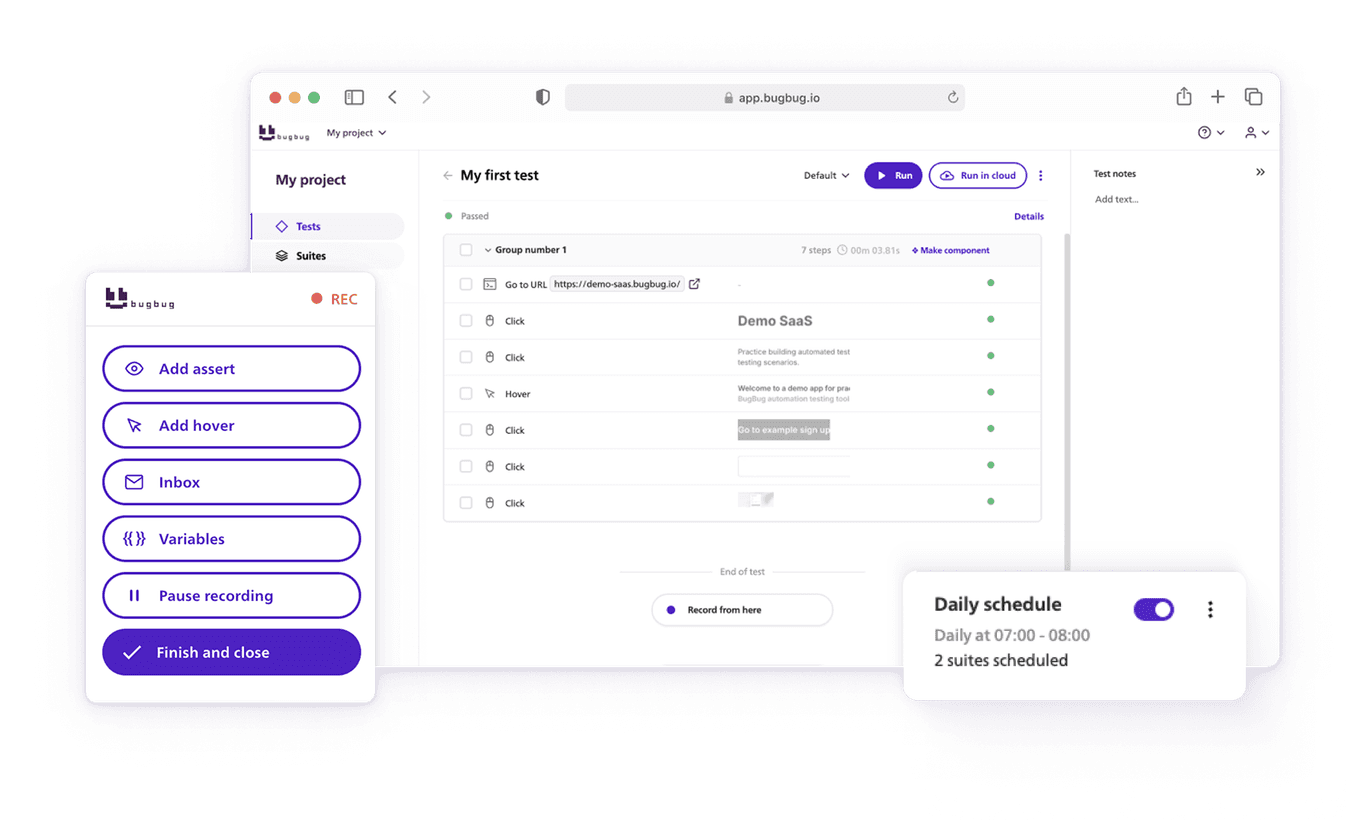
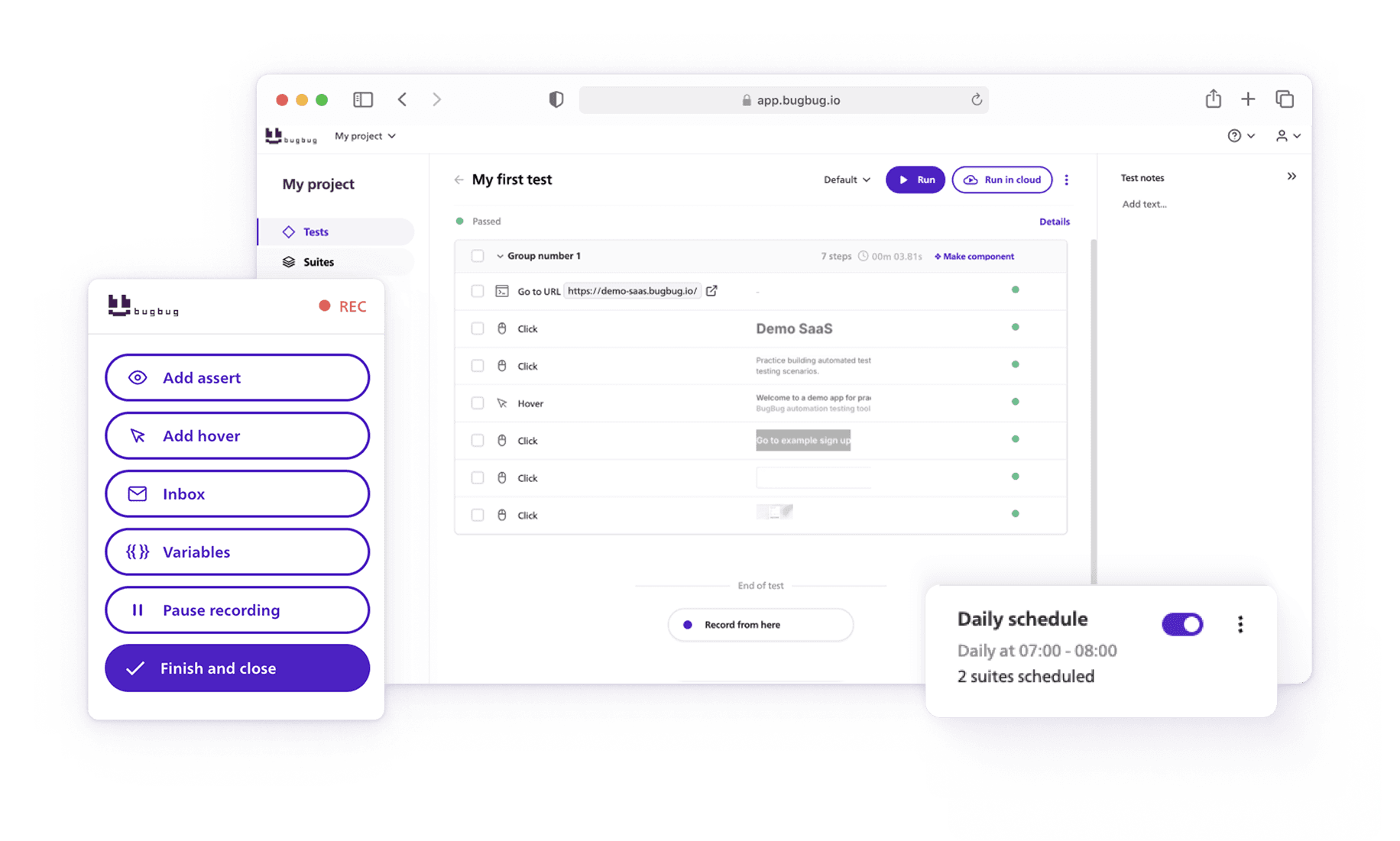
Platforms like BugBug reflect this shift:
- browser automation without heavy coding,
- fast setup and CI integration,
- lower long-term maintenance,
- clearer ROI for small and mid-sized teams.
These tools don’t replace Selenium’s capabilities — they replace the cost of managing Selenium directly.
Final Perspective: Selenium Is Powerful, Not Mandatory
Selenium remains one of the most important tools in test automation history.
But in modern teams, power without efficiency is a liability.
Use Selenium when:
- browser realism is critical,
- control matters more than speed,
- you can afford long-term ownership.
Avoid overusing it when:
- time-to-value matters,
- QA resources are limited,
- maintenance already hurts velocity.
The smartest teams don’t ask
“Should we use Selenium?”
They ask
“Where does Selenium provide more value than it costs?”
That question — not tradition — should guide your testing strategy.
Happy (automated) testing!