Best Zephyr Alternatives in 2026
Written byDominik Szahidewicz


Updated: July 13, 2026View as Markdown
Zephyr works well when your whole team lives inside Jira, your test library stays under a few thousand cases, and you don't mind paying for every Jira user whether they touch QA or not. When those conditions hold, it does the job.
For a lot of teams, they stop holding. The bill scales with your entire Jira seat count instead of your tester count. Performance degrades as the library grows. The step editor is clunky enough that people write test details in ticket descriptions to avoid it. And if you ever leave Atlassian, Squad and Scale go with it — there's no standalone mode.
This guide covers the alternatives that fix each of those. But before you migrate, there's one question worth asking — because for a meaningful share of Zephyr users, a different test management tool isn't the answer at all.
Also check:
Most Zephyr frustration is genuinely about test management — pricing, Jira lock-in, slow UI, weak reporting. If that's you, the tools below solve those problems specifically, and you should pick one.
But look at what your team actually uses Zephyr for. If the honest answer is "a tester clicks through the same 40 flows every sprint and logs pass/fail," then Zephyr is just the place you record that the manual work happened. A better test management tool doesn't reduce that work — it organizes it more nicely. Automating those flows eliminates it.
That's the fork. Test management tools help you track testing. Test automation tools help you do less of it manually. Most of this guide is about the first group. Figure out which problem you have before you spend a migration on the wrong one.
If your Zephyr frustration is Jira lock-in, per-seat cost, or a clunky interface, these eight test management tools each fix a specific piece of it. The recurring reasons teams leave — slow support, painful migrations, and a product that hasn't meaningfully evolved — map to different replacements depending on your team type, how tied you are to Jira, and your budget.
| Tool | Best for | Jira dependency | Starting cost |
|---|---|---|---|
| TestRail | Teams leaving Jira that want mature, structured management | None (optional plugin) | ~$37/user/mo |
| Xray | Jira-native BDD teams wanting a cheaper Zephyr | Required | ~$10/mo up to 10 users, then tiered |
| Qase | Teams whose main pain is the clunky authoring UI | None | Free tier; ~$20/user/mo |
| Tuskr | Small teams that want out of Jira cheaply | Optional | Free up to 5; ~$9/user/mo |
| PractiTest | Teams needing requirements-to-defect traceability | None | ~$39/user/mo |
| Testmo | Mixed manual, exploratory, and automated testing | None | ~$33/mo |
| qTest | Enterprise-scale libraries that choke Zephyr | None | Quote-based |
| BrowserStack TM | Teams already on BrowserStack | None | Bundled / enterprise |
Each is explained in full below, with an honest "best for / avoid if" verdict.
The automation alternative — if you're really just tracking manual tests: BugBug is on this page for a different reason than the eight above, and it gets its own clearly-scoped section rather than a row in this table. It's not a test management tool, so ranking it head-to-head with one would be misleading. If the fork at the top pointed you toward automation rather than management, that's the section to read.
Every tool was evaluated against the same criteria: what problem it actually solves (management vs. automation), who on the team can realistically use it, how pricing scales as headcount or test volume grows, whether it runs independently of Jira, whether mature test management software offers customizable reports with real-time filtering, and how it supports continuous integration through test automation frameworks and tools such as Jenkins, GitLab, and Azure DevOps. Pricing was checked against vendor and Atlassian Marketplace listings as of July 2026; Marketplace app pricing changes, so confirm current figures before you buy. User-experience notes draw on recurring themes in verified G2, Capterra, and Atlassian Community reviews — patterns, not isolated complaints. BugBug is included because it addresses a use case pure management tools don't, and is disclosed as the publisher of this article.
Zephyr is a SmartBear test management line in three tiers: Zephyr Squad (now listed as Zephyr Essential, a lighter Jira add-on), Scale (the capable Jira add-on most teams mean when they say "Zephyr," with cross-project libraries, versioning, BDD, and 70+ reports), and Enterprise (the standalone product, quote-priced with a 20-user minimum, sold outside the Marketplace).
Its strengths are real. Test cases live as Jira objects with full traceability to stories and bugs. QA never context-switches out of the team's tool. Scale's reporting depth is genuinely deep, and it connects results from Selenium, JUnit, and CI/CD pipelines. Its core job is test management, so teams often pair it with broader project management or collaboration tools. That also matters for buyers comparing flexibility across other project management platforms.
The limitations are what drive the search you're doing now:
You pay for every Jira user, not every tester. Atlassian Marketplace apps bill against your total Jira seat count, not the number of people who touch the app. On Jira Cloud, that means install Scale on a 100-person Jira instance and you're licensing 100 seats even if five people run tests. Zephyr Squad starts at $10 total per month for 1–10 users, while Zephyr Scale has a free tier for 1–10 users before larger-team costs kick in. Verified users describe this turning a modest tool into a five-figure line item.
Squad and Scale can't leave Jira. No standalone mode. If you migrate off Atlassian, your test management doesn't come with you — and Enterprise is a different product with a different price structure, not a migration path.
Performance degrades under load. Multiple users report load times stretching to 10–20 minutes on large libraries, and execution screens failing to load for hours — with support pointing to development tickets that sit open for weeks.
The step editor is a recurring complaint. Enough that reviewers describe avoiding it and writing test steps in ticket descriptions instead.
If those are your reasons, here's where each alternative fits.
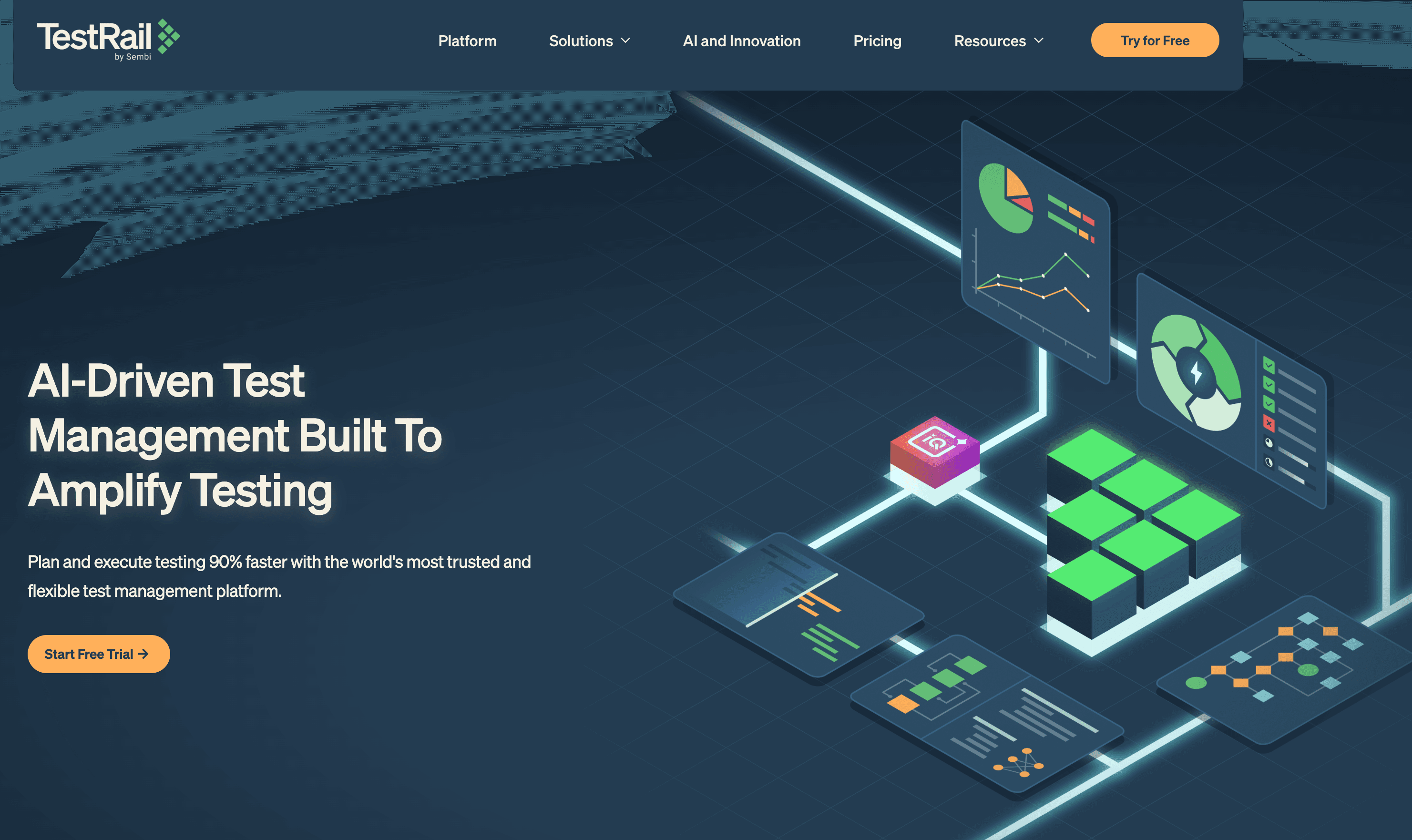
Best for: Teams leaving Jira entirely that want structured, mature test management with per-tester pricing.
Avoid if: you want a modern interface or built-in AI authoring.
TestRail is the most established standalone option and the most common Zephyr escape route. It runs fully independent of Jira (with an optional plugin), is not jira dependent, and can integrate with multiple tools plus other project management platforms. The pricing math is the whole pitch: you pay for QA users only, not your entire Atlassian instance. Teams who were quoted five figures for Scale on a large Jira instance often find TestRail costs a fraction of that, because it's billed per tester. The tradeoff is an interface that feels dated next to newer tools, but it offsets that with deeper reporting, including test coverage, requirements traceability across the full defect life cycle, and exportable reports for stakeholders and compliance audits; it still has no meaningful AI test generation.
Pricing: Professional Cloud starts around $40/user/month, with a 30-day free trial; cloud and on-premise deployment options are available, and Enterprise tiers cost more.
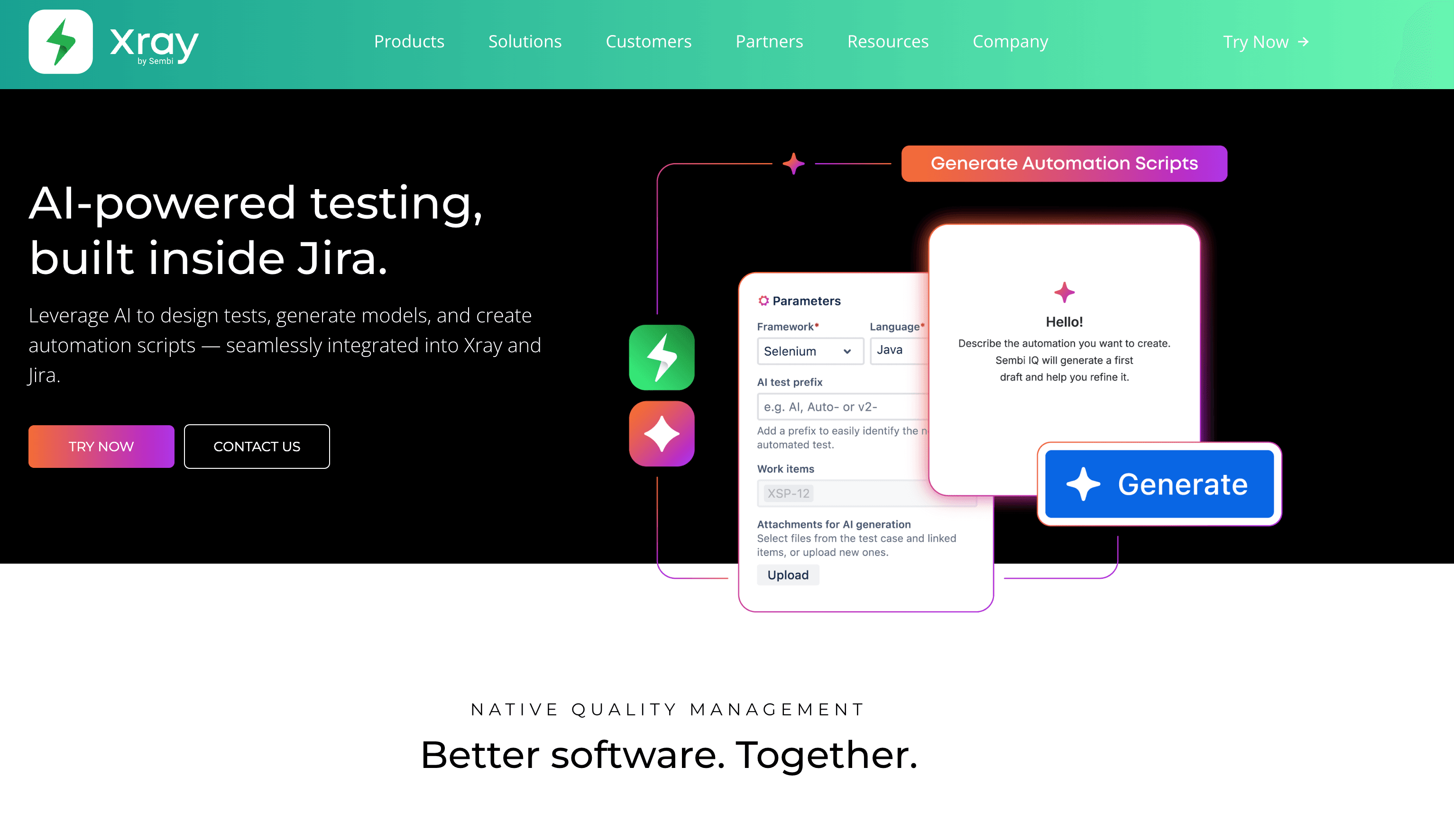
Best for: Teams staying in Jira who want stronger BDD than Zephyr at a lower tier cost.
Avoid if: the all-Jira-users billing model is why you're leaving Zephyr — because Xray uses it too.
Xray treats test cases as first-class Jira issue types and is a strong fit for agile teams that want to manage test cases and improve test case writing directly inside the jira ecosystem. Unlike Zephyr, Xray also has stronger BDD positioning through best-in-class Gherkin/Cucumber support, making it the natural pick for BDD-first teams committed to Atlassian. It typically costs less than Scale at comparable tiers. But be clear-eyed: as a Marketplace app it bills on total Jira seat count exactly like Zephyr — flat up to 10 users, then tiered by your whole instance. It fixes Zephyr's price and BDD gaps, not the Jira lock-in.
Pricing: Marketplace tiered, flat ~$10/month up to 10 Jira users, scaling by instance size.
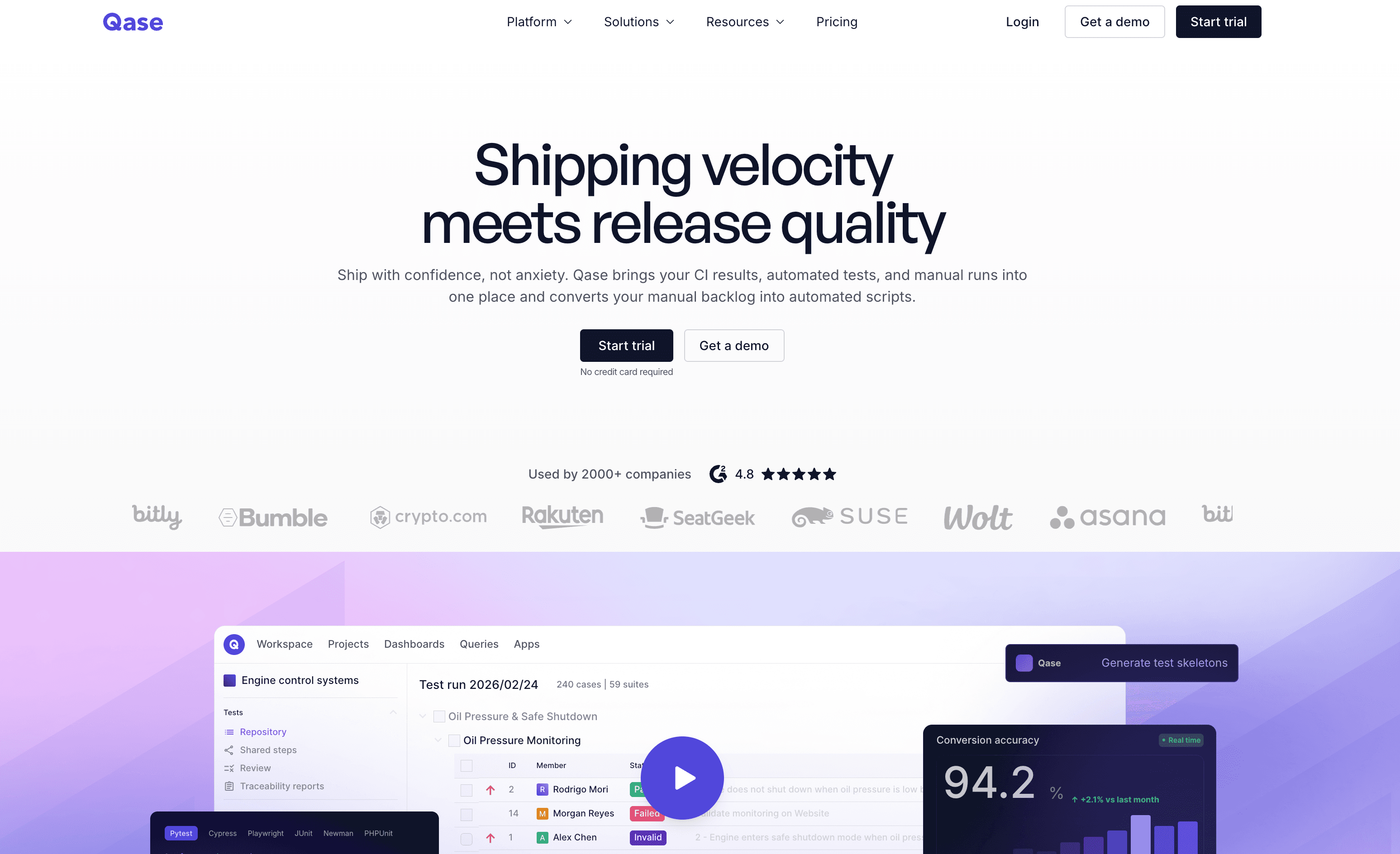
Best for: Modern smaller teams that want a clean interface, standalone operation, and genuine AI authoring.
Avoid if: you need TestRail-grade enterprise reporting.
Qase consistently earns a reputation for having an intuitive interface and user-friendly interface — a real differentiator in a space where most tools feel a decade old. If Zephyr's clunky step authoring is your specific frustration, Qase is usually the clearest upgrade. It's standalone (integrates with Jira, GitHub, GitLab without requiring any of them) and its ai features include ai powered test generation and test case generation, not just a checkbox. Reporting is less mature than TestRail or qTest for large enterprises, but it works well for new users because the interface lowers onboarding friction.
Pricing: Free tier available; Business from ~$20/user/month; Enterprise on request.
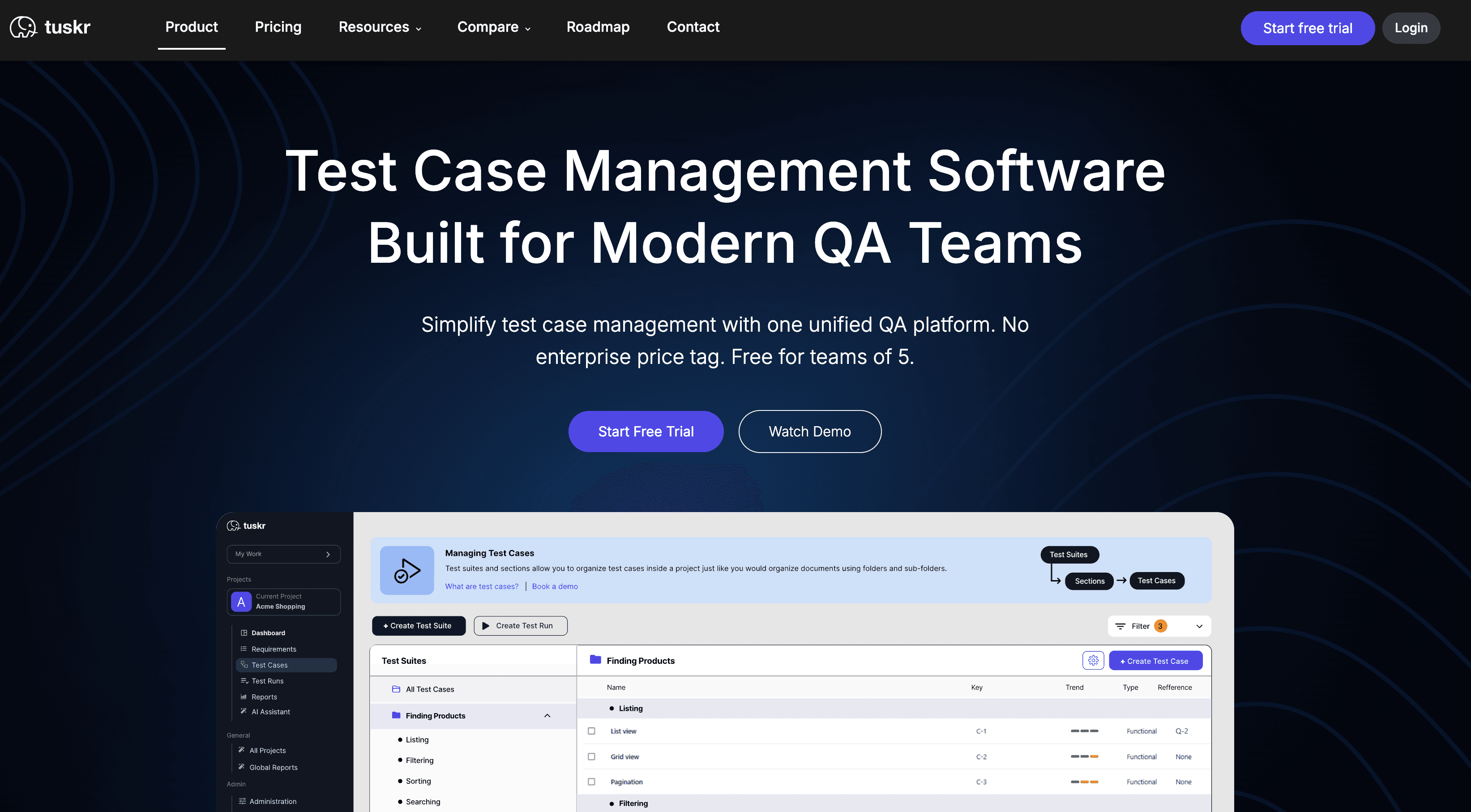
Best for: Small to mid-sized teams that want out of Jira cheaply, with a genuine free tier.
Avoid if: you need a deep enterprise ecosystem and mature compliance reporting.
Tuskr is a newer entrant that suits modern QA teams that want customizable workflows and custom fields without a heavy enterprise setup, and it ranks near the top of Zephyr-alternative lists on G2 and Capterra. Fully standalone, Jira integration optional, and its free plan is functional rather than a stripped trial. Per-tester pricing that undercuts most established players is the draw. The cost of being new: a smaller community and fewer enterprise-grade integrations than TestRail or Zephyr Enterprise, and the lighter ecosystem also means less extensive documentation and fewer enterprise support resources than older platforms.
Pricing: Free plan up to 5 users; paid from ~$9/user/month.
Best for: Teams that need requirements-to-defect traceability without stitching tools together.
Avoid if: you just track test runs — the full ALM scope is overkill.
PractiTest takes a broader view than most on this list, bundling requirement management, test cases, execution, defect tracking, and release management into one platform with full traceability from requirement to release. For organizations where quality sign-off means linking results to documented requirements, it's one of the most complete standalone options, especially for traceability-heavy teams that also need robust reporting tied to requirements and defect tracking. It feels heavier and pricier than Qase or Tuskr, and there's no AI test generation.
Pricing: Per-user, from ~$39/user/month; Enterprise on request.
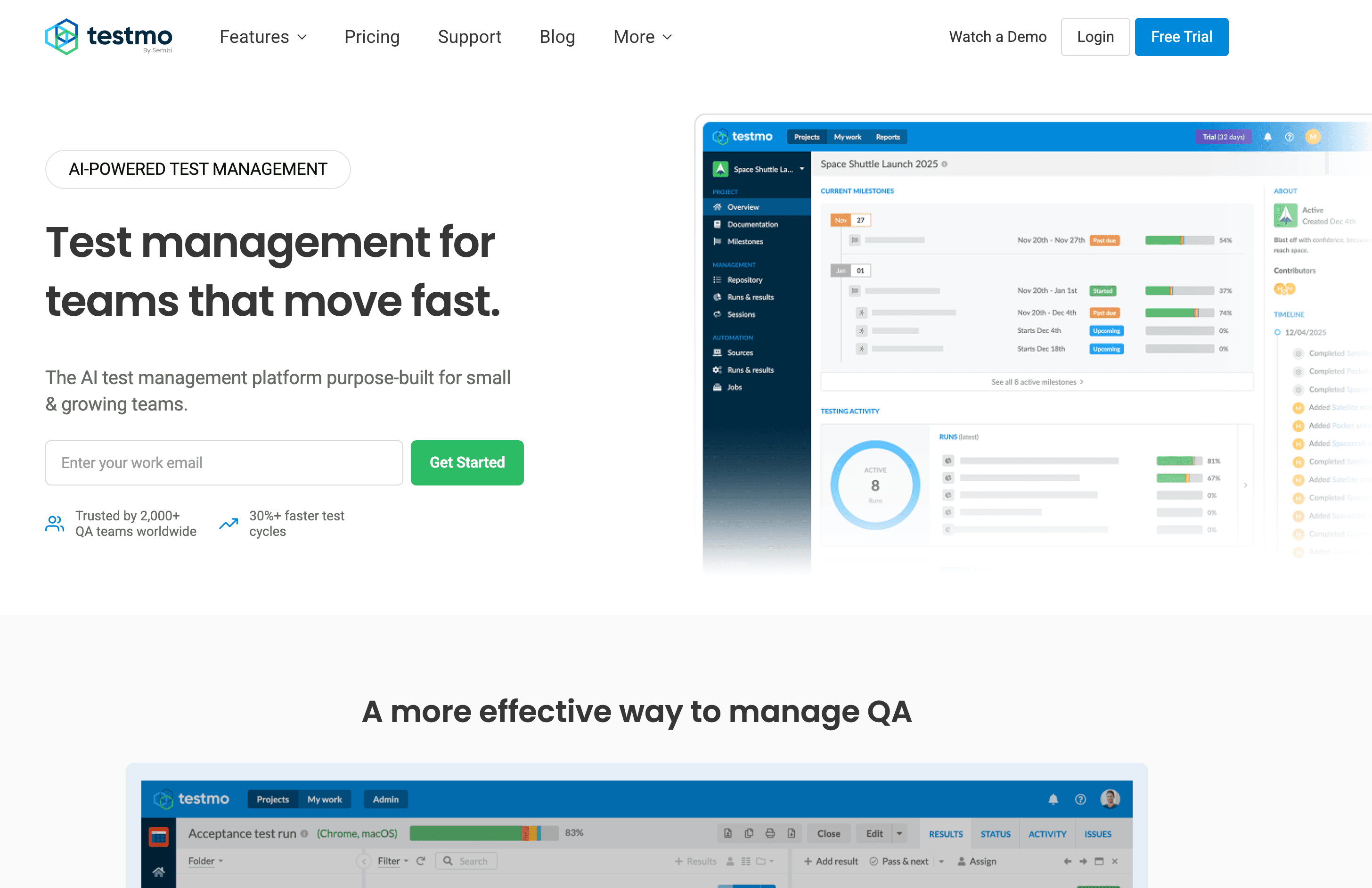
Best for: Teams that want all three testing modes and their automation results in one standalone view. Avoid if: you're in a compliance-heavy industry where maturity matters most.
Testmo handles structured manual tests, can unify manual and automated work, and includes exploratory testing in a single platform, with strong CI/CD integration and no Jira dependency. It also offers built in support for automation result aggregation and progress tracking across testing efforts. If your testing spans modes and you want one reporting surface, it's a clean fit, and this setup can help less technical team members execute tests and contribute without the overhead of code-heavy tooling. As a newer tool, its reporting is less battle-tested than enterprise-focused competitors, and it's less established in regulated shops.
Pricing: From ~$33/month for small teams; scales with users and projects.
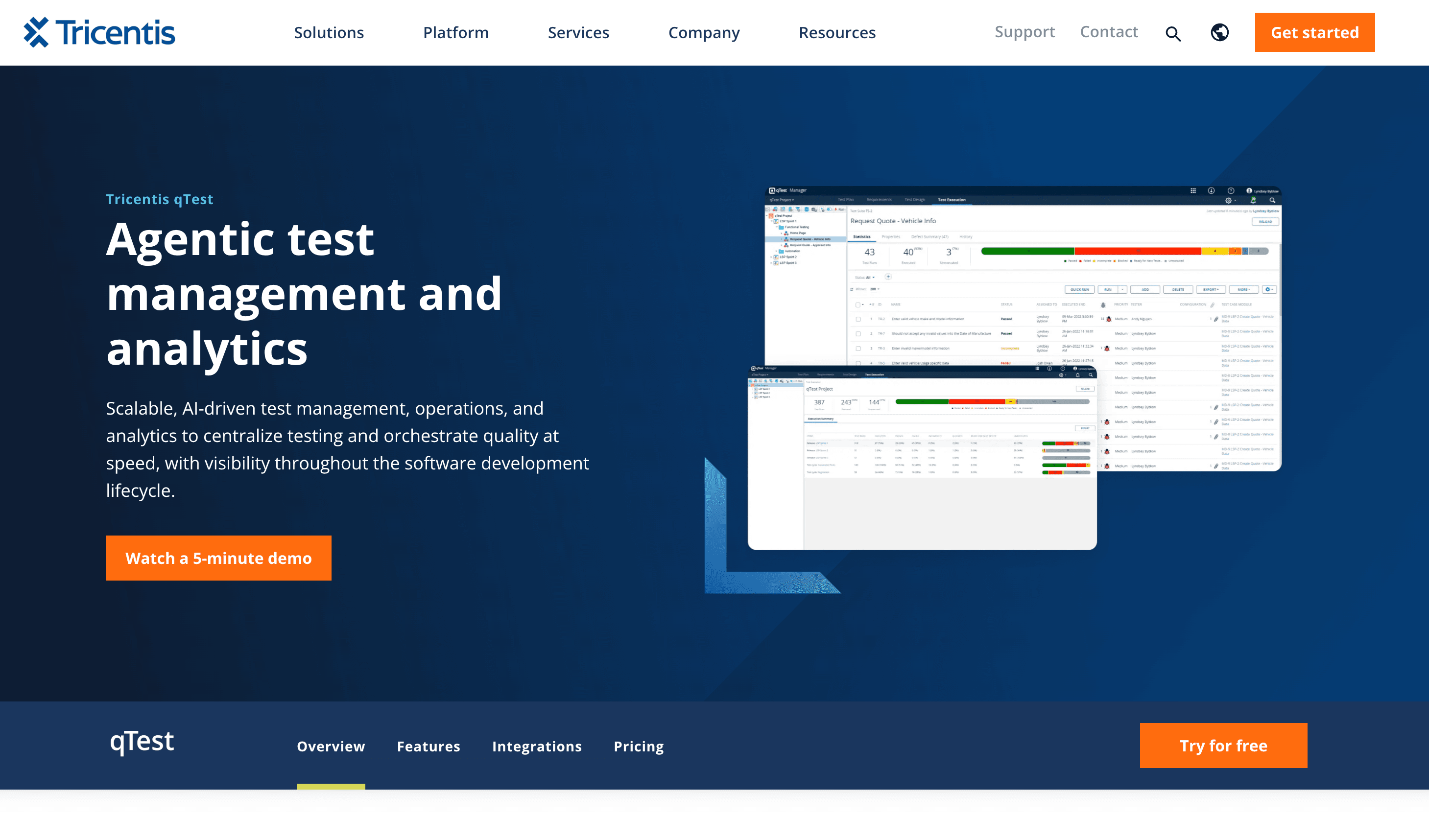
Best for: Large QA organizations whose libraries choke Zephyr and who need advanced analytics across many projects. Avoid if: you're a small or mid-sized team — it's more platform than you need.
qTest is Tricentis's test management product, aimed where Zephyr Enterprise competes, and it's designed for large teams and larger QA organizations. It handles the large libraries that trigger Zephyr's performance complaints, integrates broadly across ALM tools (Jira, Rally, Azure DevOps), and gives QA leadership real analytics, including predictive analytics and support for tracking testing progress across many projects. It's quote-priced with custom pricing, needs dedicated onboarding, and is genuinely overkill below a few hundred test cases.
Pricing: Enterprise, custom quote.
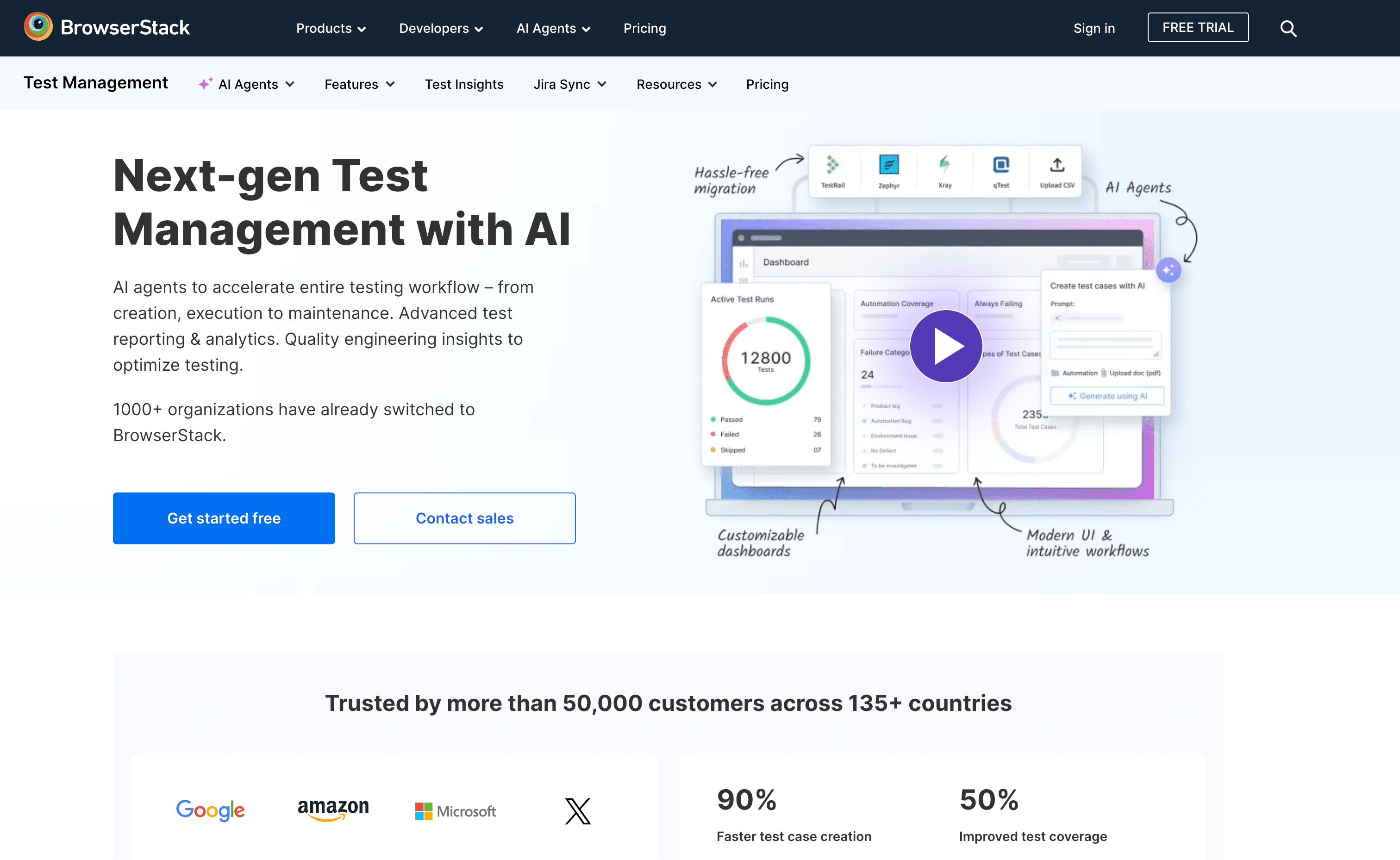
Best for: Teams already running BrowserStack automation who want management embedded in the same platform. Avoid if: you're evaluating it as a standalone tool — it's most useful when you need a fully integrated testing tool connected to your existing automation stack.
BrowserStack Test Management sits inside the broader BrowserStack platform, with fast imports from Zephyr and Xray to ease migration, real-time coverage visibility, and direct linking to BrowserStack's automation infrastructure; any added workflows like test plans are best understood in the context of that wider ecosystem. Its value is almost entirely tied to already using BrowserStack; as a pure management tool it's less feature-complete than the dedicated platforms above.
Pricing: Bundled with some BrowserStack plans; enterprise varies; trial available.
If you genuinely need test management — traceability, sign-off cycles, coverage dashboards — the eight tools above are your list, and BugBug isn't a substitute for any of them. It has no test case library, no test cycles, no Jira traceability. Said plainly: BugBug is not a test management tool.
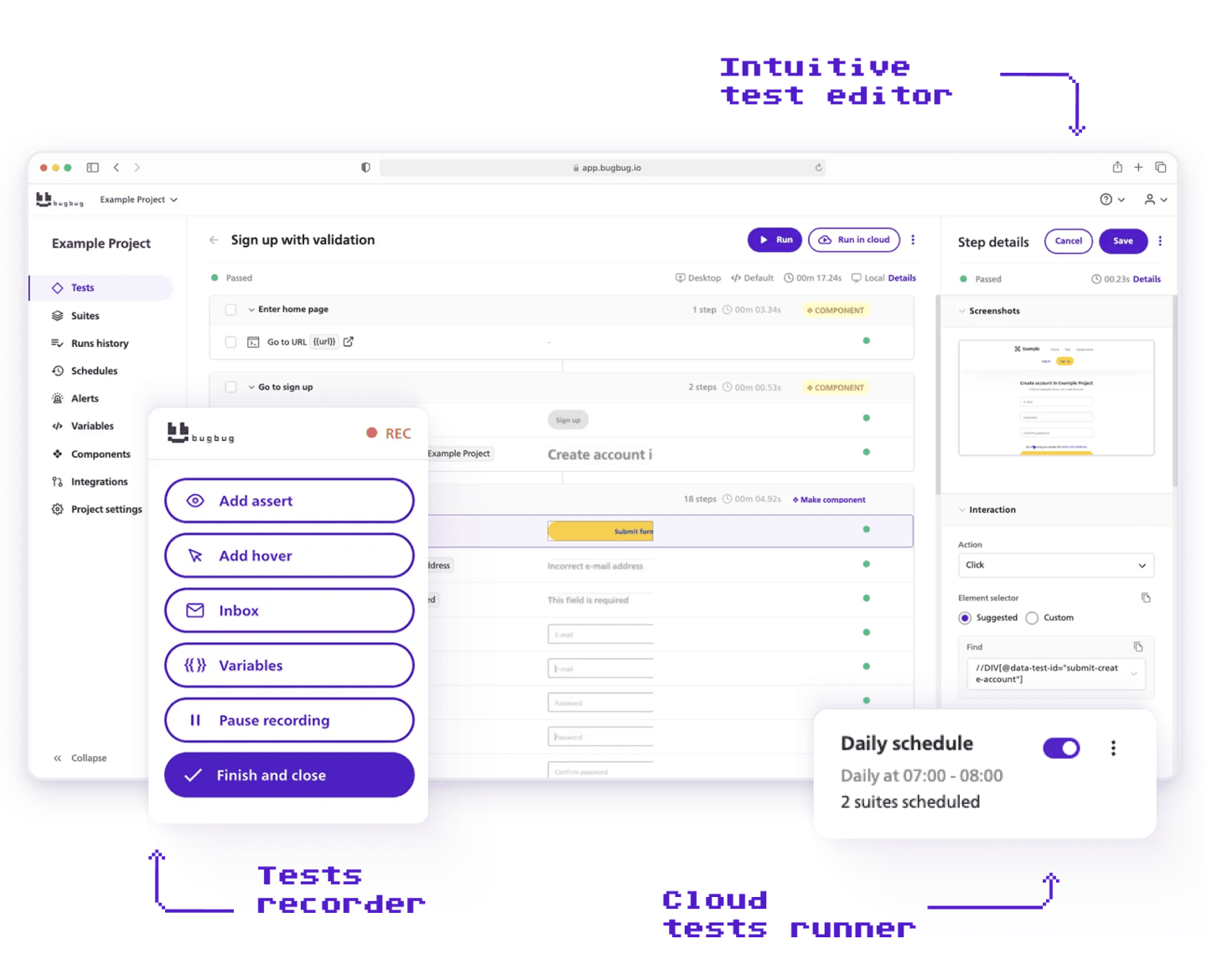
Best for: Teams still tracking manual test runs in Zephyr who are ready to automate those flows instead — no code, no infrastructure, free plan.
But if your Zephyr usage is mostly logging that a tester clicked through login, checkout, and onboarding again this sprint, the question isn't which tool tracks that better. It's why those flows are still manual. If your team mainly needs broader planning and collaboration, the right tool may be ClickUp with AI tools plus Kanban boards, Gantt charts, and docs, Asana with 100+ integrations, or Smartsheet for spreadsheet-style tracking and automated workflows rather than any standalone test management tool.
BugBug records automated tests by clicking through your web app in a Chrome extension. No YAML, no JavaScript, no framework to set up — you click through your login flow and BugBug builds a repeatable test. Schedule it to run on every deploy, wire it into CI/CD, get a Slack alert when something breaks. When a test does break, Edit & Rewind lets you fix a step in place and rerun from that point rather than re-recording. Stable selectors keep the flakiness that usually drives manual re-checking low.
The result: instead of a QA engineer clicking through 40 cases at sprint's end and logging results in Zephyr, those flows run automatically on every deploy and flag failures immediately. The management overhead shrinks because the manual execution it was tracking is gone.
Where it costs you — honestly:
Pricing: Free plan; paid flat from $99/month, no per-seat escalation.
👉 Also check the full comparison: Zephyr vs BugBug
Automate your tests for free
Test easier than ever with BugBug test recorder. Faster than coding. Free forever.
Get started
The decision underneath all of these is the fork from the top: are you trying to manage testing better, or do less of it by hand? Answer that first. A better test management tool is the right buy for the first problem and a waste of a migration for the second.
The right tool depends on whether you need standalone flexibility, deeper reporting, or stronger support for other tools outside Jira.
If most of your Zephyr cases are manual flows a recorder could run on every deploy, BugBug's free plan takes 10 minutes to set up — no credit card, no Jira. Ready to catch some bugs?
Happy (automated) testing!

Your next release. Properly tested.
Join 1,200+ QA teams that automated their regression coverage with BugBug.


Dominik Szahidewicz is a Software Quality Evangelist specialising in quality assurance, test automation, and modern software testing practices. He creates practical, research-driven content that helps QA professionals, developers, and product teams improve test coverage, automate repetitive testing, and release more reliable web applications.
Drawing on his experience in technical writing, data analysis, and application consulting, Dominik translates complex testing concepts into clear, actionable guidance. His areas of interest include end-to-end testing, no-code test automation, regression testing, and the use of AI in software quality assurance.
Join thousands of QA experts. Subscribe to our newsletter.
Get more testing tips and product related content. Zero spam.
Compare the best SaaS testing tools for startups, QA, and dev teams. See use cases, pricing, and key SaaS flows to automate.
Discover essential business tools for startups. Read the article to find the right tools for your success.
Are AI Testing Tools Worth the Hype? The integration of AI into software testing is transforming how we approach quality assurance.
Automation Testing Tools Comparison: Cypress, Selenium, BugBug and more — compared honestly by team type, cost, and required expertise.
Discover the best API integration tools for 2026. We explore top platforms like IBM API Connect and Microsoft Azure.
This guide covers the best automated testing tools for startups in 2026 — for development teams of 3 to 30 who move fast and protect what matters.
In this guide, we’ll explore the best beta testing tools available in 2026, compare their key features.
Discover the best automation testing tools—codeless, code-based, and performance-focused—that boost QA efficiency.