Applitools Alternatives: 6 Best Tools for 2026
Written byDominik SzahidewiczReviewed byPaweł Bylina


Updated: September 1, 2026View as Markdown
If you're a QA lead, frontend engineer, or engineering manager staring at an Applitools renewal — or a quote that came back higher than you budgeted — you've probably already searched this. And the results are bad.
Search "Applitools alternatives" and you'll get Testsigma, Functionize, Ranorex, and Eggplant Functional recommended as replacements. None of those is a visual regression testing tool. They're functional automation platforms with a screenshot-comparison feature bolted on, listed by vendors who sell functional automation platforms.
Applitools' own alternatives page has the opposite problem: it's stale. It doesn't seriously engage with Percy, Chromatic, or the fact that Playwright now ships visual comparison for free in the framework most teams already run.
So here's the version sorted by what these tools actually do. Six real alternatives, one honest case for staying put, and one argument about determinism that should change how you read every vendor page in this category.
Declare the bias up front: we build BugBug, which does both functional and visual regression testing, and it appears in the last section of this list. We're not a neutral party. Read the verdicts accordingly and check the numbers yourself.
What we can offer instead of neutrality is a specific position, stated plainly enough that you can disagree with it: for most web SaaS teams, pixel comparison with disciplined thresholds and per-environment baselines is not the budget compromise — it's the more correct tool. Visual AI is genuinely excellent at a problem most teams don't have, and it introduces one they don't want. That argument runs through everything below, and we've put it in full in the BugBug section rather than smuggling it in.
Pricing figures come from published pricing pages where they exist, and from Vendr contract data and community-reported ranges where they don't. Where a number comes from a vendor comparing itself to a rival, we say so, because those numbers are marketing.
One pattern from our own support and migration calls shapes the final section. When teams reach out asking about visual testing, they frequently describe a functional failure — "the checkout broke," "the signup form stopped submitting." Those need both layers, and most teams shopping this keyword are only buying one.
Applitools bills per checkpoint — one visual validation, one checkpoint. The free tier gives you 100 a month, which is enough to evaluate and nothing else. Beyond that, there's no public rate card; every paid plan runs through sales.
The problem isn't the unit price. It's the multiplier. Five browsers across three viewports is fifteen checkpoints for a single test. Run a 200-test suite three times a day in CI and you're generating roughly 270,000 checkpoints a month from the browser matrix alone. Teams in the 50,000–200,000 checkpoints-per-year band report annual spend between $10,000 and $30,000, and overage rates default to 0.03–0.05 per checkpoint — negotiable down to 0.01–0.02, per Vendr, but only if you raise it before signing.
Three other exits come up repeatedly:
Here's the thing no vendor on this keyword will tell you, because all of them are selling the thing that causes it.
The expensive part of visual regression testing isn't the checkpoint bill. It's the human who has to look at every diff. And that cost doesn't move when you switch vendors — which means a migration undertaken purely to cut the invoice usually fails to fix the actual problem.
Three failure modes show up over and over, and they're worth checking yourself against before you shortlist anything:
Rubber-stamping. There's a threshold — in our experience somewhere around twenty diffs per pull request — past which humans stop looking and start clicking approve. Once your team crosses it, your visual suite is no longer a test. It's a ritual. Nobody announces this; you find out months later when a regression sails through with an approval on it.
Baseline rot. Every intentional UI change means re-approving baselines. Ship a redesign, bulk-approve four hundred diffs, and your new baseline is now whatever shipped — including any bug that shipped with it. The suite is green. It's green because it's comparing the broken state to itself.
The mask list nobody owns. Timestamps, avatars, ad slots, A/B variants, animations. Each one needs an ignore region, and the mask configuration becomes its own maintenance artifact — one that quietly grows until half your page is excluded from the check. We've seen suites where the masked regions covered the parts of the UI that actually broke.
None of these are Applitools problems specifically. Applitools' Visual AI is genuinely better at suppressing noise than pixel diffing, which is precisely why it's the expensive one. If you migrate to a pixel-diff tool to save money, you should expect your diff volume to go up, and your review burden with it.
So the honest first question isn't "which alternative is cheaper." It's: is anyone on your team actually reading the diffs? If the answer is no, changing vendors won't help you. Cutting the suite down to the twenty screens someone will genuinely review, on the cheapest tool that renders consistently, will.
| Tool | Best for | What it snapshots | Rendering | Entry price |
|---|---|---|---|---|
| Chromatic | Storybook-centric frontend teams | Components / stories | Hosted, controlled | Free 5,000/mo · $179/mo for 35,000 |
| Percy | App-level diffs inside BrowserStack | Full pages, journeys | Hosted, DOM re-rendered | ~5,000 free/mo · usage-billed, quote |
| Argos | Cheap hosted diffs on an existing Playwright suite | Anything you screenshot | Your browser, hosted review | Free 5,000/mo · $100/mo flat for 35,000 |
| Playwright screenshots | Teams already on Playwright | Anything in your tests | Local — your machine, your CI | Free |
| BackstopJS | Self-hosted, full control | Configured URLs and viewports | Local headless Chrome | Free |
| BugBug | Functional + visual in one Chromium tool | Pages and elements, per-env baselines | Local and cloud, Chromium only | Free plan, $100 for Core plan, $189 for Pro. |
| Applitools (stay) | Big browser matrix, low tolerance for noise | Everything, AI-graded | Ultrafast Grid | Free 100/mo · quote |
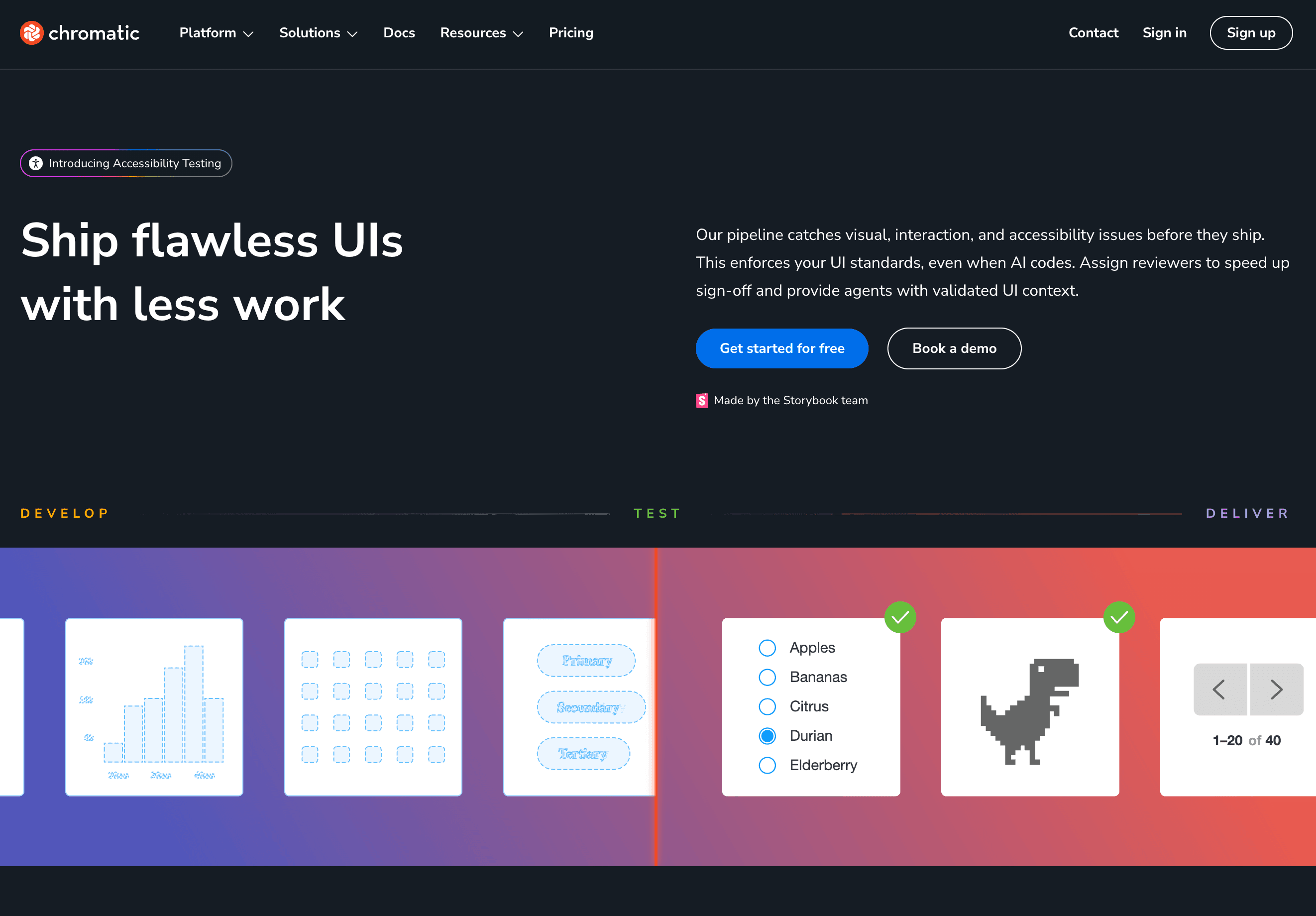
Best for: frontend teams with a mature Storybook where most UI risk lives at the component level.
Avoid if: no Storybook, no Chromatic — it's an architectural dependency, not a configuration option. And component coverage won't catch a layout that breaks only when three components are composed on a real page. Watch the multiplier here too: 500 stories × 2 viewports × 2 browsers is 2,000 snapshots per build.
Verdict: the best tool on this list for component-level visual testing, and useless if you don't use Storybook.
Chromatic is built by the Storybook team and snapshots your stories in controlled cloud infrastructure, so a diff from a Mac laptop and a diff from a Linux CI runner produce the same pixels. Free tier covers 5,000 snapshots a month on Chrome; Starter is $179/month for 35,000 and adds Safari, Firefox, and Edge; Pro is $399/month for 85,000, with extras at $0.008 each.
Both of these solve the problem Applitools solves — consistent rendering plus a review UI with baseline approvals — without checkpoint pricing. Most lists name only Percy. Compare them.
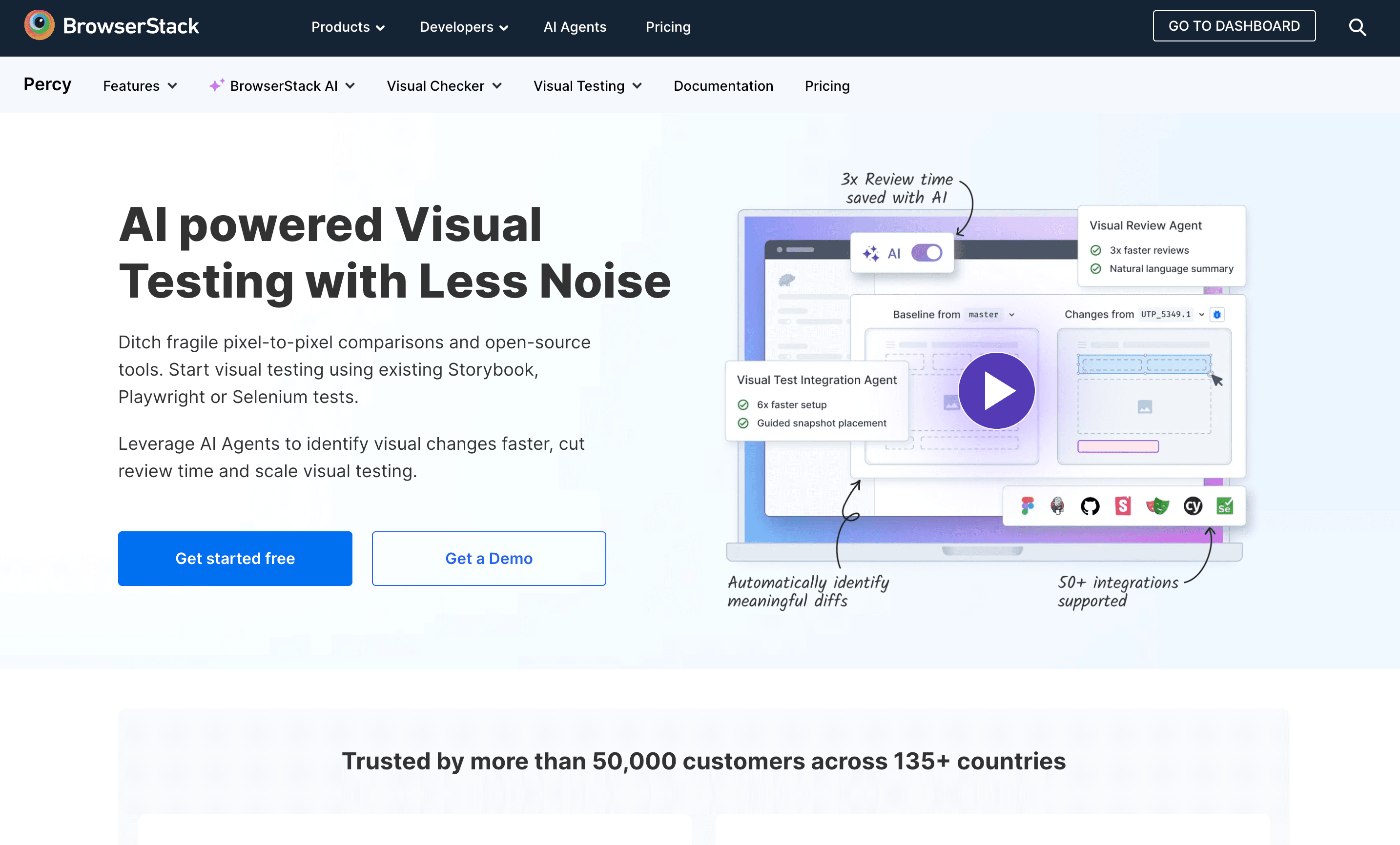
Best for: teams already paying BrowserStack, where adding Percy is a line item rather than a procurement cycle.
Avoid if: you need to model your cost before committing, or your snapshot volume is genuinely unpredictable.
Verdict: the right call when you're consolidating vendors, and a poor one if pricing opacity is why you're leaving.
Percy uploads your DOM and re-renders it in BrowserStack's cloud, which is what makes output reproducible across environments. Clean SDKs for Playwright, Cypress, and Selenium, and roughly 5,000 free snapshots a month.
Then the part worth saying plainly: paid plans are usage-billed and not publicly priced. If you're leaving Applitools partly because every conversation about cost required a sales call, you have not solved that by moving to Percy. You've changed who sends the quote.
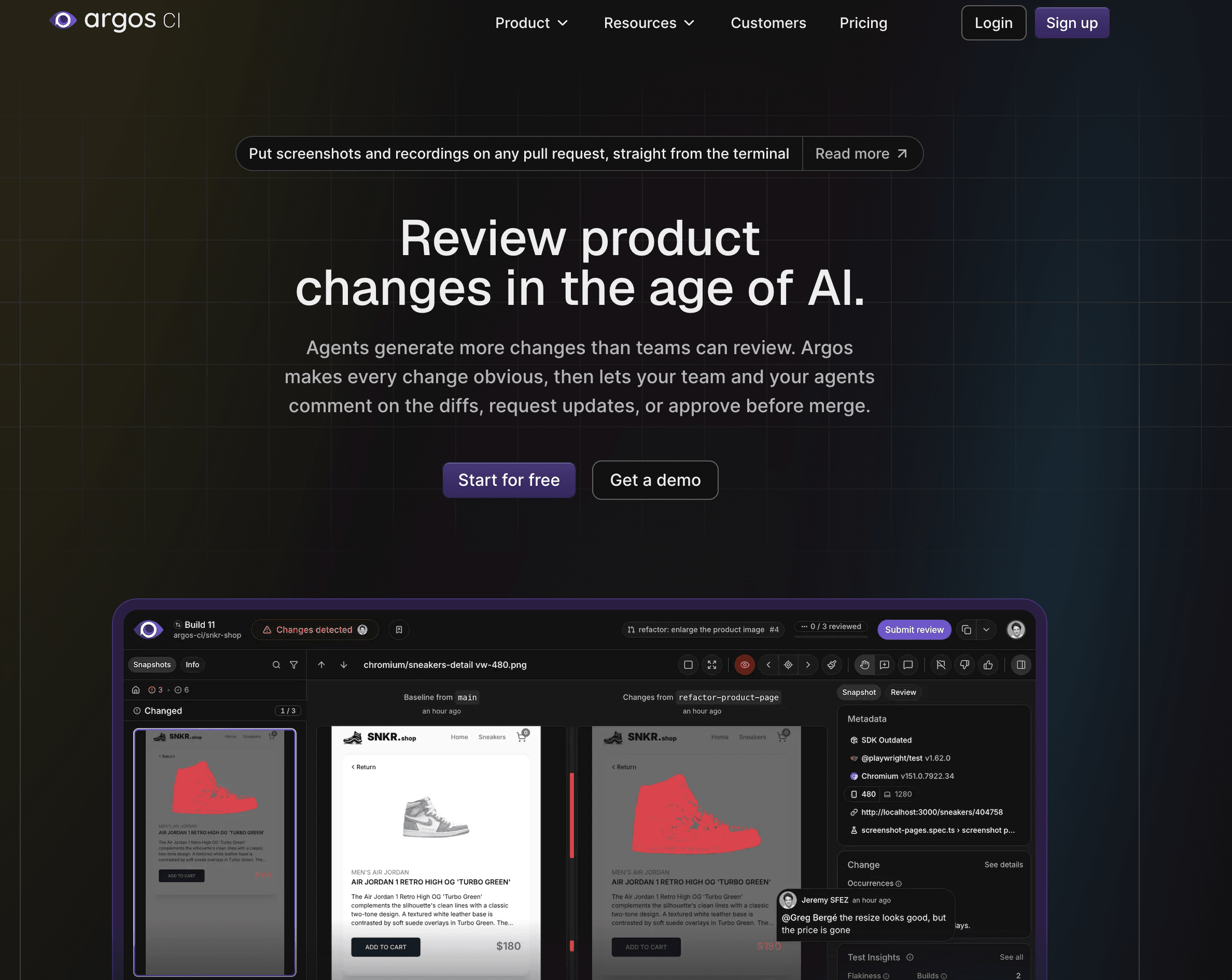
Best for: teams on Playwright doing full-page and journey diffs who want predictable spend.
Avoid if: you need Safari, older Android WebViews, or a wide native device matrix. That's still Applitools and BrowserStack territory, and it's the gap the cheap tools don't close.
Verdict: the best value on this list if the bill is what's driving the migration.
Argos screenshots in the browser your tests already run and hosts the review layer on top. Hobby is free at 5,000 screenshots a month. Pro is $100/month flat with 35,000 included, then $0.004 per extra — and you can set a hard budget cap, which is the feature every team burned by checkpoint overages actually wants. It's open source, so there's an exit path.
Fair warning: the most detailed Percy-vs-Argos comparison online is published by Argos. The pricing figures check out against their public page; the verdicts are theirs, not ours.

Verdict: the honest first move for most teams — try the free thing in the framework you already run before you buy anything.
Playwright's toHaveScreenshot() captures a baseline on first run, diffs on subsequent runs, and fails past a configurable threshold. No new vendor, no SDK, no snapshot meter. Capture and comparison happen locally, adding roughly 200–500ms per assertion.
The catch is real and you should hear it before you commit: Playwright uses pixel matching, so a sub-pixel antialiasing difference scores the same as a button that moved twenty pixels. You can tune maxDiffPixelRatio, but it's a blunt instrument — too low and you drown in noise, too high and you miss regressions.
Worse, screenshots are environment-dependent. Fonts, GPU compositing, and headless-versus-headed rendering mean a baseline captured on a Mac won't match one captured on a Linux CI runner. The sequence is always the same: someone commits baselines from their laptop, CI goes red on every screen, the team assumes the tool is broken, and within a week the visual tests are marked .skip. The fix is boring — generate baselines inside the same container image CI uses, never locally — but almost nobody does it on the first pass.
The other one that will bite you is the font race. If the screenshot fires at 1200ms and your webfont resolves at 1250ms over a busy CI network, the browser renders a fallback like Arial, then shifts the layout down a few pixels when the real font lands. Everything below that line reads as a regression. You need an explicit wait on font loading, not a fixed timeout — and no vendor page will tell you this before you've lost an afternoon to it.
Best for: small teams, a handful of critical screens, engineers willing to own baseline hygiene and pin rendering to a container.
Avoid if: designers or PMs need to review and approve diffs. A folder of PNGs is not a review workflow, and that workflow is the actual product hosted tools are selling you.
Best for: regulated environments where hosted screenshot storage is off the table.
Avoid if: you're choosing it to save money. The setup and upkeep cost more than the hosted tiers it replaces.
Verdict: only worth it if screenshots genuinely cannot leave your infrastructure — otherwise Argos gives you more for $100.
Configured scenarios, viewports, and interactions rendered through headless Chrome or Playwright, with pixel diffs and a local report. Same rendering-consistency trap as Playwright, plus a config file that becomes its own maintenance surface as your app grows.
Verdict: if you need a wide browser matrix and low false-positive noise, nothing on this list matches it — negotiate instead of migrating.
Give the incumbent its due. Applitools' Visual AI grades changes rather than counting pixels, which genuinely cuts the triage load that makes pixel-diff tools miserable at scale. Ultrafast Grid renders across Chrome, Firefox, Safari, Edge, and Opera plus iOS and Android from a single test execution, without you maintaining browser infrastructure. The SDK ecosystem is the broadest in the category.
If your app has to look right across a real browser matrix and your team has already burned a quarter fighting false positives, migrating to a pixel-diff tool to save $15K is how you spend $40K in engineering time. Renegotiate your overage rate and checkpoint allocation first — Vendr's data says default overages are negotiable down to 0.01–0.02, but only if you raise it before signing. That conversation is a week. A migration is a quarter.
Best for: teams with a wide browser and device matrix, high diff volume, and someone who genuinely reviews the results.
Avoid if: you're using a fraction of the checkpoints you pay for, or your suite is one Storybook and three landing pages. That's a Chromatic or Argos problem being solved with an enterprise contract.
Two arguments here. The second one is the one worth your time even if you never look at BugBug.
First: visual testing alone doesn't cover you. Visual regression answers did the pixels change? It doesn't tell you whether the checkout completed, whether the password-reset email arrived, or whether the form submitted. A broken submit button frequently renders identically to a working one. Most teams shopping this keyword are buying one layer and assuming it covers two — and then running a second tool for functional coverage anyway, with two sets of baselines, two review surfaces, and two bills.
Second, and more important: Visual AI is non-deterministic, and a test that isn't deterministic isn't much of a test.
A test exists to give the same answer for the same input, every time. Pixel comparison does that. AI-based diffing does not, by design — the same input can produce different judgments on different runs. That's tolerable in a creative assistant and disqualifying in a regression gate. It gets worse in production, where these tools depend on external model providers: an outage forces a fallback to a model that judges differently, and under load providers quietly downgrade to smaller models. Your visual suite is now coupled to a third party's capacity planning. "It depends on the provider's traffic today" is not a property you want in a release gate.
This is the argument the rest of this SERP won't make, because most of the tools ranking for it sell AI diffing. It doesn't make Visual AI useless — see the section above, it earns its cost on genuinely dynamic UIs at scale. It does mean the default assumption should run the other way: start deterministic, and reach for AI when false positives, not the marketing, become your actual bottleneck.
Visual regression in BugBug is a step inside a test, not a separate suite — it runs inline with the functional steps, capturing either the whole page or a selected element. That element-level targeting is one of the two practices that keeps visual suites alive, and it's built into the step rather than bolted on.
The baseline handling is the part that matters against the failure modes above. References are stored per environment, where environment means the combination of browser, OS, screen size, profile, and run mode. When a test runs somewhere without a matching reference, BugBug captures one, links it to that environment, and passes the step — so moving a suite from a laptop to cloud CI doesn't produce a wall of red from rendering differences. It compares like with like. The comparison itself exposes colour sensitivity and whether anti-aliased pixels count toward the diff, which is the direct answer to the sub-pixel noise problem, and each step carries its own max-difference threshold — strict on a checkout modal, loose on a dashboard full of live data. When a step fails you get the reference, the observed screenshot, and a diff highlighting the changed regions, then three choices: reject it, widen the tolerance, or promote the observed screenshot to the new reference.
Two honest caveats. Auto-creating a baseline on first run in a new environment is convenient and it inherits the baseline-rot problem — if the UI is already broken when that reference is captured, broken becomes the standard. And this is pixel comparison, so on a genuinely dynamic UI you'll be tuning thresholds and isolating elements where Applitools' Visual AI would have absorbed the noise for you.
Visual regression is on the Pro plan at $189/year. Put that next to the 10,000–30,000 annual band teams report on Applitools and the comparison isn't really about features — it's about whether you need the AI matrix at all.
**toHaveScreenshot()**, free, today.One last thing regardless of what you pick: if you can't say who reviews the diffs and how baselines get updated, choosing a tool won't help. Write that down first. It matters more than the engine. If this is your first automated suite of any kind, the automation testing guide for startups covers the layer underneath this one.
If the last line is you, BugBug's free plan has unlimited tests and unlimited users with no credit card, and visual regression sits on Pro at $189/year. Record the one flow your team checks by hand before every release, add a visual check to it, and see whether both survive your next deploy.
Happy (automated) testing!

Your next release. Properly tested.
Join 1,200+ QA teams that automated their regression coverage with BugBug.


Dominik Szahidewicz is a Software Quality Evangelist specialising in quality assurance, test automation, and modern software testing practices. He creates practical, research-driven content that helps QA professionals, developers, and product teams improve test coverage, automate repetitive testing, and release more reliable web applications.
Drawing on his experience in technical writing, data analysis, and application consulting, Dominik translates complex testing concepts into clear, actionable guidance. His areas of interest include end-to-end testing, no-code test automation, regression testing, and the use of AI in software quality assurance.

Paweł Bylina is a software engineer, test automation product leader, and founder and CEO of BugBug, a no-code end-to-end testing platform used by teams in more than 50 countries. He has over 15 years of experience building software and leading engineering teams as a developer, engineering manager, CTO, and SaaS founder.
Paweł created BugBug after repeatedly seeing teams struggle with test automation that was costly to implement and difficult to maintain. He now works closely with QA engineers, developers, and engineering leaders to improve how software teams create and maintain reliable automated test coverage.
His expertise includes end-to-end testing, regression testing, browser automation, no-code test automation, QA strategy, and software quality. He shares practical insights drawn from building BugBug and working with software teams worldwide.
Join thousands of QA experts. Subscribe to our newsletter.
Get more testing tips and product related content. Zero spam.
Discover the importance of QA testers in software development and whether automation can eliminate the need for this crucial role. Learn more here!
Learn how to automate regression testing without devs or QA. Discover a risk-based strategy and practical workflows.
This article delves into the journey of becoming an Automated Test Engineer, offering insights into the essential skills, knowledge, and steps required to embark on this career path and increase your current salary.
Your tests can now move in and out of BugBug as YAML. Export a complete project as ZIP for backup. Import tests back into BugBug when you need them.
Compare the best SaaS testing tools for startups, QA, and dev teams. See use cases, pricing, and key SaaS flows to automate.
Best free and open-source test automation tools for 2026: Playwright, Cypress, Selenium and best free plans from commercial tools.
Are AI Testing Tools Worth the Hype? The integration of AI into software testing is transforming how we approach quality assurance.
Discover essential business tools for startups. Read the article to find the right tools for your success.