

AI Test Automation Recorder
Record automated web tests in minutes
Turn your clicks into stable, self-maintaining end-to-end tests. No flaky selectors, no framework setup, no maintenance backlog.














RECORD AND PLAYBACK
What is a test automation recorder?
A test automation recorder captures real user interactions in the browser — clicks, typing, navigation — and turns them into repeatable, automated e2e tests without writing code.
How it works
From click to CI in four steps
Build coverage around your most important user flows in one afternoon.
Features
All you need to record stable tests
Intuitive Test Creation & Editing
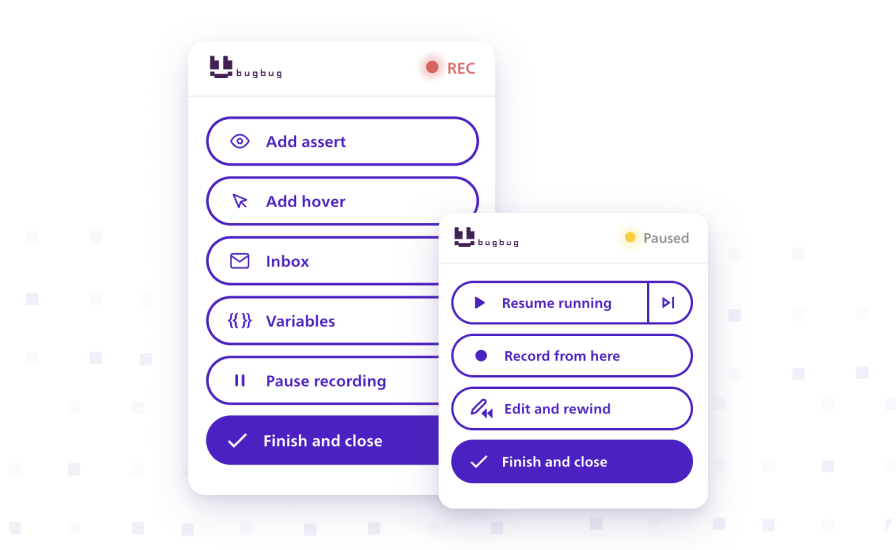
Record test steps or add them manually, edit any step through intuitive UI.
Record and Playback
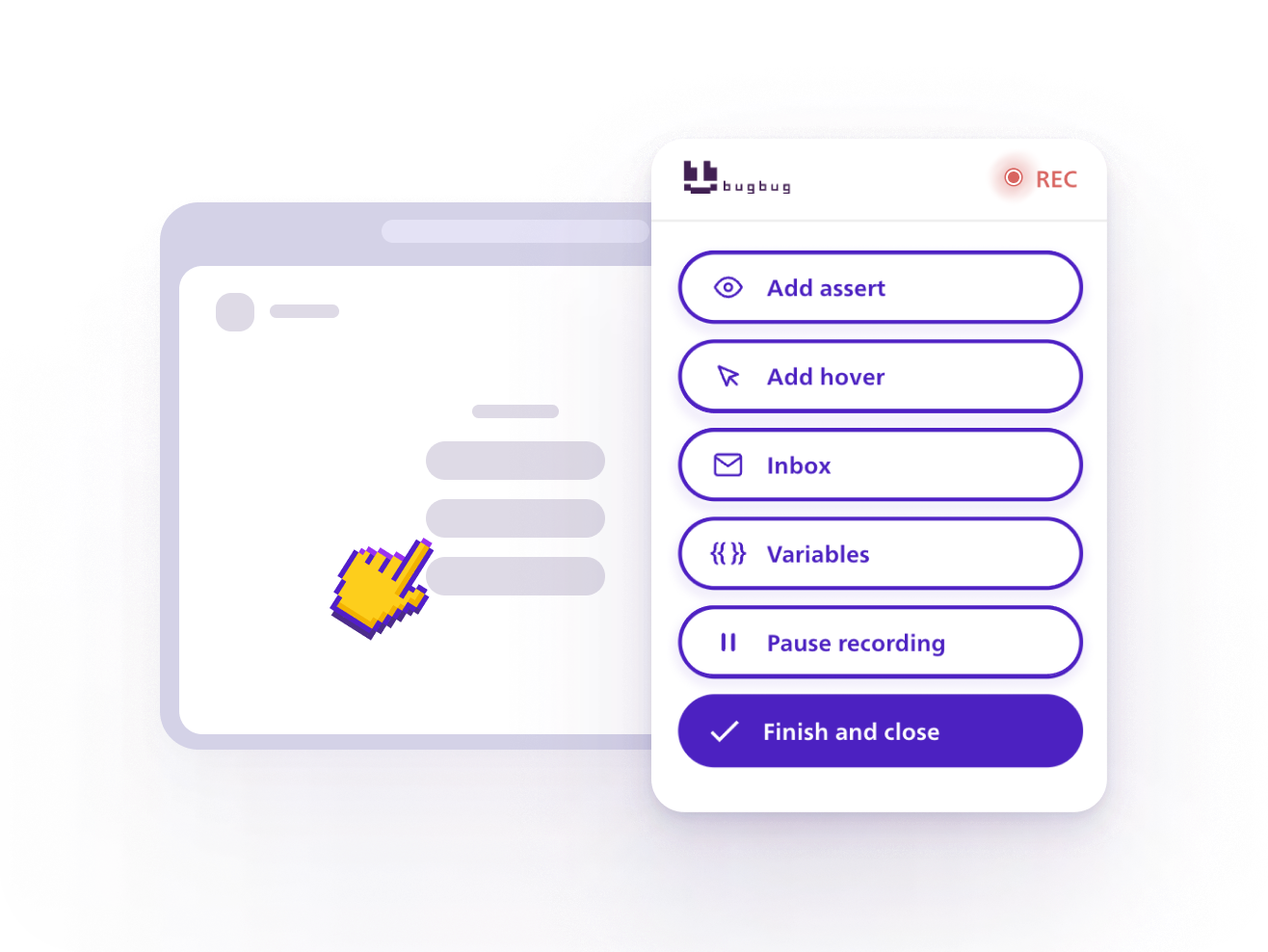
Capture clicks, typing, navigation, and forms, then replay the complete workflow.
Built-in Assertions
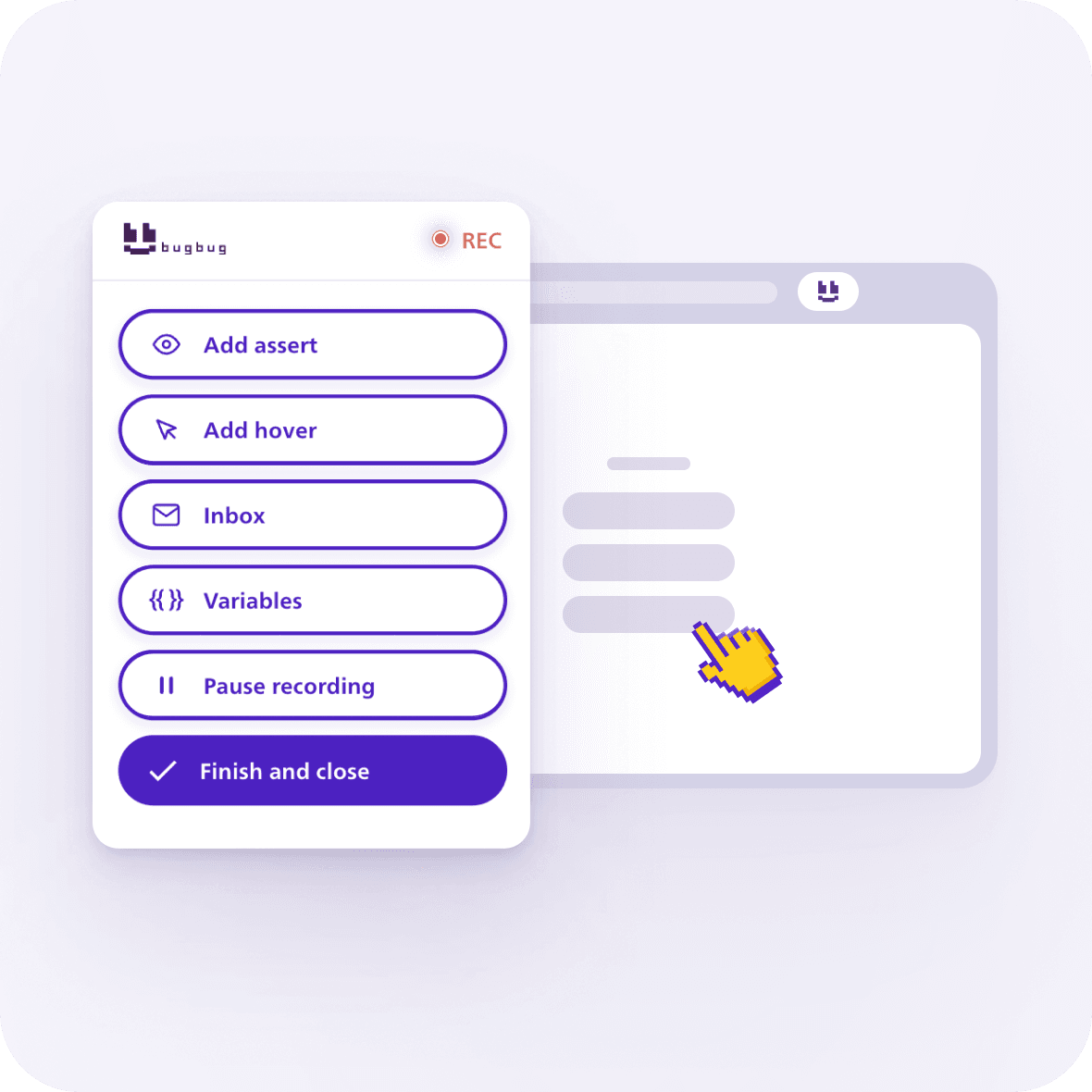
Validate text, URLs, visibility, and element states as you record.
Tabs, Pop-ups, and iframes
Record flows across multiple tabs, browser pop-ups, and embedded content.
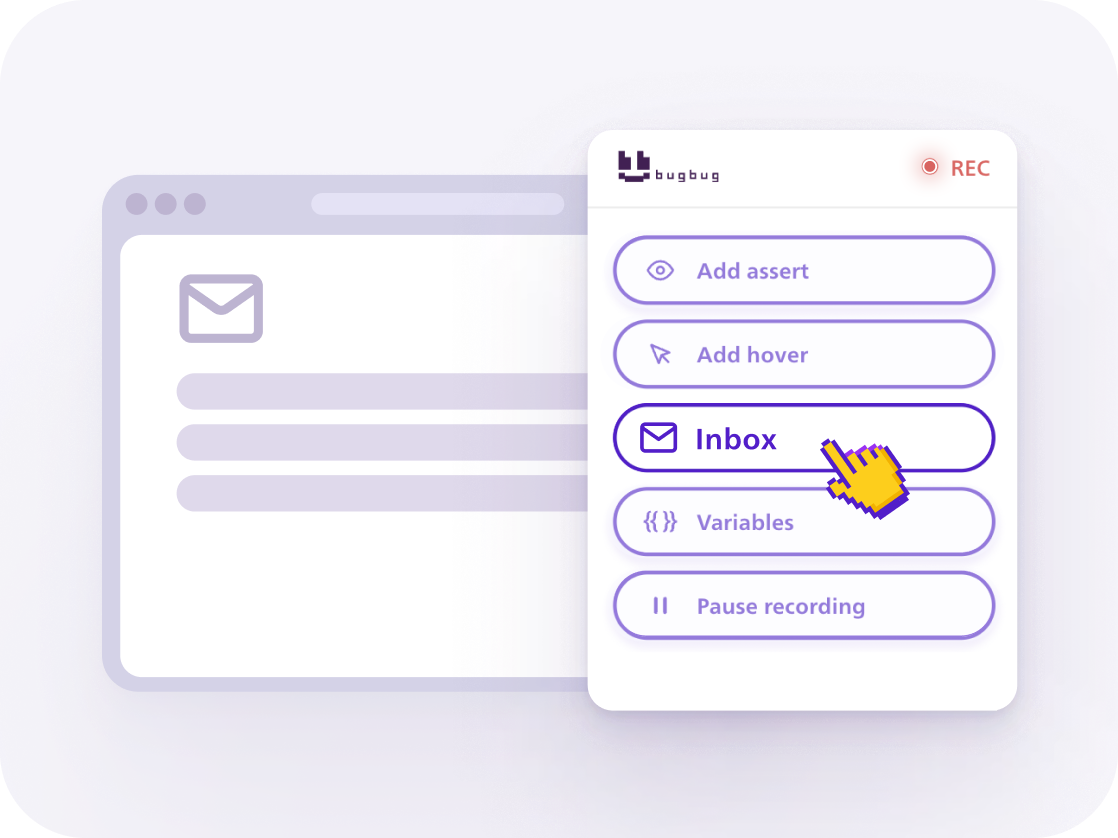
Built-in Testing Inbox
Generate test email addresses and automate signup, invitation, and password-reset flows.

"I was surprised at how reliable BugBug's tests recording is. I tried a few competitive solutions, but none of them were as seamless as BugBug."

Krzysztof Studniarek
Product Owner at Brand24
"BugBug has enabled us to automate testing across several product areas, significantly reducing QA time and workload."

Josh Bent
Software Tester at Zahara Software
"The ease of use with BugBug's browser extension was incredible — made creating tests for our SaaS as easy as possible."

Andrew Morrison
CTO at Pilot.io
Coverage
Record complete browser workflows, fast
Use BugBug's automated test recorder to capture everything a real user does — not just clicks.
- Clicks, typing, dropdowns, and forms
- Navigation and browser actions
- Assertions and validation steps
- Multiple tabs, pop-ups, and iframes
- Hover and drag-and-drop actions
- Signup and email confirmation flows
AI assistance
More stable tests, automatically
You record the test, BugBug's test automation recorder handles the stability of each step.
Adaptive Locators
BugBug automatically chooses the most stable selector to identify each element. No manual XPath or CSS selectors required.
Learn moreSmart Click & Scroll
BugBug scrolls elements into view and reproduces real browser interactions on dynamic interfaces.
Learn moreSmart Waiting
AI detects when a page or element isn't ready and waits appropriately. No manual sleep steps or timeout tuning required.
Learn more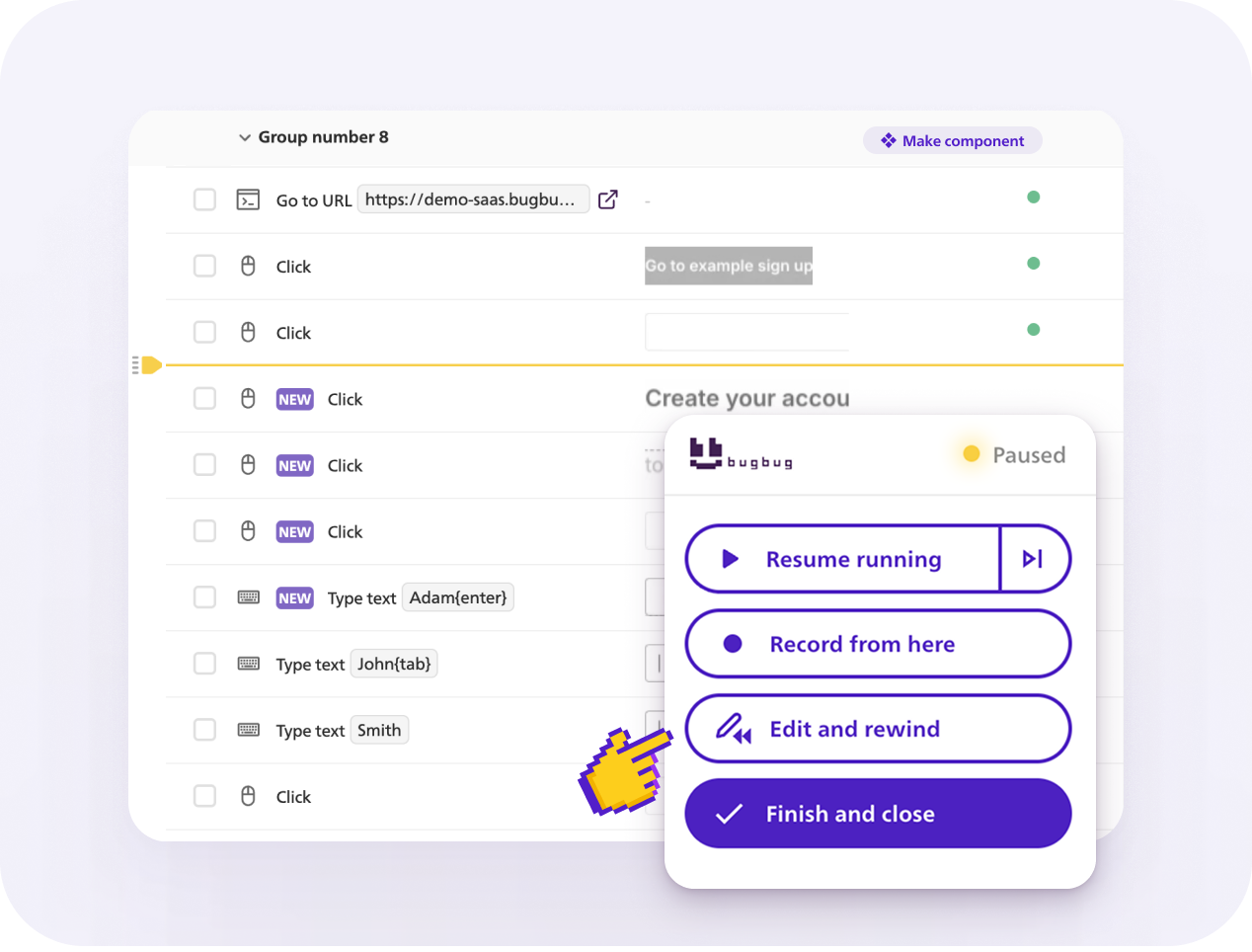
EDIT & REWIND
Debug in a few clicks without starting again
Edit steps exactly where they failed without re-running the entire test.
Edit any step
Change actions, values, assertions, or selectors directly in the visual editor.
Record from any step
Add or replace steps anywhere in an existing test.
Rewind and replay
Restart execution from a selected step instead of running the whole test again.
Use cases
What can you test?
EMAIL TESTING INBOX
Complete email workflows
Use BugBug's built-in Testing Inbox to test signups, logins, invitations, and password-reset flows end to end.
- Generate a unique email address for each run
- Receive signup, invitation, and password-reset emails
- Open verification links without switching to external tools
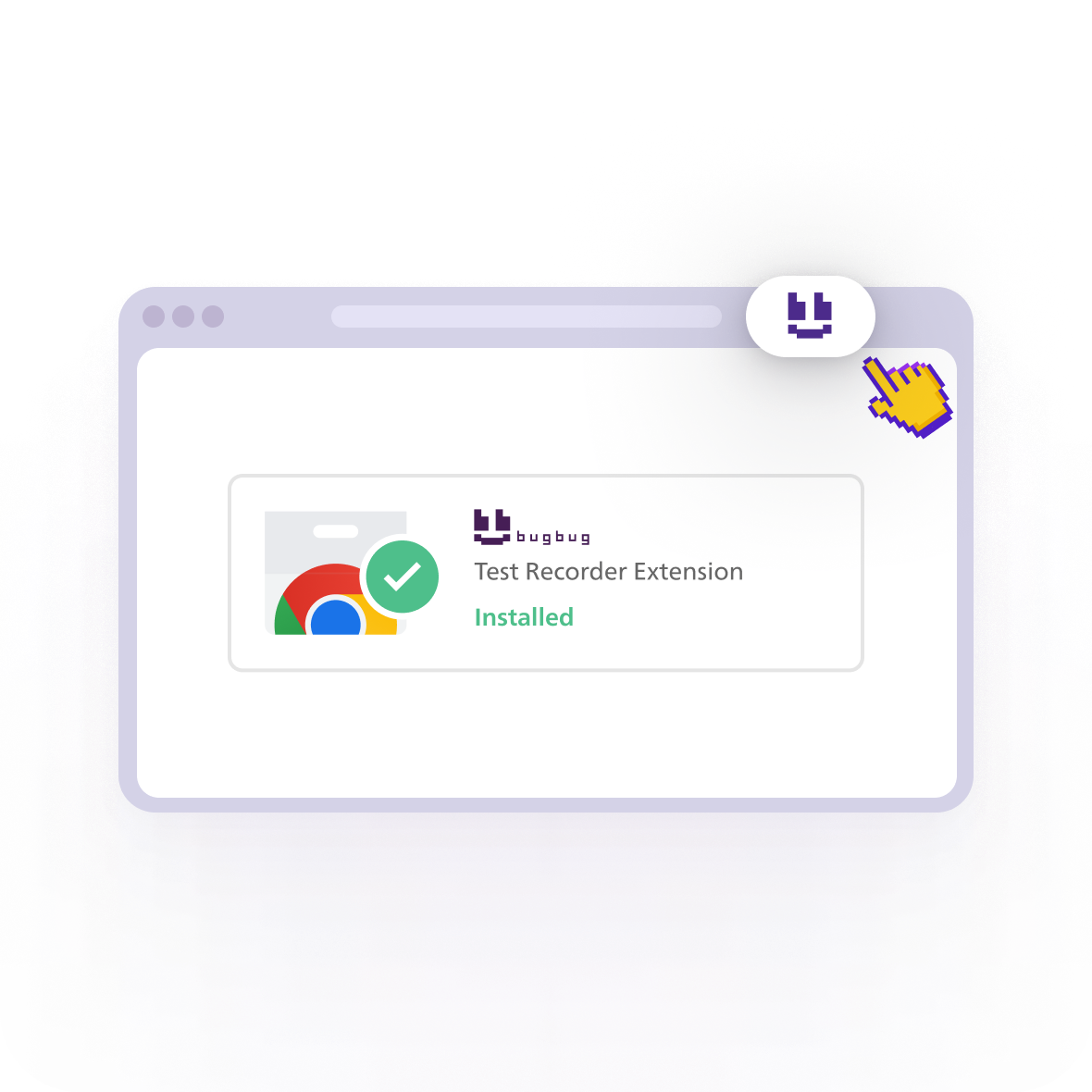
Install BugBug Test Automation Recorder
AI-powered selectors, smart interactions, built-in assertions — recording that actually works.
Install Test Recorder
FAQ
Frequently asked questions
A tool that records real interactions in a browser — clicks, typing, form fills, navigation — and converts them into an automated, repeatable test script. BugBug's version adds AI to keep the resulting test stable as the app changes.

Your next release. Properly tested.
Join 1,200+ QA teams that automated their regression coverage with BugBug.

- Free plan
- No credit card
- 14-days trial
