Stripe Test Cards - Comprehensive List
Written byDominik SzahidewiczReviewed byBartek Krzyzanowski


Updated: October 27, 2026View as Markdown
The main Stripe test card is 4242 4242 4242 4242 — use any future expiry date, any 3-digit CVC and any postal code. It simulates a successful Visa payment in test mode. For a generic decline, use 4000 0000 0000 0002; for 3D Secure authentication, use 4000 0025 0000 3155. Full list below.
🤖 Summarize this article with AI:
💬 ChatGPT 🔍 Perplexity 💥 Claude 🐦 Grok 🔮 Google AI Mode
Stripe equips developers with test API keys and a comprehensive list of Stripe test credit card numbers, enabling the simulation of realistic payment scenarios without the exchange of real money. These test cards, accessible directly in the Stripe Dashboard or via the Stripe API in test mode, are designed to mimic various aspects of card payments, from successful transactions to card declines and error messages.
This functionality is crucial for validating the integration of your payment gateway with Stripe payments, ensuring that everything from the payment form to the backend processes operates flawlessly.
The card number determines the simulated behavior. That makes it possible to test cases such as:
without creating real financial transactions.
Use Stripe test cards only in test mode. They aren't real cards and won't create real charges.
Stripe recommends using a PaymentMethod such as pm_card_visa instead of raw card numbers in server-side test code. Raw card numbers are best reserved for interactive testing in a payment form or Dashboard test flow.
For an ecommerce release, these scenarios should also appear in your ecommerce test plan and payment-specific test cases.
Automate your tests for free
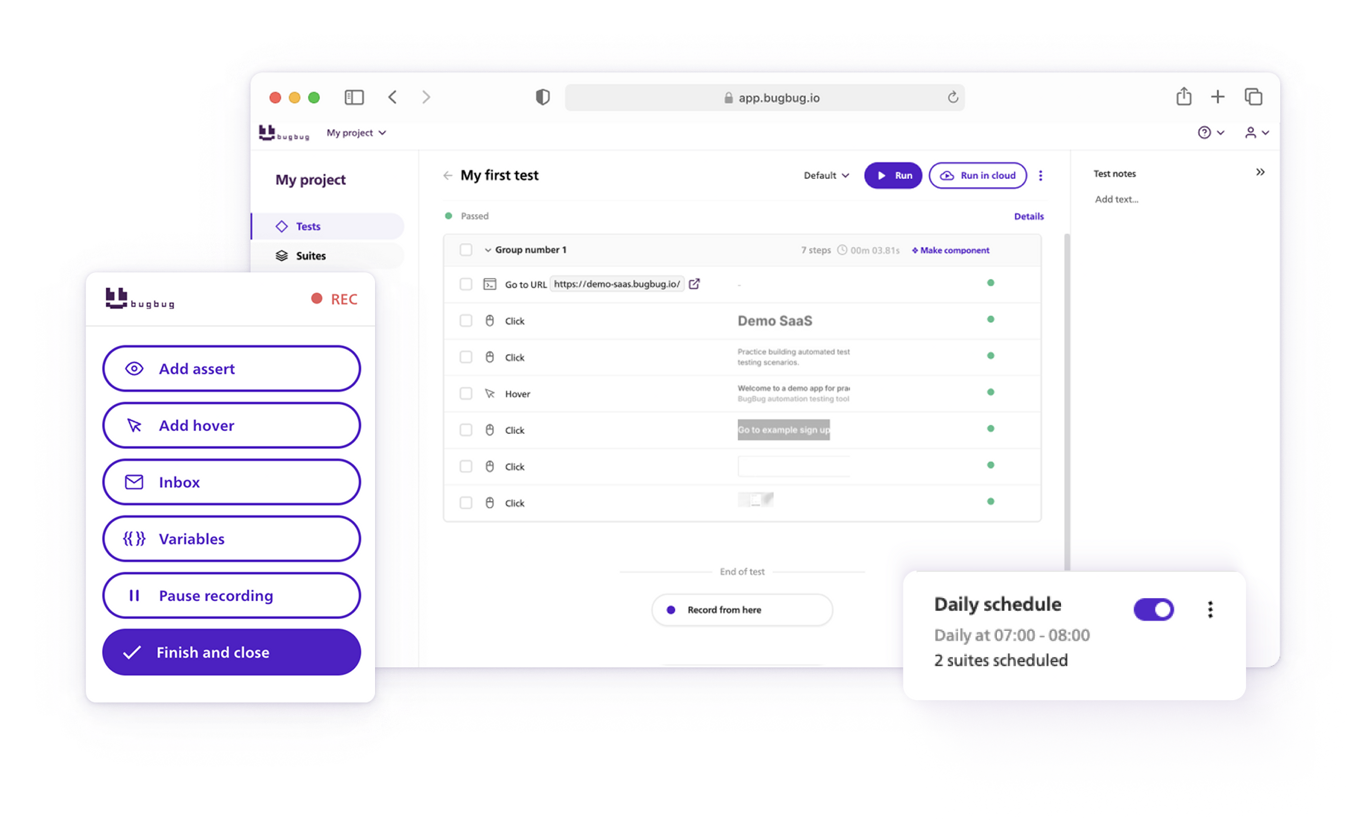
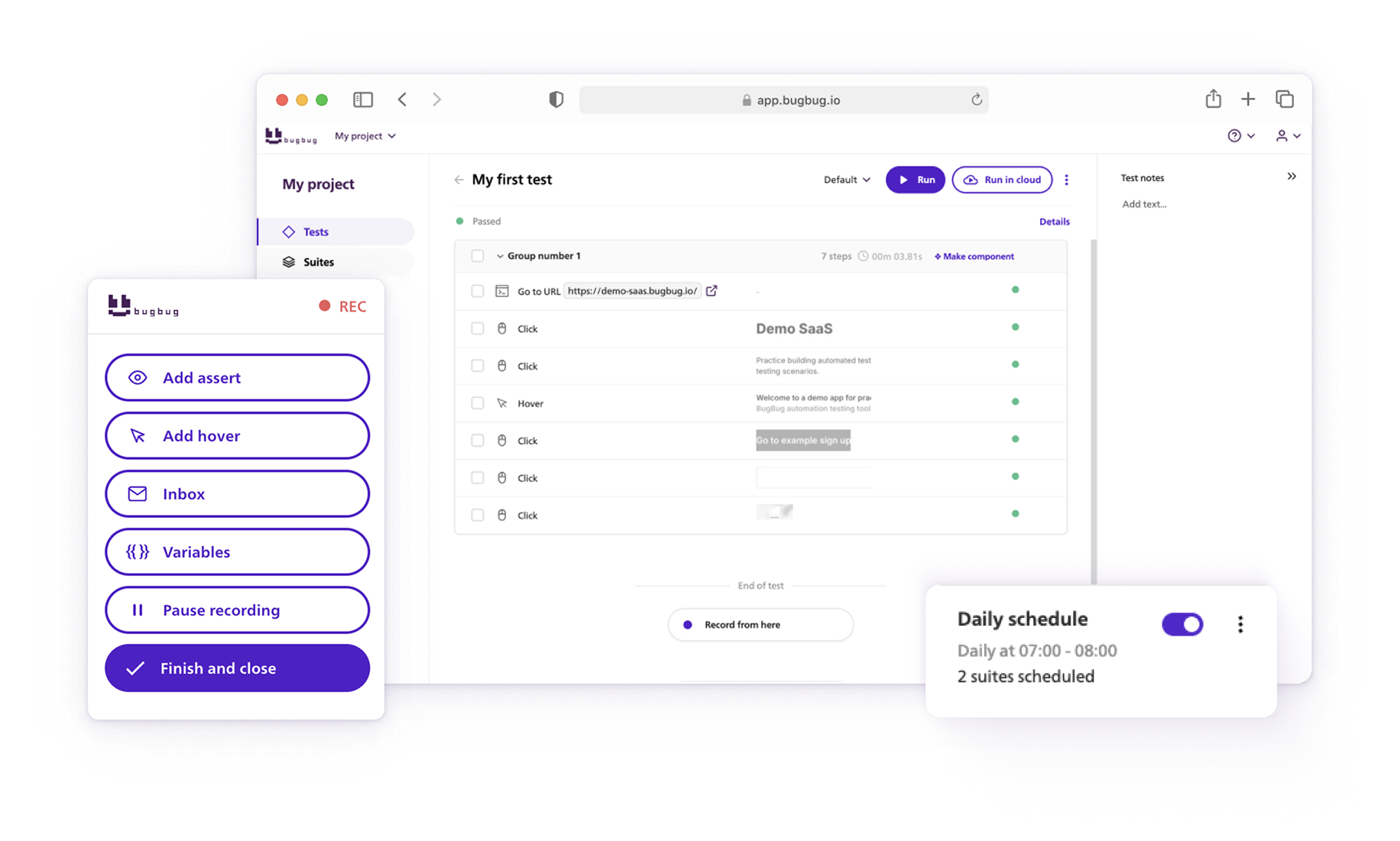
Test easier than ever with BugBug test recorder. Faster than coding. Free forever.
Get started
By employing these test cards to simulate different types of card payments - including debit and credit cards from major issuers - developers can thoroughly test their Stripe integration. The process encompasses everything from user interaction, where the user is prompted to insert their card information, to the final stages of payment authorization and processing. Stripe's testing environment is also equipped to handle card presentment scenarios, thanks to physical test cards and simulated test cards facilitated by Stripe Terminal SDKs.
These tools are invaluable for exploring a wide range of testing scenarios, ensuring that the payment gateway can handle various payment flows and card network specifics.
Engaging with Stripe's test cards and API in test mode allows for a detailed, hands-on understanding of how to effectively test and prepare your payment integration for the demands of real-world transactions, making them an indispensable resource for any developer looking to refine their online payment solutions.
Check out Stripe Form Recording - the new feature of BugBug.
Utilizing test cards allows developers to explore and troubleshoot the entire spectrum of payment flows, from simple transactions to more complex scenarios involving various payment methods. This hands-on testing approach ensures that all potential issues are identified and resolved before any real financial transactions take place.
By engaging with Stripe's test environment, developers can gain confidence in their payment systems, knowing they have rigorously tested their implementations against a wide range of simulated conditions. Stripe provides a detailed list of test cards for various card brands, each capable of simulating different scenarios within the payment process. These include:
Unless noted otherwise, use any future expiry date, any three-digit CVC and any postal code. American Express test cards require a four-digit CVC.
| Card brand | Test card number | CVC | Expected result |
|---|---|---|---|
| Visa | 4242 4242 4242 4242 | Any 3 digits | Successful payment |
| Visa (debit) | 4000 0566 5566 5556 | Any 3 digits | Successful payment |
| Mastercard | 5555 5555 5555 4444 | Any 3 digits | Successful payment |
| Mastercard (2-series) | 2223 0031 2200 3222 | Any 3 digits | Successful payment |
| Mastercard (debit) | 5200 8282 8282 8210 | Any 3 digits | Successful payment |
| Mastercard (prepaid) | 5105 1051 0510 5100 | Any 3 digits | Successful payment |
| American Express | 3782 822463 10005 | Any 4 digits | Successful payment |
| American Express | 3714 496353 98431 | Any 4 digits | Successful payment |
| Discover | 6011 1111 1111 1117 | Any 3 digits | Successful payment |
| Discover | 6011 0009 9013 9424 | Any 3 digits | Successful payment |
| Discover (debit) | 6011 9811 1111 1113 | Any 3 digits | Successful payment |
| Diners Club | 3056 9300 0902 0004 | Any 3 digits | Successful payment |
| Diners Club (14-digit card) | 3622 720627 1667 | Any 3 digits | Successful payment |
| BCcard and DinaCard | 6555 9000 0060 4105 | Any 3 digits | Successful payment |
| JCB | 3566 0020 2036 0505 | Any 3 digits | Successful payment |
| UnionPay | 6200 0000 0000 0005 | Any 3 digits | Successful payment |
| UnionPay (debit) | 6200 0000 0000 0047 | Any 3 digits | Successful payment |
| UnionPay (19-digit card) | 6205 5000 0000 0000 004 | Any 3 digits | Successful payment |
| Card brand | Test card number | CVC | Expected result |
|---|---|---|---|
| Cartes Bancaires/Visa | 4000 0025 0000 1001 | Any 3 digits | Successful payment |
| Cartes Bancaires/Mastercard | 5555 5525 0000 1001 | Any 3 digits | Successful payment |
| eftpos Australia/Visa | 4000 0503 6000 0001 | Any 3 digits | Successful payment |
| eftpos Australia/Mastercard | 5555 0503 6000 0080 | Any 3 digits | Successful payment |
Stripe test cards also extend their utility by simulating successful payments from various countries, such as the United States, Argentina, Brazil, Canada, and Mexico, among others. This feature is invaluable for developers aiming to ensure their payment systems are equipped for international transactions.
| Country | Card brand | Test card number | Expected result |
|---|---|---|---|
| United States (US) | Visa | 4242 4242 4242 4242 | Successful payment |
| Argentina (AR) | Visa | 4000 0003 2000 0021 | Successful payment |
| Brazil (BR) | Visa | 4000 0007 6000 0002 | Successful payment |
| Canada (CA) | Visa | 4000 0012 4000 0000 | Successful payment |
| Mexico (MX) | Visa | 4000 0048 4000 8001 | Successful payment |
| United Kingdom (GB) | Visa | 4000 0082 6000 0000 | Successful payment |
| Germany (DE) | Visa | 4000 0027 6000 0016 | Successful payment |
| France (FR) | Visa | 4000 0025 0000 0003 | Successful payment |
| India (IN) | Visa | 4000 0035 6000 0008 | Successful payment |
| Australia (AU) | Visa | 4000 0003 6000 0006 | Successful payment |
| Japan (JP) | Visa | 4000 0039 2000 0003 | Successful payment |
| Singapore (SG) | Visa | 4000 0070 2000 0003 | Successful payment |
For other countries, refer to the Stripe testing documentation.
| Scenario | Test card number | Error code | Decline code |
|---|---|---|---|
| Generic decline | 4000 0000 0000 0002 | card_declined |
generic_decline |
| Insufficient funds | 4000 0000 0000 9995 | card_declined |
insufficient_funds |
| Lost card | 4000 0000 0000 9987 | card_declined |
lost_card |
| Stolen card | 4000 0000 0000 9979 | card_declined |
stolen_card |
| Expired card | 4000 0000 0000 0069 | expired_card |
n/a |
| Incorrect CVC | 4000 0000 0000 0127 | incorrect_cvc |
n/a |
| Processing error | 4000 0000 0000 0119 | processing_error |
n/a |
| Incorrect number | 4242 4242 4242 4241 | incorrect_number |
n/a |
| Exceeding velocity limit | 4000 0000 0000 6975 | card_declined |
card_velocity_exceeded |
To simulate a declined payment with a card attached to a Customer, use 4000 0000 0000 0341: attaching it succeeds, but attempts to charge it fail.
| Scenario | Test card number | Expected result |
|---|---|---|
| Always blocked | 4100 0000 0000 0019 | The charge has the highest risk level, and Stripe Radar always blocks it. |
| Highest risk | 4000 0000 0000 4954 | The charge has the highest risk level and might be blocked, depending on the Radar settings. |
| Elevated risk | 4000 0000 0000 9235 | The charge has an elevated risk level and might be queued for review. |
| CVC check fails | 4000 0000 0000 0101 | If you provide a CVC, the CVC check fails. Radar might block it, depending on your settings. |
| Postal code check fails | 4000 0000 0000 0036 | If you provide a postal code, the postal code check fails. Radar might block it, depending on your settings. |
Blocked payments return a card error with the error code fraud.
| Scenario | Test card number | Expected result |
|---|---|---|
| Authenticate unless set up | 4000 0025 0000 3155 | On-session payments always require authentication. Off-session payments require authentication unless the card has been set up for future use. |
| 3DS required | 4000 0000 0000 3220 | 3D Secure authentication must be completed for the payment to succeed. |
| 3DS supported, unenrolled | 4242 4242 4242 4242 | The card supports 3D Secure but is not enrolled, so the customer is not prompted to authenticate. |
| Always authenticate | 4000 0027 6000 3184 | Authentication is required on every transaction, regardless of how the card is set up. |
| 3DS required, then declined | 4000 0084 0000 1629 | Authentication is required, but the payment is declined with card_declined after authentication. |
| Frictionless flow | 4000 0000 3220 0000 | Authentication is required and succeeds without a challenge for the customer. |
| 3DS not supported | 3782 822463 10005 | 3D Secure can't be invoked, so the payment proceeds without authentication. |
A checkout that works with a simple successful payment may still fail when authentication introduces:
A useful 3D Secure test should verify:
If you're automating this in the browser, treat it as a full integration or E2E scenario rather than only a card-field test. See End-to-End Testing for the wider testing layer.
Automate your tests for free
Test easier than ever with BugBug test recorder. Faster than coding. Free forever.
Get started
To thoroughly test the resilience and error-handling capabilities of payment systems, Stripe offers test cards that simulate declined transactions for reasons such as insufficient funds, lost or stolen cards, and generic declines. Additionally, cards that simulate transactions with varying levels of fraud risk are available, enabling developers to test their systems' fraud prevention mechanisms effectively.
Use 4000 0000 0000 0002 to simulate a generic declined card.
The important test isn't simply:
Stripe declined the card.
You should verify how your application handles the failure.
A good checkout should:
Example expected result:
Payment is rejected, no paid order is created, and the user can retry without losing checkout information.
This is a classic negative test case.
For more on structuring these cases, see the Test Case Template.
A commonly used invalid-number scenario is 4242 4242 4242 4241. This intentionally fails card-number validation.
Use it to verify:
Don't treat client-side validation as sufficient on its own. The backend/payment integration should still behave safely if invalid or malformed payment input reaches it.
Stripe provides a dedicated expired-card decline: 4000 0000 0000 0069. Use it when you want Stripe itself to return an expired-card error.
You can also use a normal successful test card with a past expiry date to verify client-side expiry validation before a payment request is sent.
Your application should:
Also test the current-month boundary if your own frontend validates expiry dates.
Use 4000 0000 0000 0127 and provide any three-digit CVC to simulate Stripe's incorrect-CVC decline.
The test should verify that:
Don't assert only against Stripe's raw error copy unless the exact wording is part of your product requirement. Your application may intentionally map provider errors into clearer customer-facing messages.
Some cards succeed first and cause a problem later, the way disputes and refunds behave in live mode. With all other test cards, refunds succeed immediately.
| Scenario | Test card number | Expected result |
|---|---|---|
| Fraudulent dispute | 4000 0000 0000 0259 | The charge succeeds, then it is disputed as fraudulent. |
| Product not received | 4000 0000 0000 2685 | The charge succeeds, then it is disputed as product not received. |
| Inquiry | 4000 0000 0000 1976 | The charge succeeds, then it is disputed as an inquiry. |
| Early fraud warning | 4000 0000 0000 5423 | The charge succeeds, then it receives an early fraud warning. |
| Refund pending, then succeeded | 4000 0000 0000 7726 | A refund starts as pending and later changes to succeeded. |
| Refund succeeded, then failed | 4000 0000 0000 5126 | A refund starts as succeeded and later changes to failed. |
Automate your tests for free
Test easier than ever with BugBug test recorder. Faster than coding. Free forever.
Get started
Incorporating Stripe test card details into the development and testing workflows is crucial for a comprehensive testing process. Developers are advised to simulate a wide range of transaction scenarios, including successful payments, declined transactions, and fraud alerts, to ensure the payment system is robust and user-friendly.
To make the most of Stripe test cards, developers should adhere to best practices such as ensuring the Stripe integration is in test mode when using these numbers and avoiding common pitfalls like using random or real card numbers, which can lead to unpredictable results.
A useful Stripe test suite shouldn't contain only one green and one red scenario.
| Scenario | What to verify |
|---|---|
| Successful payment | Correct charge and one confirmed order |
| Declined payment | No paid order, recoverable error state |
| 3D Secure | Authentication completes and checkout resumes |
| Invalid card number | Validation blocks incorrect details |
| Expired card | Expiry error is handled correctly |
| Invalid CVC | Payment remains unsuccessful |
| Retry after failure | Second valid attempt succeeds once |
| Double submit | Duplicate charge/order isn't created |
| Refresh after payment | Confirmation doesn't repeat the charge |
| Cancel authentication | User returns to recoverable checkout state |
This type of matrix belongs in a real software test plan rather than living only inside one developer's local notes.
Payment flows are good automation candidates when:
A browser automation test might cover: Login → Add product → Checkout → Enter Stripe test card → Complete payment → Verify confirmation.
A lower-level integration test may instead call your payment service directly and verify provider responses without opening a browser.
Use the lowest layer that proves the behavior you care about.
For tooling and architecture, see Integration Testing Tools and Test Automation Frameworks.
BugBug can automate browser checkout flows that include payment forms (Stripe Form Recording), provided the payment flow is accessible in the test environment.
A typical test can:
For payment testing, always use:
Avoid creating uncontrolled live transactions.
If your store runs on Shopify, see How to Test Shopify Credit Card Payments.
The ability to simulate various payment scenarios securely and effectively is crucial for the development of a reliable payment processing system. Stripe test cards provide a comprehensive solution for this need, enabling developers to refine their systems for optimal performance in real-world conditions. By leveraging these test cards, businesses can ensure their payment processes are seamless, secure, and ready to handle transactions on a global scale, ultimately enhancing the user experience and supporting business growth.
The most common Stripe test card is 4242 4242 4242 4242. Use it in Stripe test mode with any future expiry date, any three-digit CVC and an appropriate postal code.
A commonly used generic-decline test card is 4000 0000 0000 0002. Use it to verify how your application handles unsuccessful payment attempts.
Use 4000 0025 0000 3155 for a common 3D Secure test scenario in Stripe test mode.
No. Stripe test cards are intended for test mode and don't create real card charges.
Yes. Payment tests can be automated in sandbox/test mode through browser automation, API/integration tests or a combination of both. Avoid using real payment cards in routine automated tests.
No. At minimum, cover success, decline, validation errors, authentication and retry behavior. Failure handling is often where checkout bugs become most expensive.
Not always. Shopify Payments, Stripe test mode and Shopify's Bogus Gateway can use different testing flows and test values. Follow the documentation for the exact payment system being tested.
Last verified: October 2026.
Happy (automated) testing!
Your next release. Properly tested.
Join 1,200+ QA teams that automated their regression coverage with BugBug.

Dominik Szahidewicz is a Software Quality Evangelist specialising in quality assurance, test automation, and modern software testing practices. He creates practical, research-driven content that helps QA professionals, developers, and product teams improve test coverage, automate repetitive testing, and release more reliable web applications.
Drawing on his experience in technical writing, data analysis, and application consulting, Dominik translates complex testing concepts into clear, actionable guidance. His areas of interest include end-to-end testing, no-code test automation, regression testing, and the use of AI in software quality assurance.

QA & Test Automation Expert
Bartek Krzyżanowski is a QA and test automation expert at BugBug with 15 years of experience in software testing and quality assurance. Throughout his career, he has worked with software teams on improving testing processes, designing effective test strategies, and building maintainable automated test coverage.
His expertise spans manual and automated testing, end-to-end and regression testing, test automation strategy, and the practical challenges teams face when maintaining reliable test suites as products evolve. He focuses particularly on approaches that help QA and engineering teams increase coverage while keeping test automation understandable, maintainable, and useful in everyday development workflows.
At BugBug, Bartek contributes his testing expertise to educational content for QA professionals, developers, and product teams. As an author on the BugBug blog, he writes about software testing methodologies, test automation tools, industry practices, and practical techniques teams can use to improve software quality.
His writing combines extensive industry experience with a pragmatic perspective on modern test automation, helping teams understand not only which tools and techniques are available, but how to apply them effectively in real-world software development.
Join thousands of QA experts. Subscribe to our newsletter.
Get more testing tips and product related content. Zero spam.
Stripe Form Recording simplifies the process of testing payment forms. It allows testers to easily record, replay, and analyze transactions.
Learn how to create a test plan for the testing process of your web application. Discover how to write a test plan with examples in the article.
Here's a guide on how to test orders and credit card payments in a Shopify store.
Discover the best practices for handling Stale Element Reference Exception in Selenium. Learn how to avoid it in your test automation code.
This article delves into the significance of crafting comprehensive test cases for login pages, highlighting various scenarios.
data-testid attributes serve as a simple yet powerful tool for selecting elements within tests. Let's dive in and explore.