How to Automate Regression Tests Without Developers?
Dominik SzahidewiczMarch 10, 2026
How do you automate regression tests without developers — and without building a full QA department?
The answer starts with a mindset shift.
✅ Regression testing is fundamentally about risk management. Instead of testing everything on every release, teams should prioritize critical flows and run tests based on risk and impact.
✅ Automated regression doesn’t require a full QA team or heavy frameworks. Non-developers can automate key browser flows like login, signup, and payments using recordable workflows and simple validations.
✅ Smart regression strategies focus testing where changes occur. Align regression scope with new features, pull requests, and release notes to increase testing signal and avoid wasted effort.
✅ Data should guide regression effort. Track metrics like defect discovery trends, bug escape rates, and support tickets to determine when testing is sufficient.
✅ Low-code tools make regression automation practical for small SaaS teams. Platforms like BugBug allow teams to record browser tests, group them into suites, and run them automatically without maintaining complex automation infrastructure.
Check also:
Shipping fast is easy.
Shipping fast without breaking production is not.
For many SaaS companies, regression testing becomes the invisible bottleneck. Founders want velocity. PMs want predictable releases. Developers are already overloaded. And yet every release risks breaking login, payments, onboarding, or core functionality.
Regression testing automation plays a crucial role in reducing manual effort and increasing efficiency in the regression testing process. By leveraging test automation, teams can streamline the execution of regression tests, enabling faster feedback and more stable releases.
Before we even talk about tools, let’s reframe the problem.
Regression testing is not about testing everything.
It’s about managing risk.
The regression testing process is a systematic approach to planning, executing, and managing regression tests, which is especially important in automation and CI/CD workflows.
Testing every single flow on every release would be ideal — but for most SaaS teams, it’s simply too expensive. Time is limited. Resources are limited. Developer attention is limited.
So you have to focus your effort.
There are several practical approaches that mature teams use — even without large QA departments.
You don’t have to run every test on every release.
For example:
This allows you to keep broad coverage without slowing down delivery.
With automation tools that support suites and scheduling (like BugBug), you can easily split tests into:
That’s smarter than blindly running everything.
Regression effort should follow development effort.
If a new feature touches:
Then regression should focus there.
This is especially important for non-developer-led testing. You don’t need deep technical knowledge — you need awareness of what changed.
Tie regression scope to:
This dramatically improves signal-to-noise ratio in regression testing.
One of the biggest mistakes teams make:
“We’ll stop testing when we feel safe.”
That’s not a strategy.
Instead, track:
Test until the frequency of finding bugs drops below a defined threshold.
If regression keeps finding issues late in the cycle, you’re not done.
If defect frequency flattens, additional testing may have diminishing returns.
This approach turns regression from emotional decision-making into measurable risk control.
Your support inbox is a goldmine.
Track:
From this, you can estimate your bug escape rate.
If historically:
And after improving regression:
You can quantify impact.
This helps you:
Executives understand numbers. They don’t respond to “it feels safer.”
Even if regression is non-developer-owned, engineering metrics matter.
If you have:
Use them.
Focus browser regression testing in areas where:
If you don’t have coverage — advocate for it.
Unit tests and browser regression are not competitors. They are layers in a risk-reduction system.
Manual testing still plays a role.
You can start with smoke tests, grow into acceptance flows, and round out with negative cases.
That works — especially early on.
Manual regression typically includes:
And you may track these in tools like:
Test plans per release help maintain visibility.
But here’s the catch:
Manual regression does not scale with release frequency.
If you ship weekly — or daily — manual cycles become the bottleneck.
That’s when automation becomes necessary.
CI/CD integration allows automated tests to run automatically whenever code is pushed to a repository, such as Jenkins or GitHub Actions. Automated regression testing is essential in CI/CD pipelines to ensure that new code changes do not negatively impact existing functionalities.
Tools like:
Are powerful, but they require:
For PMs or founders, this becomes another engineering initiative.
And roadmap work always wins.
If regression automation depends on developer availability, it often stalls.
Automating regression tests without developers does not mean:
It means:
Creating stable, repeatable browser checks for critical flows.
You need four things:
Automated regression testing allows for continuous testing while changes to the existing code are made, improving the overall software quality. Regression testing helps catch any issues in fundamental code changes and address them in a timely manner, which is crucial for companies that release digital products frequently.
That’s it.
Automated regression testing enhances the software development process by producing more reliable iterations in less time using fewer resources. Regression testing in a CI/CD pipeline can be used to make releases lean, efficient, and intelligent by reducing test execution time and enhancing software quality. Test automation is now a critical part of the software development life cycle, supporting continuous delivery and helping teams maintain product quality as they scale.
Automate:
Start with regression test selection by identifying and prioritizing the most critical workflows and basic functionality. Build your initial regression test suite to cover these core flows, ensuring that your automated regression tests focus on areas most likely to impact users if broken. This approach helps maximize the effectiveness of your regression testing from the start.
Build upward gradually toward acceptance-level flows.
Once stable:
As you expand, create reusable test cases and automated test cases for both functional and negative scenarios. Document each test case to clarify its expected behavior, required test data, and scope. Proper documentation aids in regression test selection and ensures that test results are interpreted correctly.
Don’t aim for perfection. Aim for risk coverage.
Group your test cases into a test suite based on risk level. Regularly update your regression test suite to reflect changes in the application, ensuring it remains relevant and effective as your product evolves.
This balances speed and coverage.
Monitor:
Analyze test results and review successful test cases to identify trends and guide further testing efforts. Use these insights to refine your regression test suite and improve your overall regression testing process.
Let data determine when regression effort is sufficient.
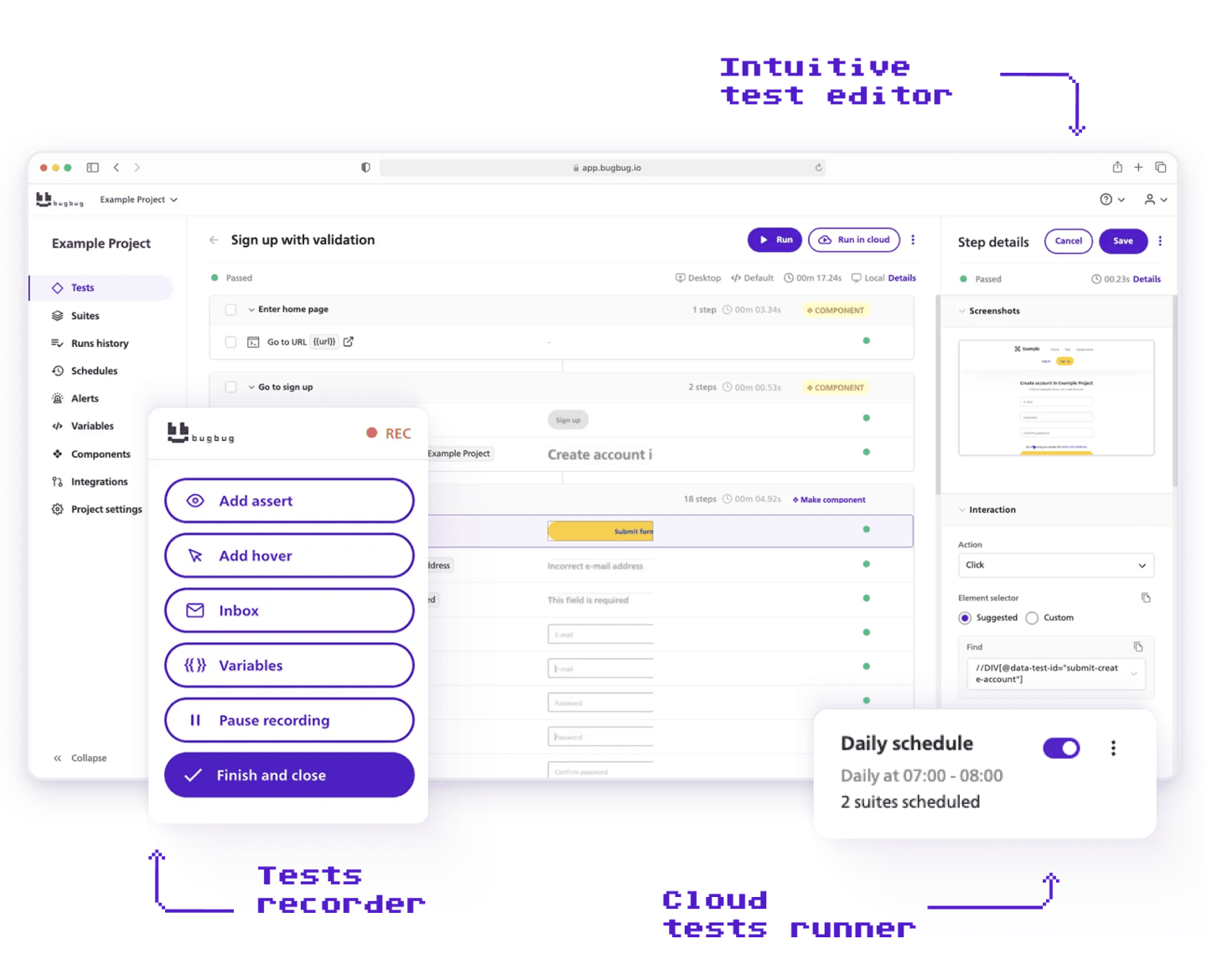
For SaaS teams without QA engineers, this risk-based strategy only works if automation is easy to maintain.
This is where BugBug fits naturally.
BugBug is a codeless test automation tool and one of the leading regression testing tools for web applications. It enables test automation by allowing you to:
BugBug supports continuous testing by automating test execution and making it easy to run regression tests automatically after every code change. As a codeless test automation tool, it empowers non-technical team members to participate in test automation, reducing manual testing time and cost.
You don’t need:
It’s particularly suited for:
And because it’s low-code with optional JavaScript actions, it scales when you need it — without overwhelming you early.
Let’s stay grounded.
You still need developers (or QAs) for:
Regression automation without developers works best for:
Browser-level, end-to-end risk protection.
It’s a layer — not a replacement for engineering quality practices.
Automate your regression tests
Test easier than ever with BugBug test recorder. Faster than coding. Free forever.
Get started
If there’s one thing to remember:
Regression testing is not about testing everything.
It’s about:
You don’t need perfection.
You need intelligent prioritization, measurable risk thresholds, and tooling your team can realistically own. Maintain thorough documentation of your test cases, update your regression test suite regularly, and run automated regression tests frequently to catch issues early and reduce manual effort.
Start small. Protect critical flows. Use metrics and test results to guide effort. Scale gradually.
That’s how you automate regression tests without developers — and without losing control of your product quality.
Happy (automated) testing!
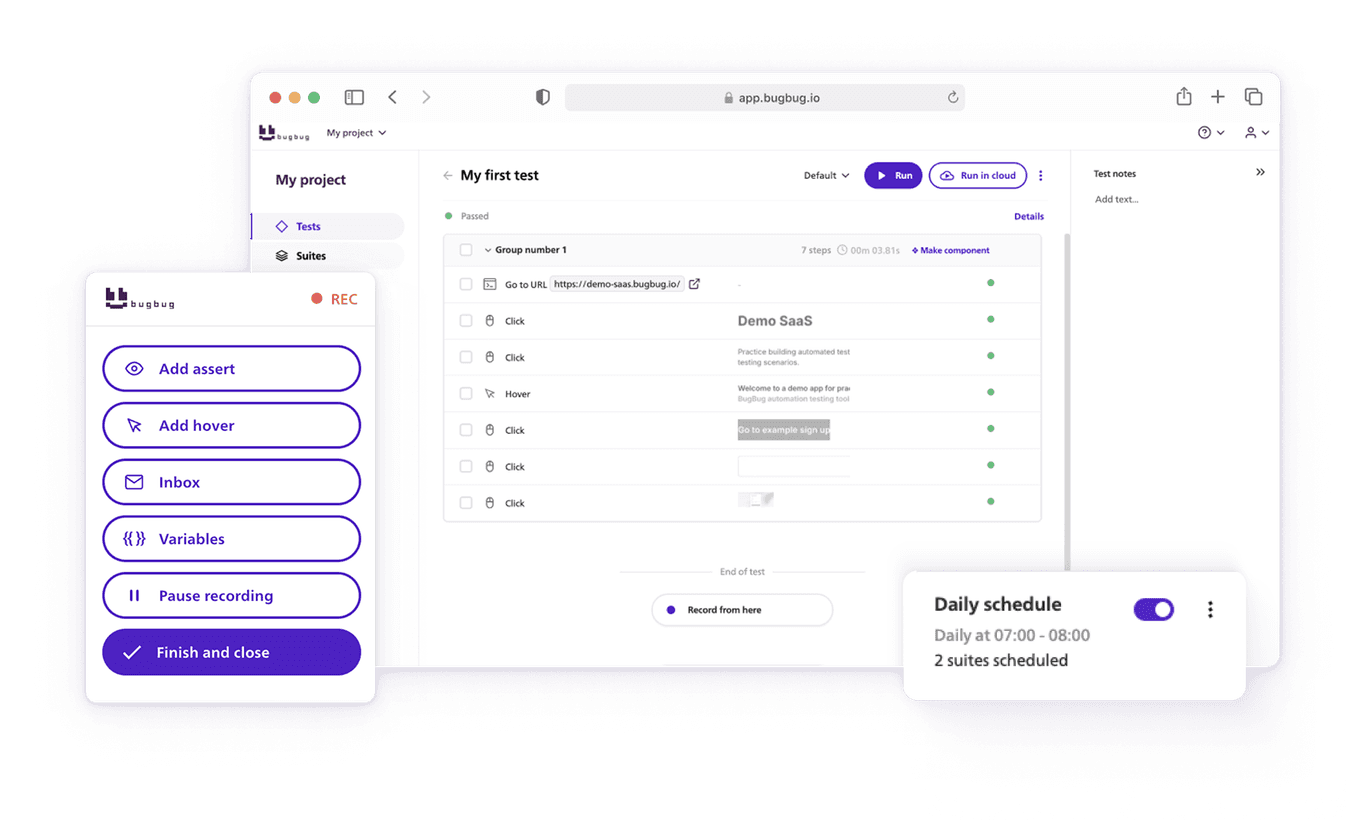
Speed up your entire testing process
Automate your web app testing 3x faster.

Dominik Szahidewicz is a technical writer with experience in data science and application consulting. He's skilled in using tools such as Figma, ServiceNow, ERP, Notepad++ and VM Oracle. His skills also include knowledge of English, French and SQL.
Outside of work, he is an active musician and pianist, playing in several bands of different genres, including jazz/hip-hop, neo-soul and organic dub.
Join thousands of QA experts. Subscribe to our newsletter.
Get more testing tips and product related content. Zero spam.
This article delves into the journey of becoming an Automated Test Engineer, offering insights into the essential skills, knowledge, and steps required to embark on this career path and increase your current salary.
Build a CI/CD testing pipeline in 30 minutes with BugBug. Learn how to run reliable E2E smoke tests on every PR, block bad merges, and scale safely.
Learn how to build an effective QA strategy that aligns with your business goals. Discover best practices in quality assurance, test automation, and more!
Discover how to calculate ROI for test automation with easy formulas and practical examples. Learn to evaluate costs and track results effectively.
Discover the essential QA tester skills for 2026! Learn the technical and soft skills required to excel as a QA Tester.
Learn how to create a test plan for the testing process of your web application. Discover how to write a test plan with examples in the article.
This article delves into the significance of crafting comprehensive test cases for login pages, highlighting various scenarios.
Learn how to extend low-code testing with JavaScript to add advanced logic, API validation, and dynamic assertions without testing framework.
Discover the causes and impact of flaky tests, and learn effective strategies to identify and fix them for reliable software performance.