Production Testing: What It Is and How to Do It Safely
Dominik SzahidewiczJanuary 22, 2026
🤖 Summarize this article with AI:
💬 ChatGPT 🔍 Perplexity 💥 Claude 🐦 Grok 🔮 Google AI Mode
“We test in production” has become one of the most polarizing phrases in software testing. For some teams, it sounds like operational maturity. For others, it’s a red flag—and a meme.
The truth, as usual, sits in the middle. Testing in production is a software development practice that complements, but does not replace, traditional methods like unit testing and integration testing. It provides an additional layer of validation for new features and stability in the actual operational environment.
Testing in production is controlled validation on live systems, not skipping QA or using users as default testers.
Teams do it because staging lies: real traffic, data volume, and distributed systems behave differently in production.
Safe production testing relies on guardrails: monitoring, feature flags, fast rollback, and non-destructive checks.
Common practices include synthetic monitoring, canary releases, A/B testing, and shadow traffic—each with different risk levels.
Tools like Selenium and BugBug support post-deploy confidence, but production testing only works if pre-release automation is already strong.
Check also:
Also check:
Production testing exists because modern systems are complex, distributed, and constantly changing. Staging environments lie. Test data is incomplete. And real user behavior almost never matches what we simulate before release. Real-world data is essential for evaluating the true impact of changes, and effective risk management is crucial to mitigate potential adverse effects on users during production testing.
This article breaks down what production testing actually is, why teams do it, where it goes wrong, and how to approach testing in production without turning your users into unpaid QA. Testing in production is the final layer of safety, complementing pre-release testing to validate changes under real-world conditions.
Production testing is any testing activity that runs against a live production environment—distinct from testing in dedicated test environments or the staging environment, which are used to validate code and features before they go live.
That definition matters—because many teams accidentally lump very different practices under the same label.
Production testing is not:
Instead, production testing usually means:
The controversy comes from how wide that definition can stretch.
Robust monitoring, logging, and observability tools are non-negotiable for safe production testing in production systems.
If testing in production feels wrong, that’s healthy skepticism. But teams don’t adopt it out of laziness—they adopt it because of real constraints. Testing in production provides valuable insights and real world feedback that can enhance software quality and user satisfaction.
Even well-maintained staging environments drift from production:
You can simulate users. You can’t simulate millions of them.
Microservices, queues, third-party APIs, feature flags—many failure modes only appear:
This is why load testing, stress testing, and performance testing in production are crucial to evaluate how the system handles live user traffic and real-world conditions. Load testing helps measure scalability and performance under simulated or real user load, while stress testing evaluates if the application can handle heavy, unexpected user loads. Performance testing assesses speed, scalability, and reliability to identify potential bottlenecks. However, conducting performance testing during peak usage times can result in system overload, so it’s important to plan these tests carefully.
Some bugs simply don’t exist until production.
Fast-moving teams deploy multiple times per day. In that world:
Testing in production allows for faster release cycles by enabling continuous deliveries without long waiting periods for users. It also helps teams gather data and real time feedback from real world usage, such as through A/B testing or chaos engineering, to rapidly evaluate performance, stability, and feature impact.
The key is scope and intent, not location.
By analyzing the successes and failures from each production testing cycle, teams are encouraged to pursue continuous improvement, regularly refining their methods, tools, and strategies for better results over time.
Not all production testing is equal. Mature teams are selective about what they test live. Effective production testing involves feature management, targeting specific user segments, and running tests with risk management in mind to ensure stability and reliability. This approach often leverages feature flagging and monitoring to safely evaluate new features and system performance directly within the live environment.
Testing in production can involve methods such as canary releases and A/B testing to evaluate new features with a subset of users, allowing teams to monitor user behavior and conduct targeted experiments while minimizing risk.
The adoption of testing in production often depends on risk management considerations to ensure a controlled and safe product launch.
These are lightweight, automated checks that run continuously in production, often referred to as synthetic monitoring. This includes smoke testing and sanity testing—quick, preliminary checks performed after deployment to ensure that critical features and basic functionality are working as expected.
Typical examples:
Unlike regression testing and functional tests—which are more comprehensive and typically run before production deployment—these checks are designed to quickly detect:
Think of them as early warning systems, not deep validation.
Feature flags are one of the safest ways to test in production. Canary releases are a common method for gradual rollouts, where new features are deployed to a small user base before full deployment, minimizing risk and allowing issues to be detected early.
Instead of releasing to everyone:
This turns production into a controlled experiment, not a gamble. Feature management platforms and feature flagging services like LaunchDarkly make it easy to safely test new features in production, toggle features without redeployment, and automate rollback if needed. Kubernetes can also be used to deploy canary releases by routing a small percentage of traffic to a new version, further reducing risk. Establishing clear rollback procedures and automated rollback criteria is essential to minimize disruption and maintain stability during production testing.
The catch: feature flags require discipline. Forgotten flags become technical debt fast.
A/B testing often gets labeled as production testing—but it serves a different goal.
A/B testing targets specific user segments to gather data and monitor user impact, allowing teams to experiment with new features or changes while minimizing risk to the broader user base.
Its primary purpose is:
From a QA perspective:
QA teams should treat A/B tests as adjacent, not core, testing activities.
Shadow testing involves:
This is powerful—and dangerous if misconfigured.
It requires:
It’s usually reserved for high-scale or high-risk systems.
Automate your tests for free
Test easier than ever with BugBug test recorder. Faster than coding. Free forever.
Sign up for free
The fear around production testing isn’t theoretical. Teams have been burned.
Common risks include:
Once users lose confidence, no amount of postmortems helps.
Effective risk management and support testing strategies are essential to mitigate these risks, ensuring a controlled approach to deploying new code changes and minimizing the chance to negatively affect real users. Tools like Sentry provide real-time error tracking and notify teams of bugs and performance issues as they happen in production, helping maintain system stability and user trust.
That’s why “testing in production” became a meme—it’s often shorthand for skipping responsibility.
Production testing only works when guardrails come first. To safely test in production, it’s essential to implement robust monitoring, including application performance monitoring (APM) and real user monitoring (RUM), to detect issues early, maintain system stability, and gain real-time insights into user experience.
Start by setting up robust monitoring systems that provide comprehensive detection, diagnosis, and response capabilities. Application performance monitoring tools like New Relic and Datadog offer real-time performance insights, helping you identify bottlenecks and maintain high availability during production testing. AWS CloudWatch is another valuable monitoring service for AWS resources, providing visibility into production workloads and application behavior under live traffic. For direct insights into user experiences and errors, Real User Monitoring (RUM) tools such as Raygun and LogRocket are highly effective.
Establishing clear rollback procedures is essential to minimize disruption if issues arise during production testing. Additionally, clear communication across teams is vital to ensure everyone is aligned and can respond quickly to any incidents.
Examples:
If a test can cause irreversible harm, it doesn’t belong in prod.
Here’s the uncomfortable truth:
Production testing is a tax you pay when pre-production testing isn’t strong enough.
Good teams don’t choose between them—they layer them.
A healthy setup looks like:
Automated testing tools such as Selenium, Appium, JMeter, and LoadRunner are critical for efficiently identifying and resolving issues in production environments.
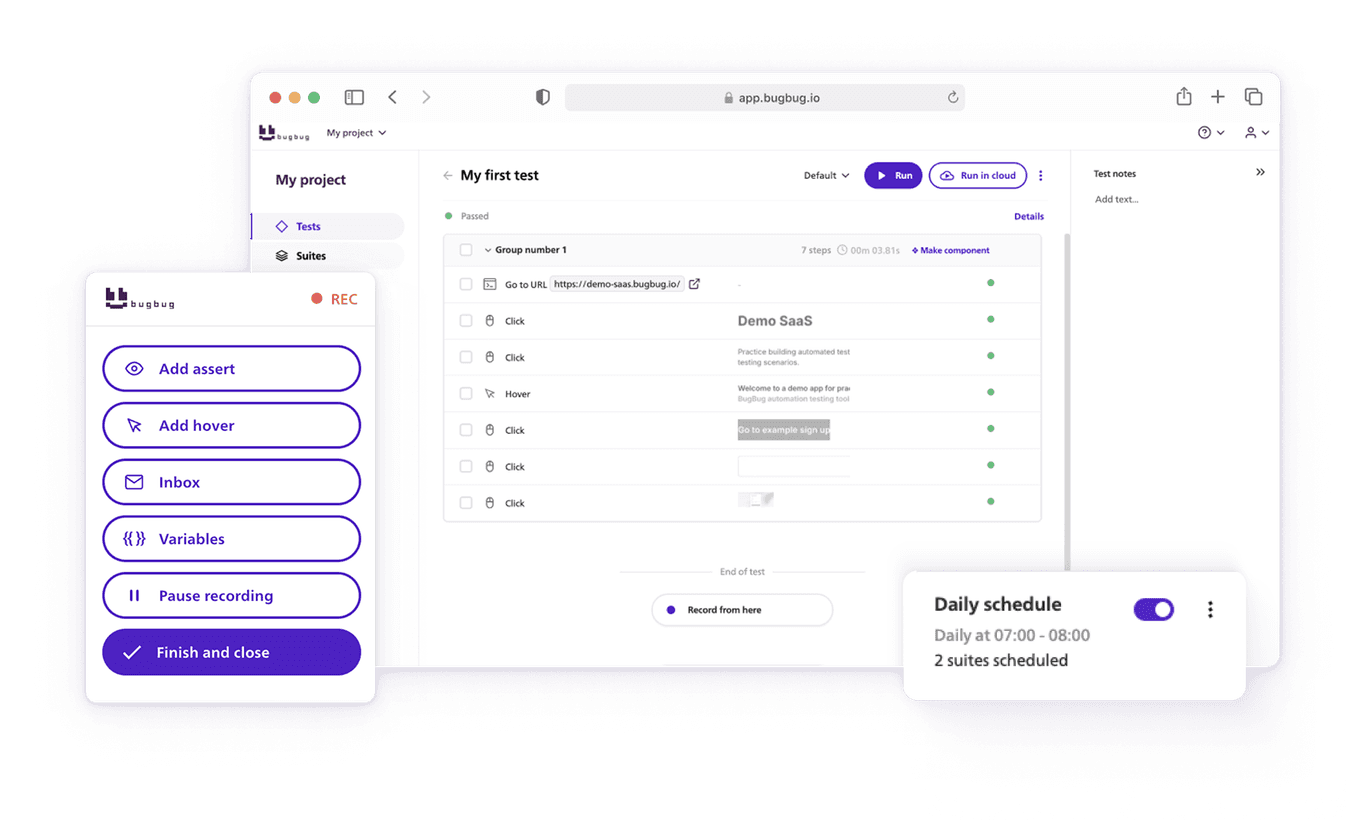
This is where tools like BugBug fit naturally—not as “testing in production,” but as post-deploy confidence checks.
Teams often use browser automation to:
Regression testing, especially automated regression testing during production, ensures that new changes do not negatively impact existing features and helps deliver error free software. Manual testing also remains important for exploratory and user-centered testing activities, complementing automation as part of a comprehensive quality assurance strategy.
Production testing works best when automation already did most of the heavy lifting.
Context matters.
Software engineers play a key role in managing testing in production as part of the overall software development process. Integrating production testing into the software development lifecycle helps teams catch issues that only appear in live environments, but it requires careful planning and risk management. Support testing, such as using feature flags and monitoring, is essential to safely enable and control testing activities in production and to mitigate potential risks.
Production testing isn’t a maturity shortcut. It’s something teams grow into.
If your CI is flaky, your tests are slow, or your releases are already risky—production testing will magnify those problems.

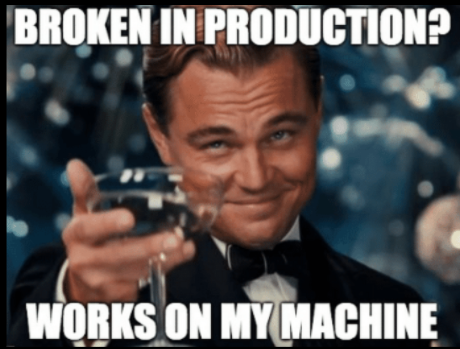
The meme resonates because it captures a real frustration:
But memes collapse nuance.
What they miss is the difference between:
Good teams don’t test instead of preparation. They test in production because they prepared. Testing in production can help identify unforeseen bugs that may slip into the live environment despite having a robust QA strategy.
Testing in production is not an excuse to skip QA.
In practice, strong teams combine:
Production becomes the final feedback loop, not the first line of defense. Testing in production provides real world feedback from authentic user interactions, increasing the accuracy and realism of your test results.
If production is where bugs are discovered, not confirmed—you’re already too late.
By analyzing feedback from production testing, teams can drive continuous improvement and refine their processes over time.
Automate your tests for free
Test easier than ever with BugBug test recorder. Faster than coding. Free forever.
Sign up for free
Production testing isn’t reckless.
And it isn’t brave.
It’s a pragmatic response to modern software complexity—useful when applied deliberately, dangerous when used casually.
The real question isn’t “Do you test in production?”
It’s “What did you already do before you got there?”
Teams with strong automation, clear ownership, and fast recovery treat production testing as a safety net.
Everyone else treats it as a punchline—and eventually becomes one.
Happy (automated) testing!
Speed up your entire testing process
Automate your web app testing 3x faster.

Dominik Szahidewicz is a technical writer with experience in data science and application consulting. He's skilled in using tools such as Figma, ServiceNow, ERP, Notepad++ and VM Oracle. His skills also include knowledge of English, French and SQL.
Outside of work, he is an active musician and pianist, playing in several bands of different genres, including jazz/hip-hop, neo-soul and organic dub.
Join thousands of QA experts. Subscribe to our newsletter.
Get more testing tips and product related content. Zero spam.
Discover cloud testing, a powerful approach for evaluating application performance and reliability using cloud computing resources.
Learn how to identify and fix test failures with this complete guide on what to do when your test fails.
Discover the holistic testing that empowers agile teams to integrate exploratory testing into their software development, ensuring QA at every stage.
What is performance test? Let's explore testing process, common challenges and best practices.
Check How Reusable Components in BugBug Save Hours of Test Maintenance - all packed in one guide.
How does Selenium Work, what it’s good at, where it breaks down, its hidden costs, and how much UI automation is actually healthy.
This article delves into the journey of becoming an Automated Test Engineer, offering insights into the essential skills, knowledge, and steps required to embark on this career path and increase your current salary.
Learn how to build an effective QA strategy that aligns with your business goals. Discover best practices in quality assurance, test automation, and more!
Explore the software development process of feature testing. Learn how testing multiple variations of a new feature ensures the best user experience.