Negative Testing: How to Break Your App on Purpose
Dominik SzahidewiczJanuary 13, 2026
🤖 Summarize this article with AI:
💬 ChatGPT 🔍 Perplexity 💥 Claude 🐦 Grok 🔮 Google AI Mode
Most software teams are very good at proving their application works.
They are far less prepared to prove what happens when it doesn’t.
Users will enter invalid data. APIs will receive malformed payloads. Sessions will expire at the worst possible moment. And when that happens, the real question isn’t _“Does the feature work?”_—it’s “Does the system fail safely?”
The purpose of negative testing is to verify system robustness, detect vulnerabilities, and ensure the software handles invalid or unexpected inputs gracefully.
That’s exactly what negative testing is about. Negative test cases are specifically designed and executed to check how the system reacts to invalid inputs, unexpected actions, or error conditions. Observing how the system reacts during negative testing is crucial for ensuring proper error handling and overall software quality. In this article, we’ll cut through the theory and focus on how negative testing actually helps QA engineers, developers, and fast-moving teams ship more reliable software—without drowning in brittle tests.
Check also:
Negative testing validates safe failure, not broken functionality.
In practical terms, negative testing means intentionally providing invalid, unexpected, or extreme input—such as invalid or unexpected inputs and incorrect inputs—to your system and verifying that it responds correctly. “Correctly” doesn’t mean success—it often means rejecting the input, showing a clear error message, or blocking an unsafe action. Error handling, error handling tests, and testing error are key aspects of negative testing, ensuring the system manages faults and failures gracefully.
For example:
Input validation testing is crucial in negative testing, as it verifies that input data—both valid and invalid—is handled appropriately to prevent issues and maintain security.
In negative testing:
What negative testing is not:
Negative testing complements positive testing. One proves the system works. The other proves it fails responsibly.
Negative testing is a risk-reduction strategy, not optional extra coverage.
Most production bugs don’t come from missing features—they come from unhandled edge cases:
Negative testing ensures that your application can handle invalid or unexpected inputs gracefully, while negative testing helps build resilient, secure, and reliable software by identifying vulnerabilities and improving error handling.
These issues are rarely caught by unit tests alone and often bypass happy-path end-to-end tests. Negative testing targets exactly those high-risk areas.
For modern teams—especially startups and small QA teams—the cost of missing these failures is high:
Negative testing is important for uncovering vulnerabilities and ensuring application resilience, and structured negative testing efforts help reduce production incidents and improve software reliability.
Negative testing shifts those failures left, when they’re still cheap to fix.
Negative testing improves overall system health by preventing invalid or corrupted data from being stored.
Negative testing is more cost-efficient when issues are caught and fixed during the development phase rather than after production failure.
Automate your tests for free
Test easier than ever with BugBug test recorder. Faster than coding. Free forever.
Sign up for free
You don’t choose between positive and negative testing—you sequence them. Unlike positive testing, negative testing intentionally challenges the system with invalid inputs to test its resilience and security.
A practical strategy looks like this:
Positive tests answer:
“Does the system work when users behave correctly?”
Negative software testing involves testing how the system responds to invalid, unexpected, or incorrect inputs. It verifies the application's robustness by identifying vulnerabilities, ensuring graceful error handling, and improving overall software reliability.
Negative tests answer:
“Does the system protect itself when they don’t?”
When combined, they provide meaningful coverage without doubling your test suite. The negative testing process is a systematic approach that helps ensure your application is robust and ready for real-world scenarios.
Negative testing is most effective when it focuses on realistic failure risks, not theoretical edge cases. Typical negative testing scenarios, negative scenarios, and unexpected scenarios are key areas to focus on, as they help ensure your application can handle invalid, unusual, or unforeseen conditions gracefully.
By including malicious inputs in your tests, negative testing can uncover vulnerabilities such as SQL injection and cross-site scripting (XSS), helping to improve your application's security and stability.
Test what happens when users:
Negative testing in these scenarios should focus on a variety of input values, including missing, incomplete, or unexpected data. Input validation testing is crucial to ensure the application properly handles these cases by verifying the format, type, and completeness of user inputs.
A robust system should accept only valid data, rejecting invalid or malicious entries such as incorrect email formats or empty required fields. Input validation ensures the system accepts only valid data by verifying correct input formats and rejecting invalid or malicious entries, helping to prevent vulnerabilities and maintain data integrity.
Good behavior here means clear, actionable feedback—not silent failure.
Classic examples that still break systems:
Supplying incorrect data or invalid data types and formats during negative testing can lead to issues such as data corruption, application crashes, or security vulnerabilities. Using special characters where not allowed, such as SQL injection attempts, can reveal vulnerabilities in applications.
These often expose mismatches between frontend validation and backend expectations.
Fields almost always have limits:
In negative testing, it's important to consider boundary values and perform boundary value testing by checking inputs just below, at, and just above the valid values. Numeric values are a common area for boundary violations, such as entering out-of-range numbers or non-numeric characters. Boundary value analysis tests input values at their boundary limits—just below, at, and just above the acceptable range—to ensure the system handles edge cases robustly. Automated tools can identify likely boundary conditions automatically during negative testing.
Test values just outside allowed boundaries and extreme overflow cases. These scenarios frequently surface crashes or corrupted state.
Some values are technically valid—but nonsensical:
Negative testing checks how the system handles invalid or incorrect inputs that may pass basic validation but are logically wrong. It's important to distinguish valid data from data that is technically allowed but violates business logic. Ensuring correct behavior means the application should respond properly—such as displaying error messages or preventing submission—when such data is encountered.
Negative testing here protects business logic, not just code.
Try:
Negative testing should also include session handling and state transition testing to ensure the application responds correctly to invalid or unexpected state changes. Session handling tests unauthorized actions, such as attempting actions after a session has timed out. Testing invalid transitions between system states helps verify that applications do not allow illegal moves, like accessing protected pages without proper authentication.
These tests often reveal security or authorization issues that are invisible in happy-path testing.
Boundary value analysis is often mentioned alongside negative testing—but they’re not the same. There are different types of negative testing, each designed to uncover system weaknesses through various error simulation techniques. The negative testing process is a systematic approach that involves careful planning and automation to ensure comprehensive coverage, often accounting for unpredictable user behavior in real-world scenarios.
To systematically cover different negative scenarios, you should design and execute specific test cases that verify how your software handles invalid or unexpected inputs. Stress tests are a form of negative testing that evaluates how a system performs under extreme conditions or loads.
Boundary tests support negative testing, but don’t replace it. Negative testing also includes:
Treat boundary value analysis as one tool inside your negative testing toolbox—not the entire strategy.
Poorly designed negative tests are often the first to become flaky.
Automated negative testing is essential for robust test automation, as it allows teams to systematically validate how software handles invalid inputs, boundary cases, and unexpected actions. Focusing negative testing efforts on these scenarios helps uncover vulnerabilities, improve error handling, and ensure software reliability across diverse environments. Automated tools can identify likely boundary conditions automatically during negative testing, making the process more efficient and thorough.
Common problems:
Sustainable negative automation follows a few rules:
The goal is clarity and intent—not exhaustive coverage.
The fastest way to automate negative testing is to reuse happy-path flows.
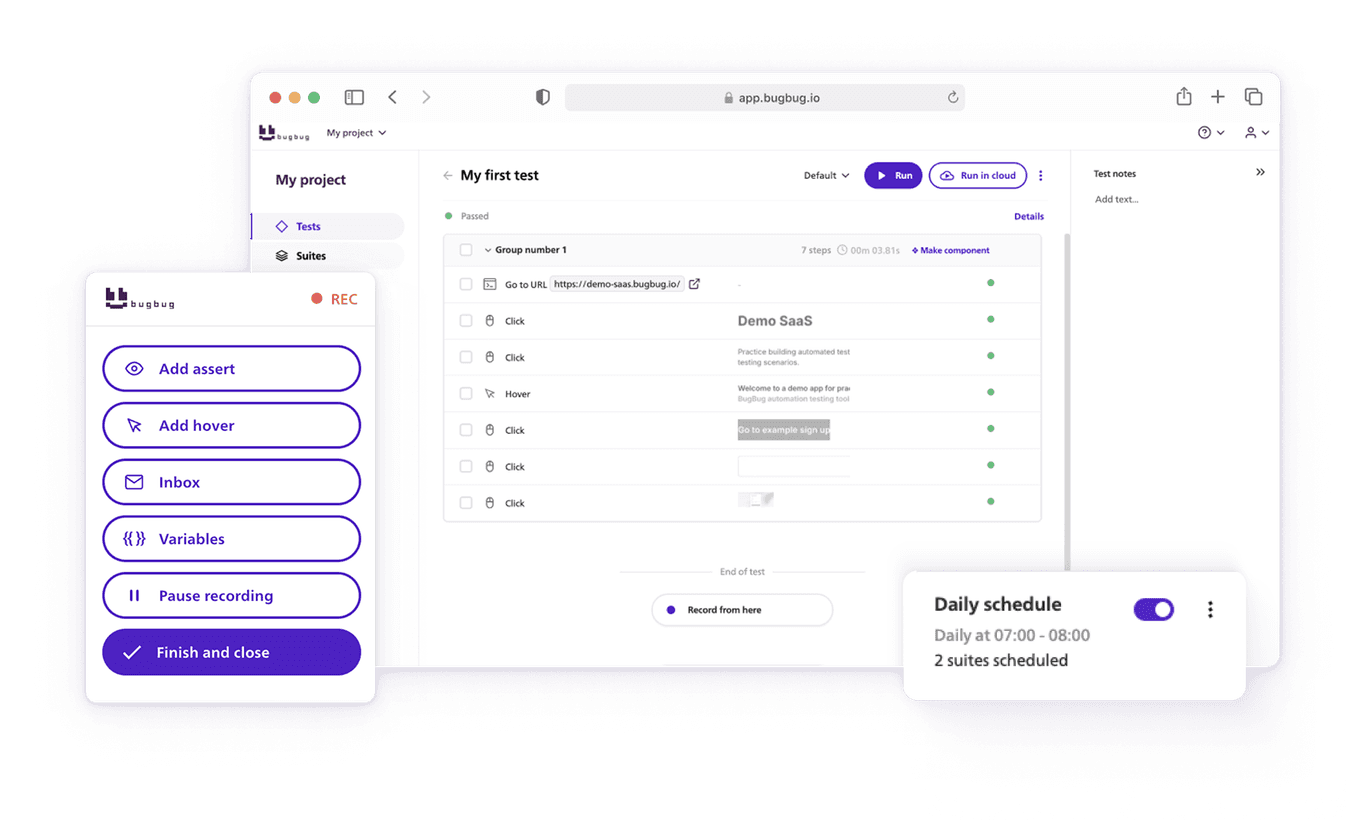
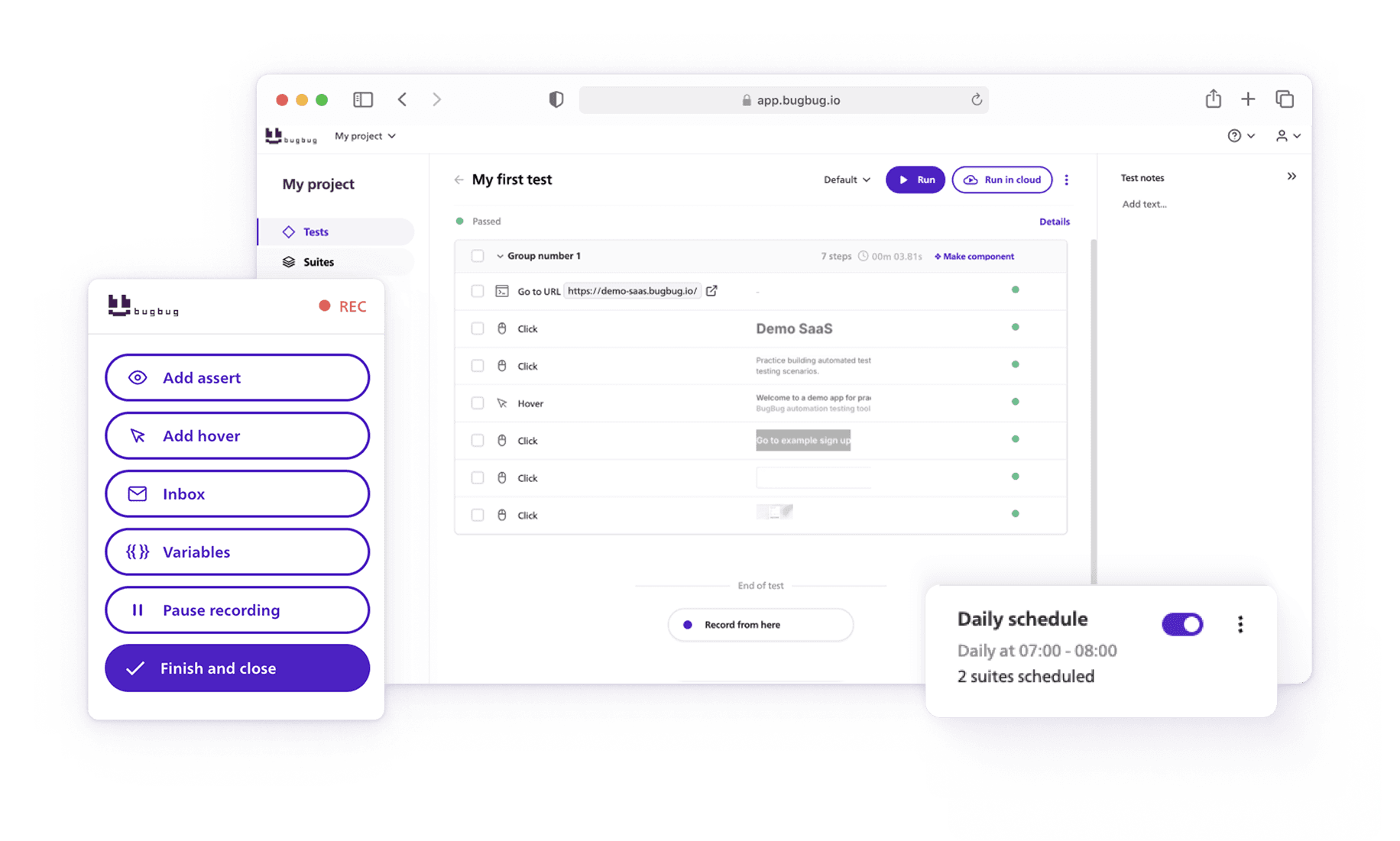
BugBug is a browser-based, codeless test automation tool designed for teams that want practical automation without heavy frameworks. Teams can perform negative testing by recording a happy-path test, duplicating it, and then modifying the inputs to simulate invalid, unexpected, or boundary cases—making it easy to validate error handling and system robustness. Automated negative testing with BugBug helps systematically verify how your application reacts to invalid inputs and unexpected actions, improving software quality.
With BugBug, teams typically:
Instead of catching exceptions in code, you validate what actually matters to users: how the application responds.
Because BugBug handles selectors and browser execution reliably, negative tests are less brittle—and easier to run in CI/CD before every release. BrowserStack provides a robust testing environment to execute negative test cases across 3500+ real devices and browsers, further enhancing your negative testing coverage.
Automate your tests for free
Test easier than ever with BugBug test recorder. Faster than coding. Free forever.
Sign up for free
Most failures in negative testing come from process, not tools.
Exploratory testing and error guessing play a crucial role in negative testing by allowing testers to actively explore the system in time-boxed sessions and use their experience to predict likely failure points in the software. Incorporating error handling tests helps avoid common mistakes by evaluating how well the application manages invalid inputs and unexpected conditions, ensuring helpful error messages and system stability.
Common pitfalls:
Negative testing should improve confidence, not inflate maintenance cost.
Fewer, smarter negative tests beat massive edge-case matrices every time.
Negative testing is a maturity signal in software quality. In conclusion, negative testing is essential for identifying edge cases, handling unexpected inputs, and ensuring software stability and reliability under adverse conditions to improve overall quality. Conclusion negative testing highlights its role in exposing cracks in your application's armor that can lead to security vulnerabilities, data corruption, or crashes. Negative testing in 2026 remains critical for software resilience by ensuring graceful error handling. Without negative testing, systems may crash in case of invalid inputs, expose security vulnerabilities, or process corrupted data. Incorporating negative testing into the SDLC ensures that the software is of high quality, secure, and fit for purpose.
Fuzz testing is an effective method for negative testing that helps find unexpected errors. Fuzz Testing involves sending large amounts of random, unexpected data to find crashes and vulnerabilities. Inputting large amounts of random or random-malformed data through Fuzz Testing can identify software vulnerabilities and improve system robustness.
It shows that a team understands real user behavior, accepts that things will go wrong, and designs systems that fail safely. When combined with positive testing and automated thoughtfully, negative testing dramatically improves stability, security, and release confidence.
If your test suite only proves things work, it’s incomplete.
The next step is to start proving they _fail well_—before your users do.
Speed up your entire testing process
Automate your web app testing 3x faster.

Dominik Szahidewicz is a technical writer with experience in data science and application consulting. He's skilled in using tools such as Figma, ServiceNow, ERP, Notepad++ and VM Oracle. His skills also include knowledge of English, French and SQL.
Outside of work, he is an active musician and pianist, playing in several bands of different genres, including jazz/hip-hop, neo-soul and organic dub.
Join thousands of QA experts. Subscribe to our newsletter.
Get more testing tips and product related content. Zero spam.
Discover cloud testing, a powerful approach for evaluating application performance and reliability using cloud computing resources.
Discover the importance of QA testers in software development and whether automation can eliminate the need for this crucial role. Learn more here!
Explore the test suite in software testing and understand its role in creating and executing test cases. Learn how to manage test suites effectively.
Learn how to build an effective QA strategy that aligns with your business goals. Discover best practices in quality assurance, test automation, and more!
Discover how to calculate ROI for test automation with easy formulas and practical examples. Learn to evaluate costs and track results effectively.
Read this comprehensive guide on how to choose the right CI/CD tool. Selecting the tool that aligns with your project is essential.
Learn how to create a test plan for the testing process of your web application. Discover how to write a test plan with examples in the article.
Learn exactly when to run regression tests—after features, fixes, updates, and on a schedule—plus tips to automate smoothly with minimal churn.
Check How Reusable Components in BugBug Save Hours of Test Maintenance - all packed in one guide.