Self Healing Test Automation: Hype & Reality
Dominik SzahidewiczDecember 11, 2025
🤖 Summarize this article with AI:
💬 ChatGPT 🔍 Perplexity 💥 Claude 🐦 Grok 🔮 Google AI Mode
Self-healing test automation has become one of the most polarizing topics in QA. Browse any Reddit or Slack discussion and you’ll see the same reactions over and over:
“Self-healing = five backup XPaths.” “What happens when the AI heals away a real bug?” “Great in demos — fails on real products.” “Works fine as long as your entire test suite fits on a login page.”
That skepticism isn’t cynicism — it’s experience. Many of us have been burned by tools that promised “zero maintenance automation” only to produce more chaos than they removed. Traditional automated testing relies on fixed locators and often leads to broken tests whenever the application changes, requiring significant manual intervention to update or fix scripts. In contrast, self-healing test automation aims to reduce the manual intervention needed to fix broken tests caused by changes in the application, automatically adapting to UI or code modifications. And with the current wave of AI marketing, vendors are once again promising to replace flaky selectors, brittle flows, and human oversight with “intelligent automation.”
This article cuts through the hype. We’ll look at what self-healing automation really is, how it works, what it genuinely solves, and where it introduces dangerous blind spots. We’ll also explore the broader landscape of AI in test automation — what’s working today, what isn’t — and where pragmatic platforms like BugBug fit into all this without pretending AI is a silver bullet.
Check also:
When vendors talk about “self-healing tests,” the pitch sounds magical:
But practitioners need a clearer, more honest definition:
Self-healing test automation refers to mechanisms that automatically adjust how a test identifies UI elements when the original locator stops working.
That’s it. No AI agent rewriting your test logic. No semantic understanding of the application. No ability to distinguish harmless UI tweaks from functional regressions.
And—this part is crucial—self-healing applies almost exclusively to locators, not:
Self-healing mechanisms typically operate at the level of individual test steps within test scripts, automatically updating how each test step locates UI elements when changes occur.
If a tool claims it can “heal” these things, treat it as a major red flag.
Most self-healing systems sound smarter than they really are. Under the hood, they usually rely on a combination of predictable mechanisms:
A “fingerprint” is a set of attributes used to identify a web element. This can include ID, name, class, XPath, ARIA attributes, and sometimes even text content or relative position in the DOM. Using multiple attributes, including secondary identifiers such as relative position, text attributes, and parent/child relationships, increases the robustness of self-healing by allowing the system to adapt when primary identifiers change or are unavailable.
Some attributes are more stable than others. For example, an element’s ID is often unique and persistent, while a class name might be shared or change frequently. Self-healing systems assign weights to each attribute to prioritize the most reliable ones.
If the primary attribute (like ID) is missing or changed, the system falls back to other attributes—such as name, XPath, or CSS selector—to try to find the element. This layered approach helps maintain test stability even as the UI evolves.
When a UI is redesigned and an element’s attributes change, the self-healing mechanism compares the old fingerprint to the new DOM. It uses the weighted attributes and fallback strategies to find the closest match. This way, the system can reliably identify the target element by leveraging these multiple attributes and fallback strategies, even after significant UI updates.
The tool tracks an element using a bundle of attributes:
When a locator fails, the system searches the DOM:
“Which current element looks most like the element this test previously interacted with?”
Common approaches include:
Your button starts as:
<button id="add-to-cart">
After a redesign:
<button id="add-item" class="btn btn-primary">Add item</button>
The system finds the new element by recognizing:
This type of healing genuinely helps when:
But its usefulness is limited to a narrow slice of UI automation problems.
Despite the skepticism, self-healing can provide real value — but only in specific, controlled scenarios. By automatically adapting to changes in the application, self-healing test automation reduces test maintenance efforts and manual effort, making it easier for teams to keep tests up to date.
When the UI changes frequently, self-healing can automatically repair broken locators, minimizing the need for manual updates. This not only saves time but also helps prevent unnecessary test failures and improves test reliability.
By adapting to minor changes, self-healing reduces false positives and minimizes test run noise. This leads to more accurate test results and greater test accuracy, ensuring that teams can trust their automated testing outcomes.
With fewer broken tests to fix, teams can spend less time on maintenance and more time on building new tests. These efficiencies contribute to smooth test execution, effective test execution, and help ensure test continuity even as the application evolves.
By reducing maintenance and adapting to changes, self-healing automation improves test coverage and allows teams to focus on expanding their testing scope.
Harmless UI updates often break dozens of tests. Self-healing can prevent these failures from polluting CI pipelines.
If every DOM tweak triggers a cascade of failures, teams lose productivity. Self-healing can filter out the noise.
When changes are logged and reviewable, engineers can quickly confirm valid updates rather than repairing every selector manually.
But these benefits only matter if the tool stays within safe boundaries.
Try stable automation with Bugbug
Test easier than ever with BugBug test recorder. Faster than coding. Free forever.
Get started
Experienced testers aren’t skeptical because they dislike innovation. They’re skeptical because the risks are real. One of the common test automation lies is the belief that self-healing can eliminate all test failures and flaky tests without any human intervention.
Imagine:
This is why many QA engineers prefer a red test over a falsely green one.
Tools may:
You end up debugging the healing algorithm instead of debugging the product.
Once a suite is known to “lie,” engineers stop trusting automation.
A green build becomes meaningless.
Self-healing performs poorly in:
The more context needed to identify an element, the more self-healing struggles.
The most productive uses of AI in QA have almost nothing to do with self-healing. While machine learning and machine learning algorithms are increasingly integrated into test automation frameworks, their most reliable applications today are in areas like code generation and data analysis, rather than fully autonomous self-healing.
Teams report massive gains using tools like Claude, Cursor, and Copilot for:
AI acts like a fast, supervised junior developer — and that is genuinely valuable.
AI shines at:
This often increases coverage significantly.
AI can:
This reduces triage time and test fatigue.
Useful with human review — not as autonomous test agents.
These remain open research problems, not solved product features.
Use this framework when assessing any vendor claiming self-healing or AI test automation. A robust testing tool should offer self healing capabilities as part of its automation tools. Automated testing tools with a well-designed self healing system and a transparent self healing process are more likely to deliver reliable results.
Safe: selectors only
Dangerous:
A safe tool must:
Don’t rely on the vendor’s demo.
Run it on:
Measure:
Avoid any tool that promises:
You should not introduce self-healing into an unstable automation stack.
Here’s the roadmap that actually works. A successful approach starts with careful initial test design and close collaboration between the development team and QA teams to ensure robust test creation and effective test scenarios that can adapt to changes.
Self-healing cannot compensate for:
Make the suite structurally healthy first.
Implement:
This reduces most flakiness without needing AI.
Such as:
This augments human engineers rather than replacing them.
If you implement self-healing:
Self-healing should be an optimization — not a crutch.
The testing industry doesn’t need more AI promises. It needs tools that make automation reliable. Unlike traditional automation, traditional automation tools, and traditional test automation—which often rely on static locators and require constant manual updates—BugBug focuses on building robust testing software from the ground up. BugBug takes a very different approach from vendors selling “self-healing” or autonomous test agents: instead of trying to patch over unstable tests with inference and fuzzy logic, it focuses on removing instability at the source.
The philosophy is simple:
Build tests that are clear, repeatable, and stable by design — so you don’t need self-healing in the first place.
Here’s how BugBug streamlines automation without resorting to AI magic.
Automate your tests with BugBug
Test easier than ever with BugBug test recorder. Faster than coding. Free forever.
Get started
Most flaky UI tests fail because selectors are brittle. BugBug eliminates this by prioritizing:
This prevents locator churn rather than repairing it after the fact.
BugBug automatically handles real-world timing issues with:
This addresses one of the biggest causes of flakiness.
Teams can create reusable flows (login, checkout, navigation) and update them once to propagate changes everywhere.
This is true maintainability, achieved through engineering — not healing heuristics.
BugBug avoids the “black-box” problem entirely:
Nothing happens behind your back.
Because BugBug does not run inference layers, DOM scoring, or AI retries, execution is:
Speed comes from deterministic design, not shortcuts.
BugBug never rewrites:
Nothing is “healed” automatically.
Nothing hides regressions.
BugBug doesn’t claim:
Instead, it focuses on:
These are the fundamentals that eliminate most flakiness before AI ever enters the picture.
By prioritizing reliability and clarity over hype, BugBug helps teams build automation that works consistently in production — not just in vendor demos.
The truth without marketing gloss:
If you want a testing strategy that scales, build stable tests first, then adopt AI tools intentionally — not blindly.
Happy (automated) testing
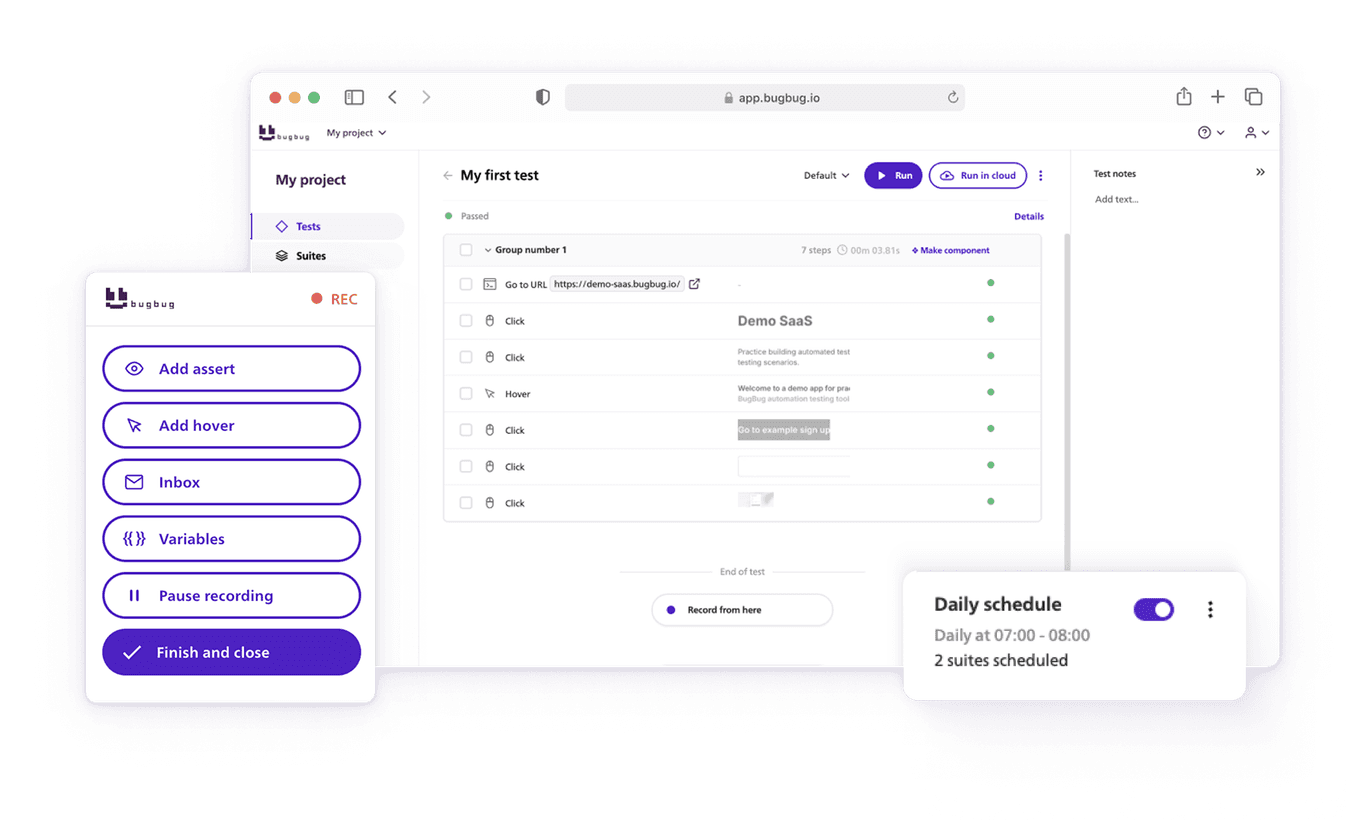
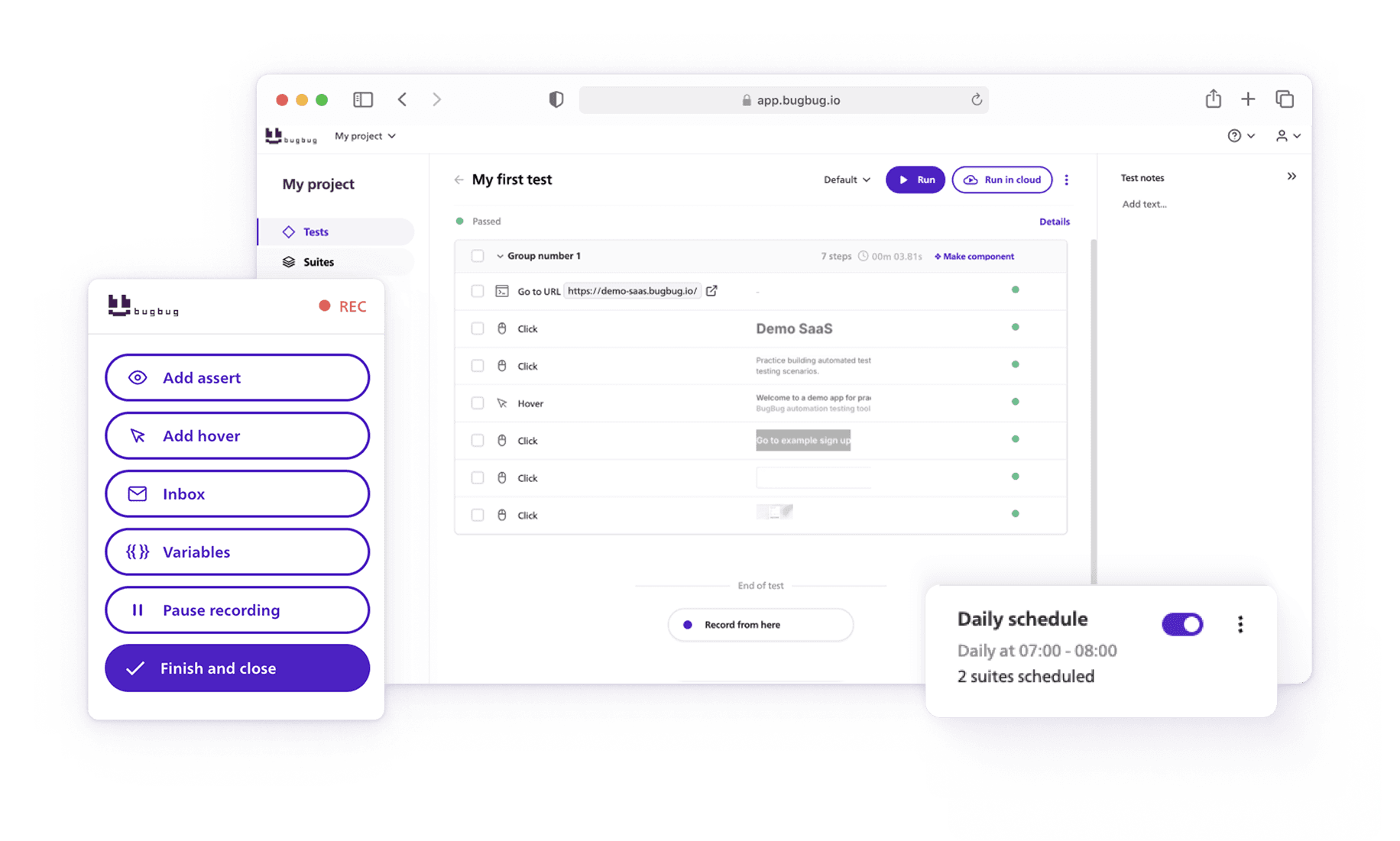
Speed up your entire testing process
Automate your web app testing 3x faster.

Dominik Szahidewicz is a technical writer with experience in data science and application consulting. He's skilled in using tools such as Figma, ServiceNow, ERP, Notepad++ and VM Oracle. His skills also include knowledge of English, French and SQL.
Outside of work, he is an active musician and pianist, playing in several bands of different genres, including jazz/hip-hop, neo-soul and organic dub.
Join thousands of QA experts. Subscribe to our newsletter.
Get more testing tips and product related content. Zero spam.
Discover essential business tools for startups. Read the article to find the right tools for your success.
Discover how canary testing is a powerful method for safely deploying new software features by gradually releasing updates to a small user group.
Discover how to calculate ROI for test automation with easy formulas and practical examples. Learn to evaluate costs and track results effectively.
This article delves into the significance of crafting comprehensive test cases for login pages, highlighting various scenarios.
Discover practical strategies to engage developers and product managers in software testing. Learn how collaboration improves product quality.
Learn how to speed up end-to-end (E2E) testing with smart test design, CI/CD optimizations, and lightweight tools like BugBug.
How to test a website? Read our whole article on how you should approach testing your website.
Hello and welcome back to our blog series on simplifying website testing with BugBug! This week we are going to test Account Creation and Management on e-commerce platforms.
Learn exactly when to run regression tests—after features, fixes, updates, and on a schedule—plus tips to automate smoothly with minimal churn.