Generative AI Testing Tools - Evaluation Checklist
Dominik SzahidewiczJanuary 24, 2026
🤖 Summarize this article with AI:
💬 ChatGPT 🔍 Perplexity 💥 Claude 🐦 Grok 🔮 Google AI Mode
Choosing Generative AI testing tools in 2026 feels deceptively simple. Every vendor promises self-healing tests, AI-driven insights, and zero maintenance. Yet teams who’ve lived through failed rollouts know the truth: AI can reduce testing risk—or quietly multiply it.
This article is not another list of the best AI automation tools. It’s a vendor evaluation checklist designed for teams who already understand testing fundamentals and want to avoid expensive, hard-to-reverse mistakes.
If you want the strategic backdrop before diving into vendor questions, revisit “AI Testing Tools: Revolution or Buzzword?”. What follows is the practical, uncomfortable part: what to ask before you sign anything.
Also check:
AI entered software testing faster than most QA processes could adapt.
The result:
For small and mid-sized teams especially, the biggest risk isn’t missing out on AI—it’s overcommitting to it too early. While manual testing and manual testing efforts have long been the foundation of QA, they are often time-consuming and resource-intensive; generative AI testing tools promise to reduce these manual testing efforts by automating repetitive tasks and increasing efficiency, but relying too heavily on unproven AI solutions can introduce new risks. Once your test suite, pipelines, and reporting depend on opaque behavior, switching tools becomes costly.
This checklist exists to flip the balance of power back to the buyer.
👉 Check also: How to Use AI in Automation Testing?
This is not a scoring spreadsheet.
Use it as a risk filter:
If a vendor can’t answer these confidently, imagine relying on them during a production incident.
Before features, pricing, or roadmaps, establish one thing: what is genuinely AI here? Many generative AI testing tools leverage advanced ai models and machine learning algorithms, making it essential to understand the role of ai in software testing when evaluating these solutions.
If these answers feel vague, you’re dealing with marketing—not engineering.
Try stable automation with Bugbug
Test easier than ever with BugBug test recorder. Faster than coding. Free forever.
Get started
Fast test creation is impressive. Maintainable tests are valuable.
Teams often discover too late that “no-code + AI” trades short-term speed for long-term opacity.
AI should reduce noise. Some tools simply hide it. Effective test maintenance, identification of redundant test cases, and test optimization are critical for long-term success with AI-powered testing tools.
False confidence is more dangerous than slow feedback.
Most test failures don’t happen during demos—they happen in CI, under time pressure.
The best reporting isn’t flashy—it’s actionable.
AI tools rarely fail technically. They fail culturally. To ensure successful adoption and scalability, it’s crucial that AI-powered testing tools align with the needs of QA teams, development teams, and robust testing infrastructure.
If a tool demands you “rethink QA” just to function, be cautious.
This is where most teams under-question vendors.
AI-heavy tools often look affordable early—and expensive later.
Comparison pages are useful—but only if you read them critically. It’s essential to align your tool selection with your overall testing strategy, optimize your testing efforts, and leverage AI to prioritize testing efforts for maximum impact.
Instead of asking “Which has more AI features?”, ask:
This mindset is why many teams shortlist both AI-first platforms and simpler automation tools before deciding.
BugBug often appears in AI tool evaluations for a counterintuitive reason: it doesn’t force teams to bet everything on AI. BugBug supports codeless testing, enables rapid creation and execution of automated tests, and makes it easy to manage and generate test data for comprehensive coverage.
For teams evaluating AI tools for software testing, BugBug is frequently chosen when:
In many comparisons, BugBug becomes the “control option”—the tool teams trust to behave the same way today, tomorrow, and under CI pressure. That makes it a low-risk choice, especially for growing teams.
Try no-fuss testing
Test easier than ever with BugBug test recorder. Faster than coding. Free forever.
Get started
At the end of the day, teams evaluating ai driven test automation are not looking to run more tests—they want thorough testing that actually improves confidence in software development. That means supporting realistic test scenarios, maintaining strong test coverage, and reliably executing a complete test suite across mobile and web applications, cross browser testing, and cross platform testing without turning QA into a black box. Whether you’re creating test cases, reusing test scripts, validating visual elements through visual testing, or extending automation testing into API testing, performance testing, and load testing, the real value lies in clarity and control. For many teams, especially those led by experienced test engineers, a codeless approach that helps automatically generate test cases, reuse test assets, and consistently execute tests—without over-reliance on opaque AI systems or experimental generative AI technologies—proves more sustainable.
Happy (automated) testing!
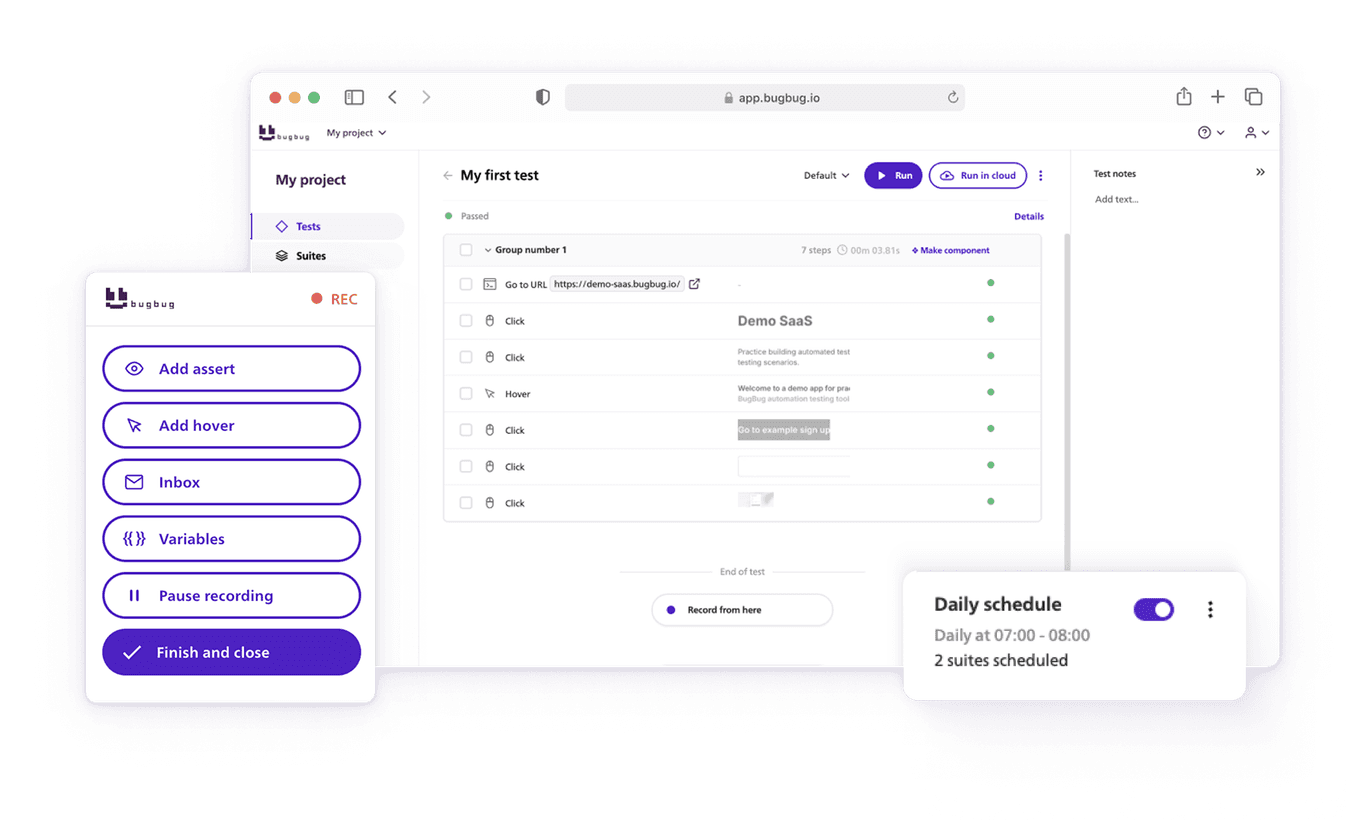
Speed up your entire testing process
Automate your web app testing 3x faster.

Dominik Szahidewicz is a technical writer with experience in data science and application consulting. He's skilled in using tools such as Figma, ServiceNow, ERP, Notepad++ and VM Oracle. His skills also include knowledge of English, French and SQL.
Outside of work, he is an active musician and pianist, playing in several bands of different genres, including jazz/hip-hop, neo-soul and organic dub.
Join thousands of QA experts. Subscribe to our newsletter.
Get more testing tips and product related content. Zero spam.
Discover essential business tools for startups. Read the article to find the right tools for your success.
Learn how to build an effective QA strategy that aligns with your business goals. Discover best practices in quality assurance, test automation, and more!
Discover how to calculate ROI for test automation with easy formulas and practical examples. Learn to evaluate costs and track results effectively.
Read this comprehensive guide on how to choose the right CI/CD tool. Selecting the tool that aligns with your project is essential.
Learn exactly when to run regression tests—after features, fixes, updates, and on a schedule—plus tips to automate smoothly with minimal churn.
Learn how to identify and fix test failures with this complete guide on what to do when your test fails.
Discover how automated ui testing speeds releases and improves quality. Compare approaches, frameworks, and tips.