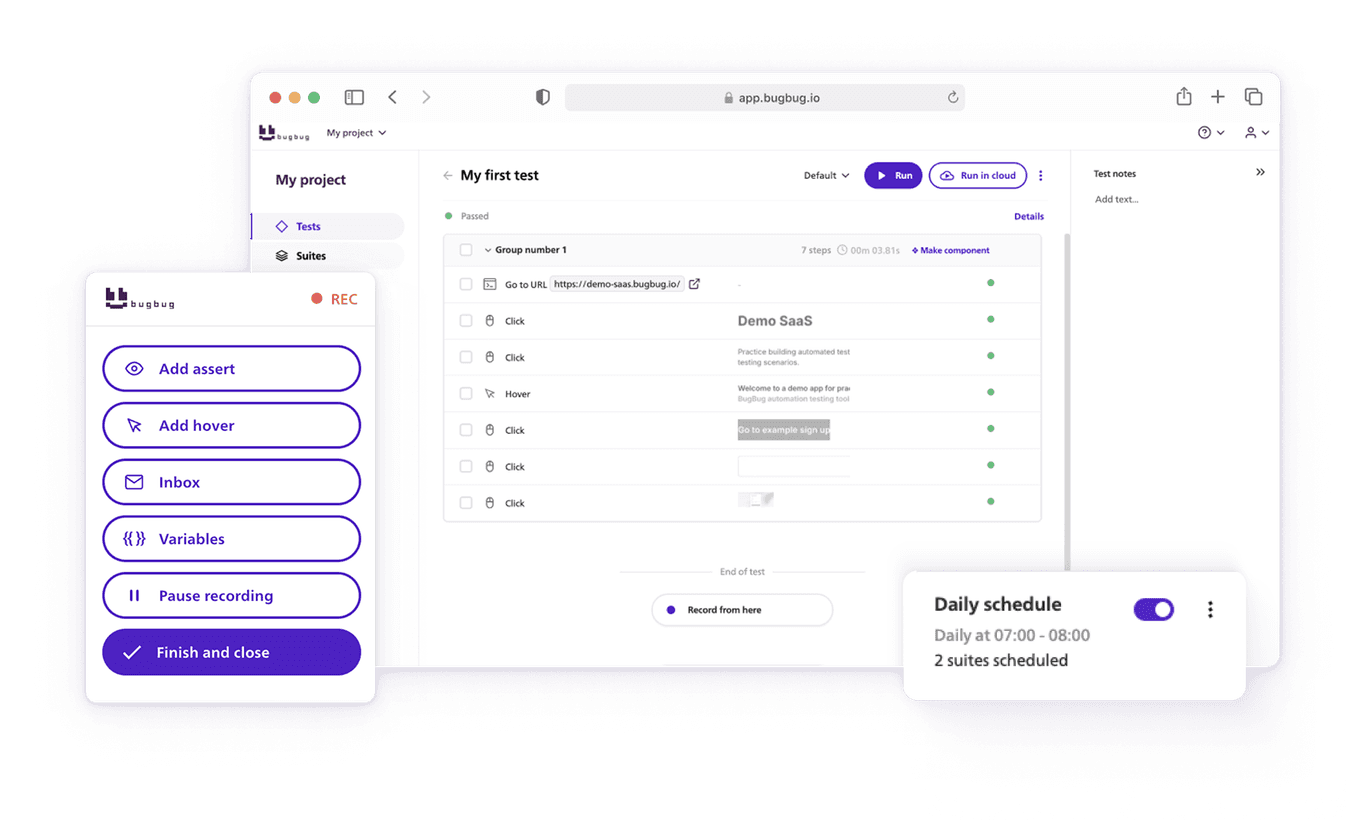
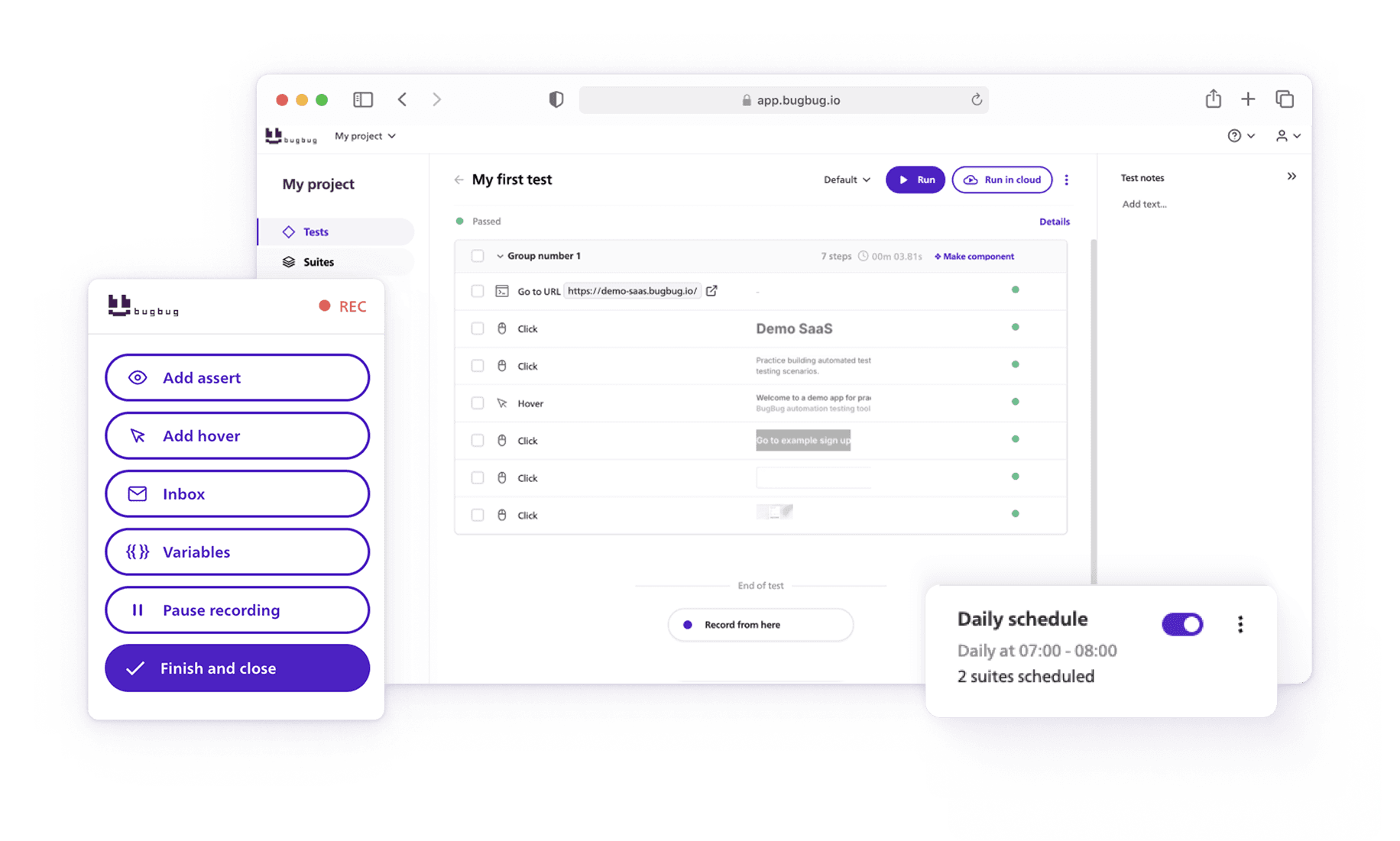
Features
 Test recorder
 Integrations
 Testing service
 Roadmap
 Changelog
 Documentation
 Blog
Blog Customer stories
 About us
 Contact us
 XPath Selector Builder
 Example SaaS App
 E-mail testing inbox
Most teams don’t struggle with testing because they lack tools. They struggle because the tools are too complex.
Selenium frameworks require maintenance. Dev-heavy tools demand writing code, which is a barrier for many teams. And many “no-code” platforms still break when the UI changes.
That’s why many QA teams and startups are searching for easy testing tools — platforms that let you create reliable tests without maintaining a full automation framework or writing code. These tools enable teams of varying technical backgrounds to collaborate and streamline the testing process through features like visual workflows and automation.
Choosing the right test automation tool is critical to achieving a competitive advantage in software development.
In this guide, we’ll look at the most beginner-friendly testing tools and explain when each one makes sense.
🎯 Key Tools Comparison
| Tool | Best For | Coding Required | Supported Testing | Beginner Friendly |
|---|---|---|---|---|
| BugBug | Codeless browser automation for SaaS teams | No (Custom JS Actions Available) | Web UI, end-to-end, regression | ⭐⭐⭐⭐⭐ |
| Mabl | AI-powered test automation for web apps | No (optional scripting) | Web UI, end-to-end, regression | ⭐⭐⭐⭐ |
| Rainforest QA | No-code testing with crowdtesting support | No | Web UI, regression testing | ⭐⭐⭐⭐ |
| testRigor | AI-based test creation using plain English | No | Web UI, end-to-end testing | ⭐⭐⭐⭐ |
| Ranorex | GUI automation for enterprise apps | Optional scripting | Desktop, web, mobile | ⭐⭐⭐ |
| Ghost Inspector | Cloud browser automation | No | Web UI, regression | ⭐⭐⭐⭐ |
Automate core user flows in 5 minutes
Test easier than ever with BugBug test recorder. Faster than coding. Free forever.
Start testing for free
Easy-to-Use Tools in Automated Testing
Software quality requires a streamlined testing process that covers functional testing, cross browser testing, manual testing and regression testing. Testing teams struggle with complex test automation frameworks and end up with inefficiencies. However, using a modern test automation framework can simplify automation by providing features that streamline various testing activities, including test case management, execution, and reporting. But modern codeless automation tools make testing easier, so both technical and non technical users can use automated testing for faster and more efficient testing through user friendly interfaces and graphical tools. An intuitive interface and well-designed user interface are essential for simplifying testing activities, making it easier to create, execute, and manage tests. Accessibility for non-programmers in test automation tasks is enhanced through tools like Katalon and Cypress.
Check also:
Top Testing Tools for Beginners
Getting started with web testing can be overwhelming especially if you have little to no programming knowledge. Good news is modern test automation tools makes it easier for beginners to create reliable tests without writing lots of code. Whether you’re testing a web application or a complex web platform, choosing the right tool is key to efficiency. If you’re new to automation, check out this Beginner’s Guide to Automation Testing to understand the basics. For a more in-depth look at automation strategies, frameworks and best practices, check out the Full Guide to Test Automation.
Before selecting a tool, it’s important to follow an evaluation process—establish your criteria, assess each tool’s capabilities, and analyze potential return on investment. Consider your specific testing requirements, as different tools offer features like automated test creation, AI-based testing, and test data management to meet various needs. The right tool can streamline your development processes, improving efficiency, collaboration, and continuous integration. Remember, a well-selected test automation tool can lead to a quick return on investment.
Easy Testing Tools for Beginners (2026)
BugBug
Best for:
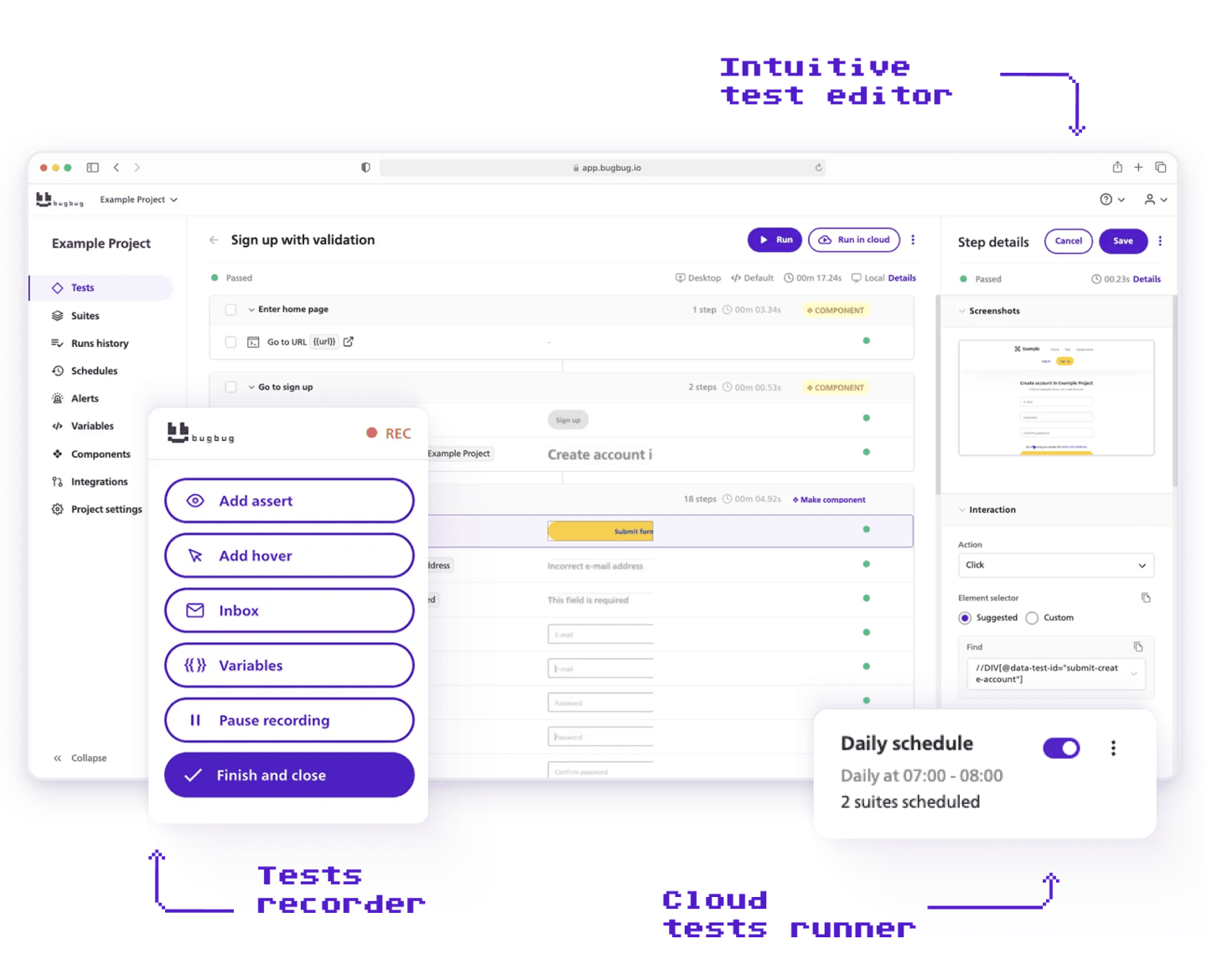
Codeless browser automation for SaaS teams that want to automate end-to-end tests without maintaining complex frameworks.
Pros
- Fully no-code test creation
- Runs directly in the browser with minimal setup
- Web based interface makes it accessible and easy to use
- Includes a playback tool for recording and replaying tests
- Edit & Rewind feature makes debugging fast
- Built-in test scheduling and parallel runs
- Easy for QA, product managers, and developers
- Free plan available
Cons
- Supports web applications but does not support native mobile or desktop testing
Compared to BugBug, Citrus is a manual testing tool designed to streamline the testing process for web applications.
Mabl

Best for:
AI-powered test automation for teams that want automated maintenance and visual testing.
Pros
- AI-based self-healing tests
- Strong visual regression testing
- Built-in test analytics
- Cloud execution with CI integrations
- Good for continuous testing environments
- Capable of generating detailed reports to track testing outcomes and improve quality assurance
Cons
- Expensive for startups
- Platform can feel complex for beginners
- Limited control compared to code frameworks
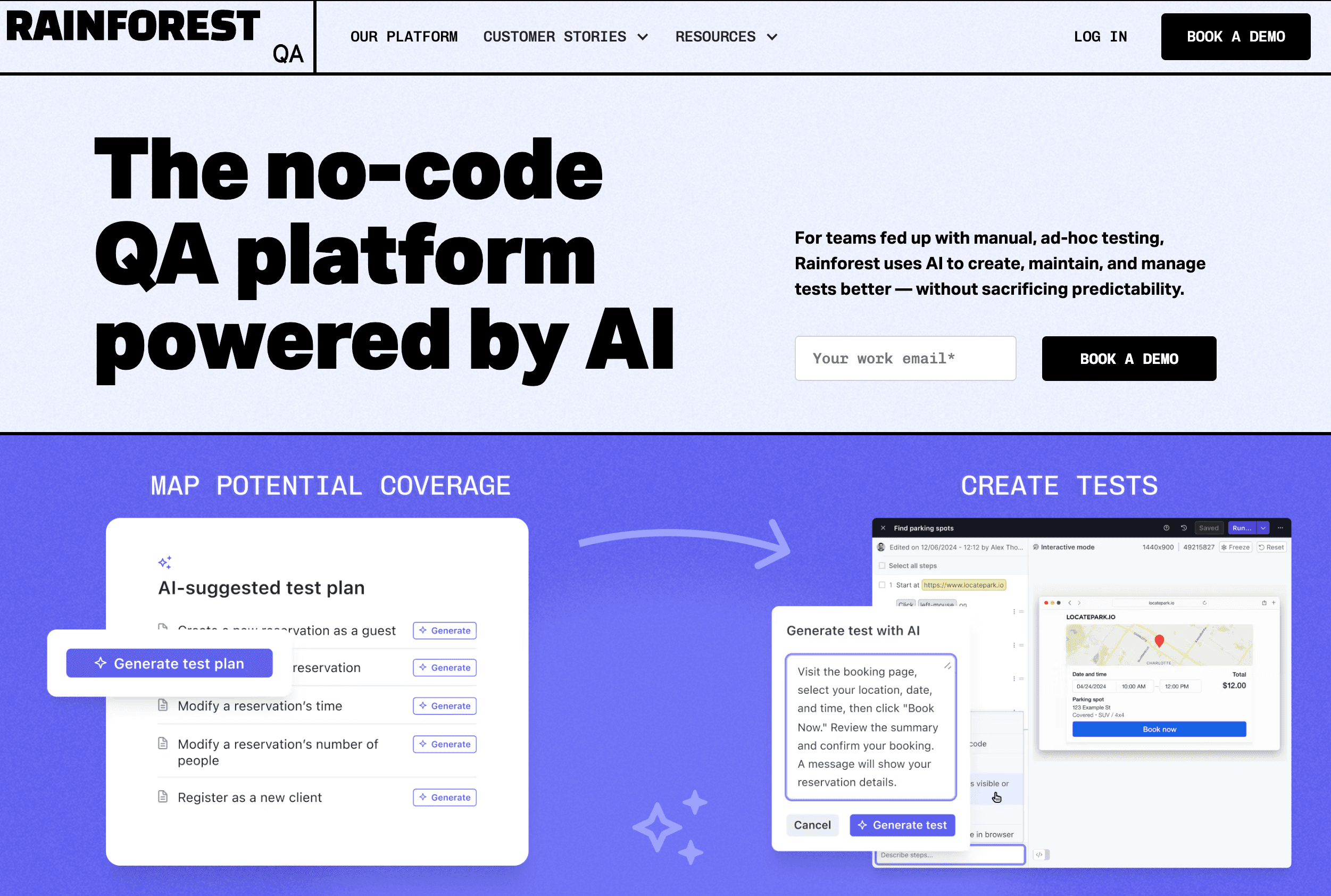
Rainforest QA
Best for:
No-code testing combined with crowdtesting for companies that want human verification of UI flows.
Pros
- No-code test creation
- Human testers can validate test scenarios
- Cloud-based execution
- Useful for UX validation and regression testing
- Supports exploratory testing for identifying issues without predefined test cases
Cons
- Pricing is high and quote-based
- Slower feedback compared to automated frameworks
- Less suitable for CI-driven development teams
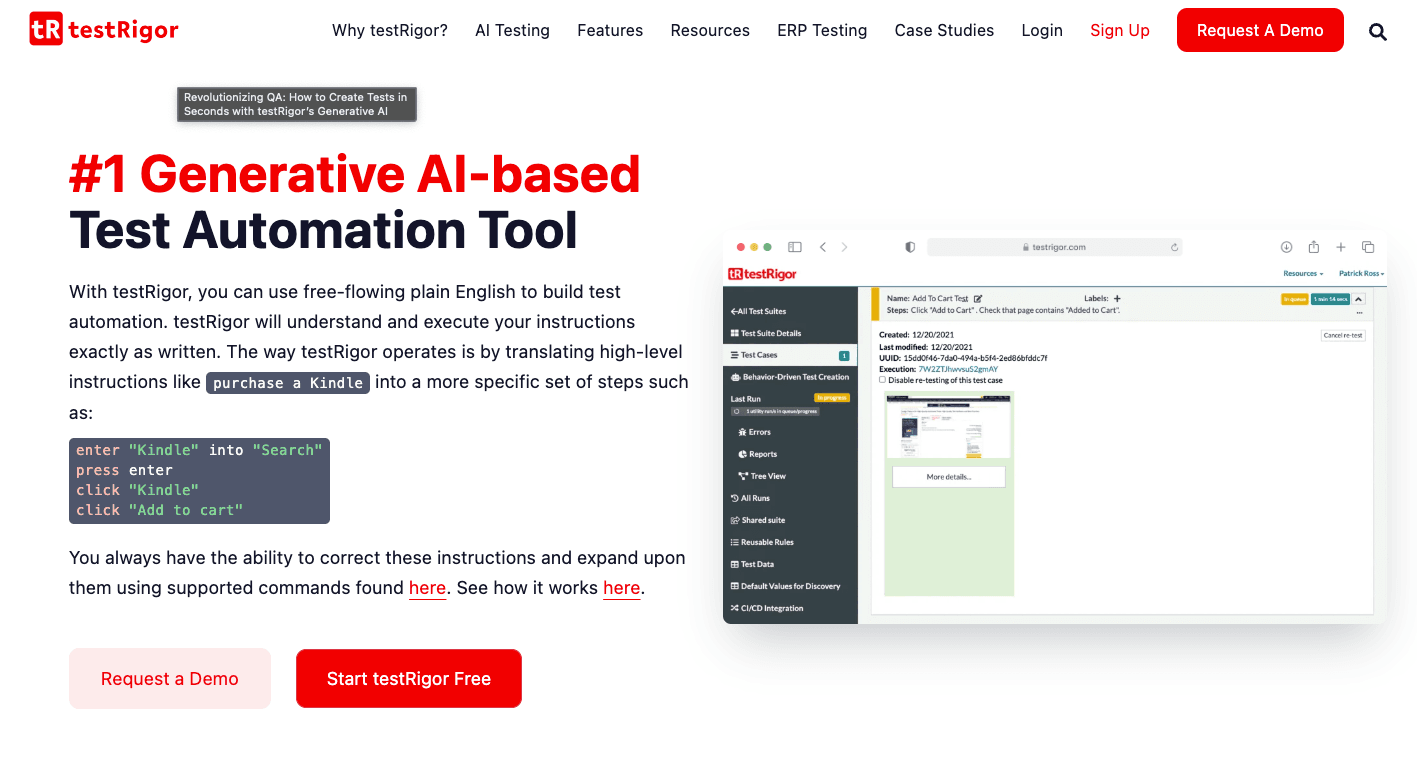
testRigor
Best for:
AI-driven automation where tests are written in plain English instructions.
Pros
- Tests written in natural language
- AI handles element detection and maintenance
- Good for non-technical teams
- Supports end-to-end web testing
- Compares expected and actual outcomes to ensure software accuracy
Cons
- Limited transparency in how tests work internally
- Debugging can be less predictable
- Less flexible than developer frameworks
Ranorex

Best for:
Enterprise teams needing GUI automation across desktop, web, and mobile.
Pros
- Supports desktop, web, and mobile apps
- Supports testing across multiple platforms, enabling efficient creation, management, and editing of automated tests
- Offers advanced features such as test case management and CI/CD integration
- Visual test creation with drag-and-drop
- Strong reporting tools
- Good enterprise support
Cons
- Expensive licensing
- Heavier setup compared to lightweight tools
- Best suited for large organizations
Ghost Inspector

Best for: Cloud-based browser automation using record-and-playback.
Pros
- Easy test creation through recording
- Cloud test execution
- Easily run automated tests through the cloud platform
- Good for scheduled regression testing
- Simple interface
Cons
- Limited customization
- Less flexible than developer frameworks
- Pricing scales with usage
Conclusion & Next Steps
For beginners, choosing simple testing tools is the key to speeding up the software testing process and getting high quality software. A good testing tool should simplify test execution, making it easy to create and maintain tests without deep technical knowledge. The right tool can also streamline development processes and improve team efficiency. Whether you’re doing functional testing, moving from manual testing to automation testing or API testing, the right tool will help you manage test cases efficiently.
It is important to select a tool that integrates seamlessly with other software development tools and CI/CD pipelines to enhance workflow and collaboration. For example, Testomat.io integrates well into CI/CD pipelines, enhancing collaboration between teams. Features like keyword driven testing, data driven testing and test management will help teams automate workflows, regression testing and generate detailed reports for better insights. Avo Assure provides a suite of features for test case management and defect tracking.
Cost-effective testing tools that provide robust functionality at an affordable price offer great value for teams. Additionally, supporting multiple platforms ensures comprehensive test coverage across various devices, browsers, and operating systems. Built in test data handling and platform support will give you flexibility across different environments.
Action Points to Get Started:
✅ Define test cases – Start by identifying key user flows that need to be tested.
✅ Choose the right testing tool – Select a simple tool with automation testing support.
✅ Set up test data – Make sure your test cases have the right data variations.
✅ Run test automation – Automate repetitive tasks like regression testing and API testing.
✅ Monitor test results – Use detailed reports to analyze test runs and improve software quality.
✅ Maintain tests regularly – Update automated tests to reflect new features and fixes.
Happy (automated) testing!