Features
 Test recorder
 Integrations
 Testing service
 Roadmap
 Changelog
 Documentation
 Blog
Blog Customer stories
 About us
 Contact us
 XPath Selector Builder
 Example SaaS App
 E-mail testing inbox

🤖 Summarize this article with AI:
💬 ChatGPT 🔍 Perplexity 💥 Claude 🐦 Grok 🔮 Google AI Mode
Many teams assume their automation problems come from how they write tests.
In the end, test optimization is about discipline and intent across the entire testing cycle, not about running more checks for the sake of coverage. During every development phase and testing phase, QA teams need to apply the same logic: focus effort where it matters most. An effective risk based testing approach helps testing teams avoid both over testing low-value paths and under testing high risk areas that can ship critical bugs into production environments. By combining manual testing, exploratory testing, and targeted usability testing with optimized testing in CI/CD, teams can replace repetitive tasks and multiple tests with such tests that directly support real testing goals and user expectations. Strong test strategy optimization, aligned with the broader development process and development cycle, improves defect detection rate, protects the software release, and ensures high quality software without wasting QA resources. Measured through meaningful QA metrics, this approach enables high performance QA, clearer QA processes, tighter collaboration between QA teams and development teams, and ultimately better software testing outcomes that scale as the product grows.
🎯 TL;DR - Test Optimization
- Test optimization is about focus and discipline—not more tests—using a risk-based approach to cover what truly matters.
- Coded UI automation often becomes a maintenance bottleneck; brittle tests slow teams down and reduce confidence.
- Codeless tools shift automation toward user behavior, making tests easier to read, update, and remove.
- Optimized UI testing prioritizes happy paths and critical flows, with smart execution strategies for fast, trusted feedback.
- Sustainable automation relies on continuous pruning, clear metrics, and tools that reduce friction as products scale.
Check also:
- 🎯 TL;DR - Test Optimization
- Why Test Code Is Often the Bottleneck
- How Codeless Tools Reduce Automation Friction
- Best Practices for Optimizing UI Test Automation and Increasing Test Coverage
- Test Execution Strategy as Part of Optimization
- Where BugBug Fits in an Optimized Test Automation Stack
- Final Thoughts: Test Optimization Is About Sustainability
Why Test Code Is Often the Bottleneck
Coded automation frameworks offer flexibility, but that flexibility comes with a cost:
- Custom abstractions that only the original author understands
- Tight coupling between test code and UI structure
- High effort for small, frequent UI changes
- Slow onboarding for new QA engineers
Poorly structured test logic can make these maintenance challenges even worse, leading to fragile and unreliable test cases. In contrast, well-structured test logic enhances test case reliability and resilience to changes in complex functionalities or evolving UI components.
Over time, the test suite becomes a system that needs maintenance of its own. At that point, optimization stalls—not because teams don’t know what to improve, but because touching tests feels risky.
How Codeless Tools Reduce Automation Friction
Codeless test automation tools remove large parts of that friction by design.
They optimize automation by:
- Shifting focus from implementation details to user behavior
- Making tests readable as step-by-step flows
- Allowing fast updates without refactoring code
- Lowering the skill barrier for contributing to automation
Codeless tools also streamline test data management, making it easier to create, maintain, and reuse clean, reliable test data for consistent results. Many codeless platforms support data driven testing, enabling parameterization of tests with different input values. This approach reduces redundancy and makes tests more maintainable.
This doesn’t make automation “simpler” in a naive sense—it makes it more resilient to change, which is the foundation of long-term test optimization.
Best Practices for Optimizing UI Test Automation and Increasing Test Coverage
Aligning QA objectives with business goals is essential to ensure that testing efforts are focused on high-impact activities that drive value for the organization.
UI tests are expensive. Optimized teams treat them accordingly. A well-documented testing strategy connects testing activities with overall project goals, improving software quality and ensuring that testing efforts are managed efficiently. By developing, implementing, and continuously refining a comprehensive testing strategy, teams can balance manual and automated testing, allocate resources effectively, and maximize the impact of their testing efforts.
Documentation is crucial for maintaining clarity and efficiency in testing processes, helping teams stay organized and aligned. Regularly reviewing and adjusting the testing strategy ensures ongoing alignment with project goals and emerging best practices, further optimizing test optimization outcomes.
Focus UI Tests on Happy Paths and Critical Scenarios
UI automation is best used where it delivers unique value:
- End-to-end user journeys
- Cross-system integrations
- Visual and interaction-level regressions
Optimized UI test suites:
- Favor happy paths over exhaustive branching
- Identify and prioritize critical paths and well-defined test scenarios to ensure key user workflows are thoroughly tested
- Avoid asserting internal state or implementation details
- Validate outcomes visible to the user
A risk-based approach to test optimization ensures that the most critical and high-risk scenarios are executed first, focusing testing efforts on components that could most impact system stability and user experience.
Negative scenarios and edge cases are usually cheaper—and more stable—to cover at API or unit level.
Make Tests Easy to Change or Delete
One overlooked aspect of test optimization is removal.
If a test is:
- Hard to understand
- Hard to update
- Constantly flaky
…it’s actively harming your feedback loop.
Codeless tools make it easier to:
- Refactor test flows
- Split long tests into smaller ones
- Delete obsolete coverage without fear
This encourages healthy pruning, which is essential for keeping automation lean.
Test Execution Strategy as Part of Optimization
Even well-designed tests can slow teams down if they run at the wrong time.
Optimized execution strategies usually include:
- Smoke tests on every pull request
- Core regression on the main branch
- Full UI suites before release or nightly
Executing tests in parallel is a best practice that can significantly reduce total test execution time, especially for large test suites. Incorporating parallel testing allows multiple automated tests to run simultaneously across different browsers or devices, improving efficiency and speeding up project delivery.
The goal is not maximum execution, but maximum signal.
To optimize execution, it's essential to monitor test metrics and key performance indicators such as defect removal efficiency (DRE), test execution time, and flaky test rate. When test runs are fast and failures are trustworthy, teams stop bypassing automation—and that’s when optimization really pays off.
Where BugBug Fits in an Optimized Test Automation Stack
This is where tooling choices start to matter.
Selecting appropriate test management and automation frameworks, such as Selenium or Appium, is crucial for effective test execution. A well-structured automation framework—with well-organized test scripts and test files—ensures sustainable and reliable test automation.
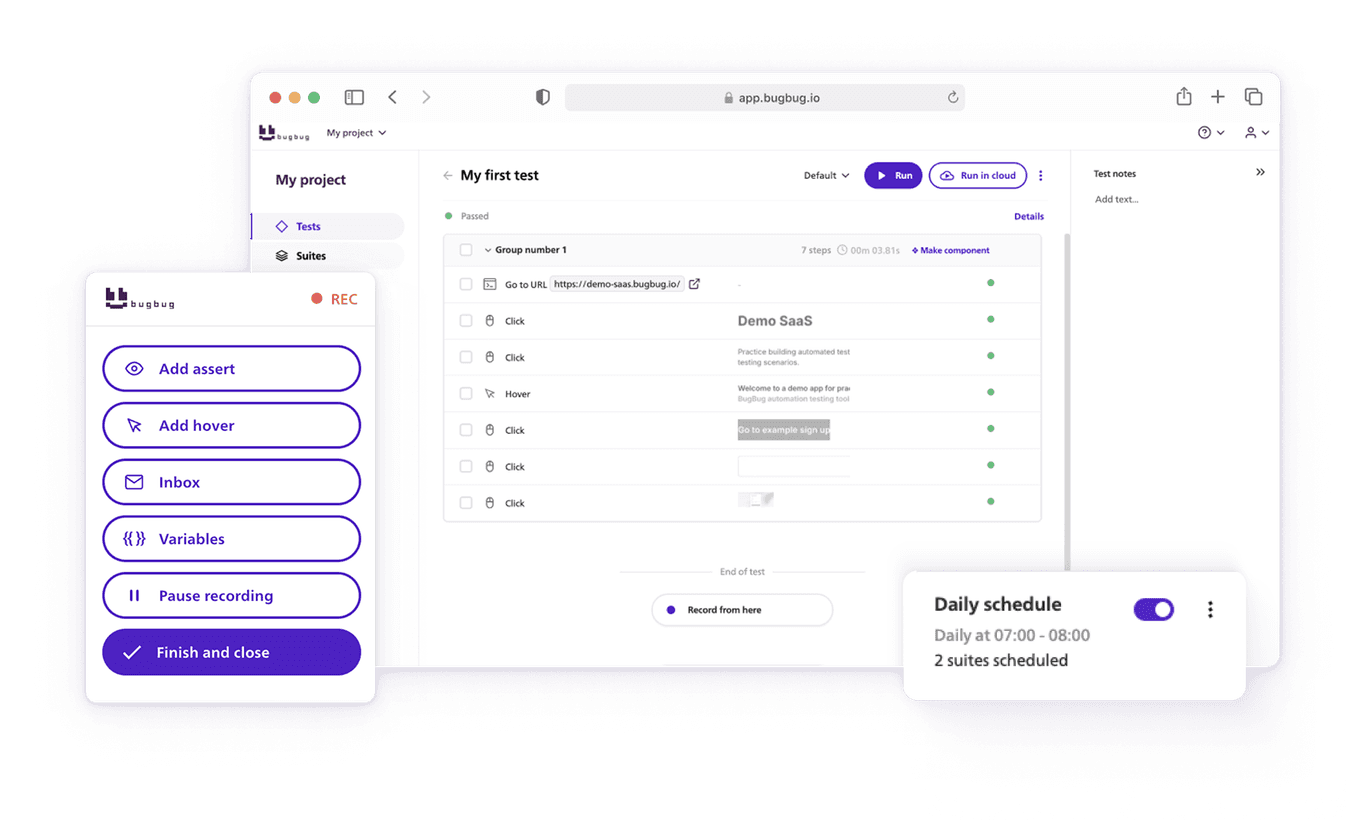
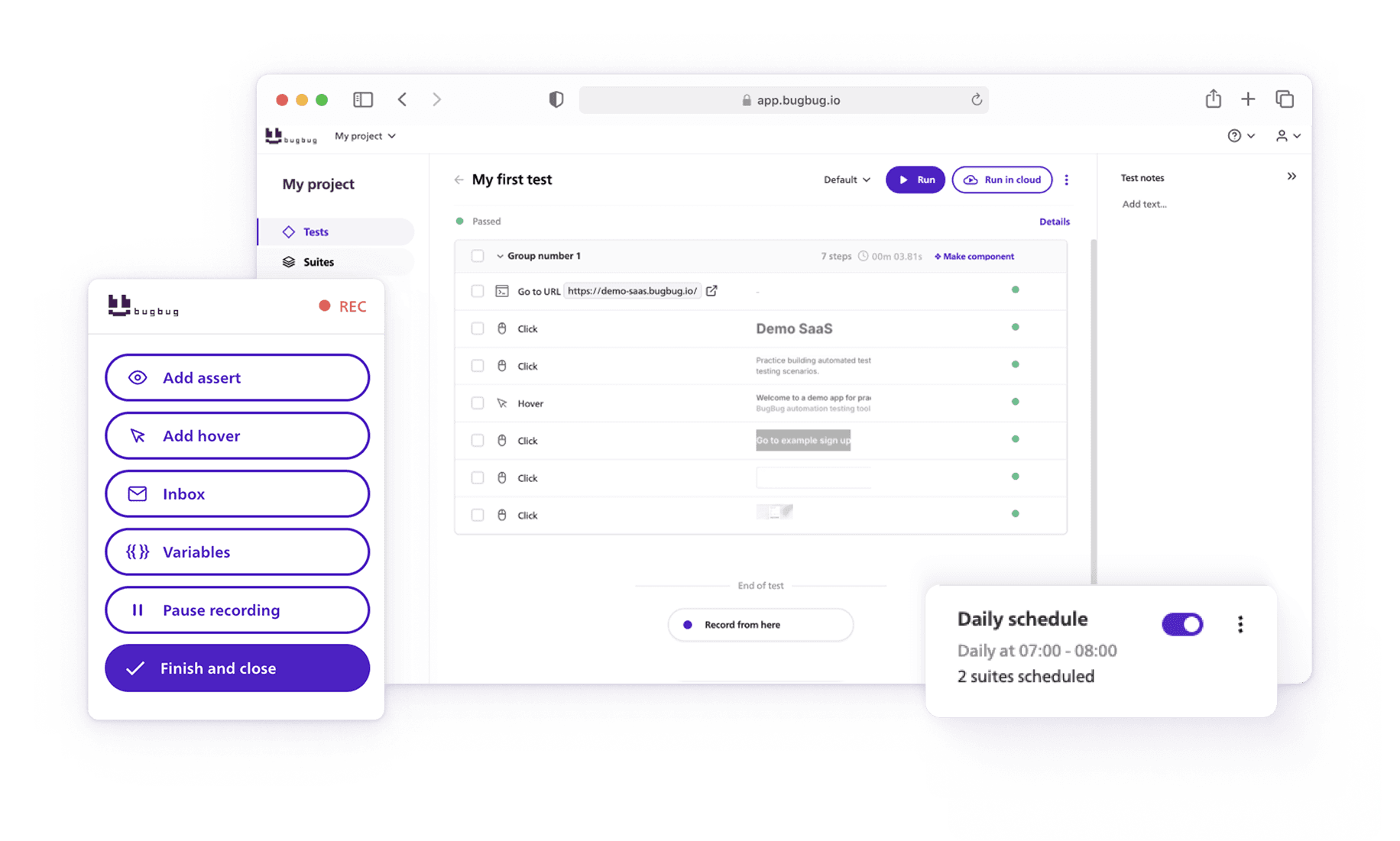
BugBug is not built to replace every testing layer or to promise “self-healing” miracles. Its value lies in reducing the everyday friction that makes automation hard to optimize.
How BugBug Helps Reduce Maintenance Without Adding Complexity
BugBug supports test optimization by:
- Encouraging flow-based UI tests instead of brittle scripts
- Using stable selector strategies out of the box
- Allowing quick test edits without rewriting code
- Making tests accessible to both QA engineers and developers
BugBug's approach also helps reduce flaky tests and test failures, which is essential for maintaining confidence in automation. Flaky tests are unreliable and undermine trust in automated testing, so identifying and resolving them is a key part of improving test reliability.
This makes it easier to keep UI automation focused on what it does best: protecting critical user behavior with minimal overhead.
When BugBug Makes the Most Sense
In optimized setups, BugBug is commonly used for:
- UI regression testing
- Smoke test suites
- Business-critical user flows
Especially in small to mid-sized teams, this approach balances confidence, speed, and maintenance cost better than heavy custom frameworks. BugBug also supports resource efficiency and optimal resource allocation, helping teams distribute their limited resources effectively and manage testing costs by automating key test flows and reducing unnecessary manual effort.
Final Thoughts: Test Optimization Is About Sustainability
Test optimization is not a one-time refactor. It’s a continuous process that requires ongoing review and adaptation throughout the development lifecycle.
The most effective teams:
- Regularly question existing tests
- Optimize for maintainability, not elegance
- Choose tools that reduce friction instead of adding abstraction
Embedding quality into every stage means adopting continuous testing and continuous integration practices. Continuous testing reduces bugs by promoting early and ongoing detection and resolution of software defects, while continuous integration involves integrating code changes into a shared repository frequently to identify issues early. Shift left testing—introducing testing activities as early as possible in the development lifecycle—helps catch defects sooner and reduces the cost of fixing them later.
Codeless test automation isn’t a shortcut—it’s a strategic choice for teams who want automation to remain an asset as the product evolves.
If your current automation feels heavy, fragile, or exclusive, that’s not a failure of testing effort. It’s a signal that optimization—not expansion—is the next step.
Happy (automated) testing!