100+ Test Cases for Test Search Functionality
Dominik SzahidewiczDecember 14, 2025
🤖 Summarize this article with AI:
💬 ChatGPT 🔍 Perplexity 💥 Claude 🐦 Grok 🔮 Google AI Mode
Search is one of the most deceptively complex features in any application. It looks simple—just a text box and a list of results—but the underlying system touches indexing, data quality, relevance logic, performance engineering, and UX patterns that evolve over time.
For QA teams, this creates a painful reality: if search breaks, users notice immediately.
A mistyped query not handled correctly, a slow response time, a poorly ranked result, or a missing product can directly impact conversions, retention, and trust. In many e-commerce and SaaS products, search is the primary navigation system. Ecommerce websites, in particular, face unique challenges with search functionality, such as handling large product catalogs, predictive analytics, and ensuring users can quickly find what they need.
When it fails, the whole experience feels broken. Effective search can enhance user experience by helping users find relevant information efficiently and avoid irrelevant results, which increases engagement and conversions.
This guide provides:
Whether you’re building a regression suite from scratch or tightening gaps before a release, these test cases will help you ensure your search works consistently, accurately, and quickly across your site or website.
Check also:
Before diving into detailed test scenarios, here’s a ready-to-use test case template that follows QA best practices—clear steps, precise expected results, and structured data sets. This template can also serve as a test plan example for organizing and evaluating your search testing strategy.
The template includes:
This template helps QA teams efficiently write test cases for search functionality and supports automating test cases to enhance testing accuracy and reliability.
You can use it for manual functional testing, automation, exploratory sessions, or performance preparation.
Automate your tests with BugBug
Test easier than ever with BugBug test recorder. Faster than coding. Free forever.
Get started
Search functionality may vary across industries, but most test scenarios fall into six universal categories. Structuring them this way prevents overlap and helps QA teams build a regression suite that is thorough without being bloated. Organizing test cases into these categories supports the overall testing lifecycle and ensures alignment with a comprehensive test plan, making it easier to manage planning, execution, and reporting.
The six categories are:
Let’s explore each in detail.
This category verifies the core behavior of the search engine—how it matches user queries with indexed content. It is essential to ensure the search feature works correctly, meaning the search function consistently retrieves relevant and accurate results for a wide range of search queries. Small inconsistencies in this logic can lead to incorrect results, user confusion, or lost revenue.
When matching a user's query, the product title is a key factor in the search algorithm and significantly impacts product discoverability and pageviews. Supporting search operators such as AND, OR, and NOT can further improve the accuracy of query results by allowing users to refine their searches.
Testing should include a variety of search queries to evaluate how the system interprets the user's query, including synonyms, partial matches, and misspellings. Ensuring the search feature performs consistently across the site is crucial for delivering a robust and user-friendly search experience.
Even when logic is correct, search can fail at the first step: interpreting what the user typed. During the search process, it is crucial to handle unexpected inputs to ensure the search functionality remains robust and user-friendly across different scenarios. These tests verify how the system processes valid input variations and different search queries—not errors.
“Laptop”, “laptop”, and “LaPTop” return the same results.
Leading, trailing, and excessive internal spaces shouldn’t break results.
“The office chair” ≈ “office chair”.
“running” matches “runner” or “run” if supported.
All should behave consistently.
“sofa” ≈ “couch”.
“table” and “tables” return similar results.
“256GB” maps to items with that capacity.
“wireless noise cancelling headphones” should require all keywords.
Non-error auto-correct should not override queries too aggressively.
If supported, verify proper handling.
Transcribed queries should behave like typed ones.
Negative testing ensures the system behaves safely and predictably with invalid or unusual inputs. Writing test cases that specifically target unexpected inputs helps identify and prevent irrelevant results, which can degrade user experience and lead to frustration. It is important to write test cases that cover these scenarios to ensure the search functionality remains robust and reliable.
System shows empty state or default results.
Should be treated as empty input.
System truncates or safely rejects 2,000+ character inputs.
No crashes or corrupt UI components.
E.g., [], {}, *, ^, |, \
"' OR 1=1 --"
Should never affect backend logic.
UI must sanitize input to avoid XSS.
“All question marks” or random sequences → show zero-results state.
E.g., “red shoes” + “color: blue”.
Extreme typos shouldn’t produce misleading results.
Search must stay responsive and rate limiting should work.
Negative or impossible values.
Price min > max.
Search should degrade gracefully.
Search should fail fast with clear messaging.
Automate your tests with BugBug
Test easier than ever with BugBug test recorder. Faster than coding. Free forever.
Get started
Search may return data, but what matters is whether results are relevant, complete, and usable. It's crucial that the search results page displays accurate results that closely match the user's query, ensuring users quickly find what they are looking for. This section verifies the quality of what users see, with a focus on ensuring relevant results are prioritized.
Most relevant items should appear first.
No missing items that should match the query.
Clear messaging + helpful suggestions.
Each product appears only once unless variations are grouped.
Correct: title, price, image, attributes, rating.
Selecting a result opens the correct page.
Stable results across pages; correct counts.
No duplicate batches or UI jumps.
Sorting must not change the result set.
Filters narrow the set correctly.
Correct terms highlighted without breaking text.
Behavior is predictable and consistent.
Reasonable tolerance for minor typos.
Correct visibility and ranking behavior.
Rankings and pagination remain stable under stress.
Search performance directly impacts user satisfaction and revenue. Even a small slowdown leads to abandonment. To ensure a seamless user experience, it is crucial to conduct performance testing and design specific performance test cases for the search system, especially in web environments where high traffic and concurrent users can affect efficiency, scalability, and stability.
Search meets defined SLA under ideal conditions.
System remains stable as concurrency increases.
Handles sudden bursts of traffic.
Identify the breaking point and recovery behavior.
No race conditions or inconsistent responses.
Cached queries return faster; invalidation is correct.
New or updated items appear within expected timeframes.
No UI freeze or backend degradation.
Queries with many tokens or filters remain performant.
Filters should not cause exponential slowdowns.
Clear, user-friendly error handling during outages.
Predictable fallback states.
Consistent routing and no cross-region mismatches.
Slow or failed searches are logged and observable.
No degradation during peak hours or background indexing.
Even with perfect logic, poor UX can make search feel broken. Ensuring a positive user experience means the search functionality should enhance user experience by working seamlessly across different devices and helping users quickly find relevant information. These tests verify usability, clarity, and accessibility.
Clear placement and easy to find across breakpoints.
Clear text and screen reader-friendly.
Search must be fully usable without a mouse.
Correct keyboard is triggered and doesn’t obscure the field.
No lag, flicker, or poor positioning.
Helpful suggestions and contextual messaging.
No broken cards, stretched images, or misaligned text.
ARIA roles, labels, and logical reading order.
WCAG compliance.
Instant feedback and clear loading indicators.
No jumps, duplicates, or broken lazy-loading.
Correct persistence rules and deletion options.
Clear indication of active filters.
Readable, non-technical, and actionable.
Query → Results → Filters → Item → Back flow remains consistent.
Manually testing search functionality is repetitive, slow, and fragile. Search UIs often include dynamic lists, asynchronous rendering, and frequent data changes—making traditional automation brittle.
BugBug helps QA teams automate search testing with stable, maintainable flows, minimizing flakiness and setup overhead. Automating test cases for search functionality increases efficiency, accuracy, and scalability, ensuring reliable and secure search experiences for users. BugBug is among the best tools for automating and managing search test cases, making it easier for teams to maintain high-quality search features.
BugBug also enables QA teams to efficiently write test cases for search scenarios, supporting a structured approach to comprehensive and effective testing.
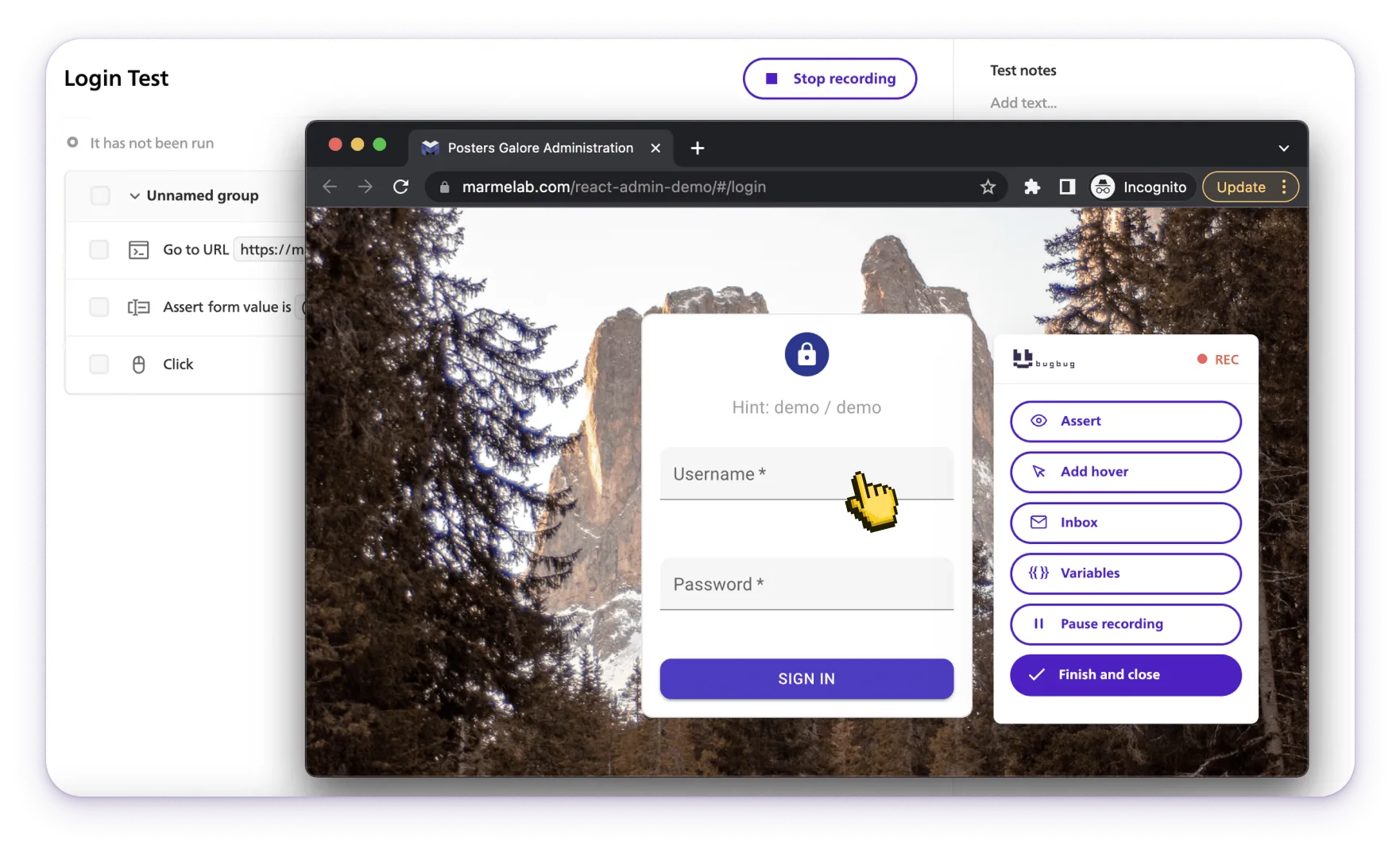
Type query → press Enter → validate results
All done without code.
Verify:
Run the same flow with multiple keywords without duplicating tests.
BugBug waits for UI stability, reducing flaky tests around loaders and animations.
Validate interaction-heavy flows without selector fragility.
Catch regressions early by running search tests hourly or daily.
Block deployment if search functionality regresses.
BugBug’s resilient element detection reduces maintenance cost dramatically.
In the end, testing search functionality is really about protecting the user experience. Whether you're validating how an empty search query is handled, ensuring autocomplete suggestions point users toward relevant products, or confirming that logical operators consistently refine search results, every detail matters—especially on e-commerce platforms where relevance directly affects revenue. A reliable search system must return consistent results across different versions, support different languages, and behave predictably even in difficult edge cases. QA teams need the ability to test sorting options, verify fallback behavior, and run tests repeatedly with easy maintenance as the product evolves. With a tool like BugBug, you can automate complex flows, capture detailed reports, and confidently validate everything from autocomplete behavior to how users refine search results—all while keeping your test suite lean, stable, and ready for whatever comes next.
Happy (automated) testing!
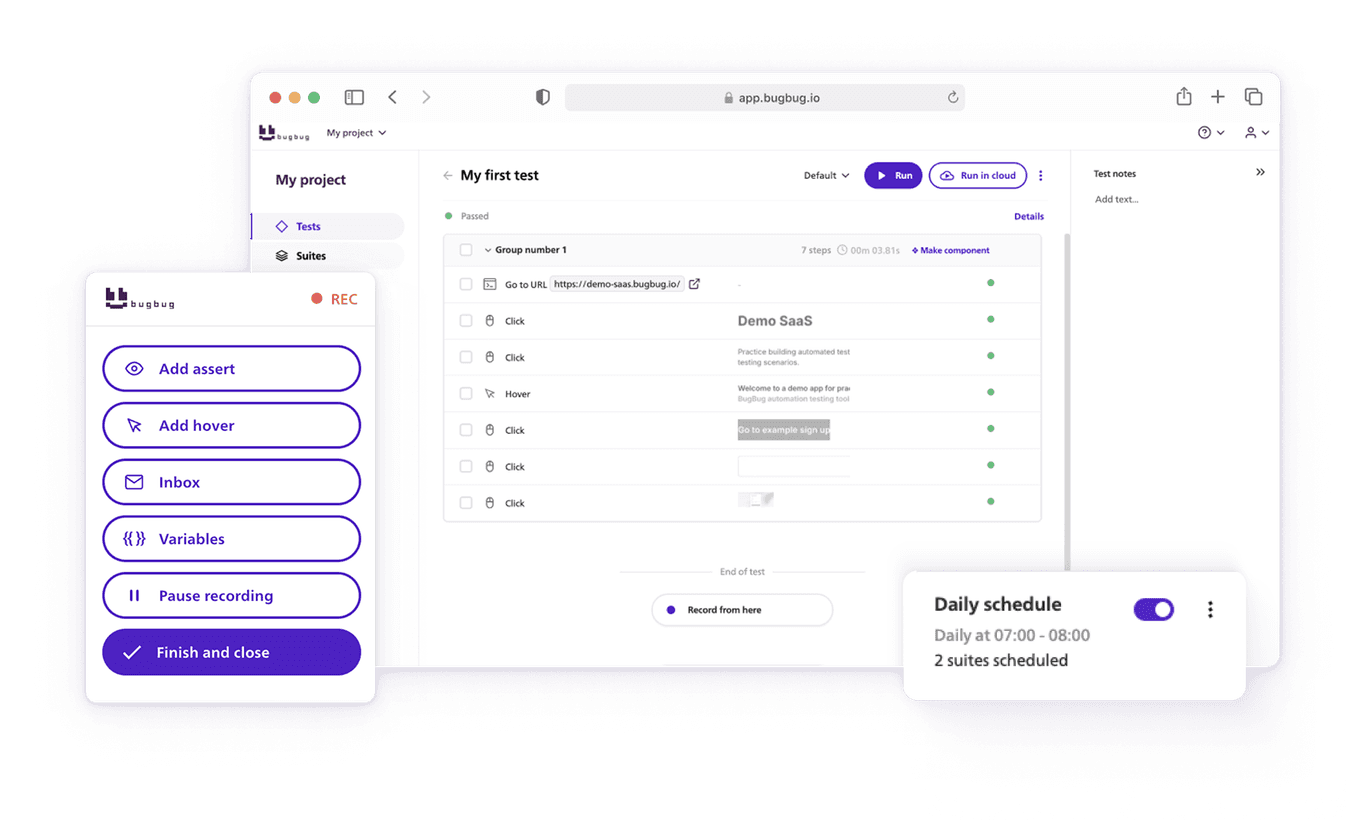
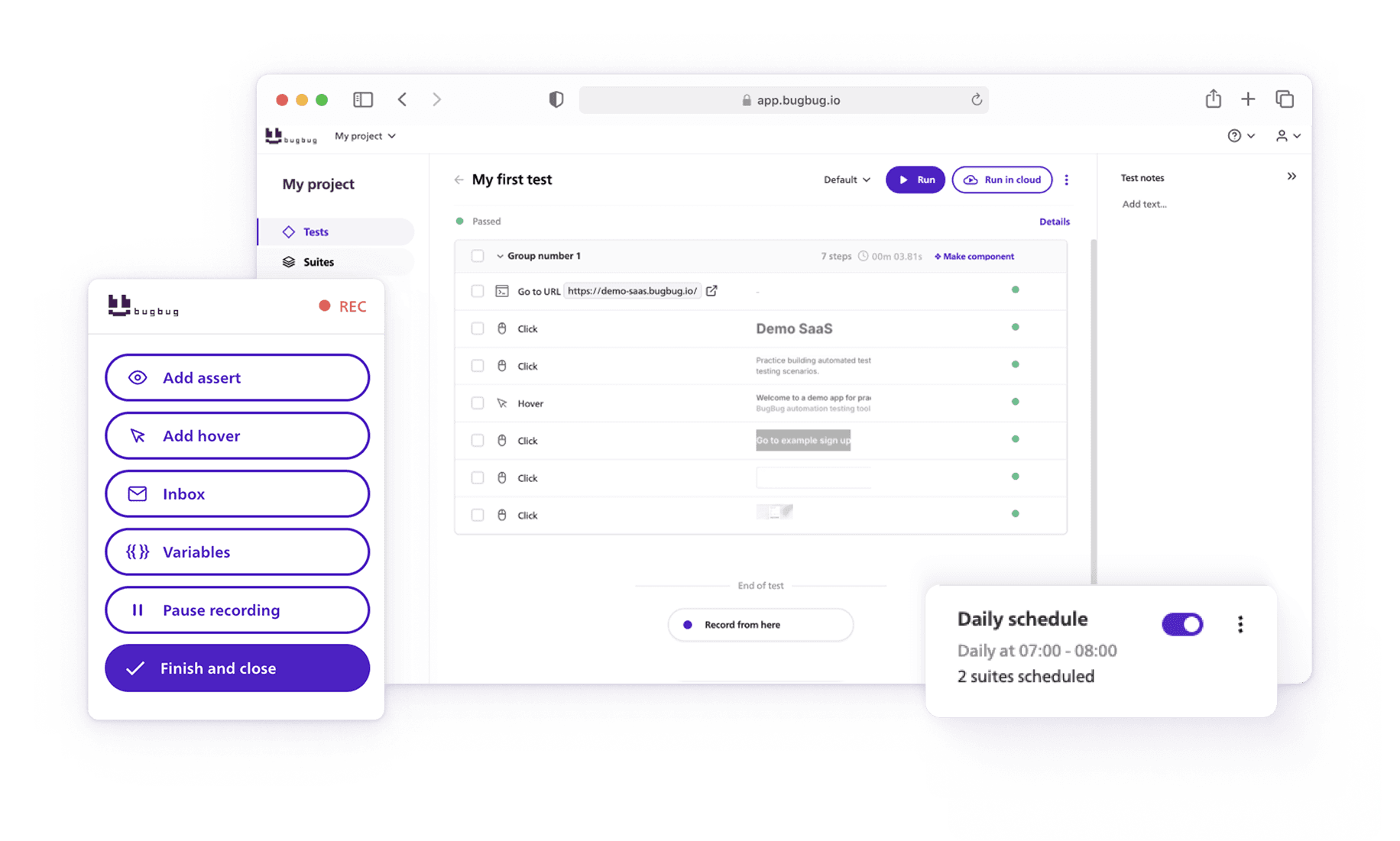
Speed up your entire testing process
Automate your web app testing 3x faster.

Dominik Szahidewicz is a technical writer with experience in data science and application consulting. He's skilled in using tools such as Figma, ServiceNow, ERP, Notepad++ and VM Oracle. His skills also include knowledge of English, French and SQL.
Outside of work, he is an active musician and pianist, playing in several bands of different genres, including jazz/hip-hop, neo-soul and organic dub.
Join thousands of QA experts. Subscribe to our newsletter.
Get more testing tips and product related content. Zero spam.
Are AI Testing Tools Worth the Hype? The integration of AI into software testing is transforming how we approach quality assurance.
Discover essential accessibility testing tools and software in our guide. Learn how to make your applications accessible for everyone.
Read this comprehensive guide on how to choose the right CI/CD tool. Selecting the tool that aligns with your project is essential.
Discover how to calculate ROI for test automation with easy formulas and practical examples. Learn to evaluate costs and track results effectively.
Discover practical strategies to engage developers and product managers in software testing. Learn how collaboration improves product quality.
Discover the causes and impact of flaky tests, and learn effective strategies to identify and fix them for reliable software performance.
How to test a website? Read our whole article on how you should approach testing your website.
Learn how to speed up end-to-end (E2E) testing with smart test design, CI/CD optimizations, and lightweight tools like BugBug.