Test Case Template: Free Excel, Word & Google Sheets Downloads
Written byDominik SzahidewiczReviewed byBartek Krzyzanowski


Updated: October 8, 2026View as Markdown
A test case template is a reusable structure for documenting a test case, typically including a test case ID, title, description, preconditions, test steps, expected result, actual result and status. Using the same fields across your QA process makes individual tests easier to write, execute, review and reuse.
Below you'll find a ready-to-copy software test case template, a filled example and specialized templates for functional, login, API, acceptance, integration, performance, security, mobile, regression and exploratory testing.
You can also download editable versions without creating an account.
FREE TEST CASE TEMPLATES
No sign-up. No form. Fully editable.
If you're looking for documentation for an entire testing project rather than an individual test, use our test plan template instead.
A test case template is a standardized format for recording what should be tested, the conditions required before testing, the actions a tester should perform and the outcome that determines whether the test passed.
A template doesn't tell you what to test. It gives every test the same structure.
For example, “test checkout” is too broad to be a useful test case. A structured case might specify:
That distinction also separates a detailed test case from a broader test scenario. If you're unsure which one you need, see our guide to test cases vs test scenarios.
A good template should also be simple enough that completing it doesn't become a documentation project of its own. For most manual QA work, 8 core fields are enough to describe an executable test. Larger teams can then add optional fields such as priority, requirement ID, environment, test data, owner or automation status.
A basic test case can be useful without dozens of columns. Start with these eight fields.
A unique identifier such as TC001 or AUTH-014.
IDs make cases easier to reference in bug reports, test suites, release notes and conversations between QA and development.
A short description of the behavior being tested.
Use an outcome-focused title such as Verify item addition to cart rather than a vague label such as Cart test.
A brief explanation of the purpose or scope of the test.
This field is particularly useful when the title alone doesn't explain the business rule or edge case being validated.
The state that must exist before the tester starts.
For example: the user is logged in, the product is in stock and the shopping cart is empty.
The actions required to execute the case.
Keep them specific enough that another tester can reproduce the same flow without asking what you meant.
The correct outcome if the feature works as intended.
Whenever possible, describe an observable result rather than writing “works correctly.”
What actually happened when the test was executed.
This is different from status. For example, the actual result may be Product appears in cart with quantity 1 and total €49, while status records Passed.
The execution outcome, commonly Passed, Failed, Blocked or Not run.
Status records whether the observed result met the expected result.
For automated tests, some of these concepts are represented directly inside the test itself. Our guide to writing automation test cases shows how manual test logic translates into executable automation.
This is the version I'd use for most manual functional QA.
You can copy the table directly into a spreadsheet, test management tool or document.
| Field | Value |
|---|---|
| Test Case ID | TC001 |
| Title | Verify item addition to cart |
| Description | Confirm that an available product can be added to the shopping cart |
| Preconditions | User is on the product page; product is in stock; cart is empty |
| Test Data | Product SKU: DEMO-001 |
| Test Steps | 1. Open product page. 2. Click Add to cart. 3. Open cart. |
| Expected Result | Product appears in cart with correct name, quantity and price |
| Actual Result | Complete during execution |
| Status | Not run |
| Priority | High |
| Requirement ID | CART-01 |
This version has 11 fields. The first eight are the core structure; test data, priority and requirement ID add useful traceability without making the template difficult to maintain.
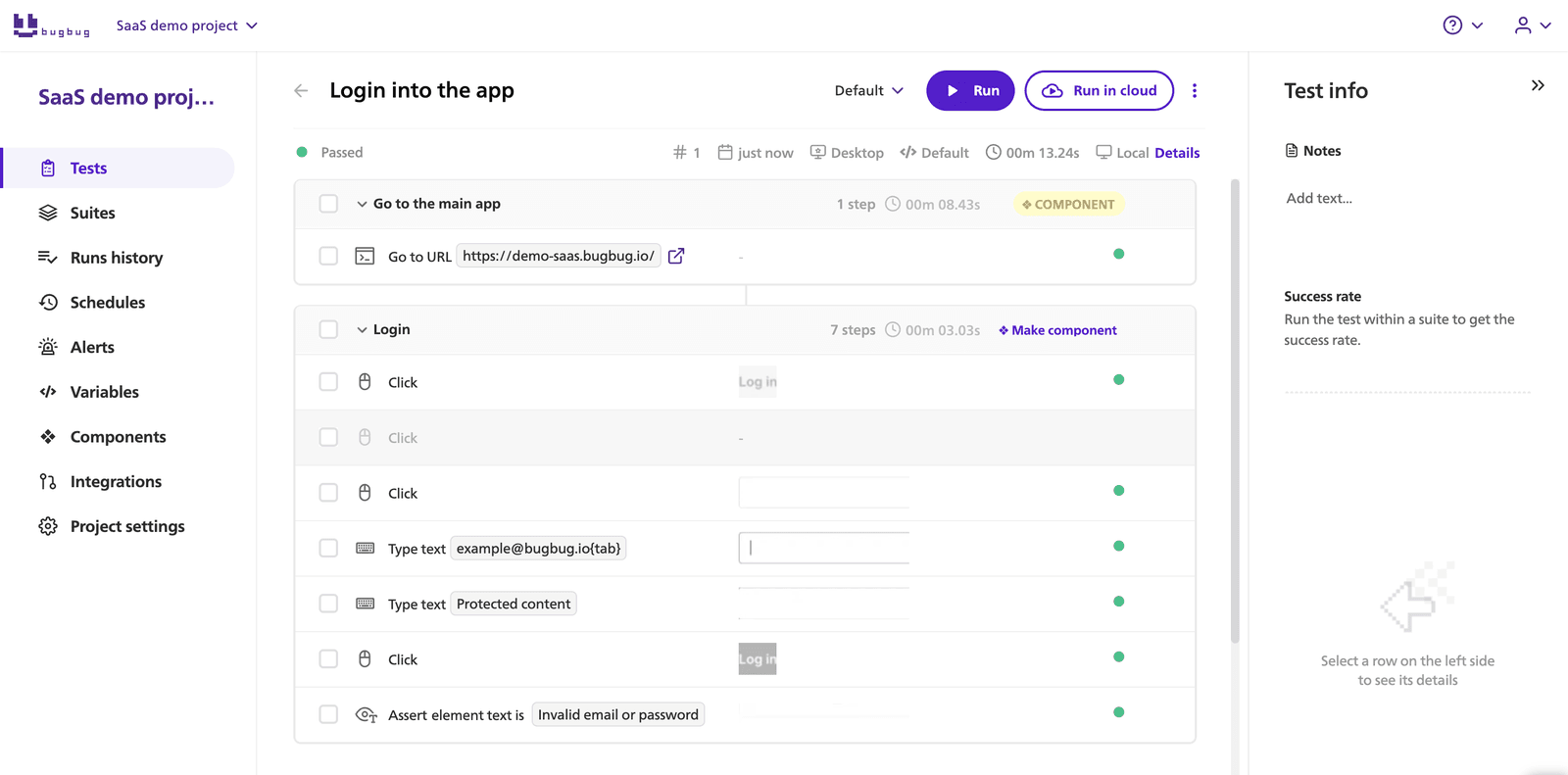
Here's the same structure as a completed case.
Description: Confirm that a customer can add an in-stock product to the shopping cart.
Preconditions:
Steps:
Expected result: The selected product appears in the cart with quantity 1, the correct unit price and the correct subtotal.
Actual result: The product appears in the cart with quantity 1 and the displayed price matches the product page.
Status: Passed.
A single case should normally validate one clear behavior. If you want to test quantity changes, removing a product, an out-of-stock item and cart persistence, create separate test cases rather than turning TC001 into a 20-step workflow.
For more examples of this type, see our library of ecommerce website test cases.
Agile teams often need less documentation than a regulated or heavily process-driven QA team.
A useful Agile test case still records enough information to reproduce a result but keeps traceability close to the user story.
| Field | Value |
|---|---|
| Test Case ID | CART-07 |
| User Story | US-148: Add product to basket |
| Acceptance Criterion | Available products can be added to cart |
| Test Objective | Verify standard add-to-cart flow |
| Preconditions | Product in stock; empty cart |
| Steps | Open product → Add to cart → Open cart |
| Expected Result | Correct product and quantity appear |
| Actual Result | Complete during execution |
| Status | Not run |
| Sprint | Sprint 32 |
You can add automation status when the team uses manual and automated tests together.
Agile doesn't make structured test cases obsolete. It simply means documentation should support delivery rather than exist for its own sake.
If multiple related test cases need to run together, organize them into a test suite instead of expanding one case indefinitely.
Some teams need a test case that reads more like a controlled QA document than a spreadsheet row.
This structure works well when approvals, traceability or detailed evidence matter.
| Field | Value |
|---|---|
| Document ID | QA-TC-001 |
| Test Case Title | Verify item addition to cart |
| Requirement | CART-01 |
| Author | QA Engineer |
| Preconditions | In-stock product; empty cart |
| Test Procedure | Numbered execution steps |
| Expected Result | Product appears correctly in cart |
| Actual Result | Recorded after execution |
| Evidence | Screenshot/log/reference |
| Status | Not run |
| Reviewer | Assigned reviewer |
Use this format only when the extra documentation serves a purpose. For a small SaaS team, an 11-field controlled document may create more work than value.
Automate your tests for free
Test easier than ever with BugBug test recorder. Faster than coding. Free forever.
Get started
A functional test case checks that a feature behaves according to its requirements.
A useful structure is:
ID → feature → requirement → preconditions → input → steps → expected result → actual result → status
Example:
FUNC-014: Apply a valid discount code
Preconditions: cart contains one eligible product.
Steps:
Expected result: the discount is applied once and the order total is recalculated correctly.
Functional cases are often strong candidates for regression coverage once the feature becomes stable.
Authentication benefits from separate positive, negative, security and usability cases.
Example:
LOGIN-001: Successful login with valid credentials
Preconditions: Registered active user exists.
Test data: Valid email and password.
Steps:
Expected result: User reaches the authenticated area and a valid session is created.
Don't place successful login, incorrect password, empty fields, lockout behavior and password reset into the same case. Treat them as separate behaviors.
For a much larger set of examples, use our guide to test cases for a login page.
API cases need to describe the request and response explicitly.
Useful additional fields include:
Example:
API-012: Create order with valid payload
Request: POST /orders
Expected status: 201
Expected result: a new order is created and the response includes a valid order ID matching the submitted customer and product data.
Avoid using the browser-oriented template unchanged for API testing. “Click button” and “page displays” don't describe an API contract.
Acceptance tests answer a business-facing question:
Does the implemented behavior satisfy the acceptance criterion?
Example:
ACC-004: Returning customer can complete checkout using a saved address
Acceptance criterion: authenticated users can select a previously saved shipping address without re-entering it.
The expected result should reflect the agreed requirement rather than implementation details.
This makes acceptance cases useful for product owners, stakeholders and UAT, not only QA engineers.
Integration cases validate how two or more components interact.
Add fields such as:
Example:
INT-009: Successful order creates payment record
Precondition: checkout service and payment sandbox are available.
Action: submit a valid order.
Expected result: checkout receives a successful payment response and stores the correct payment ID against the order.
For complex flows, record which boundary failed rather than only marking the complete case as failed.
Performance cases need measurable acceptance criteria.
“Page should load fast” isn't enough.
Record:
Example:
PERF-006: Login endpoint under expected peak traffic
Load: 100 concurrent virtual users.
Duration: 10 minutes.
Expected result: define the agreed response-time and error-rate thresholds for the project before execution.
The threshold should come from your own performance requirements rather than from an arbitrary universal benchmark.
Security cases should clearly describe the threat or control being tested.
Example:
SEC-011: Reject unauthorized access to account settings
Precondition: user is not authenticated.
Steps:
Expected result: the application doesn't expose protected account data and redirects or returns the appropriate unauthorized response.
Security cases may also include authentication, authorization, session handling, input validation and sensitive-data exposure.
Don't treat a basic security checklist as a replacement for a professional security assessment when the risk requires one.
Mobile cases often need environment fields that aren't necessary for desktop web testing.
Add:
Example:
MOB-018: Checkout survives orientation change
Device: defined test device.
Precondition: customer has entered delivery information.
Action: rotate the device before continuing checkout.
Expected result: previously entered data remains available and the user can continue the workflow.
If the product is responsive web rather than a native mobile app, browser and viewport may be more useful fields than device model.
Regression cases protect behavior that already works and should remain stable after changes.
Useful additional fields include:
Example:
REG-031: Discount remains applied after cart quantity change
This case might be created after a previous defect where changing quantity removed the discount unexpectedly.
Regression suites should prioritize stable, repeatable cases around critical functionality. Our guide to regression testing explains how those cases fit into a wider regression strategy.
If the suite becomes repetitive, consider automating regression testing instead of manually executing the same spreadsheet every release.
Strictly speaking, exploratory testing doesn't require predetermined test cases in the same way scripted testing does.
A lightweight session template is usually more useful.
Record:
Example charter:
Explore cart behavior when products become unavailable between product selection and checkout.
The goal isn't to predict every action before testing begins. It's to give the exploratory session enough direction and capture what the tester learns.
You don't need a different spreadsheet for every testing method.
The standard template is enough for most teams. Add specialized fields only when they change how the test is executed or interpreted.
| If you're testing... | Start with... | Add... |
|---|---|---|
| General product functionality | Standard template | Priority, requirement |
| Agile user stories | Agile template | Story, acceptance criterion, sprint |
| Login/authentication | Functional template | Test data, auth state |
| APIs | API template | Method, endpoint, payload, status code |
| UAT | Acceptance template | Business criterion, stakeholder |
| Integrations | Integration template | Systems and data exchange |
| Performance | Performance template | Load, duration, metrics, thresholds |
| Security | Security template | Threat/control, authorization state |
| Mobile | Mobile template | Device, OS, orientation, network |
| Regression | Regression template | Risk, last run, automation status |
| Exploratory testing | Session template | Charter, observations, time box |
Keep the format as small as possible while still making the result reproducible.
A template helps with consistency, but it can't turn a vague test into a useful one.
“Verify checkout” isn't specific enough.
“Verify a customer can complete checkout using a valid Visa test card” gives the tester a clear target.
Atomic cases are easier to understand, reuse and automate. Read our guide to atomic test cases if your current cases contain long chains of unrelated checks.
If an account must exist, say so.
If the cart must contain a product, specify it.
A case that works only because its author knows the hidden setup isn't reusable documentation.
Three precise steps are usually easier to execute than one paragraph.
Each action should describe what the tester does, while the expected result should describe what the product does in response.
Avoid:
The feature works correctly.
Prefer:
The product appears in the cart with quantity 1 and the subtotal equals the displayed unit price.
The second version gives you something you can actually verify.
The actual result records what happened.
The status classifies that result.
For example:
Actual result: POST /orders returned 500 and no order was created.
Status: Failed.
A failed case usually becomes a defect report, which then follows its own workflow. Our guide to the bug life cycle explains each status from New to Closed.
A stale test case can be worse than no documentation because it creates false confidence.
Review high-risk regression cases whenever the related feature or requirement changes.
Yes. Generative AI can turn requirements, user stories or feature descriptions into draft test cases.
The useful part is speed: instead of starting with an empty spreadsheet, you can ask an AI tool for positive, negative, boundary and edge cases in a consistent structure.
The risk is treating generated cases as authoritative.
AI doesn't automatically know:
Use generated cases as a first draft, then review them like any other QA artifact.
You can copy this prompt and replace the bracketed information.
You are a senior QA engineer. Create test cases for the following feature:
Feature: [describe feature]
Requirements / acceptance criteria:
[paste requirements]
Create a table using these fields:
Test Case ID, Title, Description, Preconditions, Test Steps, Expected Result, Test Data, Priority.
Include positive, negative, boundary and error-handling cases.
Keep each test case atomic and executable independently.
Do not invent product behavior that isn't present in the requirements. If information is missing, list it as an open question instead.
After generating the cases, identify which ones are strong candidates for automation and explain why.
Before importing generated cases into your QA workflow, verify:
AI can reduce writing time. It doesn't replace risk analysis or product knowledge.
For teams already investigating AI-assisted QA, our guide to AI testing tools covers a broader set of use cases beyond writing test documentation.
Use whichever format fits your workflow. All three files use the same 13 columns: the 11 fields from the standard template above plus Owner and Automation Status.
Best for teams that want filters, status tracking, bulk editing and easy reuse across releases.
File contents:
The Agile and Detailed sheets keep the same 13 columns and each shows an example written in that style. To use the Agile or document-style fields shown earlier, such as User Story or Reviewer, add them as extra columns.
Best for teams that need a document-style case, approvals or a format that can sit alongside other QA documentation.
Download the Google Sheets-ready CSV
Best for shared QA work where several people need to edit the same cases.
No sign-up is required to download any of these templates.
These documents solve different problems.
A test case template describes an individual test: setup, steps and expected result.
A test plan describes the broader testing effort: scope, objectives, resources, environments, schedule, risks and execution strategy.
| Document | Scope | Example |
|---|---|---|
| Test case | One behavior | Verify valid login |
| Test suite | Group of related cases | Authentication regression suite |
| Test plan | Overall testing effort | Release 4.2 test plan |
Don't try to turn a test case spreadsheet into a complete project plan.
If you need the broader document, use our test plan template.
Likewise, if you're building cases specifically for an online store, our ecommerce test cases provide concrete checkout, search, cart and payment scenarios rather than another generic template.
Automate your tests for free
Test easier than ever with BugBug test recorder. Faster than coding. Free forever.
Get started
A test case template is a reusable structure for documenting a software test. A basic template records the case ID, title, description, preconditions, test steps, expected result, actual result and execution status so testers can create and run cases consistently.
Start with 8 core fields: ID, title, description, preconditions, steps, expected result, actual result and status. Larger QA workflows may also add test data, priority, requirement ID, environment, owner, evidence and automation status.
Yes. ChatGPT and other generative AI tools can create draft test cases from feature descriptions, user stories and acceptance criteria. Review generated cases for invented requirements, missing risks, duplicate coverage and incorrect expected results before using them in a real QA process.
There isn't one AI tool that's best for every QA task. General-purpose models can help draft test cases, summarize requirements and explore edge cases, while specialized testing tools can support test generation, maintenance or execution. Choose based on the problem you're trying to solve rather than the “AI” label.
Start with structured requirements or acceptance criteria, then use an AI tool or testing platform to generate cases in a fixed schema. Ask for positive, negative, boundary and error-handling coverage. Human review should follow before cases are accepted, automated or added to a regression suite.
A test scenario is a high-level statement of what should be tested, such as Test the checkout process. A test case describes exactly how one behavior will be tested, including preconditions, steps and expected results. See our full test case vs test scenario comparison for examples.

Your next release. Properly tested.
Join 1,200+ QA teams that automated their regression coverage with BugBug.


Dominik Szahidewicz is a Software Quality Evangelist specialising in quality assurance, test automation, and modern software testing practices. He creates practical, research-driven content that helps QA professionals, developers, and product teams improve test coverage, automate repetitive testing, and release more reliable web applications.
Drawing on his experience in technical writing, data analysis, and application consulting, Dominik translates complex testing concepts into clear, actionable guidance. His areas of interest include end-to-end testing, no-code test automation, regression testing, and the use of AI in software quality assurance.

QA & Test Automation Expert
Bartek Krzyżanowski is a QA and test automation expert at BugBug with 15 years of experience in software testing and quality assurance. Throughout his career, he has worked with software teams on improving testing processes, designing effective test strategies, and building maintainable automated test coverage.
His expertise spans manual and automated testing, end-to-end and regression testing, test automation strategy, and the practical challenges teams face when maintaining reliable test suites as products evolve. He focuses particularly on approaches that help QA and engineering teams increase coverage while keeping test automation understandable, maintainable, and useful in everyday development workflows.
At BugBug, Bartek contributes his testing expertise to educational content for QA professionals, developers, and product teams. As an author on the BugBug blog, he writes about software testing methodologies, test automation tools, industry practices, and practical techniques teams can use to improve software quality.
His writing combines extensive industry experience with a pragmatic perspective on modern test automation, helping teams understand not only which tools and techniques are available, but how to apply them effectively in real-world software development.
Join thousands of QA experts. Subscribe to our newsletter.
Get more testing tips and product related content. Zero spam.
Recently we have covered the test plan and we did quite a good job doing it. The document itself covers the testing process quite thoroughly. We agreed that the core of the test plan are the test cases and test suites. Now let’s shift our focus a bit more on the test cases and test scenarios and as a bonus we will come back to the test suites for a moment or two.
Learn how to create a test plan for the testing process of your web application. Discover how to write a test plan with examples in the article.
Understand the difference between test plan vs test strategy. Both terms are often used in different contexts. It may be confusing for a QA team.
How to find bugs in your code? They live to damage your code, to make you lose time and effort and money.
data-testid attributes serve as a simple yet powerful tool for selecting elements within tests. Let's dive in and explore.
The right web application testing tool depends on who owns it, not just what it can do. Check our curated list of the best web testing tools.
When you introduce automated tests in your organisation you have to keep in mind that it is not only a matter of choosing the best tool. Such a move also entails many changes in the organizational scheme of the team.
An ecommerce test plan template is a structured, fillable document that lists exactly which parts of your store get tested for each release.