Features
 Test recorder
 Integrations
 Testing service
 Roadmap
 Changelog
 Documentation
 Blog
Blog Customer stories
 About us
 Contact us
 XPath Selector Builder
 Example SaaS App
 E-mail testing inbox
Best Email Testing Tools: Top Solutions for 2026
Dominik SzahidewiczMarch 4, 2026
Email testing is one of those areas teams tend to underestimate—until it breaks something critical. A missing password reset email, a delayed OTP, or a broken verification link can block users from accessing your product entirely. At that point, it’s no longer just a QA issue; it’s a business problem. Email deliverability issues can directly impact email marketing campaigns and your ability to reach customers, affecting open rates, sender reputation, and overall campaign success. Choosing a reputable email service provider is crucial for good deliverability, proper email authentication, and overall campaign success.
Also check:
Signup confirmation, login verification, two-factor authentication, account recovery, and transactional notifications. For email marketers, reliable email testing is crucial to ensure successful campaigns, optimize deliverability, and maintain engagement with customers. Cleaning email lists before sending is critical to preventing hard bounces that can destroy sender reputation and negatively impact deliverability.
Testing these flows manually doesn’t scale, and relying on real inboxes introduces flakiness, delays, and blind spots.
This guide breaks down the best email testing tools in 2025, explains when to use each one, and shows how QA teams, developers, and startups can build a reliable email testing strategy without unnecessary complexity. These tools are essential for both QA teams and email marketers focused on optimizing email marketing efforts and campaign performance.
Email flows are among the most fragile components in modern web and mobile applications. They combine backend logic, third-party infrastructure, frontend expectations, and strict timing constraints. A small change—an updated template, a backend refactor, a configuration tweak—can silently break the entire flow.
From a QA perspective, email testing tools solve several recurring problems:
Email testing tools provide controlled environments where teams can safely capture, inspect, and automate email flows without risking real users or relying on fragile workarounds. These tools also help teams quickly diagnose technical issues, such as authentication problems or deliverability problems, that could impact email workflows.
Email testing is not a single activity. Different workflows require different types of validation, and each exposes distinct failure modes. To ensure all aspects of email quality and deliverability are covered, it’s essential to adopt a comprehensive email testing strategy that includes content analysis and inbox placement testing. This approach helps identify issues with spam triggers, formatting, and deliverability before your emails reach your audience.
Verifies that emails contain the correct content and are triggered at the right time.
Typical checks include:
Email testing tools allow teams to inspect raw messages without spam filters or inbox noise, and help ensure that email templates are free from formatting issues and broken links before every send.
Modern authentication flows rely heavily on email-based OTPs.
Testing these flows requires:
Without dedicated tooling, OTP tests become flaky or are skipped entirely.
HTML emails behave differently across clients such as Gmail, Outlook, and mobile apps. Layout issues, stripped CSS, or broken images are common. To ensure consistent rendering, it's important to test emails across various devices and preview how they appear in dark mode.
Email testing tools make it easier to preview and debug templates before they reach users.
For production-scale products, it’s not enough that an email exists—it must land in the inbox.
Some tools help validate:
This is especially important for SaaS and consumer products sending high volumes of transactional emails. Advanced tools also check for issues related to sending IP, domain authentication, and can test inbox placement across major providers like Yahoo and other email service providers to prevent emails from landing in the spam folder.
This is where email testing intersects with broader QA strategy.
Examples:
Automation-ready email tools turn these flows into reliable regression tests instead of manual checks.
Not all email testing tools are built for the same job. When evaluating options, focus on these criteria:
Tools that only “catch emails” often fall short when automation or CI reliability becomes a requirement. Top tier tools offer comprehensive analytics, real time alerts, and actionable insights to optimize email performance.
Email testing tools fall into three main categories: sandbox platforms, automation-focused tools, and local development utilities. These tools are also valuable for marketing teams looking to optimize email-driven campaigns, as they help improve deliverability, reduce issues like unknown or catch-all email results, and ensure high deliverability rates for successful email campaigns.
Testing email content before sending can help reduce bounce rates and improve overall deliverability.
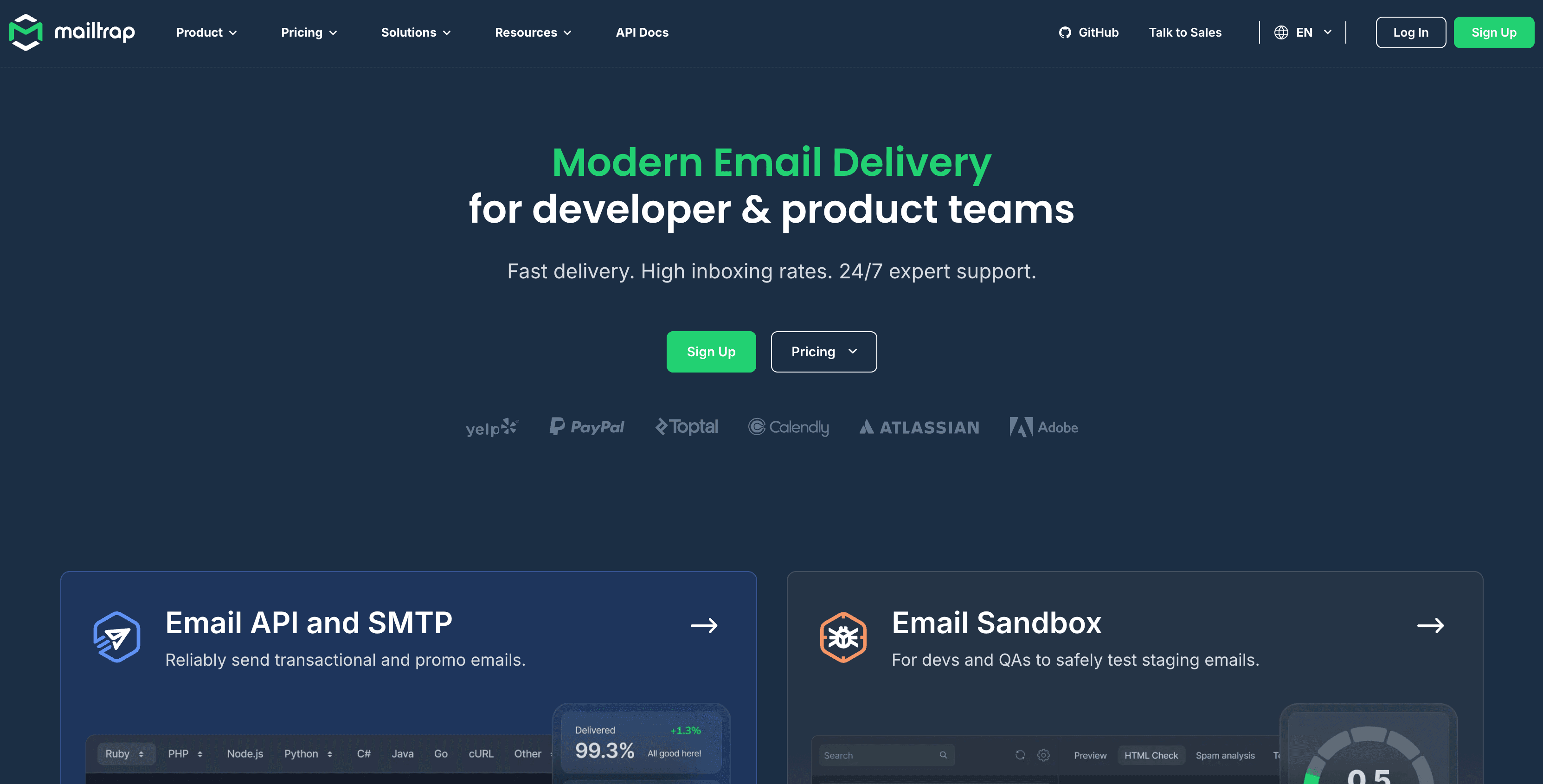
Mailtrap is a widely used email sandbox for previewing and debugging emails in staging environments.
Strengths
Limitations
Best for teams that need reliable email previews and deliverability insights.
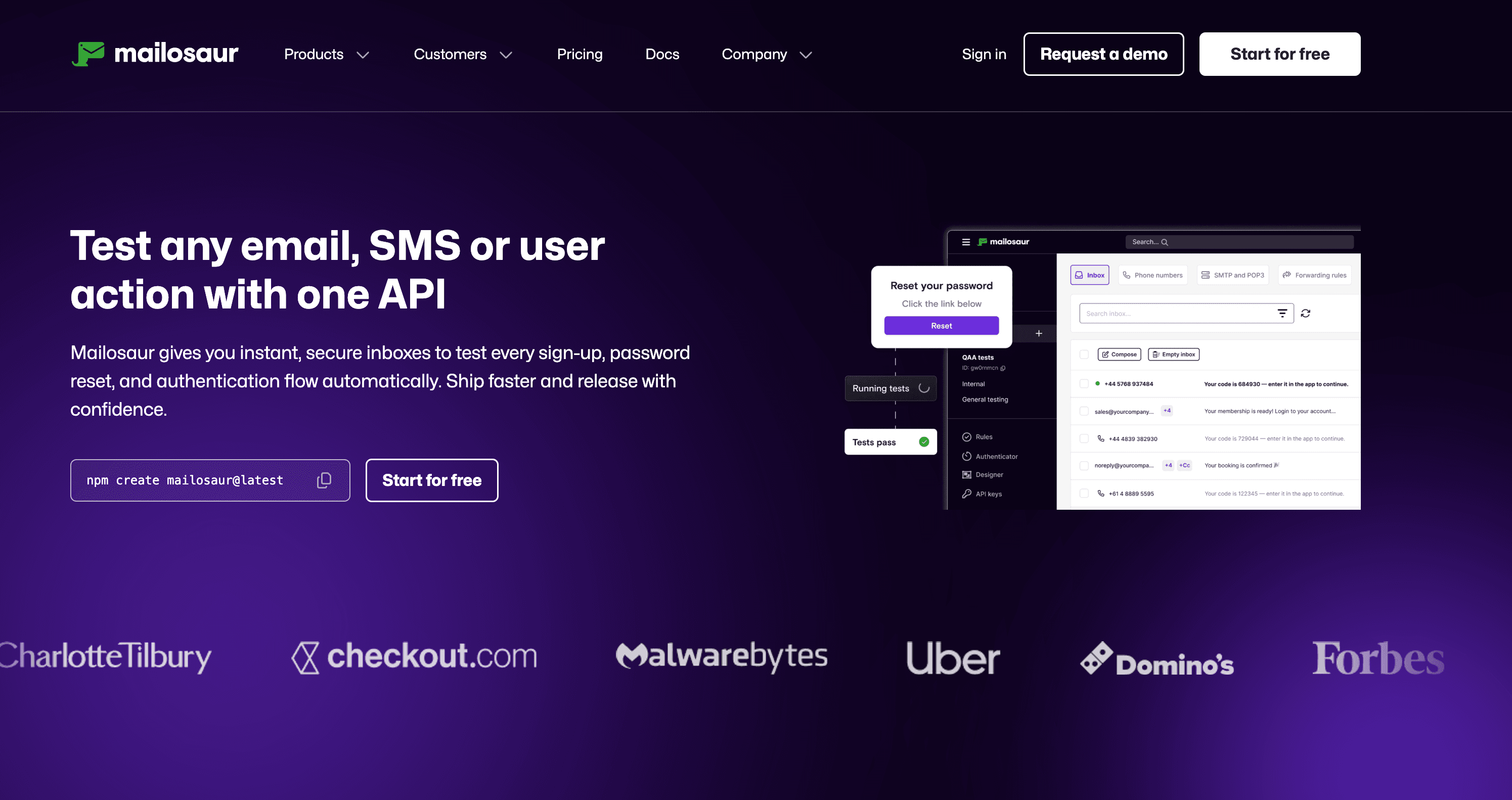
Mailosaur focuses on verification workflows and secure login scenarios.
Strengths
Limitations
Ideal for products where authentication flows are central.
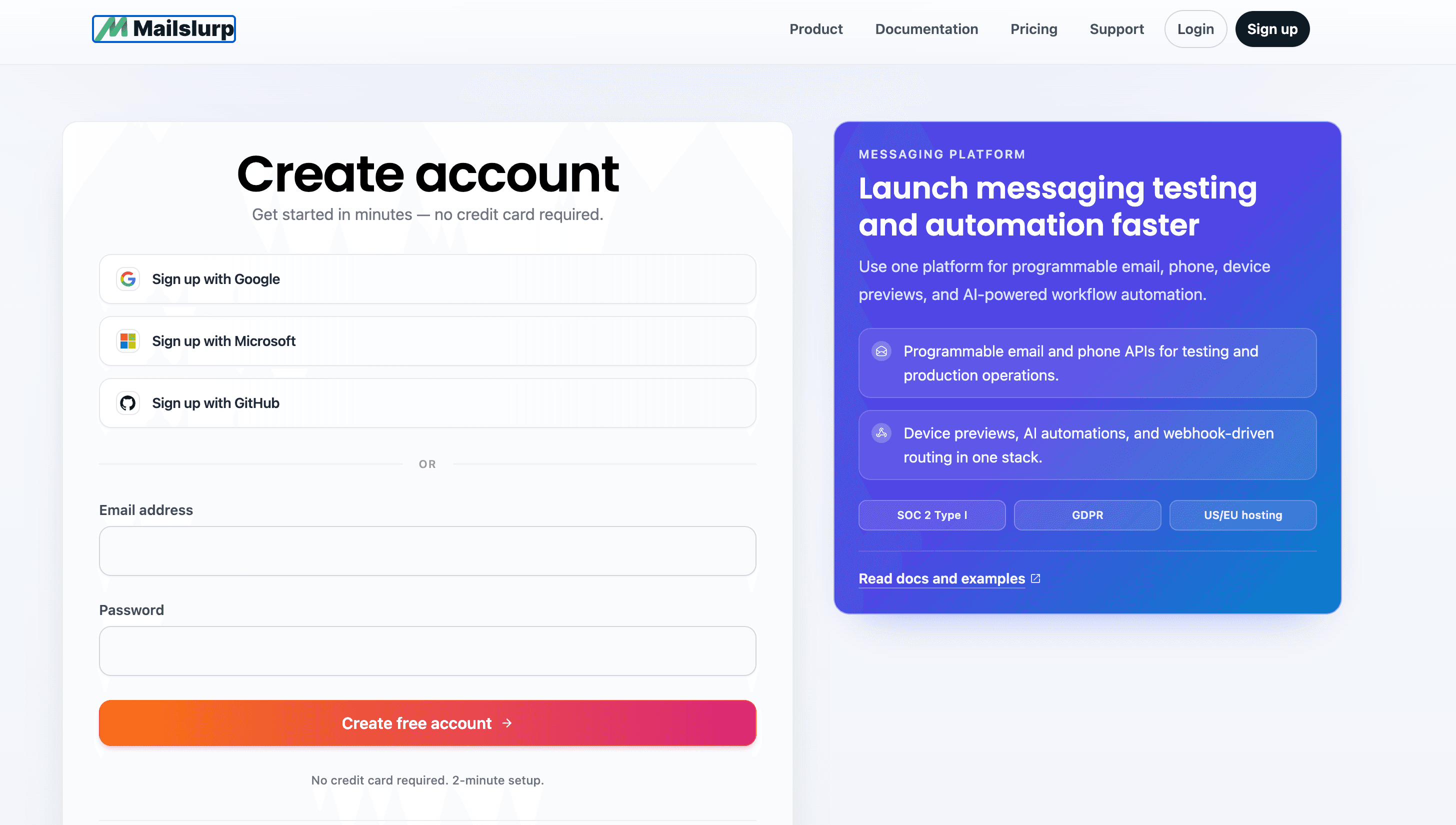
MailSlurp provides disposable inboxes designed for automated tests.
Strengths
Limitations
Best for automation-heavy teams comfortable with API-driven setups.
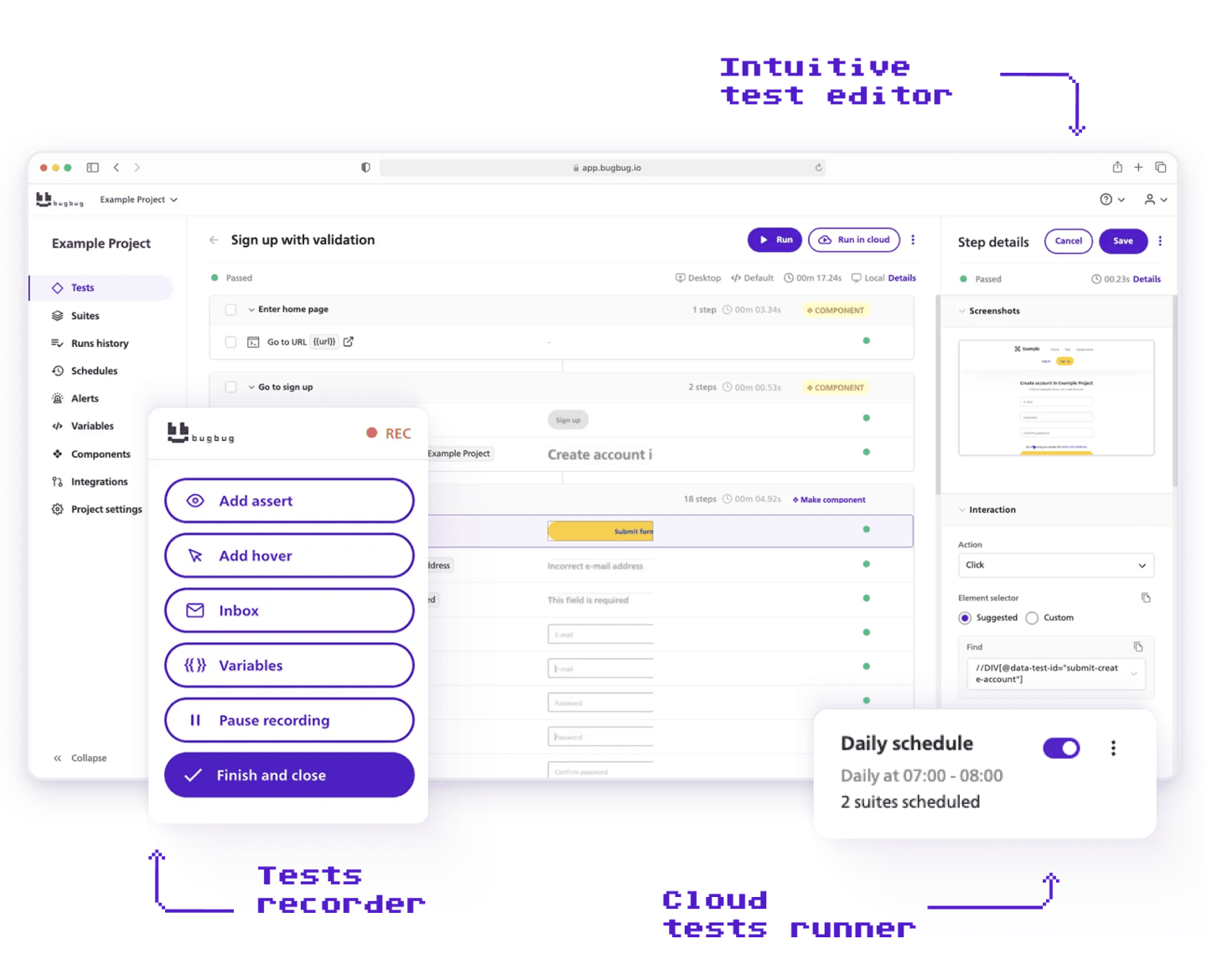
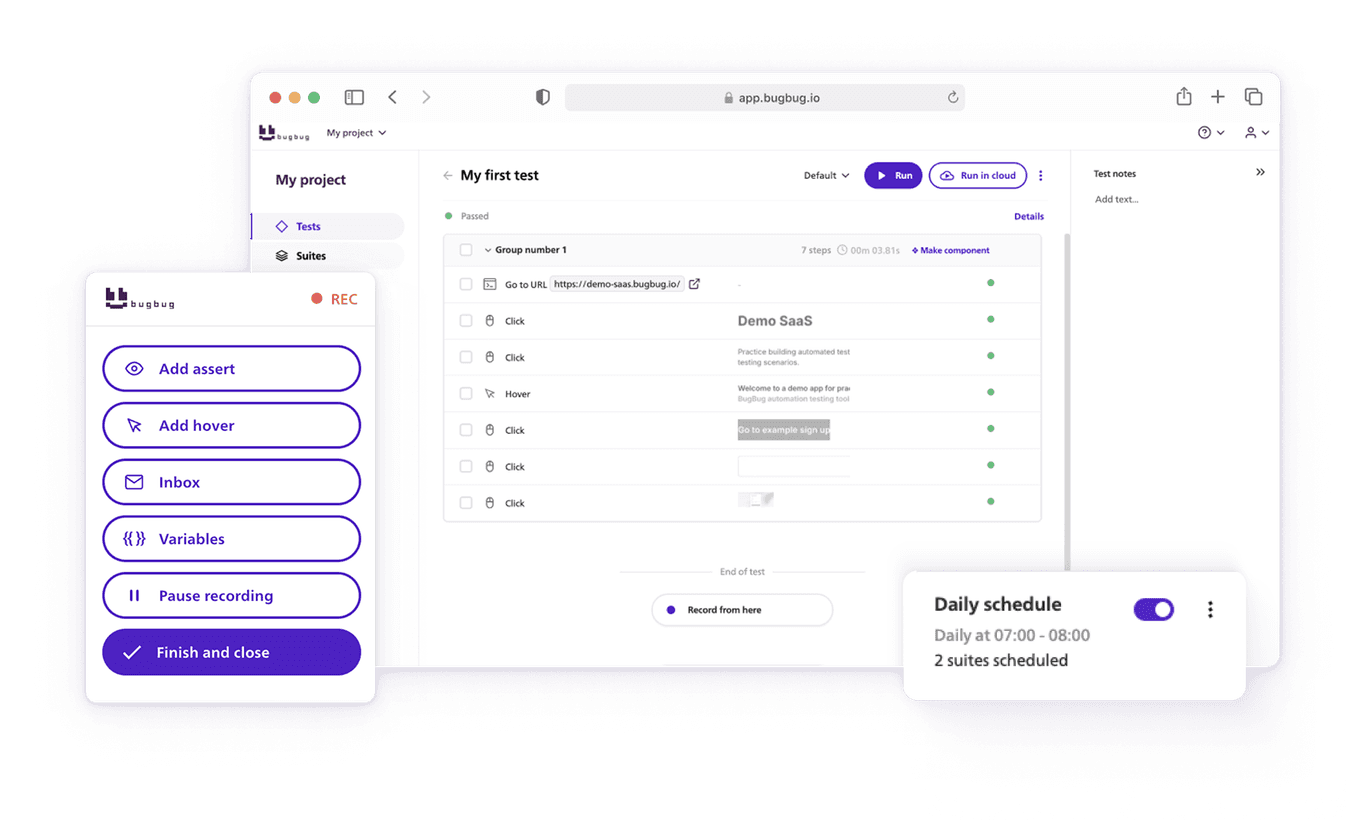
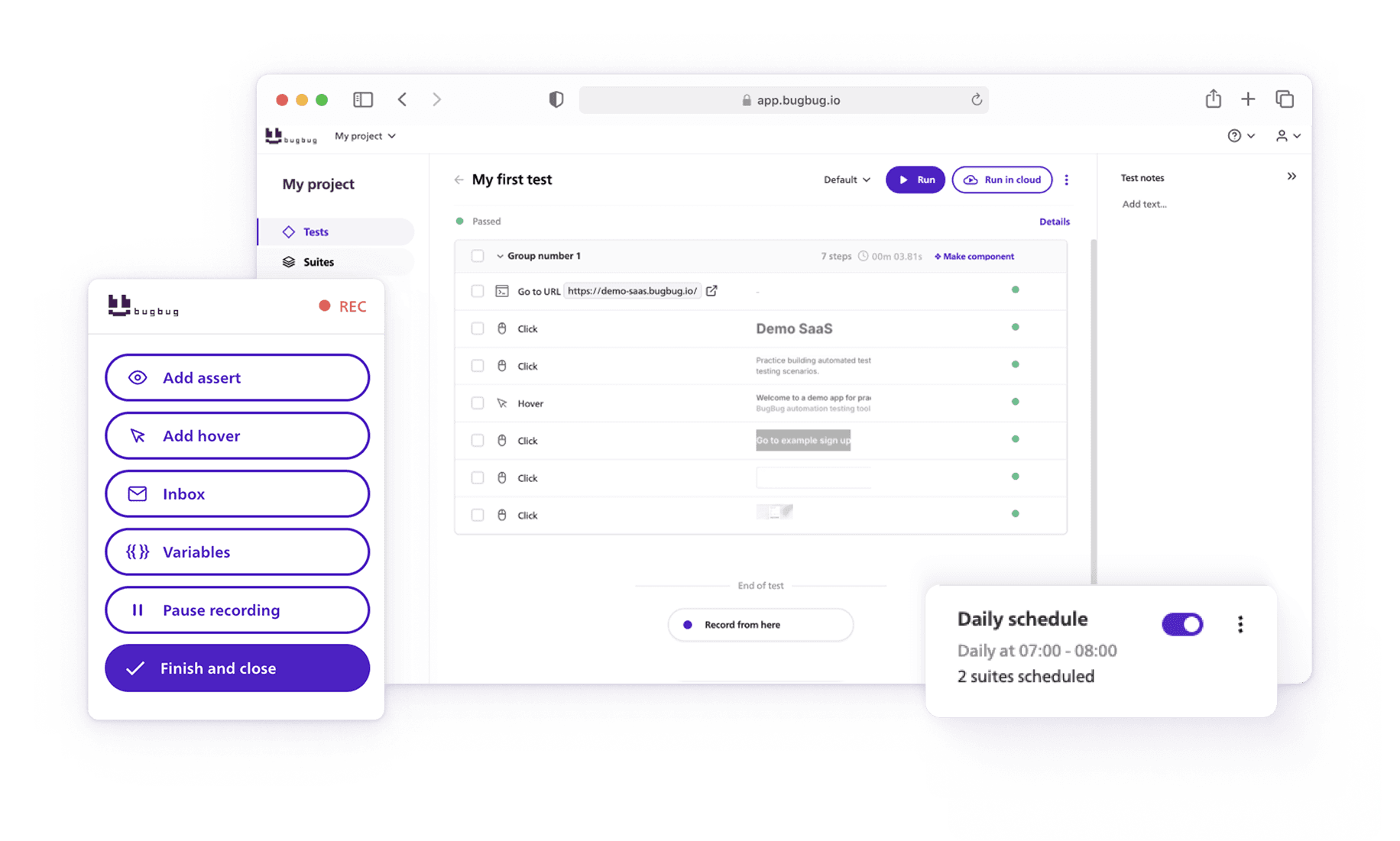
BugBug is not a standalone email sandbox. Instead, it includes native email inbox testing as part of its end-to-end testing platform.
With BugBug, teams can:
You can use BugBug to test your email flows before launching your next campaign, ensuring that everything works as expected and helping optimize your outreach for better results.
Strengths:
Limitations:
BugBug is ideal when email is part of automated user journeys and teams want to avoid maintaining separate inbox services.
An open-source SMTP catcher commonly used in local and Docker-based environments, MailHog is especially useful for verifying email address formats and ensuring that emails are sent to the correct addresses during local development.
Disposable SMTP accounts for quick development debugging.
Ethereal Email is a free service that provides disposable SMTP accounts for developers to test email sending functionality without delivering real emails. It’s especially useful for debugging and previewing transactional emails in a safe environment. Ethereal Email can also help developers track email count during debugging sessions, making it easier to analyze how many emails are generated and sent during various test scenarios.
Minimalist email capture for simple inspections.
SMTP Bucket is ideal for quickly inspecting emails during development, including promotional emails, to ensure correct formatting and content before sending to real users.
These tools are best suited for developer-only workflows and local testing—not CI or QA automation.
| Tool | Best For | Automation Support | OTP Testing | SMTP / API | CI-Friendly | Team Collaboration | Typical Use Case |
|---|---|---|---|---|---|---|---|
| Mailtrap | Email sandbox & deliverability | Limited | ❌ | SMTP + API | Partial | Strong | Previewing transactional emails, company-wide deliverability checks, marketers optimizing campaigns |
| Mailosaur | OTP & authentication flows | Strong | ✅ | API | Yes | Yes | Login and verification testing, company security validation, marketers testing email journeys |
| MailSlurp | Real inbox automation | Strong | ✅ | SMTP + API | Yes | Limited | Automated signup flows, company domain reputation monitoring |
| BugBug | E2E tests with email steps | Native | ✅ | Built-in | Yes | Limited | Email-driven end-to-end tests, company-wide regression testing, marketers verifying campaign flows |
| MailHog | Local dev capture | ❌ | ❌ | SMTP | ❌ | ❌ | Local debugging for company projects |
| Ethereal | SMTP debugging | ❌ | ❌ | SMTP | ❌ | ❌ | Quick dev checks, company email troubleshooting |
| SMTP Bucket | Minimal capture | ❌ | ❌ | SMTP | ❌ | ❌ | Lightweight inspection for company test emails |
Analytics and actionable insights from these email testing tools help users make informed decisions about their email testing and campaigns. Monitoring your email reputation is essential to ensure your emails reach the inbox instead of the spam folder.
For startups, simplicity matters. Over-engineering email testing often introduces more problems than it solves.
Email is not a secondary feature—it’s a core part of the user experience. Treating it as such requires the same discipline applied to UI and API testing.
The most effective QA setups combine tools such as BugBug:
Using the right email testing tools allows teams to spend less time troubleshooting and more time focusing on improvements.
These tools provide valuable insight into email performance, helping teams identify and resolve issues that could impact deliverability and inbox placement.
BugBug’s built-in inbox testing doesn’t aim to replace specialized email tools. Its value lies in removing friction from automated tests—making signup, login, and recovery flows reliable instead of brittle.
If your product relies on email (and it almost certainly does), maintaining high email performance should be a top priority. Improving email content can lead to better inbox placement and higher open rates. Investing in the right email testing strategy will pay off quickly—in fewer regressions, faster releases, and more confident deployments.
Happy (automated) testing!
Speed up your entire testing process
Automate your web app testing 3x faster.

Dominik Szahidewicz is a technical writer with experience in data science and application consulting. He's skilled in using tools such as Figma, ServiceNow, ERP, Notepad++ and VM Oracle. His skills also include knowledge of English, French and SQL.
Outside of work, he is an active musician and pianist, playing in several bands of different genres, including jazz/hip-hop, neo-soul and organic dub.
Join thousands of QA experts. Subscribe to our newsletter.
Get more testing tips and product related content. Zero spam.
Discover the essential QA tester skills for 2026! Learn the technical and soft skills required to excel as a QA Tester.
Discover essential business tools for startups. Read the article to find the right tools for your success.
Discover the best API integration tools for 2025. We explore top platforms like IBM API Connect and Microsoft Azure.
Automate form testing easily with BugBug. Ensure every form field, validation, and flow works perfectly across browsers and devices.
Discover the best Browserling alternatives in 2026! Explore top options like BrowserStack and LambdaTest, featuring free and paid plans.
Who are DataDog alternatives? Explore the top DataDog competitors among available testing solutions on the market.