Features
 Test recorder
 Integrations
 Testing service
 Roadmap
 Changelog
 Documentation
 Blog
Blog Customer stories
 About us
 Contact us
 XPath Selector Builder
 Example SaaS App
 E-mail testing inbox
Test Automation Maintenance - A Comprehensive Guide for 2026
Dominik SzahidewiczMarch 5, 2026
🤖 Summarize this article with AI:
💬 ChatGPT 🔍 Perplexity 💥 Claude 🐦 Grok 🔮 Google AI Mode
Test maintenance is continuous work, not an occasional cleanup: neglecting it leads to flaky suites, CI noise, missed defects, downtime, and higher production costs (plus reputational risk).
Maintenance exists to keep tests aligned with the evolving codebase and business workflows—updating test logic, selectors/UI interactions, and test data so your automation stays relevant and trustworthy.
A practical lifecycle emerges: prepare (audit the current suite + anticipate maintenance needs) → execute (update scripts + maintain test data) → evaluate (run regression tests + update documentation).
The biggest maintenance challenges are predictable: flaky tests (often timing/sync), evolving UIs (especially SPAs), shifting test environments, and resource/skills constraints—each can snowball into a “maintenance burden.”
Best practices that actually reduce test debt: version control for test scripts, modular/reusable tests, using codeless tools where it makes sense, integrating tests into CI/CD, solid test data management, automated monitoring/alerts, and tight dev–QA collaboration.
Measure and improve over time: track KPIs (pass rate, execution time, defect detection, coverage), run continuous improvement loops, and embed maintenance into Agile/DevOps (definition of done, fast feedback, continuous testing) to prevent regressions and keep releases stable.
Test maintenance is not merely a task to be performed occasionally but a continuous process that must be integrated into the automation framework infrastructure. Skipping or neglecting test maintenance can lead to increased costs due to downtime, revenue loss, and damage to reputation.
Quality assurance plays a crucial role in ensuring software reliability and performance, with test maintenance being a critical part of the overall QA process. Rigorous quality assurance and regular test maintenance help prevent failures and maintain high-quality software products.
Maintenance testing ensures that the core features of your software system remain stable and that critical workflows continue to function correctly after software updates. By continuously validating the entire software system, you reduce the risk of undetected bugs impacting users or business operations.
Identifying and addressing software defects early during test automation maintenance is essential to reduce maintenance costs and improve testing efficiency.
In this article, we will explore how test maintenance guarantees accuracy and relevance of test cases, particularly in the context of code changes. Neglecting test maintenance can also result in higher costs for fixing production issues, as bugs may not be caught early. Join us as we uncover the best practices that can help you save costs and time. Maintaining automated tests helps save time during both test creation and ongoing maintenance, as reusable test snippets and automated updates reduce manual effort and speed up the testing process.
Test maintenance is the process of managing and updating test cases in software testing to ensure their continued relevance and effectiveness. It involves regularly reviewing and modifying test cases to align them with the evolving codebase. As software evolves, test maintenance is necessary to keep test cases relevant and effective in detecting issues caused by changes in functionality, user interfaces, or features. Maintaining test logic is essential to ensure that tests remain aligned with current business requirements and workflows.
This process is crucial for preserving the integrity of the testing effort and ensuring that code quality remains high. Automation frameworks often play a central role in efficient and less time-consuming testing. Maintaining an automated test suite and a well-structured test automation suite is important to ensure ongoing effectiveness as the application evolves, reducing maintenance effort and supporting continuous integration and delivery.
In essence, test maintenance is an essential practice supporting the overall goal of delivering reliable and high-quality products. It’s a continuous and integral part of the testing lifecycle. Test maintenance should be integrated throughout the software development life cycle to ensure high-quality releases. Utilizing advanced test automation tools enhances test maintenance efficiency and allows for broader test coverage.
Lifecycle refers to a sequence of stages through which various entities, such as individuals, cultures, or manufactured products, progress over their lifetimes. In the context of application testing, it signifies the orderly progression of activities undertaken by the testing team to optimize the process. Routine maintenance tasks are a crucial part of the test maintenance lifecycle, ensuring that tests remain reliable and up to date as applications evolve. Maintaining an automation suite is essential for ensuring the effectiveness and longevity of automated tests, reducing recurring costs, and streamlining the testing process, especially when integrated into CI/CD pipelines.
Modular testing practices, which involve breaking down large tests into smaller, reusable components that focus on single functionalities, help facilitate easier updates and maintenance. This approach streamlines routine maintenance and allows teams to efficiently manage and update their test suites. A streamlined testing workflow within an all-in-one test automation platform further helps teams efficiently manage updates and maintenance with minimal training and seamless CI/CD integration.
A. Understanding the Existing Test Suite
The journey begins by comprehensively understanding the existing test suite. This involves evaluating the current test cases, both manual and automated, and their coverage. By gaining insights into the scope and depth of the suite, you can make informed decisions about which tests should be automated. Standardized approaches to test creation, such as using the page object model and variables, can streamline the process of developing and maintaining tests, reducing manual effort and improving efficiency. Automation efforts include not only creating tests but also maintaining, updating, and optimizing automated test suites, and strategies like the page object model help simplify these ongoing tasks. Planning and executing multiple test cases, including those with dependencies, is crucial to ensure comprehensive validation of your software.
Most test automation frameworks offer features to streamline test creation and maintenance, making it easier to manage and scale your automation strategy.
B. Identifying Maintenance Needs
It’s time to identify potential maintenance needs. This step involves anticipating how your application may evolve and change over time. By forecasting these changes, you can proactively plan for test maintenance, reducing the risk of test case obsolescence and ensuring long-term relevance.
Stay up to date with the latest tools and no-code solutions. They can help with desktop and browser UI tests without extensive coding skills. Setting a scheduled cadence for ‘Test Debt’ cleanup is essential to maintain an updated and efficient test suite.
With your preparation in place, you’re now ready to execute the actual test maintenance tasks.
A.Test ScriptUpdates
As your application undergoes code changes and updates, your test scripts must evolve accordingly. As software changes and software modifications occur, test scripts need to be updated to reflect changes in the application and other components such as code, frameworks, and integrations. This involves reviewing and modifying automated test scripts to align them with the latest codebase. Ensuring that your test scripts accurately reflect the application’s functionality is vital to maintaining test suite reliability.
Maintaining well-designed and reusable test automation scripts helps reduce maintenance effort and improves overall test reliability. Modern tools can automatically generate or update test steps in response to application changes, minimizing manual intervention and keeping tests relevant. It is important to regularly update tests to ensure your test suite remains reliable and maintainable as your application evolves.
Maintaining tests also prevents ‘Maintenance Theater,’ where teams spend excessive time fixing broken tests instead of conducting meaningful testing.
B. Test Data Maintenance
It’s essential to keep test data up to date and relevant to reflect changes in the application’s features and functionalities. Failure to maintain test data can lead to false positives or negatives during testing, compromising the quality of your testing effort.
Once you’ve executed test maintenance activities, it’s crucial to evaluate the results and ensure that your testing process remains effective.
This step involves re-running all relevant tests to confirm that the application’s core functionality remains intact after the changes. Regression testing acts as a safety net to ensure that recent changes do not break existing functionalities, helping maintain consistent quality and reliable results. This approach helps identify any unintended side effects of code modifications. Flakiness in tests should be treated as a defect and tracked as a core quality metric to maintain trust in the CI/CD pipeline. Additionally, generating and analyzing automated test reports is essential for identifying defects, improving test management, and streamlining quality assurance workflows.
B. Documentation Updates
Documentation is the backbone of any successful testing effort. Post-maintenance evaluation includes updating test documentation to reflect the changes made during test maintenance. This ensures that your testing team has access to accurate and up-to-date information, enhancing collaboration and knowledge sharing.
Being effective is crucial for sustaining a robust process, but it comes with its fair share of challenges. Reducing manual effort and ensuring regular maintenance are key to overcoming test maintenance challenges, as they help keep automated tests efficient and aligned with ongoing software changes. A high maintenance burden can lead to unmanageable and flaky tests, making it difficult to trust automation results and increasing the risk of unreliable outcomes. Maintenance costs also play a significant role, as they directly impact testing efficiency and resource allocation, making it essential to manage these expenses strategically. Understanding and addressing these challenges is essential for maintaining the reliability and relevance of your testing efforts. Here’s the list of typical challenges you may encounter:
In the subsection about flakiness, add: False failures can occur when wait conditions are not handled properly, leading to timeout errors that do not reflect actual issues in the application. Flaky tests are a key challenge in test automation maintenance, as they often fail intermittently due to environmental or timing issues, undermining trust in the test suite and increasing the maintenance burden.
Additionally, maintaining detailed documentation of test intent and business goals significantly improves future troubleshooting and refactoring efforts. Poorly written test scripts can increase maintenance effort and complicate updates, further adding to the overall maintenance burden.
Flakiness refers to the inconsistency in test results, where a test may pass one time and fail another, without any changes to the application code. This can be caused by various factors, including synchronization issues, timing problems, or environmental fluctuations. Resolving script flakiness requires meticulous debugging and optimization.
When the user interface or underlying functionality of an application undergoes changes, it necessitates the updating of test cases and scripts that interact with these interfaces. Updates to a web application, especially modern single-page applications (SPAs) or enterprise platforms, often require frequent adjustments to automated tests to maintain coverage and reliability. Failure to adapt to evolving GUI can lead to test failures, bugs, and reduced test coverage, posing a significant challenge in test maintenance.
Alterations in the test environment, such as database schema changes, server configurations, or network setups, can impact the execution of test cases. Adaptive maintenance testing involves retesting software after environment changes, such as new OS versions or device updates, to ensure continued functionality and compatibility. Maintaining compatibility between test environments and test scripts is vital to make sure that tests accurately reflect the production environment.
Resource constraints, including limited time, budget, and personnel, can impede effective test maintenance. A lack of technical skills within the team can further hinder the ability to maintain automated tests, especially when working with complex automation frameworks like Selenium, Cypress, or Playwright, which often require specialized expertise. As software projects progress, new features are developed, and existing ones are modified, increasing the workload for test maintenance.
Limited resources may hinder the ability to keep up with the pace of change, potentially leading to deferred maintenance and a growing backlog of updates.
Automated test maintenance is a crucial aspect of the software testing process. Automated maintenance tests play a key role in validating bug fixes, environment upgrades, and enhancements automatically within CI/CD pipelines, ensuring faster releases and reducing production issues. Leveraging self healing tests and automatically updating tests, powered by AI, can significantly reduce manual maintenance and improve defect detection rates. Migrating to native automation systems during pilot phases can further minimize ongoing maintenance effort. Ensuring comprehensive test coverage and automating end to end tests are essential to validate all critical workflows and catch issues early. Adopting a shift left approach—testing early in the development process—helps prevent maintenance backlogs and improves overall software quality. By following these best practices, teams can enhance user experience by maintaining stability and delivering high-quality web applications. To streamline this essential task, consider these best practices:
By tracking changes and maintaining different versions of your test scripts, you can easily revert to a stable state if issues arise during maintenance. This guarantees that every test script is managed systematically and can be updated with confidence.
No-code test automation tools, such as , are designed to be user-friendly and require little to no coding knowledge. This accessibility enables testers, business analysts, and subject-matter experts (SMEs) to create and maintain automated tests without relying heavily on specialized automation engineers. Both QA teams and software developers play important roles in maintaining automated tests, and collaboration between these groups is essential for efficient test automation maintenance.
Coding culture and naming can differ from one QA Engineer to the other. It’s better to keep it visual, so there is no confusion and test quality is maintained.
Integrate your automated tests into your CI/CD pipeline. This practice helps check that tests run automatically with every code change, providing rapid feedback to engineers and reducing the likelihood of regressions. Automation within the CI/CD pipeline helps keep tests aligned with code changes. By integrating automated tests into CI/CD pipelines, teams can achieve faster release cycles by receiving immediate feedback and minimizing bottlenecks in the deployment process.
Read more about the benefits of CI/CD Pipeline implementation.
Test data is a critical component of automated testing, and maintaining it is essential. Consider using techniques such as data generation, data masking, or data virtualization to guarantee that your tests have access to the necessary data without compromising data security or privacy.
Implementing tools that continuously monitor test executions can quickly detect failures or issues, allowing you to address them promptly. Automated alerts help with a proactive approach, rather than reactive.
Promote collaboration between development and testing teams. Effective communication and collaboration are key to identifying and addressing issues related to test maintenance. Regular meetings and discussions between teams can help align testing efforts with code changes and prevent misalignments.
KPIs are essential for setting targets, monitoring progress, and making data-driven decisions to improve performance and achieve strategic objectives. They provide a clear and quantifiable way to assess whether an organization is on track to meet its goals and, if not, what actions need to be taken to course-correct.
Tracking KPIs allows you to gauge the effectiveness of your test maintenance efforts. These can include metrics like test case pass rates, test execution times, defect detection rates, and test coverage. KPIs provide quantitative insights into the quality and efficiency of your testing process.
Implementing continuous improvement initiatives is essential to enhance your test maintenance practices continually. These initiatives involve regular retrospectives, establishing a feedback loop to revisit requirements and drive ongoing improvements, and process refinements to address identified issues and optimize the test maintenance process over time. Test maintenance should prioritize critical tests that cover core business functionality and include regular refactoring to remove redundancy, ensuring your test suite remains efficient and relevant. It's also important to review old tests for continued relevance and regularly create new tests to adapt to changes in your application's interface and maintain robust test coverage.
In Agile and DevOps methodologies, test maintenance plays a crucial role in ensuring that testing processes remain aligned with the fast-paced development cycles. Ensuring consistent quality through test maintenance is essential in these environments, as it helps uphold software reliability despite frequent updates and changes. Integrating test maintenance into the overall software development process is vital for maintaining quality and efficiency, especially as teams manage automated tests within CI/CD pipelines and align testing with ongoing development work. In 2026, test maintenance is considered a mandatory daily task for QA engineers working in agile environments where code changes frequently. Here are three key aspects of test maintenance in Agile and DevOps environments:
Sprint Alignment
In Agile, test maintenance should be seamlessly integrated into sprint cycles. As new features are developed and existing code is modified, corresponding test cases must be updated in parallel to guarantee accurate testing. It is also essential to maintain comprehensive and up-to-date test scenarios that accurately reflect current application workflows, business rules, and requirements to ensure effective test coverage and reliable automation.
Continuous Feedback
Agile promotes frequent feedback loops. Testers should work closely with developers to identify changes and understand how they impact existing tests. This collaboration allows for timely adjustments and reduces the risk of testing bottlenecks.
Regression Testing
Regression testing is a cornerstone of Agile. Automated regression tests should be part of the sprint’s Definition of Done (DoD). This way, new features do not introduce unintended issues. This requires continuous maintenance of regression test suites. Regression testing should also validate that any bug fix does not introduce new issues or break existing functionality.
Automated Test Execution
Incorporate automated tests into the Continuous Integration/Continuous Delivery (CI/CD) pipeline. Automated tests should be triggered automatically whenever code changes are committed.
Immediate Feedback
CI/CD integration provides immediate feedback to developers. If a test fails due to changes in the codebase, developers can address the issue promptly, reducing the time and effort required for test maintenance.
Test Environment Consistency
Make sure that the test environment in the CI/CD pipeline closely mirrors the production environment. This consistency helps identify issues early and minimizes discrepancies that could lead to test failures.
Automation-First Approach
In DevOps, automation is key. Prioritize test automation from the outset of development projects. This not only reduces manual testing efforts but also eases the burden of maintaining automated tests, as they can be updated more efficiently. Maintaining automated test cases is crucial to ensure effective bug detection as code changes, helping teams quickly identify issues introduced by new features or updates.
Continuous Testing
Embrace continuous testing practices, where tests run continuously as code is developed. Continuous testing detects defects early and provides tests synchronized with code changes, reducing the need for extensive test maintenance. Continuous testing and automation are essential for maintaining high software quality by catching issues early, reducing bugs, and ensuring reliable deployments.
Feedback Loops
Establish feedback loops between automated test results and development teams. When tests fail, integrate mechanisms for developers to receive notifications and detailed information about the failures to expedite issue resolution.
There are many testing tools available for maintenance, but some of the best ones are:

This is a test management solution that helps you plan, execute, track, and report on your testing activities from a single tool. It integrates with popular tools like Jira, Jenkins, Selenium, and more. It also supports test automation, test case reuse, traceability, and defect management.

This is an end-to-end test management platform that allows you to manage your QA efforts in one place. It supports requirements management, test design, test execution, defect tracking, reporting, and integrations with various tools. It also offers a cloud-based or on-premise deployment option.

This is a project management tool that can also be used for test management. It allows you to create, assign, prioritize, and track your tasks and issues. It also integrates with many test automation and test management tools like TestRail, Zephyr, Xray, and more. It also offers a customizable workflow and dashboard.

This is a simple and intuitive test management tool that helps you manage your test cases, test plans, test runs, and defects. It integrates with popular bug tracking tools like Jira, Redmine, Mantis, and more. It also supports test automation with tools like Selenium, TestNG, PHPUnit, and more.

This is a comprehensive test management tool that helps you manage your requirements, test cases, test execution, defects, and reports. It supports traceability matrix, risk-based testing, test automation integration, and real-time collaboration. It also offers a cloud-based or on-premise deployment option.
In conclusion, effective test maintenance is the cornerstone of a robust and efficient testing process. It helps your team, both developers and testers, work quickly and efficiently.
Implementing the best practices, tools, and methodologies described above will ensure that your automated tests remain reliable, up-to-date, and aligned with the ever-evolving software landscape. However, not all tests can be automated—some scenarios require manual testing to ensure comprehensive coverage and maintain software quality. Combining manual and automated approaches is essential for a balanced and effective testing strategy. Additionally, machine learning is increasingly used to improve test automation maintenance by enabling visual validation algorithms to mimic human tester judgment, helping to distinguish meaningful UI changes from minor or inconsequential ones without requiring AI expertise.
Addressing small errors that can slip into the code and keeping tests up-to-date with code changes prevents the accumulation of technical debt and minimize the risk of false positives. Ensure the continuity of these practices for a resilient, dynamic, and effective testing environment.
Happy (automated) testing!
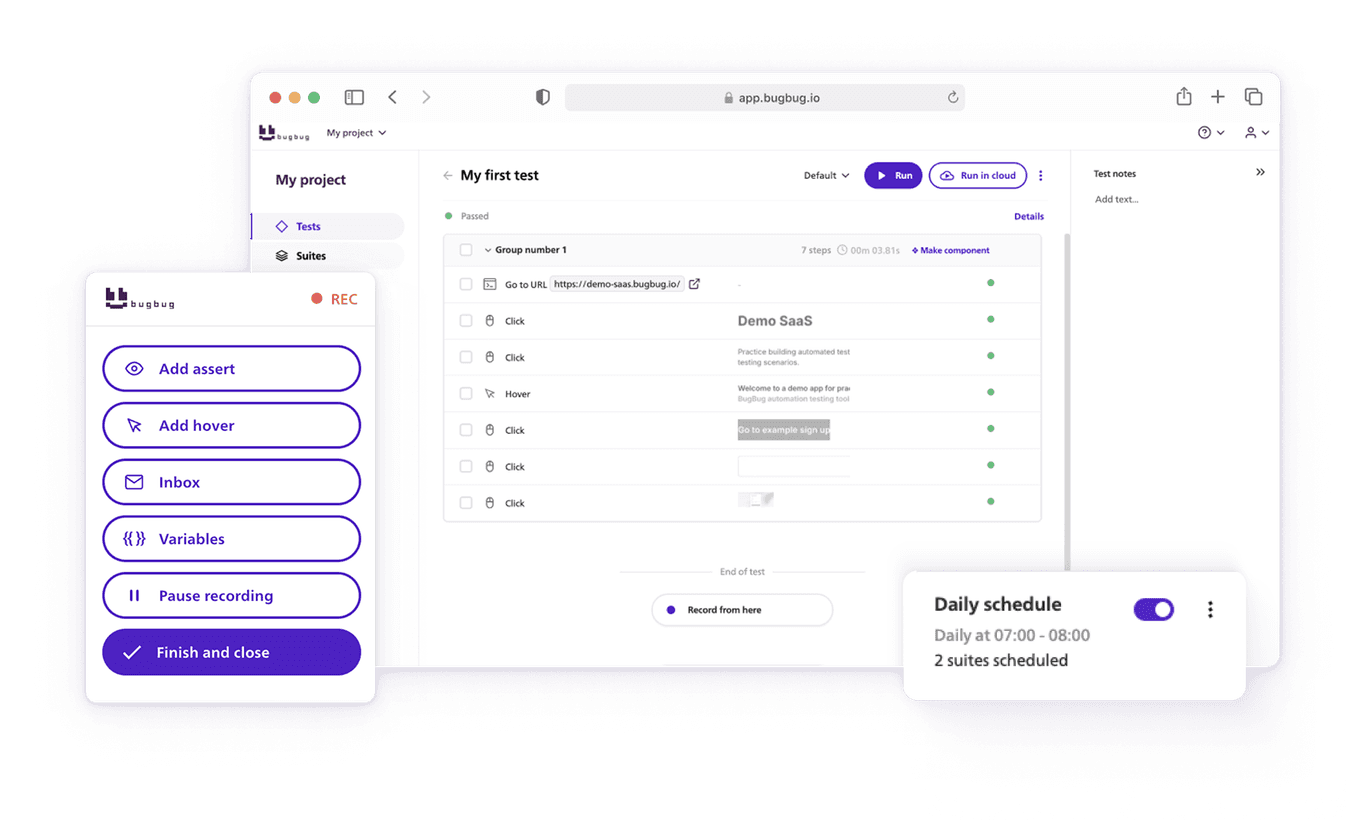
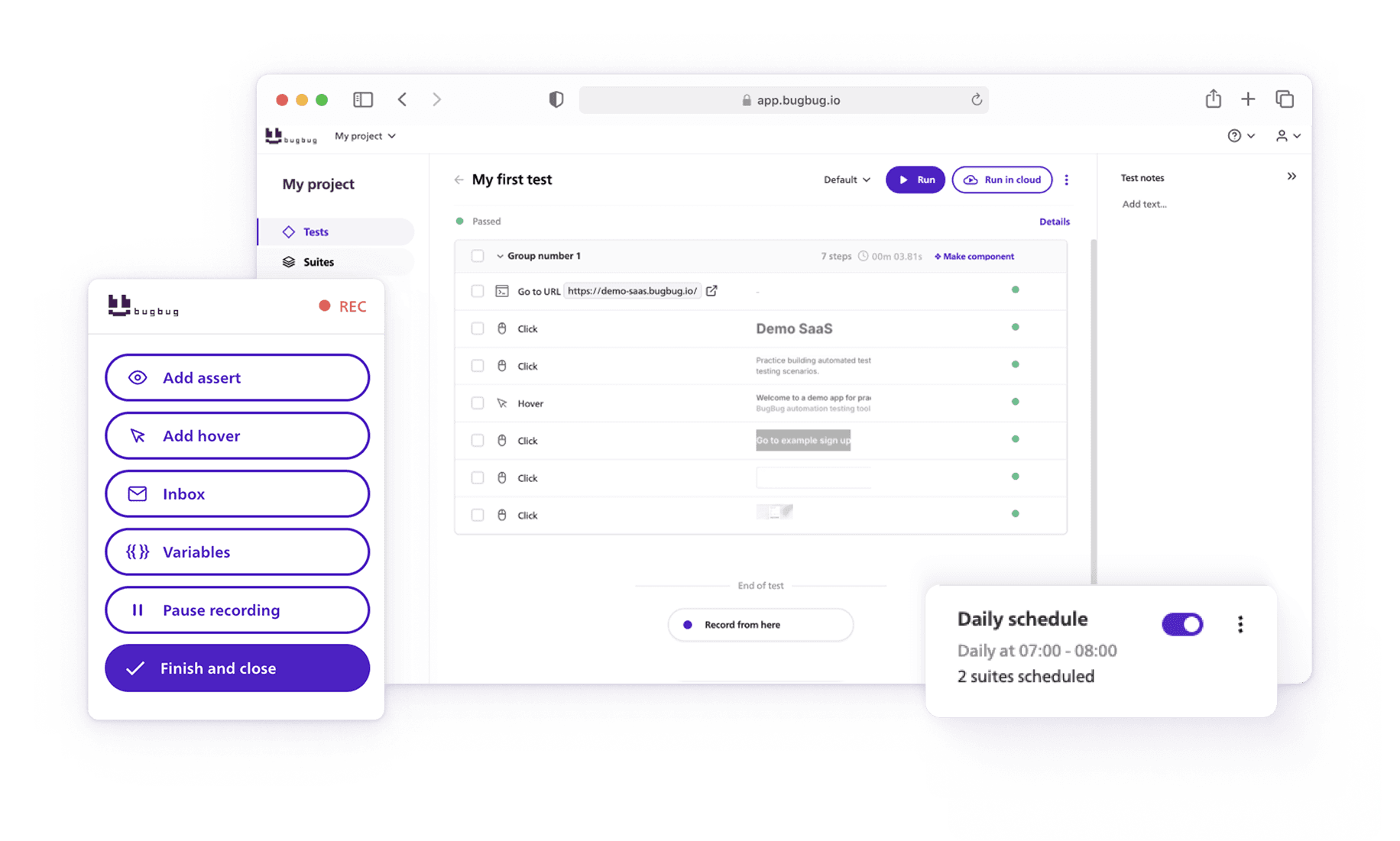
Speed up your entire testing process
Automate your web app testing 3x faster.

Dominik Szahidewicz is a technical writer with experience in data science and application consulting. He's skilled in using tools such as Figma, ServiceNow, ERP, Notepad++ and VM Oracle. His skills also include knowledge of English, French and SQL.
Outside of work, he is an active musician and pianist, playing in several bands of different genres, including jazz/hip-hop, neo-soul and organic dub.
Join thousands of QA experts. Subscribe to our newsletter.
Get more testing tips and product related content. Zero spam.
How to find bugs in your code? They live to damage your code, to make you lose time and effort and money.
Discover top Selenium practice websites designed for a variety of testing scenarios. Sharpen your automation skills.
Discover a complete software test plan example, including scope, strategy, test cases, execution, and defect tracking, plus a free test plan template.
Discover the importance of test design in software testing success. Learn how test design impacts test cases and outcomes in this comprehensive guide.
Discover proven software testing best practices to improve software quality, streamline QA workflows, and make your testing process more efficient.
Test automation is crucial both for testing and for the development process in general. It will allow you to execute test cases faster and with greater efficiency, which can save you a lot of time.
Read a detailed overview of data-driven testing. It is a software testing methodology in which test data is stored in external data sources and is used to drive test cases and test scripts.
data-testid attributes serve as a simple yet powerful tool for selecting elements within tests. Let's dive in and explore.