Features
 Test recorder
 Integrations
 Testing service
 Roadmap
 Changelog
 Documentation
 Blog
Blog Customer stories
 About us
 Contact us
 XPath Selector Builder
 Example SaaS App
 E-mail testing inbox
How to Extend Low-Code Testing with JavaScript?
Dominik SzahidewiczMarch 5, 2026
Low-code testing tools promise speed. Frameworks promise control.
Most developer-led teams try both — and end up frustrated.
The real dilemma isn’t code vs no-code or simply whether you are writing code or not.
It’s this:
How do you keep flexibility without owning an entire test framework and its infrastructure?
Check also:
Automation decisions often follow a predictable path:
Low code testing tools enable manual testers to participate in test automation without extensive coding skills, bridging the gap between manual and automated testing.
The issue isn’t capability.
It’s ownership.
You either:
There hasn’t historically been much in between.
Low-code tools don’t fail because they’re simple.
They fail because products evolve. As visual elements on web pages change, test maintenance becomes a challenge, directly impacting test stability. Managing a stable test suite, especially regression suite or regression test suites, is particularly difficult in agile environments where frequent UI changes can cause automated tests to break. Low-code tools can struggle to maintain a reliable test suite as the product evolves, making ongoing test maintenance and stability a key concern.
Record-and-playback tools assume relative UI stability. Codeless testing tools, which often employ the record and playback paradigm, allow users to record a scenario and then adjust the test in an editor. However, these tools can be impacted by changes in visual elements, such as shifting buttons or updated layouts, which may cause recorded steps to break.
Real SaaS products don’t offer that.
Suddenly:
Test maintenance and test stability become ongoing challenges, especially as visual elements change. However, some codeless automation tools can help reduce maintenance efforts by adapting to application changes automatically, improving test stability and minimizing manual updates.
Over time, automation becomes fragile and expensive to maintain.
Most low-code tools handle:
They struggle with:
However, low code automation and low code automation testing platforms help bridge the gap by allowing users to extend test coverage with minimal code and code insertion, making it possible to handle more advanced scenarios without fully switching to traditional code automation testing.
Eventually, the team hits the ceiling:
“We need real code.”
And moves to frameworks.
When flexibility becomes mandatory, teams adopt:
These are traditional automation tools that represent traditional automation testing and traditional testing methods. While they offer robust capabilities, they are often complex, require significant coding, and come with a steep learning curve compared to the simplicity and accessibility of low-code testing solutions.
Frameworks solve the flexibility problem.
But they transfer operational responsibility entirely to your team.
You now own:
Frameworks are transparent — but heavy.
Here’s the broader landscape:
| Category | Enterprise Low-Code | Code Frameworks | BugBug |
|---|---|---|---|
| Best For | Large multi-team orgs | Dev-heavy teams | Agile SaaS & startups |
| Setup Complexity | Medium–High | High | Very Low |
| Coding Required | Limited scripting | Full coding | Optional JS |
| Infra Ownership | Vendor cloud | Yours | None required |
| Flexibility | Varies | Very High | High |
| Maintenance Burden | Medium | High | Low |
| Debugging | Often abstracted | Full visibility | Visual + DevTools |
| Pricing | Enterprise licensing | “Free” but infra-heavy | Free + predictable |
| Long-Term Cost | Subscription scaling | Dev hours + infra | Minimal overhead |
Low code solutions and automation tools empower QA teams, QA engineers, and non technical users to manage tests efficiently, thanks to the key features of modern low code platforms. Low code testing allows non-technical team members to participate in the automation process, enhancing QA productivity and reducing reliance on specialized coding skills. By democratizing test automation, these tools can improve overall QA capacity and make test creation accessible to users of all skill levels.
The pattern:
| Category | Low-Code Testing Tools | Selenium | Cypress |
|---|---|---|---|
| Coding Required | No-code / optional scripting | Full programming required | JavaScript required |
| Setup Complexity | Minimal onboarding | WebDriver, bindings, CI, grid setup | Node setup + CI integration |
| Flexibility | Good, but tool-limited | Unlimited control | High (frontend-focused) |
| Infrastructure Ownership | Usually vendor-managed | Fully owned | CI + dashboard |
| Maintenance Burden | Medium | High | Medium–High |
| Scaling & Parallelization | Often built-in | Requires Grid/cloud | Dashboard or CI strategy |
| True Long-Term Cost | Subscription | Dev time + infra | Dev time + CI |
Summary:
Low code testing tools streamline software testing by enabling users to quickly start testing, build automated tests, write tests, and execute or run tests with minimal setup. These platforms make it easy to create and manage test cases, define test steps, and design test scenarios, which leads to broader test coverage and improved efficiency throughout the development cycle. Low code testing can help teams achieve more with limited resources and significantly reduce the time required to create and execute tests compared to traditional coding methods.
The real question becomes:
Can you extend a low-code tool with real logic — without inheriting framework ownership?
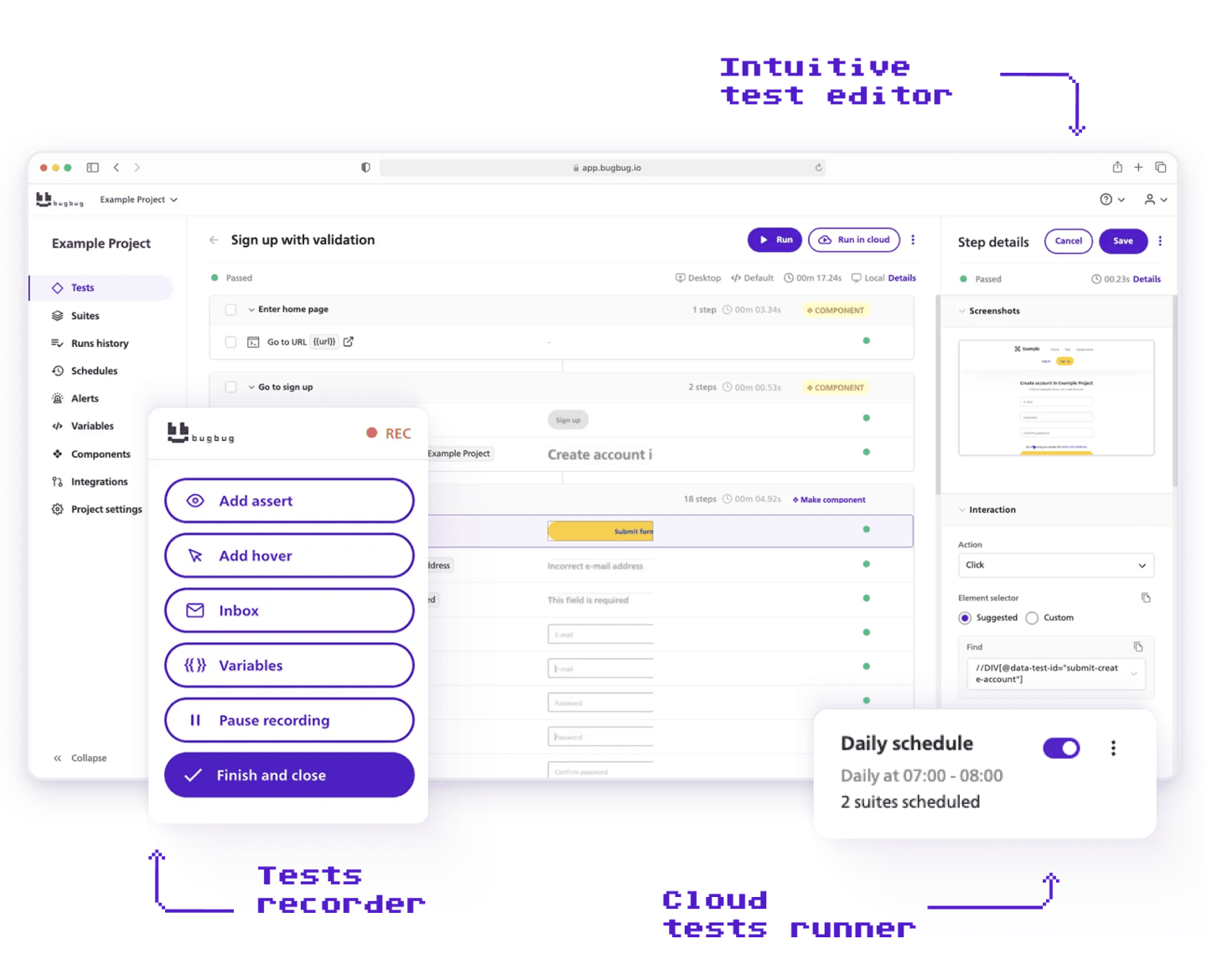
In BugBug, if you know JavaScript, you can extend beyond the visual builder. Code test automation and test creation can be further enhanced by leveraging reusable components and well-structured test scripts, making your automated tests more maintainable and scalable. Establishing a peer review process for testing scripts increases clarity and ensures proper parameterization of test data. Fostering collaboration through fusion teams—combining business users and IT professionals—can also enhance the implementation and success of low code testing.
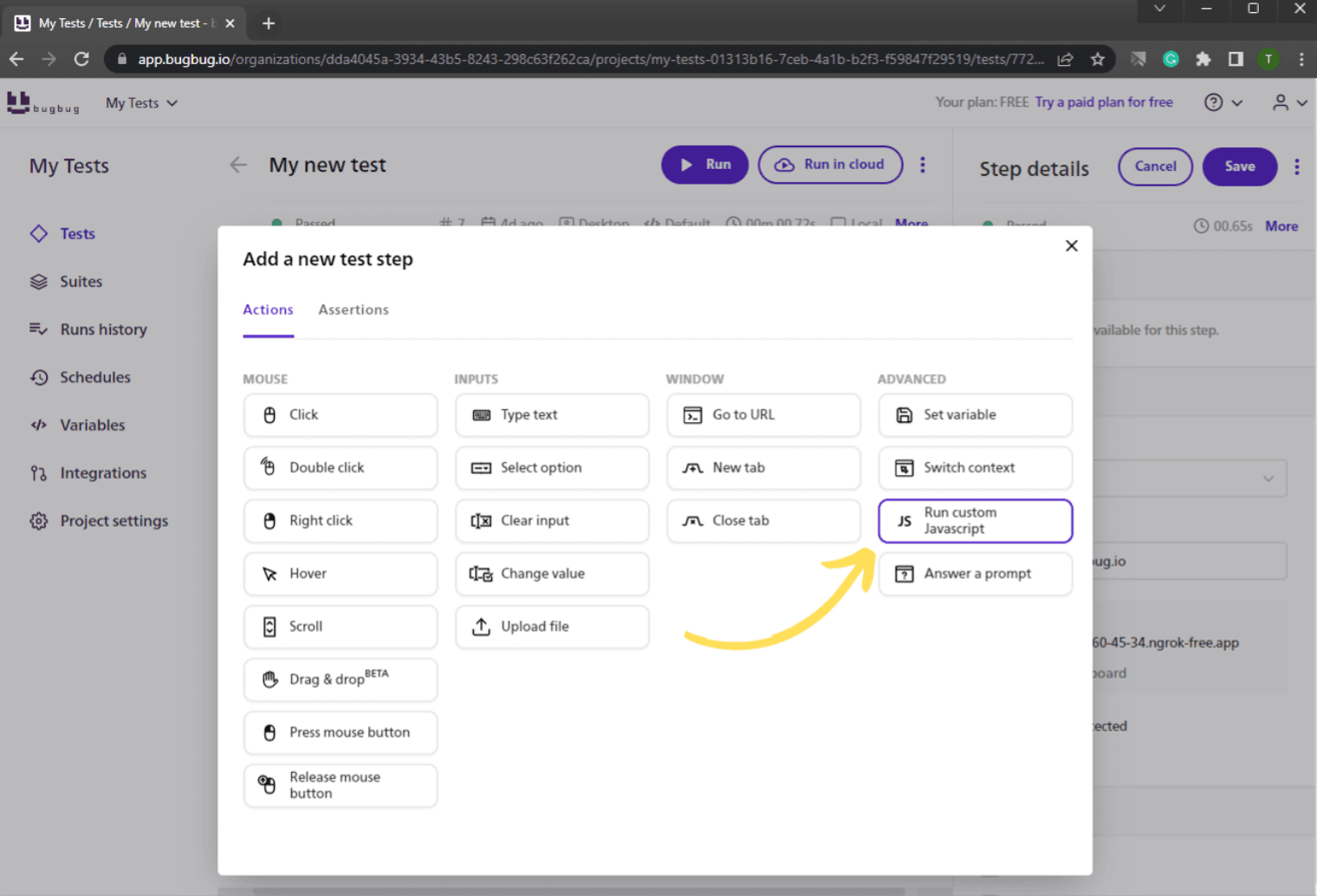
You can execute any JavaScript during test execution.
That includes:
You’re not constrained to predefined actions.
With code insertion, users with some coding knowledge can customize and extend automated tests beyond predefined actions, enabling more advanced test automation and handling complex test data scenarios. You extend the platform with code — only where necessary.
You can create complex assertions by returning true or false from a function.
Example:
if (element.placeholder === 'Username') {
  return true;
} else {
  return false;
}
This approach is especially valuable for functional testing, where advanced JavaScript assertions help ensure your automated tests accurately validate complex test scenarios and improve reliability.
This allows:
Instead of being limited by the assertion menu, you write the logic you need.
You can even validate backend data inside your UI test. Making API requests within your test enables comprehensive end to end tests and improves test coverage by allowing you to compare UI values with backend responses and validate critical scenarios. Low-code tools can also integrate directly into CI/CD pipelines for instant feedback when validating backend data, streamlining your test automation workflow.
Example:
const response = await fetch('https://reqres.in/api/users', {
    cors: 'no-cors'
});
const json = await response.json();
return json.data[0].email;
Practical use cases:
This brings backend awareness into UI testing — without building a full framework.
You may encounter:
Custom JS adds flexibility — but also complexity. Introducing custom logic requires some coding skills or coding knowledge, and may increase test maintenance requirements.
In many cases, simpler test strategies are still better.
BugBug doesn’t eliminate complexity.
It allows you to introduce it deliberately — when necessary.
Automate your tests for free
Test easier than ever with BugBug test recorder. Faster than coding. Free forever.
Get started
Framework users rarely account for infrastructure fatigue.
With Selenium or Cypress, you manage:
With BugBug:
BugBug allows users to record browser interactions via a Chrome extension and edit tests. BugBug integrates into CI/CD pipelines, schedules test runs, and generates detailed reports, similar to other solutions like BrowserStack Low Code Automation.
Your test system doesn’t become a side project.
For startups and SaaS teams, that difference is operationally significant.
There are legitimate cases for frameworks:
In complex software development environments, frameworks may be necessary to support intricate development processes and ensure high software quality.
If you need unlimited architectural freedom, frameworks remain unmatched.
BugBug is optimized for teams that need flexibility — not full ownership.
Frameworks give you unlimited control — and unlimited responsibility.
Traditional low-code tools give you speed — and often ceilings.
Low-Code Testing with Advanced JS Actions in BugBug provides:
Low-code and codeless testing tools, such as Mabl, TestComplete, Tricentis Tosca, Leapwork, Rainforest QA, AccelQ, Functionize, and Testim, offer advanced features like AI-powered maintenance, continuous testing, and broader coverage. For example, Testim uses AI to improve test stability and self-heal tests when the UI changes. Codeless testing can transform the role of quality assurance by making testing more inclusive and integral to the development process. AI-Powered Maintenance in low-code testing significantly reduces the maintenance nightmare typically experienced in traditional testing.
Happy (automated) testing!
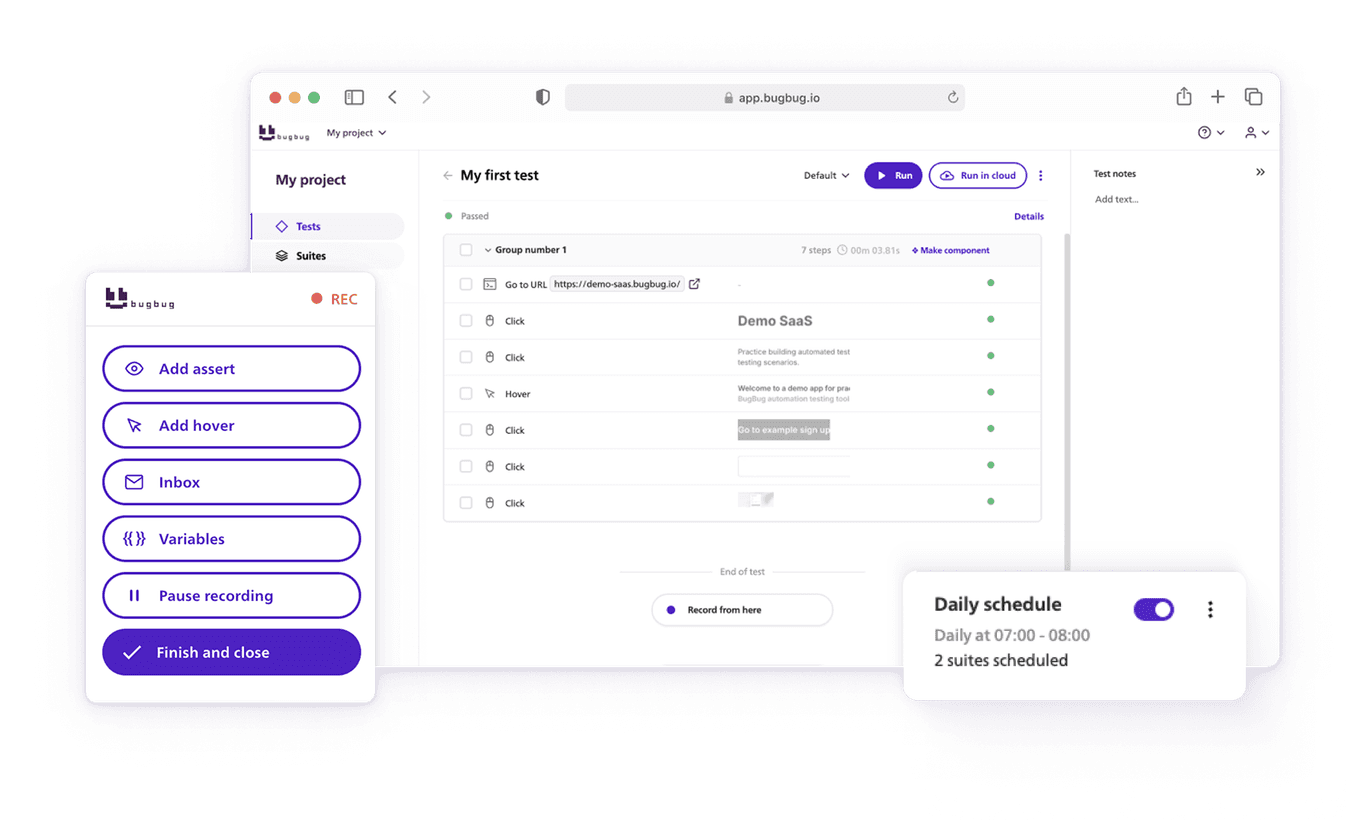
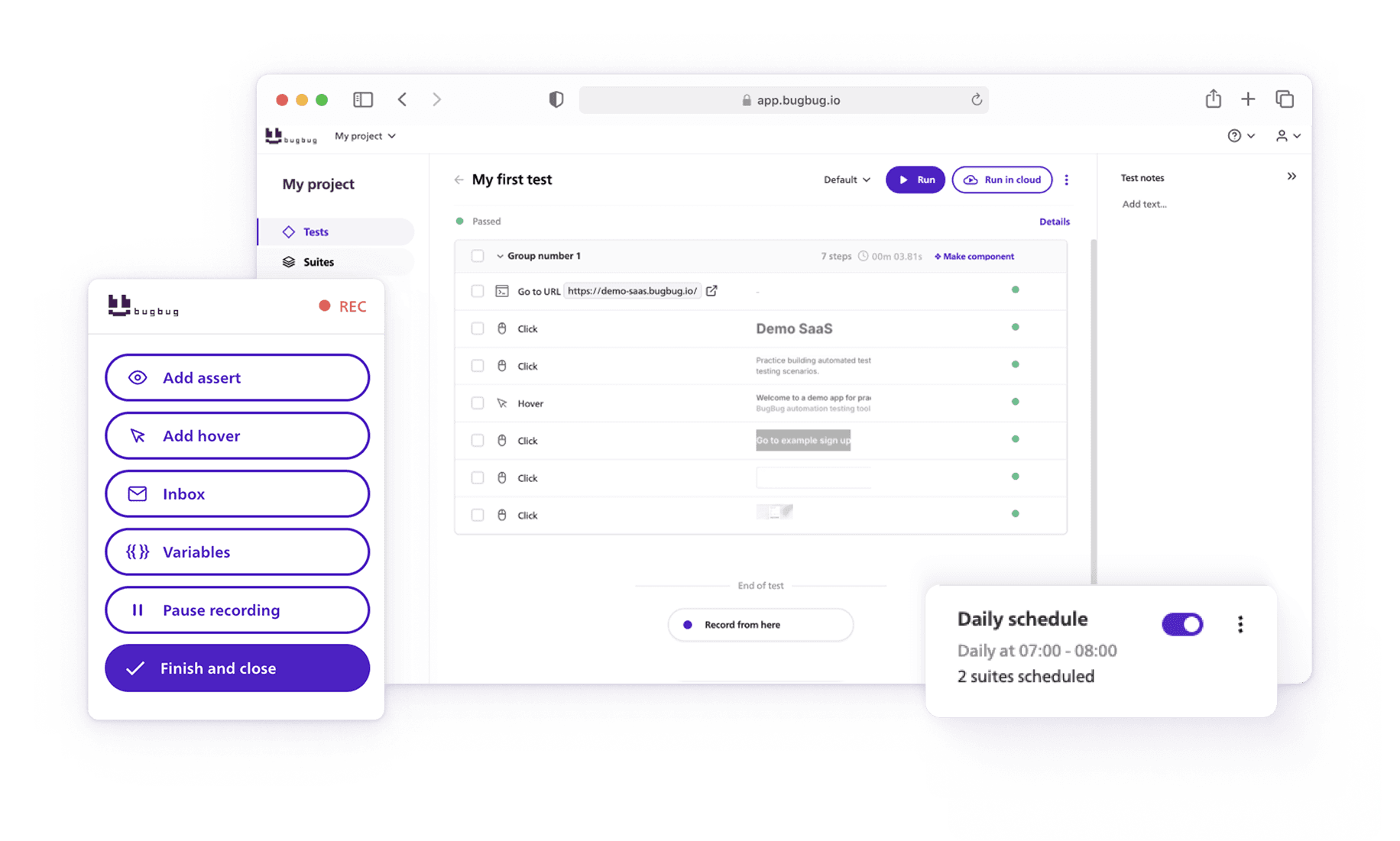
Speed up your entire testing process
Automate your web app testing 3x faster.

Dominik Szahidewicz is a technical writer with experience in data science and application consulting. He's skilled in using tools such as Figma, ServiceNow, ERP, Notepad++ and VM Oracle. His skills also include knowledge of English, French and SQL.
Outside of work, he is an active musician and pianist, playing in several bands of different genres, including jazz/hip-hop, neo-soul and organic dub.
Join thousands of QA experts. Subscribe to our newsletter.
Get more testing tips and product related content. Zero spam.
What is the most reliable codeless tool? We will explore best codeless automation testing tools for 2026.
Discover the essential QA tester skills for 2026! Learn the technical and soft skills required to excel as a QA Tester.
Learn exactly when to run regression tests—after features, fixes, updates, and on a schedule—plus tips to automate smoothly with minimal churn.
Learn how to identify and fix test failures with this complete guide on what to do when your test fails.
Discover the causes and impact of flaky tests, and learn effective strategies to identify and fix them for reliable software performance.
Discover cloud testing, a powerful approach for evaluating application performance and reliability using cloud computing resources.
Discover black box testing, a key software testing technique that evaluates functionality and performance without peering into the code.
Discover the importance of QA testers in software development and whether automation can eliminate the need for this crucial role. Learn more here!
Explore the test suite in software testing and understand its role in creating and executing test cases. Learn how to manage test suites effectively.