Qase is a solid test management platform — particularly for teams doing mostly manual testing who need a structured way to organize test cases, track runs, and report on coverage. However, many modern test management tools now offer powerful features such as automation, AI integration, and customizable workflows, helping teams streamline their testing processes and stay aligned with current development practices.
🎯 Best Qase Alternatives — Shortlist
Top alternatives to Qase for test case management include TestRail, Xray, PractiTest, Testiny, Tuskr, and Testsigma.
Xray – for teams already living inside Jira who need deep requirement-to-test-to-defect traceability.
TestRail – for structured QA organizations with compliance, reporting, and governance requirements.
Testmo – for teams mixing manual, automated, and exploratory testing who want one unified dashboard without enterprise overhead.
Testsigma – for teams that want test management tightly coupled with AI-powered automation across web, mobile, and API.
Zephyr – for Agile teams needing flexible Jira-based test management with growth paths across editions.
PractiTest – for teams with defined QA workflows and high process maturity needing advanced customization, advanced features for complex workflows and enterprise needs, and risk-based testing.
TestLodge – for small teams or early-stage products wanting simple, low-overhead test case management.
BugBug – for teams whose real pain isn’t test management but test execution — automated web tests catching regressions before they ship.
Check also:
What Is Qase? Why Do Teams Look for an Alternative?
Qase is a cloud-based test management platform designed to help QA teams organize test cases, plan and track test runs, manage defects, and report on testing progress. It is known for its user friendly and intuitive interface, making onboarding easy for testers. Qase provides a centralized workspace for manual and automated test documentation, with integrations into tools like Jira, GitHub, and Slack.
Best for:
- QA teams doing mostly manual testing who need a structured, low-friction way to organize test cases and track coverage
- Organizations that need clear visibility into testing progress and defect trends for stakeholder reporting
- Teams that want modern UI and fast onboarding without the overhead of enterprise test management platforms
- Teams looking for features designed for manual testers, efficient test case creation, and strong team collaboration
Qase has a modern, easy-to-use interface that facilitates best practices intuitively. It supports role-based access control, allowing collaboration with internal and external stakeholders. Qase has received positive reviews for its clear user interface and integrations.
Qase’s strength is organization — it gives QA teams a clean, intuitive way to manage test documentation and track what’s been tested. Its features are designed to streamline the testing workflow and support collaboration among QA teams. Its trade-off is that it manages tests rather than running them. Execution still requires separate tooling, and the documentation overhead of maintaining test cases grows as the suite scales.
Teams typically look for alternatives when:
- Maintaining test case records starts to feel like overhead that doesn’t directly improve release quality.
- They need tighter automation integration — running tests in CI on every build, not just tracking results after the fact.
- Reporting depth or customization requirements exceed what Qase provides at their tier.
- They realize their actual need is automated execution and release confidence, not structured documentation.
- The team is small and a dedicated test management layer adds complexity without proportionate value.
- They require more advanced features for complex testing processes or more integrated testing workflows.
Qase Alternatives — Test Management Tools
Xray
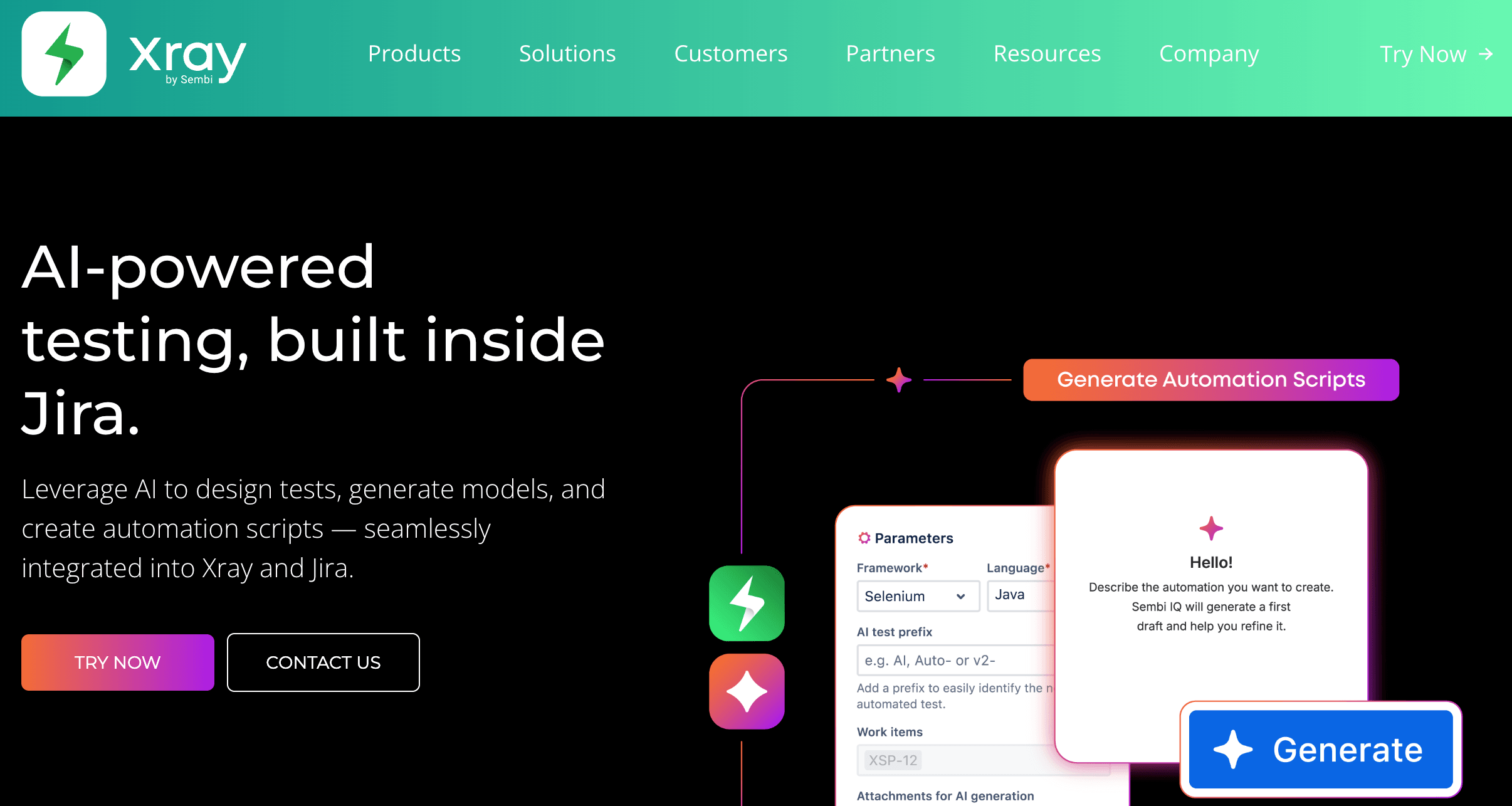
Best for: Teams already living inside Jira who need deep requirement-to-test-to-defect traceability in one place.
Xray is a Jira-native test management tool that treats tests as Jira issues — giving teams full traceability between requirements, test cases, and defects within the project management tool they already use. It integrates directly with Jira and is popular for managing both manual and automated tests within it. Xray streamlines the entire testing workflow by integrating test case management, automation, and collaboration within Jira.
Strengths:
- Deep Jira integration: Tests live as Jira issues — requirement, test, and defect traceability in a single workflow without context switching.
- Supports automated frameworks and other tools: Connects with Selenium, Cypress, Playwright, and other frameworks to track automated test results alongside manual ones, supporting seamless integration with other tools to enhance the overall testing process.
- Organized test suites: Supports grouping test cases into suites for structured management and execution tracking.
- Complements project management: Testing progress sits inside the same Jira boards and sprints your team already uses.
- Detailed test coverage reporting: Provides comprehensive test coverage analytics and dashboards within Jira, giving insights into testing completeness, defect trends, and quality metrics.
Limitations:
- Jira performance and UX complexity: Xray inherits Jira’s interface weight — setup and navigation are more complex than standalone test management tools.
- Only valuable if Jira is central: Teams not already committed to Jira get little benefit from the tight integration.
- Not a test execution tool: Like Qase, Xray manages and tracks tests — teams still need to use other tools to execute automated tests.
TestRail
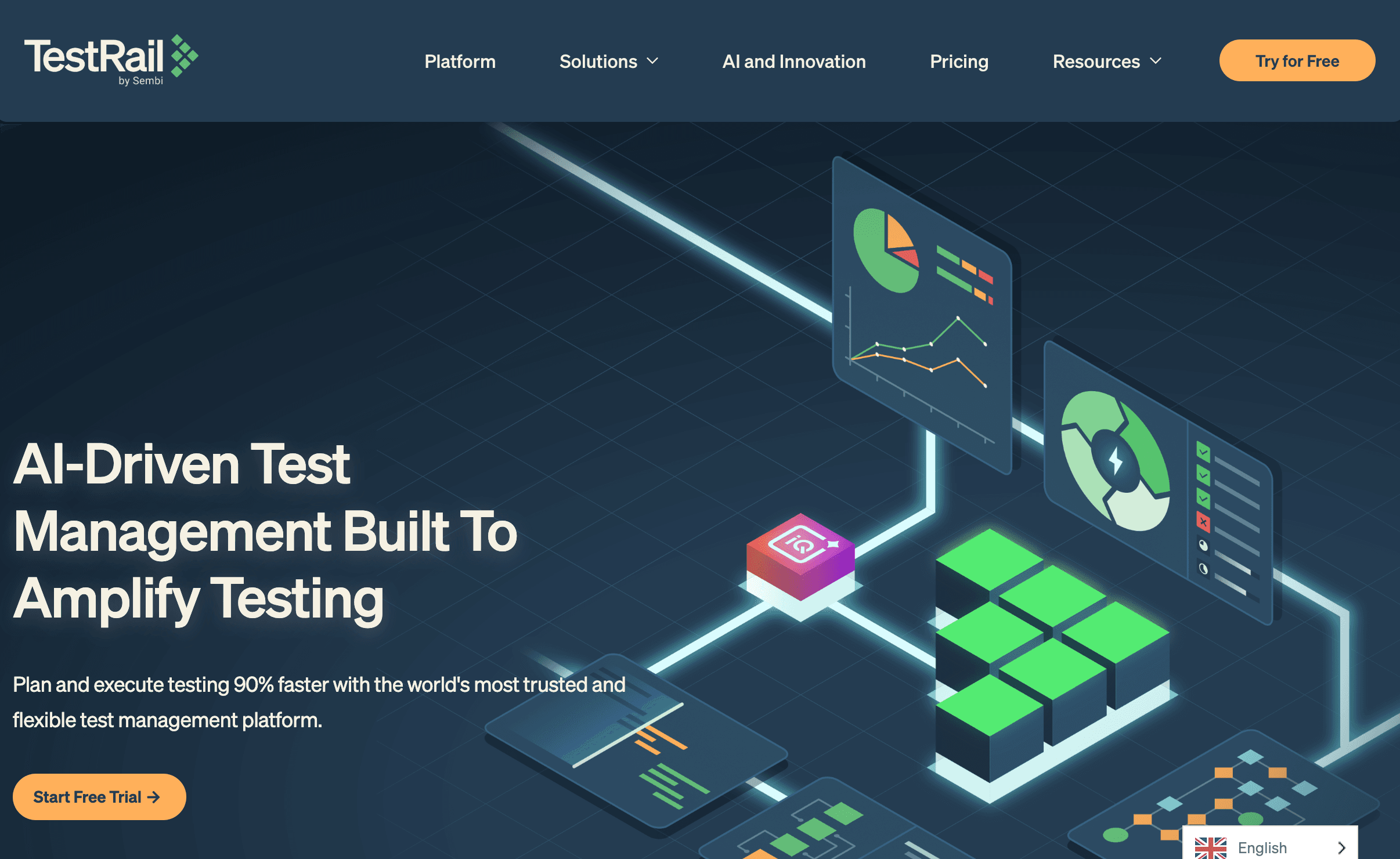
Best for: Structured QA organizations with compliance, reporting, and governance requirements that need mature test management at enterprise scale.
TestRail is one of the most established test management platforms in the market. It provides detailed test plans, run management, and highly customizable dashboards with quality metrics — designed for QA organizations where process maturity, compliance documentation, and executive reporting are first-class requirements. TestRail’s advanced analytics deliver deep insights and actionable insights into test coverage, defect trends, and team productivity. Its dashboards enable data driven decisions and help optimize resource allocation for testing activities. TestRail also supports version control for test documentation, ensuring consistency and auditability across projects.
Strengths:
- Mature test plans and run management: Comprehensive test planning with structured run organization for large QA teams.
- Customizable dashboards and detailed reports: Advanced analytics covering quality metrics, testing progress, and defect trends — designed for stakeholder reporting and strategic decision-making. Provides deep insights and actionable insights into test coverage, defect trends, and team productivity.
- Strong API for automation results: Integrates with automation frameworks to pull results into centralized reporting.
- Cloud or on-premise deployment: Flexible hosting options for organizations with data residency or security requirements.
- Version control for test documentation: Maintains a history of changes and ensures consistency and auditability.
Limitations:
- Heavy UI and slower workflows: TestRail’s depth comes with interface complexity — onboarding and daily use are slower than lighter alternatives.
- Overkill for small teams: The platform’s enterprise depth adds overhead that fast-moving small teams rarely need.
- Not a test execution tool: TestRail manages and reports on tests — execution requires separate tooling.
- When choosing a test management tool, consider the depth of Jira integration, reporting flexibility, support for automation, and pricing per user.
👉 Also check the best free test management platforms
Testmo
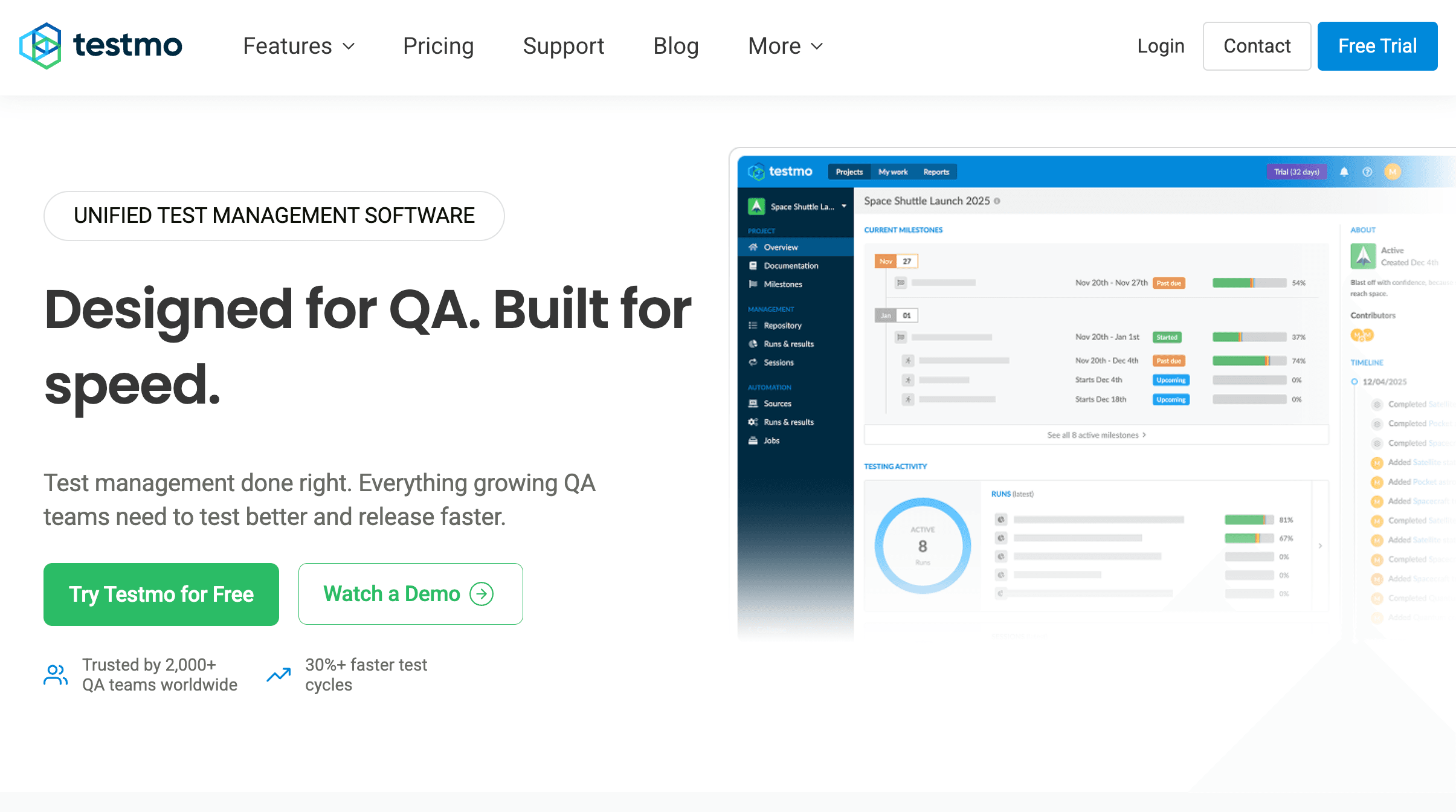
Best for: Teams mixing manual, automated, and exploratory testing who want a single workspace to manage all testing activities and reduce context switching.
Testmo is a modern test management tool that treats manual testing, automated test results, and exploratory testing as first-class citizens in a single interface. Its deep GitHub and GitLab integrations and clean UI make it a strong fit for growing agile teams that need visibility across all testing types without legacy platform complexity.
Strengths:
- Unified testing dashboard: Manual, automated, and exploratory testing in one place — reduces context switching across multiple tools by consolidating all testing activities in a single workspace.
- Modern test management tool design: Sleek interface and up-to-date technology stack support efficient collaboration, including role-based access and real-time updates for distributed teams.
- Deep GitHub and GitLab integration: CI/CD-native, with live dashboards showing test health across branches and builds.
- Clean UI and fast setup: Onboarding is significantly faster than legacy test management tools like TestRail.
- Tool-agnostic automation integration: Connects with any automation framework through a standard results API.
Limitations:
- Less depth than enterprise tools: Testmo trades some enterprise-grade configurability for speed and usability — teams with complex compliance requirements may find it insufficient.
- Newer platform: Smaller community and fewer third-party integrations than established tools like TestRail or Zephyr.
Testsigma
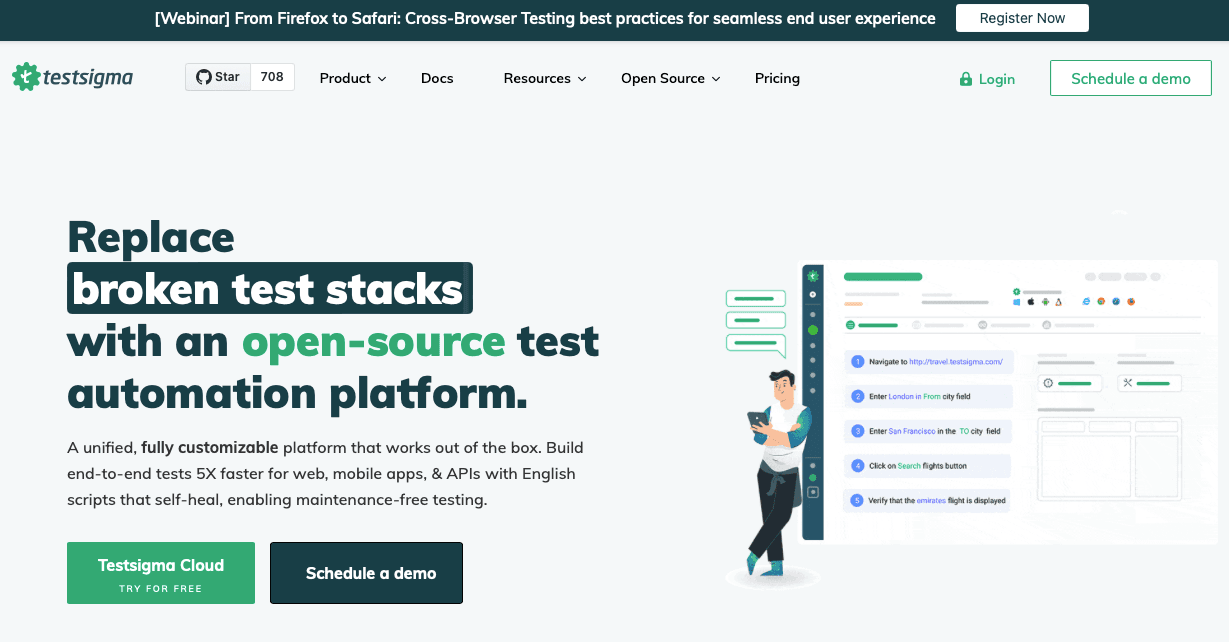
Best for: Teams that want test management tightly coupled with AI-powered automation creation and execution across web, mobile, and API.
Testsigma bridges the gap most test management tools leave open — it manages and runs tests from a single platform. Tests can be created and executed in plain English using natural language processing, making it accessible to non-technical team members alongside structured test management.
Strengths:
- AI-focused tool with powerful features: Testsigma offers AI-driven automation capabilities, customizable workflows, and high scalability, making it suitable for teams of all sizes and complexity levels.
- Accelerated test case creation and execution: Users can quickly create, organize, edit, and associate test cases with test plans and test runs through a user-friendly interface. Testsigma allows you to execute tests directly within the platform.
- Testing cycles up to 10x faster: Its AI-driven automation can accelerate testing cycles by up to 10 times compared to traditional approaches.
- Test management and execution combined: Unlike Qase, Testsigma manages and runs tests from a single platform — no separate execution tool required.
- Natural language test creation: Write test steps in plain English — accessible to non-technical stakeholders.
- AI-driven maintenance: Automatically adapts tests when UI changes, reducing ongoing upkeep.
- Unified multi-platform coverage: Web, mobile, and API testing from one platform.
Limitations:
- No free plan: High entry cost relative to lighter test management tools.
- Codeless in name, often not in practice: Complex scenarios frequently require scripting despite no-code positioning.
- Overkill for documentation-only needs: If your team just needs structured test case management without built-in execution, the platform’s scope adds unnecessary overhead.
Zephyr
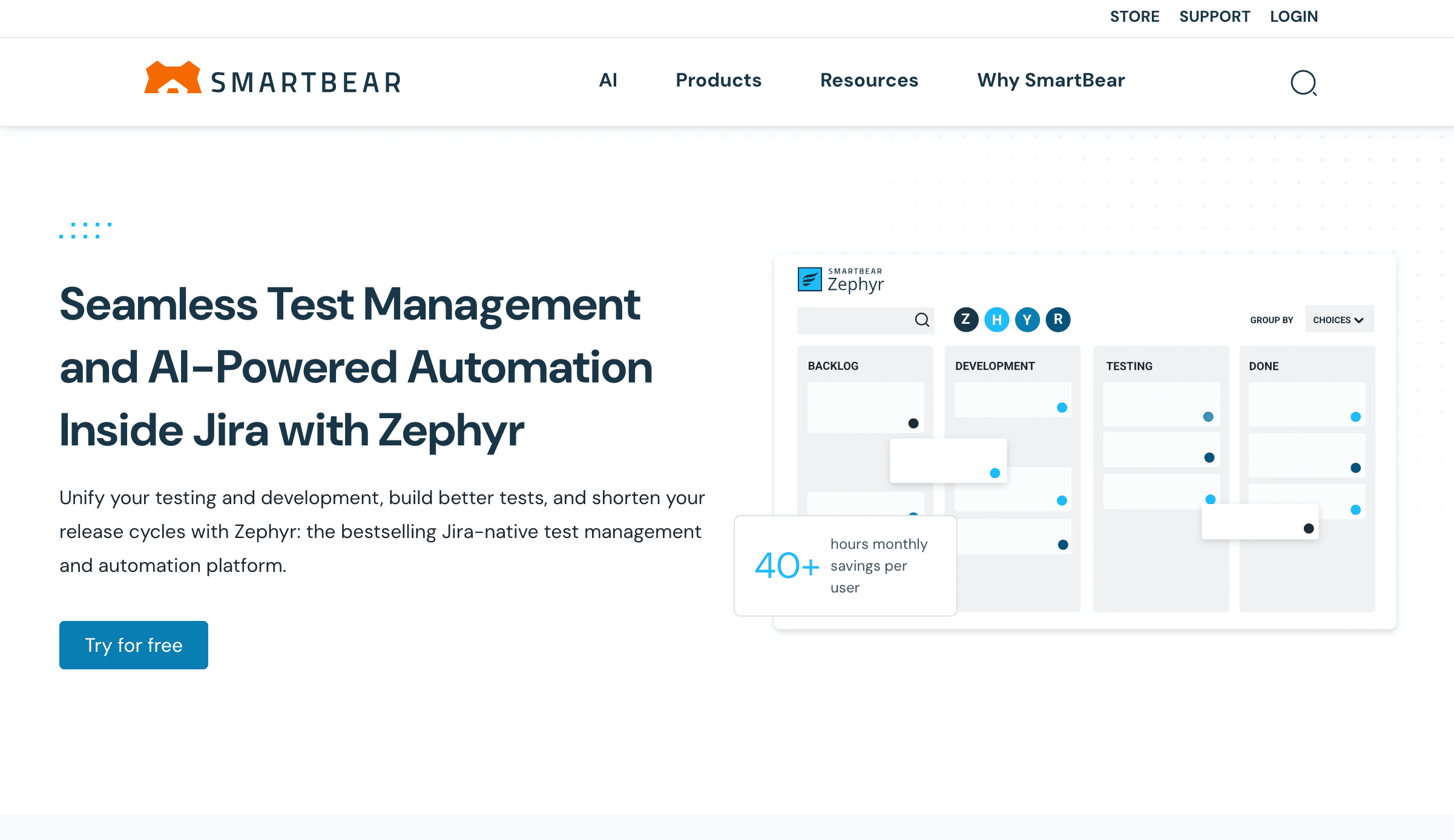
Best for: Agile teams needing flexible Jira-based test management with multiple editions that scale from squad-level to enterprise.
Zephyr is available in multiple editions — Squad, Scale, and Enterprise — making it a flexible option for Jira-based teams at different stages of QA maturity. It supports exploratory testing, automated test integration, and enterprise analytics in higher tiers. Zephyr Enterprise provides comprehensive test management with bi-directional integration with multiple Jira instances.
Strengths:
- Multiple editions for different scales: Start at squad level and grow into enterprise without switching platforms.
- Good exploratory testing support: Handles unscripted, session-based testing alongside structured test cases.
- Enterprise analytics and test coverage reporting: Advanced reporting, dashboards, and real-time monitoring provide detailed insights into test coverage, defect trends, and quality metrics.
- Flexible testing workflows and collaboration: Supports integrated testing workflows, seamless connectivity with development tools, and enhances collaboration among QA teams with real-time updates and shared workflows.
- Agile-friendly: Designed for teams working in sprints with iterative testing workflows.
Limitations:
- Feature fragmentation across editions: Key capabilities are gated behind higher tiers — the edition you start on may not include what you eventually need.
- Jira dependency: Like Xray, Zephyr’s value is largely tied to Jira — teams not using Jira get less from the integration depth.
- Not a test execution tool: Zephyr manages and tracks tests — execution requires separate tooling.
PractiTest
Best for: Teams with high QA process maturity needing advanced customization, risk-based testing workflows, and deep integrations for complex enterprise environments.
PractiTest is a feature-rich test management platform designed for organizations where QA process structure is already well-defined. It offers advanced customization, shared steps for reusable test procedures, and AI-powered features for complex workflow management. PractiTest also supports real time updates and audit trails to enhance governance and transparency, making it suitable for teams that require up-to-date information and traceability.
Strengths:
- Advanced customization: Highly configurable fields, filters, and workflows — adaptable to complex or regulated QA processes.
- Advanced features and features designed for team collaboration: PractiTest provides advanced features and features designed specifically for team collaboration and workflow customization, including real time updates, commenting systems, and integration with tools like Jira to streamline communication and coordination.
- Shared steps for reusable workflows: Define common test procedures once and reuse them across multiple test cases, reducing duplication and maintenance overhead.
- Enterprise-friendly: Role-based access control, GDPR-compliant data handling, and audit trails for regulated industries.
- AI-powered features: Advanced analytics and AI-assisted capabilities for complex workflow management.
Limitations:
- Steeper learning curve: The platform’s depth requires meaningful onboarding investment before teams reach productivity.
- Overkill for early-stage teams: The advanced customization that makes PractiTest valuable for mature QA organizations adds unnecessary overhead for small or fast-moving teams.
TestLodge
Best for: Small teams or early-stage products that want simple, low-overhead test case management without enterprise complexity.
TestLodge is a lightweight, user-friendly test case management tool focused on simplicity. It features an intuitive interface, making it easy for small teams to get started. TestLodge covers the basics — creating test cases, organizing runs, and tracking results — without the configuration overhead of enterprise platforms.
Strengths:
- Minimal setup: Get from account creation to organized test cases in minutes — no configuration required.
- Simple test cases and runs: Covers the core test management workflow cleanly without unnecessary features.
- Low overhead: Designed to stay out of the way — useful for teams that want structure without process complexity.
- User friendly and intuitive interface: Makes onboarding fast and straightforward for teams of any technical skill level.
- Great value: Offers a free tier and affordable plans starting at $9/user/month, making it accessible for small teams.
- Ideal for budget-conscious teams: Free test case management tools like TestLodge are perfect for teams that want to stay structured but don't have the budget for premium platforms.
Limitations:
- Limited automation and scalability: TestLodge doesn’t grow well with teams that need automation integration, advanced reporting, or enterprise features.
- Basic reporting: Sufficient for small teams; insufficient for organizations that need quality metrics and stakeholder dashboards.
- Not built for scale: As teams grow and testing complexity increases, TestLodge’s simplicity becomes a constraint.
If Your Real Pain Is Test Execution, Not Test Management
The tools above are all test management alternatives — they help you organize, track, and report on what your team has tested.
If your actual pain is different — regressions reaching production, no automated safety net on every deploy, tests that break constantly and nobody has time to fix — you’re not looking for another management layer. You’re looking for a test execution tool.
Test execution tools enable teams to execute automated tests and streamline testing activities by consolidating and managing all testing processes within a unified workspace. These tools are designed for testers who need to automate and monitor testing processes efficiently, ensuring real-time data synchronization and improved manual testing workflows. BugBug stands out as an easy-to-use web testing tool that helps teams build reliable regression coverage for their web applications, offering robust automation capabilities to simplify test execution and maintenance.
That’s a different category, and it’s worth naming honestly.
BugBug — Automated Web Testing Instead of Test Case Management
Best for: Small teams, startups, and product teams shipping web apps fast — whose real need is preventing regressions from reaching production, not managing test case documentation in another system.
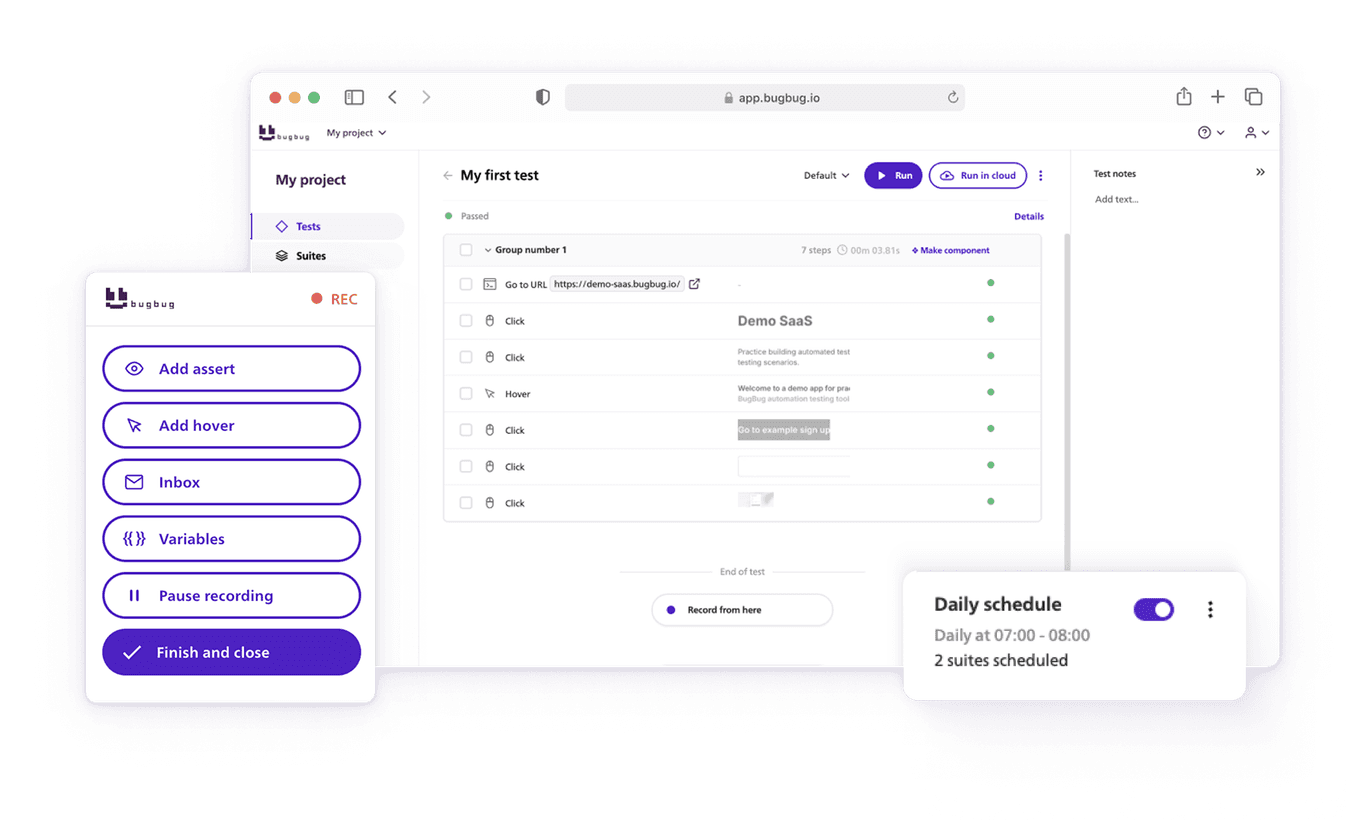
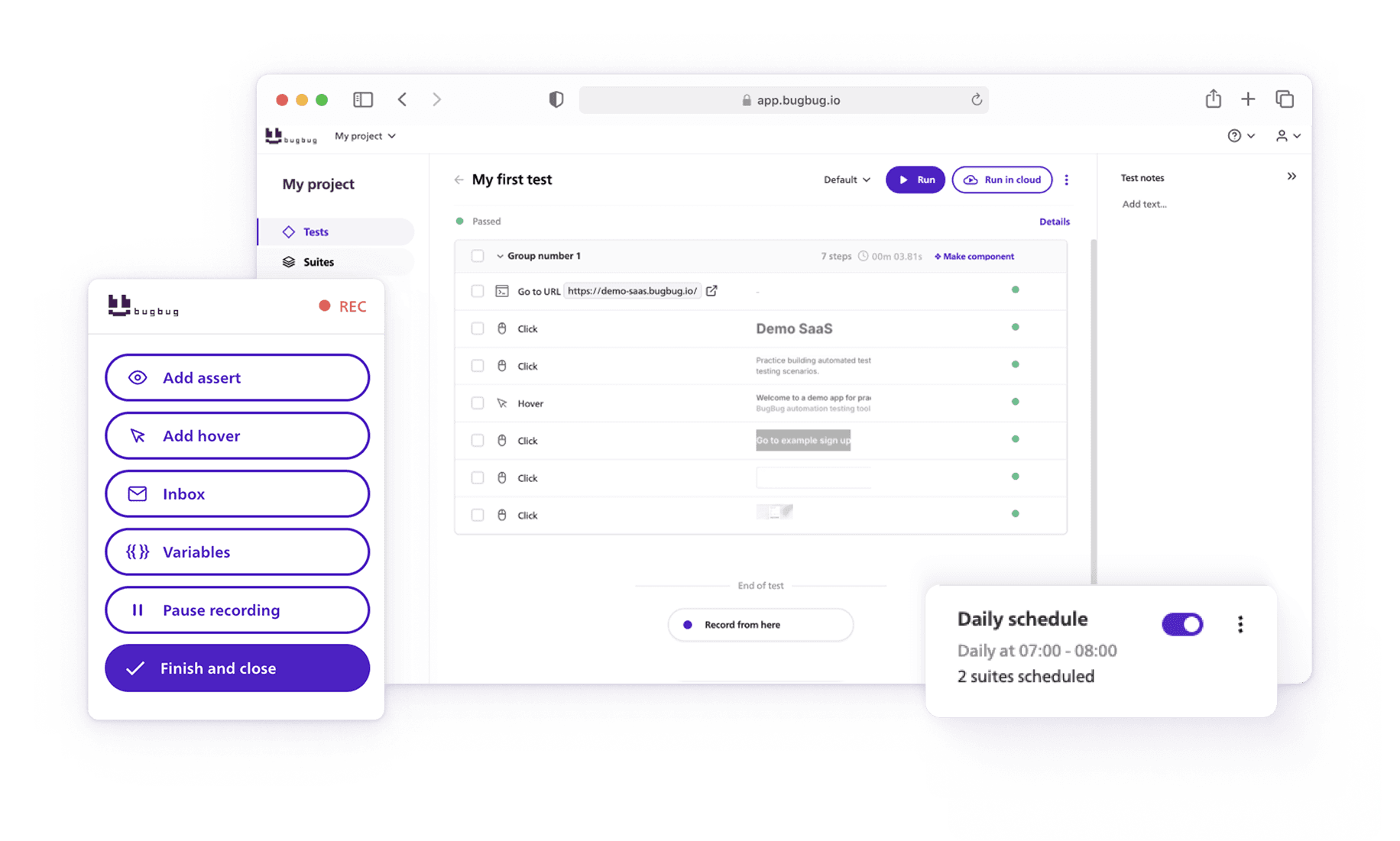
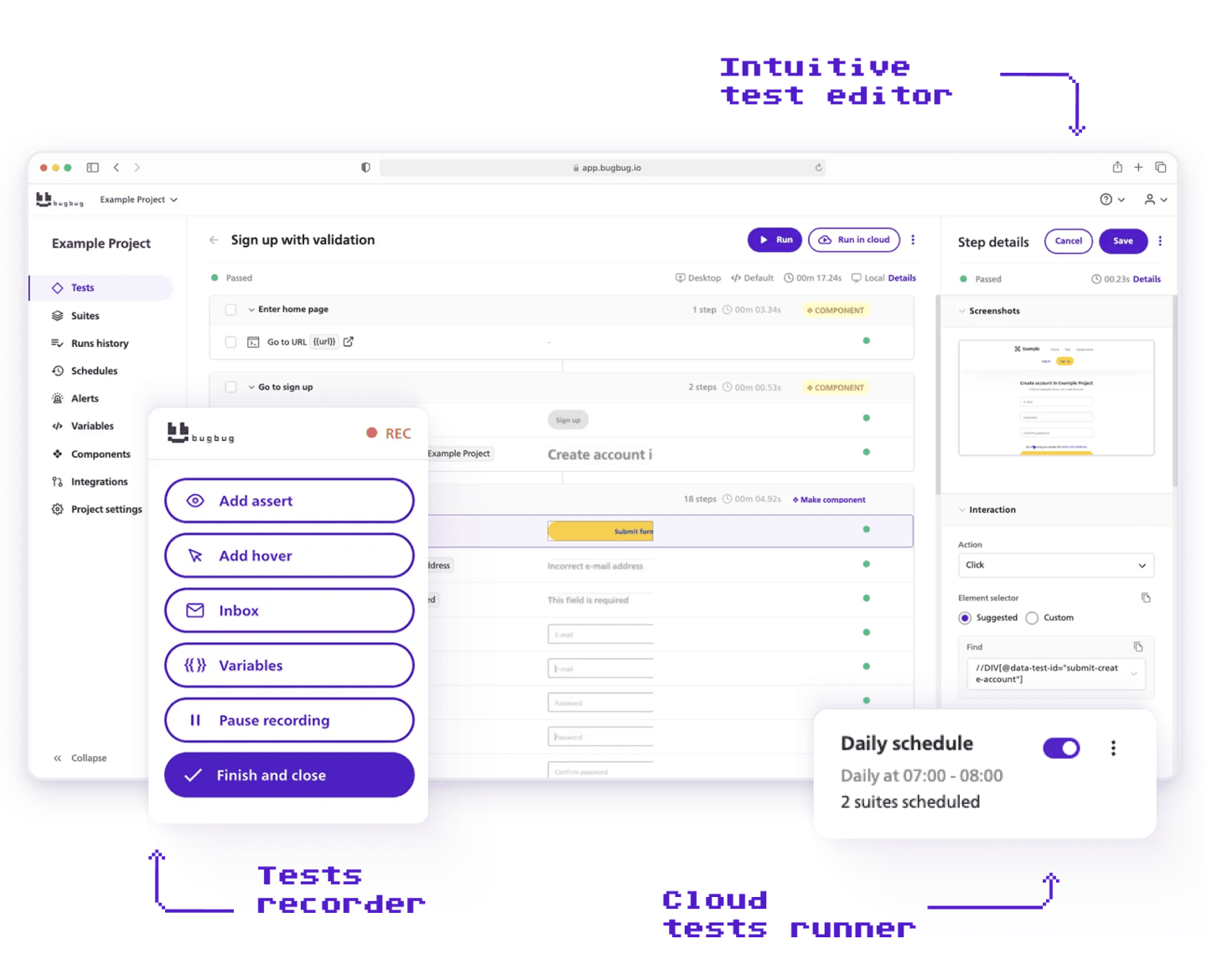
BugBug is a user-friendly web testing tool with an intuitive interface that makes it easy for testers of any skill level to create and run automated tests. Its automation capabilities are designed for teams without coding experience, allowing anyone to build reliable regression coverage for their web applications — without writing a single line of code or managing any infrastructure. Using a Chrome extension-based recorder, teams can interact with their app to create automated tests in minutes and run them locally or in the cloud on a schedule. With features like Edit & Rewind and smart waiting conditions, BugBug keeps test maintenance low even as your web app grows and changes. BugBug, Qase, and TestLodge all offer free tiers, so you can validate fit on your real workflows before purchasing.
Strengths:
- No-code test creation: Record clicks, inputs, and flows directly in your browser and turn them into automated web tests instantly — no framework or setup required.
- Low maintenance: Edit & Rewind and smart waits reduce flaky tests and keep your web test suite healthy without ongoing manual upkeep.
- Unlimited execution: Run tests locally or in the cloud without run limits. Schedule suites to monitor your web app’s health continuously.
- CI/CD integration: Connects with GitHub, GitLab, and other pipelines so web tests run automatically on every build.
- Built for web apps: Optimized for Chromium-based environments with support for modern web behaviors and dynamic elements.
Limitations:
- Chromium/Chrome only: BugBug runs tests in Chromium-based browsers. If cross-browser coverage across Firefox or Safari is a hard requirement, you’ll need to supplement with another tool.
- No deep framework customization: Teams that need complex data-driven scripting or framework-level control beyond pragmatic JavaScript support will find dedicated frameworks like Playwright or Cypress a better fit.
- Not a test management tool: BugBug doesn’t provide test case documentation, requirement traceability, or structured QA reporting. If those are your primary needs, the test management tools above are the right category.
BugBug doesn’t replace Qase. It solves a different problem. Qase helps you track what has been tested. BugBug helps you run automated tests that catch what breaks before it ships. Many mature QA teams use both — a management tool for documentation and traceability, and an execution tool for automated regression coverage. The question is which problem is more urgent for your team right now.
Choose BugBug if:
- Regressions are reaching production and automated execution is the gap — not test case organization.
- You’re a small team or startup without a dedicated QA automation engineer.
- CI/CD integration for automated web testing is the immediate need.
- You want to start free and validate automated regression coverage on your real application before spending anything.
Qase Alternatives — Final Thoughts
Qase and its alternatives are complete test management tools that provide efficient test management for teams of all sizes. Many alternatives offer great value and flexible pricing, making them accessible to a wide range of organizations. The right free tool allows teams to scale gradually, build discipline in testing, and collaborate effectively—all without upfront costs. Freemium platforms tend to deliver more polish, faster onboarding, and better support than many open source alternatives.
Open-source test management tools like TestLink offer full control and zero licensing costs, but often come with trade-offs like outdated interfaces and steep learning curves. Kiwi TCMS is another popular open-source test management system, suitable for budget-conscious teams. TestLink is widely used for traditional test case organization. On the other hand, freemium tools like BrowserStack, Qase, and Tuskr offer just enough out-of-the-box functionality—such as modern UI, cloud access, and Jira integration—without pushing an upgrade on day one. Using free test case management tools can also help product managers get a quick overview of test coverage and issues without needing to ping multiple people.
Qase is a well-built test management tool that serves its target audience well. If structured test documentation and manual test management are your primary needs, it’s worth keeping on your shortlist alongside TestRail, Testmo, and Xray.
The more important question before switching is: what problem are you actually trying to solve?
If the answer is documentation and traceability — switching to another test management tool makes sense. If the answer is keeping automated tests running reliably as your product ships faster — a test execution tool is a better investment than another management layer.
Sometimes the best Qase alternative isn’t another test management platform. It’s simpler automated web testing that just runs.
Happy (automated) testing!