- 🎯 TL;DR You can absolutely do software testing without coding knowledge
- Can You Do Software Testing Without Coding Knowledge?
- How Much Coding Knowledge is Necessary for Automated Testing?
- When Does Coding Become Necessary?
- What Tools Enable Software Testing Without Coding Knowledge?
- Step-by-step Setup Guide
- Common Startup Myths About Testing Without Coding
- When BugBug Is a Good Fit for Startups and SaaS Teams
- Final Takeaway: Testing Is a Risk Strategy, Not a Coding Exercise
If you're running a SaaS product and thinking:
“We need better testing — but no one here knows how to code automation.”
You’re not stuck.
Software testing without coding knowledge is not only possible — it’s increasingly common in startups and small SaaS teams.
The key is understanding what requires code — and what doesn’t.
🎯 TL;DR You can absolutely do software testing without coding knowledge
💡 Coding is mainly needed for advanced automation frameworks. Tasks like API testing, CI/CD integration, and large-scale automation frameworks typically require developers, but browser-level testing often doesn’t.
💡 Codeless and low-code tools make automation help developers save time on QA related tasks and they are accessible to non-technical teams. Platforms with visual workflows, record-and-playback, and simple validations allow PMs, founders, and QA generalists to create automated tests.
💡 A practical strategy is to start with core business flows. Protect critical user journeys such as signup, login, billing, and core product actions before expanding automation coverage.
💡 Structured manual testing + targeted automation is the most realistic approach for startups. By standardizing test cases and automating stable flows, small SaaS teams can reduce risk and ship faster without hiring dedicated automation engineers.
Check also:
Can You Do Software Testing Without Coding Knowledge?
Yes — especially at the product and regression level.
Testing is fundamentally about answering:
“Does the product behave as expected under real user conditions?”
Today, 'no code' solutions make it possible for non technical users to participate in software testing by providing visual, code-free workflows that simplify the process.
That requires:
- Clear understanding of user flows
- Structured thinking
- Attention to risk
- Clear defect reporting
Codeless testing and codeless automation testing tools are specifically designed to make testing accessible for non technical users, enabling them to create, execute, and manage automated tests without writing code.
It does not automatically require programming.
Coding becomes relevant when building custom automation frameworks — not when validating product behavior.
How Much Coding Knowledge is Necessary for Automated Testing?
It really depends. Modern codeless and low-code test automation tools provide a wide range of features that should cover the most important testing flows. These solutions are often referred to as automation testing tools, codeless automation testing tools, or test automation tools. These tools may not be as advanced as the testing frameworks but they do one thing really well - they save time.
Many of these tools offer drag and drop and drag and drop functionality through a graphical user interface, making test creation easier for users without coding experience. While the primary focus is on functional testing, some platforms also include visual testing capabilities to help verify the visual appearance and UI consistency of applications across devices and resolutions.
For SaaS teams, several high-impact testing activities require zero programming.
1. Functional Testing
This is the backbone of quality.
You validate:
- Signup works
- Login works
- Billing processes correctly
- Core feature behaves as expected
Functional testing involves defining test steps and test scenarios, and often requires managing test data to ensure comprehensive coverage and accuracy.
You’re checking outputs against requirements. Codeless tools allow users to create test cases and streamline test creation without coding. No scripting needed.
2. Regression Testing (Manual or Low-Code)
Regression testing ensures that new releases don’t break existing features.
In startups shipping weekly, this is critical.
You can:
- Manually re-run core flows
- Or use low-code tools to automate them
Low-code tools enable you to create automated test cases and test scripts, which can be easily maintained and executed.
These tools simplify test maintenance and allow users to run automated tests and manage test execution without coding.
You don’t need to build a test framework to protect login and checkout.
3. Exploratory Testing
Exploratory testing is especially valuable in SaaS.
You intentionally:
- Try edge cases
- Use unexpected inputs
- Simulate real user mistakes
This often reveals issues automation misses.
It requires curiosity — not code.
4. Acceptance & Business Validation
Before release, someone needs to confirm:
- The feature solves the intended problem
- Permissions behave correctly
- The experience makes sense
This is product thinking. Not engineering work.
When Does Coding Become Necessary?
Let’s stay grounded.
Programming becomes necessary when you want to:
- Build full automation frameworks
- Write API-level tests
- Integrate deeply with CI/CD pipelines
- Run performance or load tests
- Handle complex test scenarios that go beyond what codeless tools can manage
Traditional automation testing approaches, such as Selenium, Cypress, and Playwright, require users to write code and possess coding skills, especially when dealing with complex test scenarios or maintaining large test suites.
These tools are powerful — but they’re not mandatory for protecting a SaaS product at the browser level. Codeless approaches are designed to minimize or eliminate the need to write code, making test automation accessible to team members without coding skills.
Think of coding as a scalability layer, not a starting requirement.
What Tools Enable Software Testing Without Coding Knowledge?
Modern tooling has created a practical middle ground between manual QA and full-code automation. Codeless test automation, codeless test automation tools, and codeless test automation solutions are designed to enable software testing without coding knowledge, making them accessible to a wider range of users. Codeless automated testing and no code test automation platforms provide user-friendly testing solutions for non-technical users, allowing teams to automate tests efficiently and improve software quality.
Here are some popular test automation tools and platforms for software testing without coding knowledge:
- Katalon Studio: Offers a dual interface for users, enabling both no-code and low-code options, and is a versatile tool for testing web, mobile, API, and desktop applications.
- TestComplete: Provides functional and regression testing for web, mobile, and desktop applications.
- Ranorex Studio: A versatile and widely recognized codeless testing tool suitable for both professionals and beginners.
- Mabl: An intelligent codeless testing tool designed for CI/CD.
- Perfecto: A premier testing platform for web and mobile applications, offering a cloud-based automation solution.
- TestGrid: Enables teams to automate test cases, achieve software reliability, and confidently release their product thanks to its self-explanatory user interfaces.
- Tricentis Tosca: An enterprise-level test automation platform that enables code-free test automation approaches thanks to its standards-based methodology.
- Leapwork: Known for its visual flow builder, which makes test automation accessible to non-technical users.
- ACCELQ: An AI-powered, codeless test automation tool that delivers on all fronts as an ideal testing solution.
- testRigor and Katalon Studio: Allow test generation using plain English or by recording UI interactions.
- Rainforest QA and Testim: No-code platforms that allow testers to create tests without code.
These codeless test automation tools and platforms typically feature visual workflows, drag-and-drop functionality, graphical user interfaces, and support for creating and managing test projects. Many integrate with test management platforms to streamline test setup and execution. They often include record-and-playback features, pre-built code blocks, and support for cross-platform testing, making them suitable for a variety of testing environments and development and testing environments.
Setting up a well-organized development and testing environment and dedicated testing environment is crucial for accurate and reliable test results in codeless test automation. This includes installing necessary tools, browsers, drivers, and integrating with your team's workflows and test management platforms.
Selecting a test automation tool involves evaluating its suitability for your team's needs, including ease of use, scalability, and integration with existing systems.
Low-Code Tools
These tools allow you to:
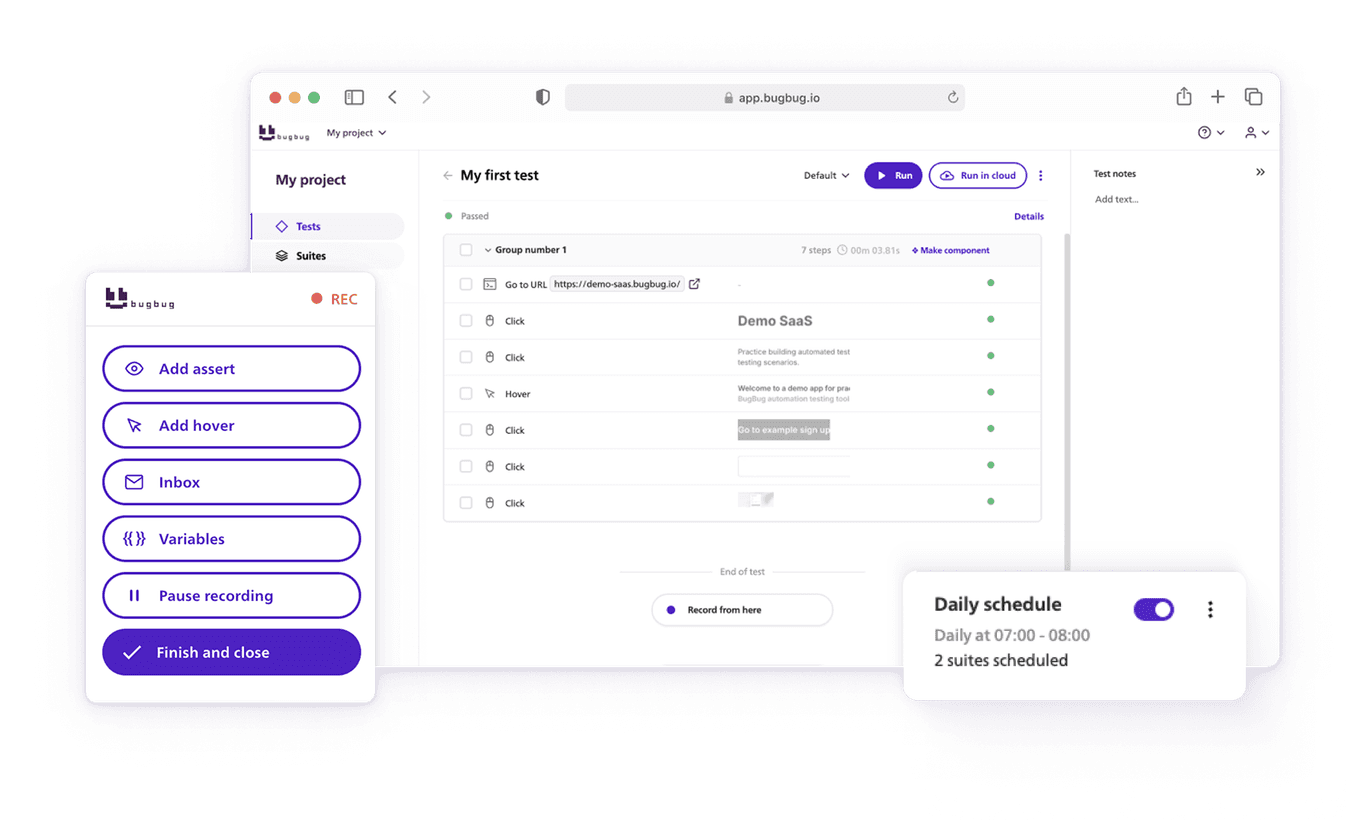
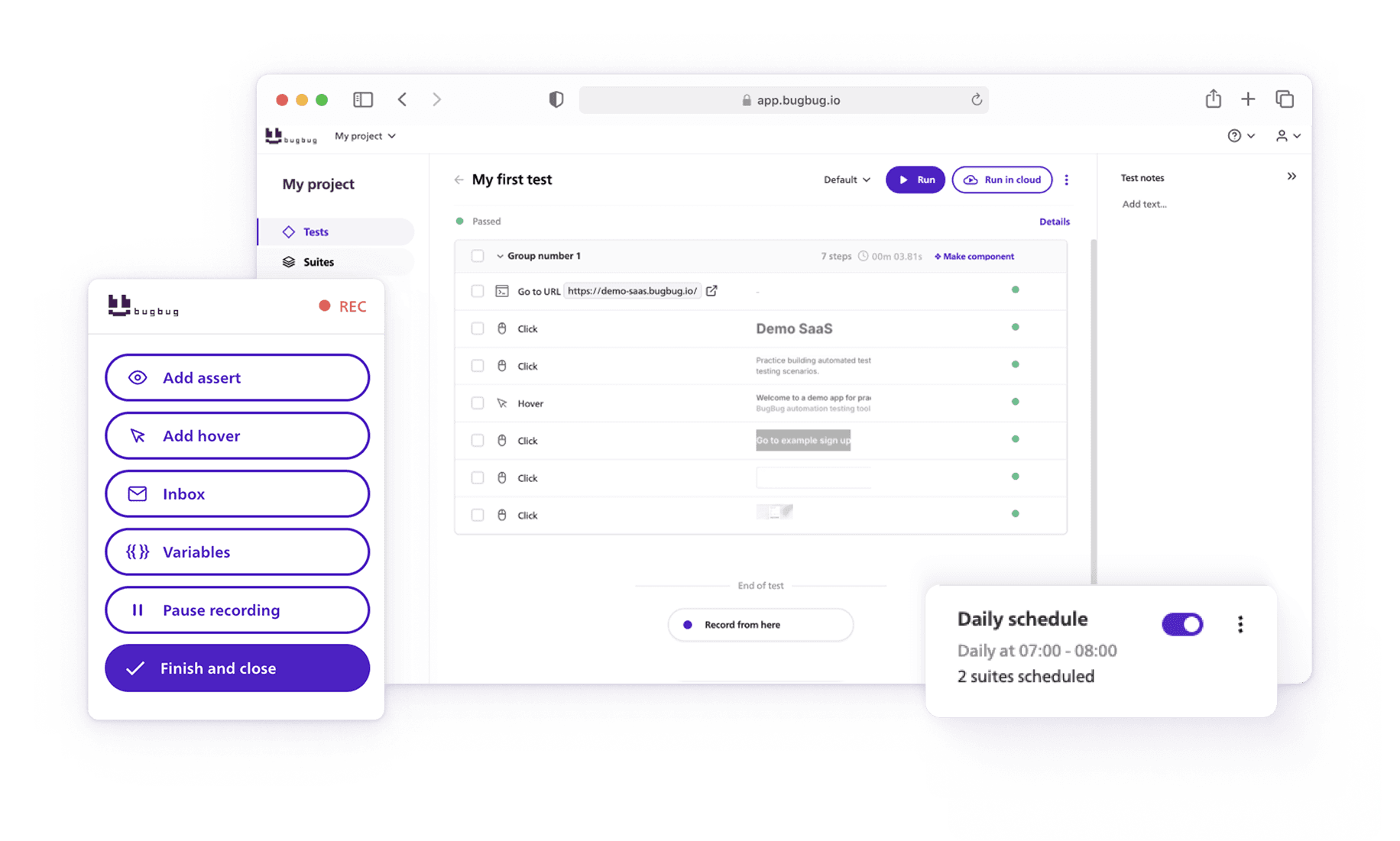
- Record browser actions
- Add visual validation steps
- Group tests into suites
- Schedule automated runs
Codeless test creation and automated test creation are core features of these platforms, enabling users to create automated tests, execute automated tests, and manage test projects without coding. These test automation tools support comprehensive test coverage by allowing users to define and automate a wide range of test scenarios, utilize test data, and visually build test scripts with intuitive test steps. Test maintenance is simplified, making it easy to update and manage tests, while test execution, including the ability to execute tests and run automated tests, is streamlined for both technical and non-technical users.
These tools help manage the entire testing process, support continuous testing through CI/CD integrations, and allow teams to analyze test results and generate detailed test reports. Insights from test results can be used to improve future testing projects and optimize the overall testing process. Advanced features such as cross platform testing, visual testing, and model based test automation are available in some solutions, while data driven testing is supported to ensure comprehensive test coverage across multiple scenarios.
Designed for QA teams, these test automation tools can handle complex test scenarios, though there may be limitations with failed tests and ongoing test maintenance. Overall, automation testing tools like BugBug, Katalon Studio, and Testim streamline the software testing process and testing process, making it accessible and efficient for both technical and non-technical users.
Without writing scripts.
Some tools lean enterprise-heavy. Others require scripting sooner than expected.
Test Management Tools
Even without automation, structured test tracking improves quality.
Teams commonly use:
- Jira
- TestRail
Test management platforms like these help organize your test projects, integrate with other tools, and generate detailed test reports for better quality tracking.
These help you:
- Define test cases
- Track execution
- Monitor defects
- Measure release quality
Again — no coding required.
Step-by-step Setup Guide
Before starting the setup process, it's crucial to establish a dedicated testing environment and a proper development and testing environment. This includes installing all necessary tools, browsers, and drivers, and ensuring integration with your development workflows, version control, and test management platforms for accurate and effective software testing without coding knowledge.
If your team lacks automation engineers, here’s a realistic approach.
Step 1 – Protect Core Revenue Flows First
- Signup
- Login
- Billing
- Navigation/ Homepage
- Upgrade / downgrade
These flows impact revenue and churn directly. Focusing on these flows ensures maximum test coverage for the most critical test scenarios, helping you catch issues in the workflows that matter most.
Don’t aim for full coverage.
Aim for risk reduction.
👉 Check also our guide on How to Test Ecommerce Websites
Step 2 – Standardize Manual Testing
Before automating, make manual testing structured:
- Define test cases
- Use consistent reproduction steps
- Track defect trends
- Identify repeatable flows
Standardizing test steps, test data, and test scripts improves consistency and repeatability.
Automation works best when flows are stable.
Step 3 – Introduce Low-Code Regression Automation
Once core flows are stable:
- Record them using a browser automation tool
- Add simple validations (URL checks, success messages, button visibility)
- Group them into a regression suite
- Schedule runs before or after releases
These tools allow users to create automated tests and automated test scripts, manage test execution, and easily run and execute automated tests without coding knowledge. Reviewing test results after execution is essential for ensuring quality.
Now you’ve created automated protection — without engineering involvement.
Step 4 – Use Metrics to Guide Effort
Don’t test based on intuition.
Track:
- Bugs found during regression
- Production bug escape rate
- Areas with frequent regressions
Analyzing test results and reviewing detailed test reports allows teams to identify patterns and apply these insights to optimize future testing projects.
If defects consistently escape from a specific feature, increase coverage there.
If regression cycles find nothing new for several releases, effort may be optimized elsewhere.
This turns testing into risk management — not guesswork**.**
👉 Check our guide on the QA Metrics
Common Startup Myths About Testing Without Coding
Let’s clear a few assumptions that slow teams down.
Codeless tools, codeless test automation tools, and no code test automation platforms have made automation testing accessible to a wider audience, enabling non-technical users to create and manage automated tests without writing code.
“We Need Developers Before We Automate”
You need developers for API, performance, or deep integration testing.
However, codeless automation testing and codeless test automation tools enable teams to automate tests without developer involvement. Browser-level regression protection can be owned by PMs or ops teams with the right test automation tool.
“Manual Testing Doesn’t Scale”
Unstructured manual testing doesn’t scale.
Structured manual testing + targeted low-code automation does. With codeless automation, teams can streamline test maintenance, increase test coverage, and ensure all critical test scenarios—such as user logins, form submissions, and navigation flows—are consistently addressed.
“AI Will Solve Testing for Us”
AI can assist with test generation and maintenance.
But release confidence still comes from:
- Stable flows
- Clear validation steps
- Measurable defect trends
When BugBug Is a Good Fit for Startups and SaaS Teams
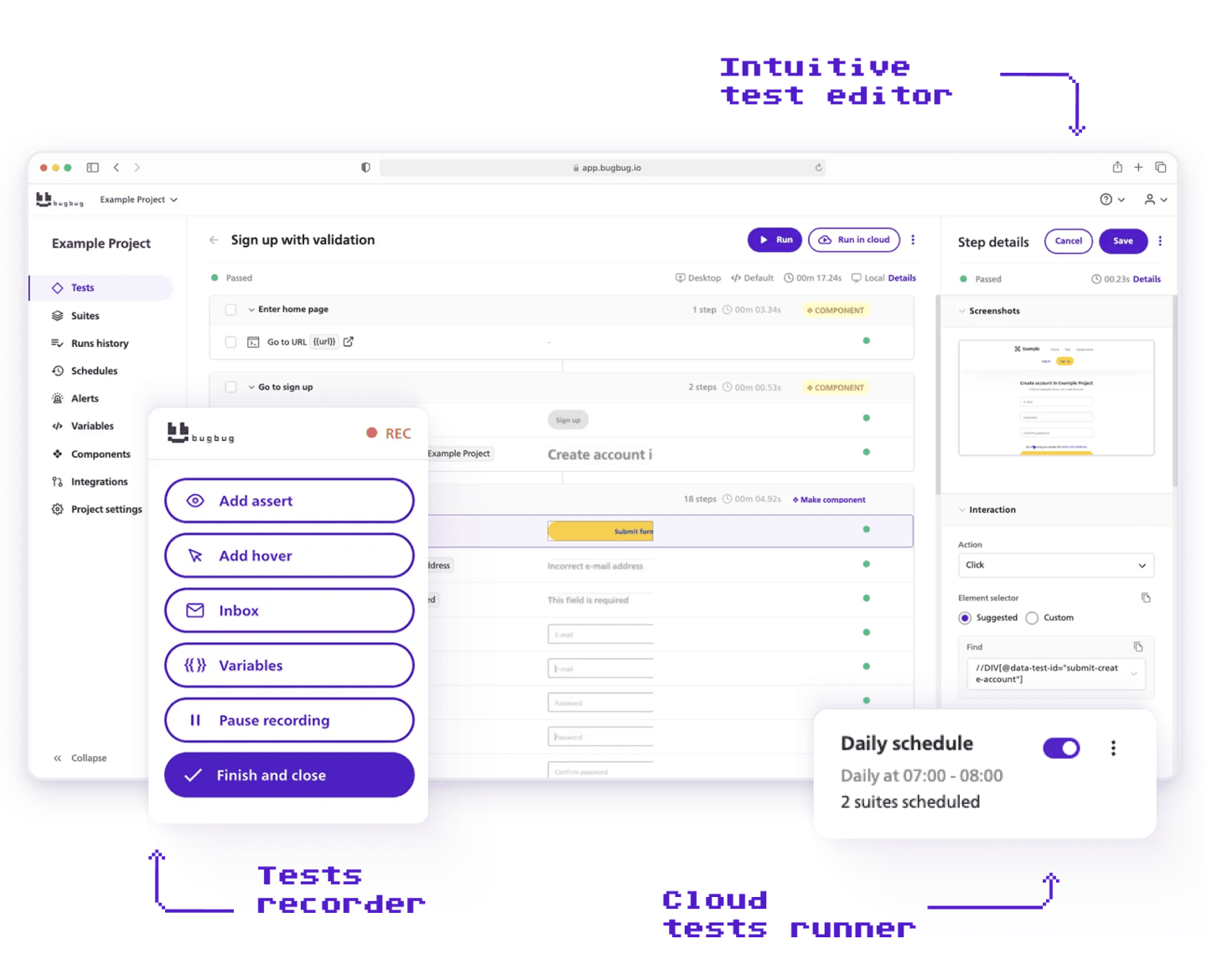
BugBug works particularly well for startups, lean teams, and small SaaS companies that need simple test automation without heavy setup or high costs.
Fast Setup
Small teams can start quickly by installing the Chrome extension, recording key product flows, and connecting tests to CI in just a few hours. This makes it easy to introduce automated testing without a dedicated automation engineer.
Cost-Effective for Small Teams
Compared to tools like Testim or Ghost Inspector, BugBug is generally more affordable and easier to adopt, which makes it attractive for startups working with limited budgets.
Ideal for Core User Flows
BugBug performs best when automating common “happy path” scenarios like sign-up, login, or checkout flows. These tests help ensure that the most important product features continue working after updates.
Works Well in a Hybrid Testing Setup
Many teams combine BugBug with developer-focused tools like Playwright. BugBug handles simple automated flows, while more complex cases are covered with code-based tests.
Start testing core user flows in 5 minutes
Test easier than ever with BugBug test recorder. Faster than coding. Free forever.
Get started
Final Takeaway: Testing Is a Risk Strategy, Not a Coding Exercise
Software testing without coding knowledge is realistic — especially for browser-level product validation.
For SaaS teams, the real objective is:
- Reduce production risk
- Protect critical user journeys
- Make release quality measurable
- Avoid infrastructure overhead
You don’t need to become a developer to achieve that.
You need structured thinking, clear priorities, and tooling your team can realistically maintain.
Start small.
Protect what matters.
Automate where it reduces risk.
Scale when necessary.
Happy (automated) testing!