How To Build a CI/CD Testing Pipeline in 30 Minutes
Dominik SzahidewiczJanuary 22, 2026
🤖 Summarize this article with AI:
💬 ChatGPT 🔍 Perplexity 💥 Claude 🐦 Grok 🔮 Google AI Mode
If you’ve ever shipped a “tiny” frontend change that silently broke checkout or login, you already know why CI/CD testing pipelines matter: they turn unknown risk into fast feedback on every PR.
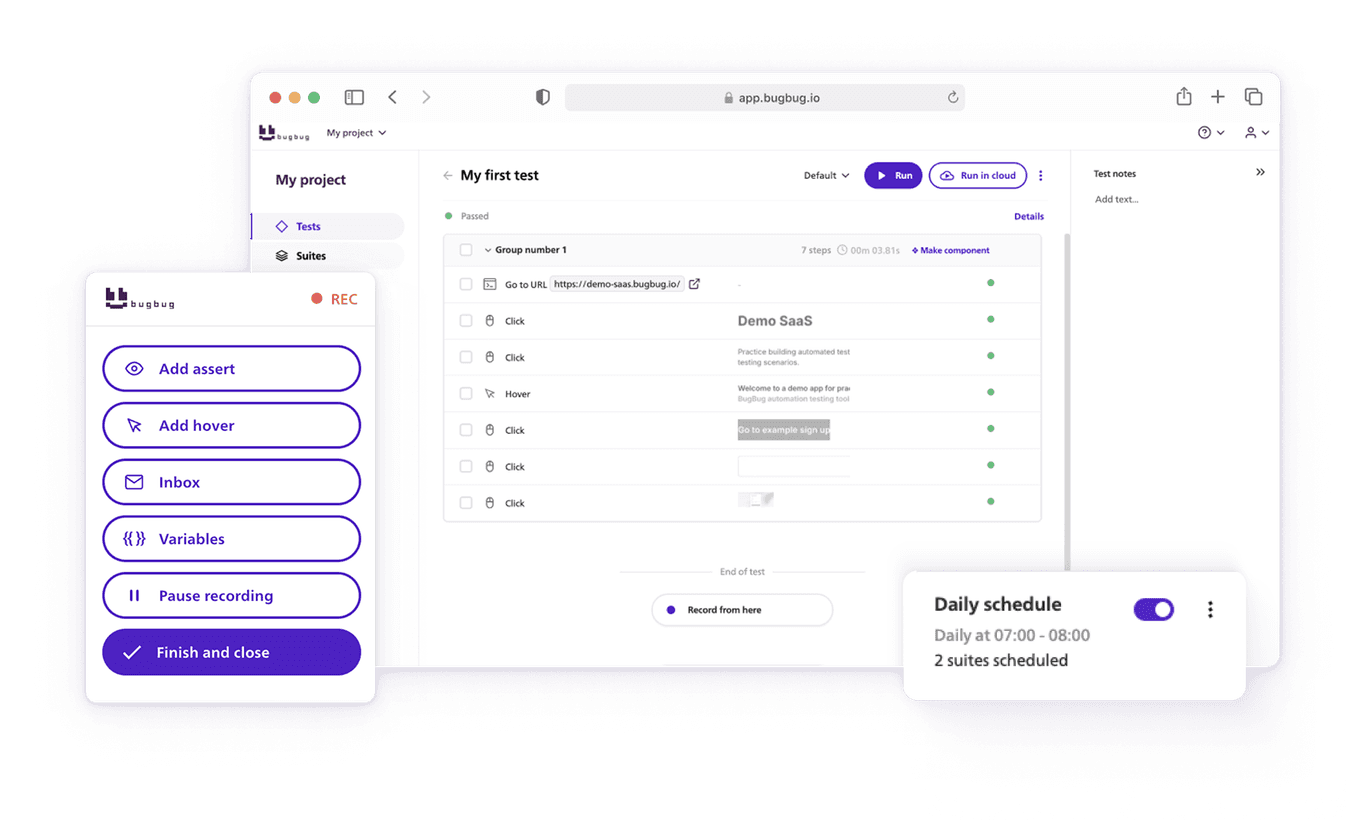
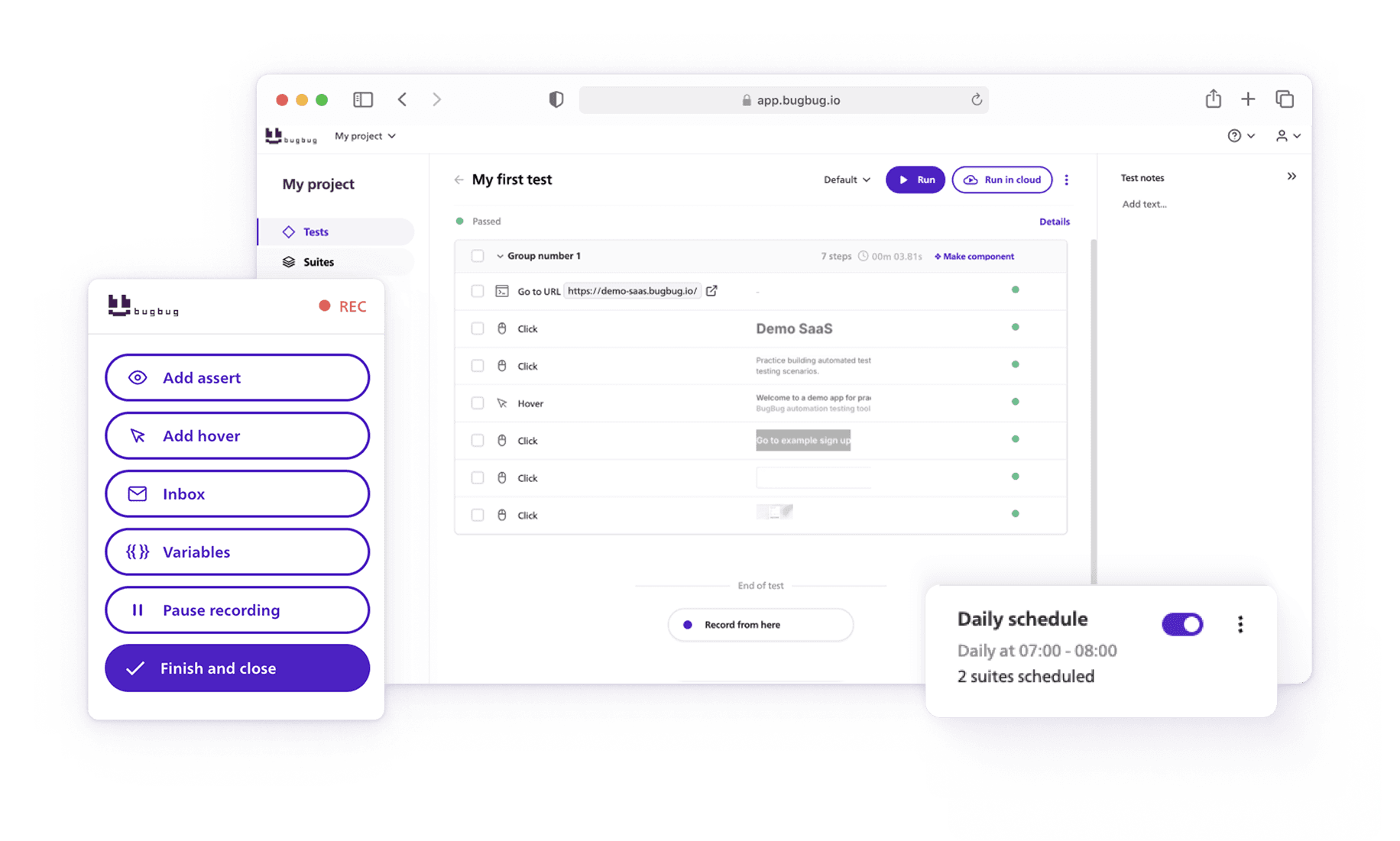
This guide shows a practical, minimal pipeline you can set up in ~30 minutes: run BugBug end-to-end (E2E) tests in the cloud on every pull request, block merges when tests fail, and keep results visible to the whole team—without standing up Selenium grid infrastructure or babysitting flaky runners.
A CI/CD testing pipeline that:
BugBug supports running tests and suites in CI/CD via official GitHub Action, CLI, or public API.
You need:
💡 TIP
Don’t start by “automating everything.” Start by protecting the flows that cost the most when broken (auth, checkout, critical forms). That’s how pipelines earn trust.
A good smoke suite is small and stable:
BugBug is built for fast E2E creation and cloud execution. The key here is repeatability: make the test data deterministic (seed users, reset state, or use isolated test accounts).
You have three common options:
BugBug provides an official GitHub Action and recommends it for GitHub integration.
Important: the Marketplace page notes the Action is available only for paid plans.
BugBug documents running tests from terminal via an npm CLI.
If you want custom orchestration (dynamic suite selection, advanced reporting), BugBug supports running via API.
For “30 minutes,” pick A if you’re on GitHub + eligible plan; otherwise B is the most universal.
In your repo:
name: E2E Smoke (BugBug)


on:

  pull_request:


jobs:

  e2e-smoke:

    runs-on: ubuntu-latest

    steps:

      - name: Run BugBug smoke suite in cloud

        uses: bugbug-io/bugbug-github-action@v1

        with:

          token: ${{ secrets.BUGBUG_TOKEN }}

          suiteId: ${{ secrets.BUGBUG_SMOKE_SUITE_ID }}

          # baseUrl: ${{ secrets.BASE_URL }}   # if supported / needed
BugBug documents running tests from terminal and provides commands via the UI (“Run via CLI”) for test IDs.
name: E2E Smoke (BugBug CLI)


on:

  pull_request:


jobs:

  e2e-smoke:

    runs-on: ubuntu-latest

    steps:

      - uses: actions/checkout@v4


      - uses: actions/setup-node@v4

        with:

          node-version: 20


      - name: Install BugBug CLI

        run: npm i -g bugbug


      - name: Run smoke suite

        env:

          BUGBUG_TOKEN: ${{ secrets.BUGBUG_TOKEN }}

        run: |

          # Example pattern; copy the exact command from BugBug UI ("Run via CLI")

          bugbug run suite ${{ secrets.BUGBUG_SMOKE_SUITE_ID }}
If you’re new to structuring test steps in GitHub Actions, GitHub’s own learning path is a solid reference for the basics. GitHub Resources
A pipeline is only as good as the trust people place in it. The fastest way to destroy trust is flaky tests that block merges “randomly.”
Here’s the short list that usually fixes 80% of pipeline pain:
If your app is async, waiting for “element visible” beats sleep(2000) every time.
This prevents PR checks from becoming a 45-minute tax.
If your team is on GitLab, the same “CLI in a job” approach works. GitLab publishes CI/CD examples and docs that map directly to this pattern.
stages:

  - test


e2e_smoke:

  stage: test

  image: node:20

  script:

    - npm i -g bugbug

    - bugbug run suite $BUGBUG_SMOKE_SUITE_ID

  variables:

    BUGBUG_TOKEN: $BUGBUG_TOKEN

  only:

    - merge_requests
Store BUGBUG\_TOKEN and BUGBUG\_SMOKE\_SUITE\_ID as protected CI variables in GitLab.
You’re finished when:
Once the pipeline is stable, these give real ROI:
Nightly full regression: catch slow-burn issues without punishing PR velocity.
Speed up your entire testing process
Automate your web app testing 3x faster.

Dominik Szahidewicz is a technical writer with experience in data science and application consulting. He's skilled in using tools such as Figma, ServiceNow, ERP, Notepad++ and VM Oracle. His skills also include knowledge of English, French and SQL.
Outside of work, he is an active musician and pianist, playing in several bands of different genres, including jazz/hip-hop, neo-soul and organic dub.
Join thousands of QA experts. Subscribe to our newsletter.
Get more testing tips and product related content. Zero spam.
Discover the importance of QA testers in software development and whether automation can eliminate the need for this crucial role. Learn more here!
Learn how to identify and fix test failures with this complete guide on what to do when your test fails.
Learn exactly when to run regression tests—after features, fixes, updates, and on a schedule—plus tips to automate smoothly with minimal churn.
Discover how canary testing is a powerful method for safely deploying new software features by gradually releasing updates to a small user group.
Explore the test suite in software testing and understand its role in creating and executing test cases. Learn how to manage test suites effectively.
Discover black box testing, a key software testing technique that evaluates functionality and performance without peering into the code.
Explore the software development process of feature testing. Learn how testing multiple variations of a new feature ensures the best user experience.
How to find bugs in your code? They live to damage your code, to make you lose time and effort and money.